
vercel/chatbot
vercel/chatbot has 21,036 GitHub stars and 6,782 forks. GitHot measured -1 stars in 24 hours and +15 in 7 days. Last checked 2026-11-08 05:18 UTC. Last push 2026-11-03.
Vercel이 구축한 기능이 풍부하고 자유롭게 수정할 수 있는 Next.js AI 챗봇
What you can do
- Advanced routing for seamless navigation and performance
- React Server Components (RSCs) and Server Actions for server-side rendering and increased performance
- Unified API for generating text, structured objects, and tool calls with LLMs
- Hooks for building dynamic chat and generative user interfaces
측정된 스타 증가
- in 24h
- -1
- in 7 days
- +15
- in 15 days
- 기록 수집 중
- in 1 month
- 기록 수집 중
서로 겹치는 기간의 순증가량이며 일별 합계가 아닙니다. 측정값이 없으면 비워 둡니다. 스타는 관심도를 나타내며 품질을 보장하지 않습니다.
README.md
Original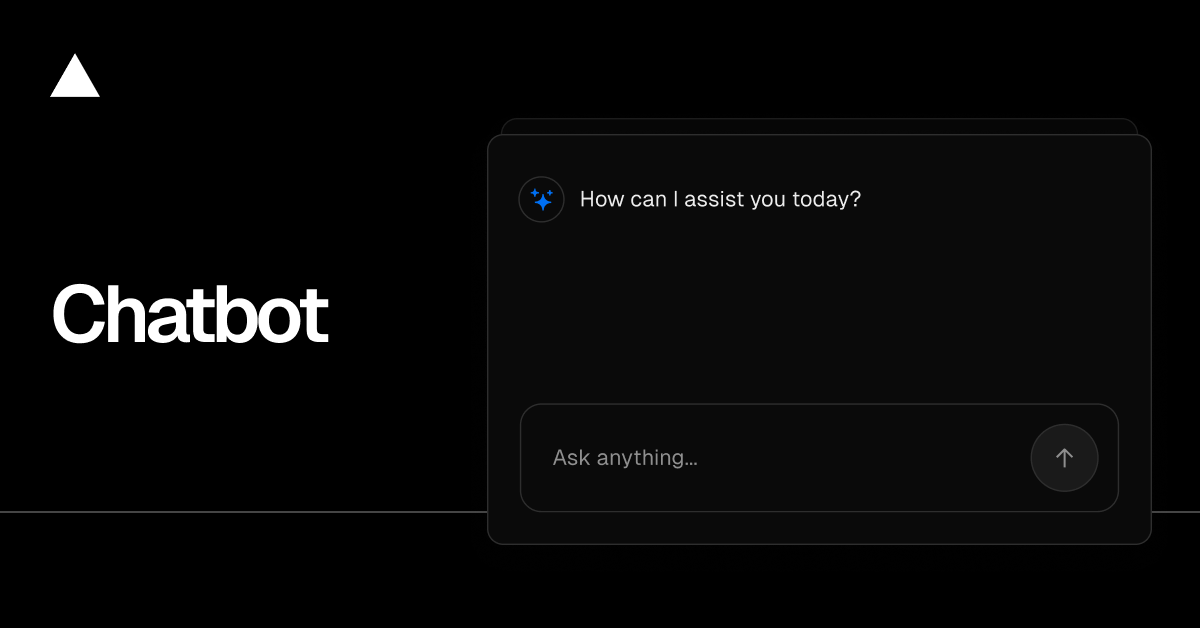
Chatbot
Chatbot (formerly AI Chatbot) is a free, open-source template built with Next.js and the AI SDK that helps you quickly build powerful chatbot applications.
Read Docs · Features · Model Providers · Deploy Your Own · Running locally
Features
- Next.js App Router
- Advanced routing for seamless navigation and performance
- React Server Components (RSCs) and Server Actions for server-side rendering and increased performance
- AI SDK
- Unified API for generating text, structured objects, and tool calls with LLMs
- Hooks for building dynamic chat and generative user interfaces
- Supports OpenAI, Anthropic, Google, xAI, and other model providers via AI Gateway
- shadcn/ui
- Styling with Tailwind CSS
- Component primitives from Radix UI for accessibility and flexibility
- Data Persistence
- Neon Serverless Postgres for saving chat history and user data
- Vercel Blob for efficient file storage
- Auth.js
- Simple and secure authentication
Model Providers
This template uses the Vercel AI Gateway to access multiple AI models through a unified interface. Models are configured in lib/ai/models.ts with per-model provider routing. Included models: Mistral, Moonshot, DeepSeek, OpenAI, and xAI.
AI Gateway Authentication
For Vercel deployments: Authentication is handled automatically via OIDC tokens.
For non-Vercel deployments: You need to provide an AI Gateway API key by setting the AI_GATEWAY_API_KEY environment variable in your .env.local file.
With the AI SDK, you can also switch to direct LLM providers like OpenAI, Anthropic, Cohere, and many more with just a few lines of code.
Deploy Your Own
You can deploy your own version of Chatbot to Vercel with one click:
Running locally
You will need to use the environment variables defined in .env.example to run Chatbot. It's recommended you use Vercel Environment Variables for this, but a .env file is all that is necessary.
Note: You should not commit your
.envfile or it will expose secrets that will allow others to control access to your various AI and authentication provider accounts.
- Install Vercel CLI:
npm i -g vercel - Link local instance with Vercel and GitHub accounts (creates
.verceldirectory):vercel link - Download your environment variables:
vercel env pull
pnpm install
pnpm db:migrate # Setup database or apply latest database changes
pnpm dev
Your app template should now be running on localhost:3000.
관련 프로젝트 살펴보기
freeCodeCamp/freeCodeCamp
freeCodeCamp.org의 오픈 소스 코드베이스와 커리큘럼입니다. 수학, 프로그래밍, 컴퓨터 과학을 무료로 배울 수 있습니다.
458,732 스타donnemartin/system-design-primer
대규모 시스템 설계 방법을 배우고 시스템 설계 면접을 준비할 수 있습니다. Anki 플래시카드가 포함되어 있습니다.
377,290 스타react/react
웹과 네이티브 사용자 인터페이스를 위한 라이브러리.
252,394 스타vuejs/vue
Vue 2 저장소입니다. Vue 3은 https://github.com/vuejs/core를 방문하세요.
212,630 스타