
tatsy/tinymesh
tatsy/tinymesh has 103 GitHub stars and 12 forks. GitHot measured 0 stars in 24 hours. Last checked 2026-11-15 11:29 UTC. Last push 2023-11-30.
측정된 스타 증가
- in 24h
- 0
- in 7 days
- 기록 수집 중
- in 15 days
- 기록 수집 중
- in 1 month
- 기록 수집 중
서로 겹치는 기간의 순증가량이며 일별 합계가 아닙니다. 측정값이 없으면 비워 둡니다. 스타는 관심도를 나타내며 품질을 보장하지 않습니다.
소개
TinyMesh is a light-weight mesh processing library in C/C++.
창작 및 미디어README.md
OriginalTinyMesh


TinyMesh is a light-weight mesh processing library in C/C++.

Modules
Here is the list of modules and reference papers for that.
- Geometric properties
- Principal curvatures [Rusinkiewicz 2004]
- Heat kernel signatures [Sun et al. 2009]
- Smoothing
- Laplacian smoothing
- Taubin smoothing [Taubin 1995]
- Implicit fairing [Desbrun 1999]
- Denoising
- Normal Gaussian filter [Ohtake et al. 2001]
- Normal bilateral filter [Zheng et al. 2011]
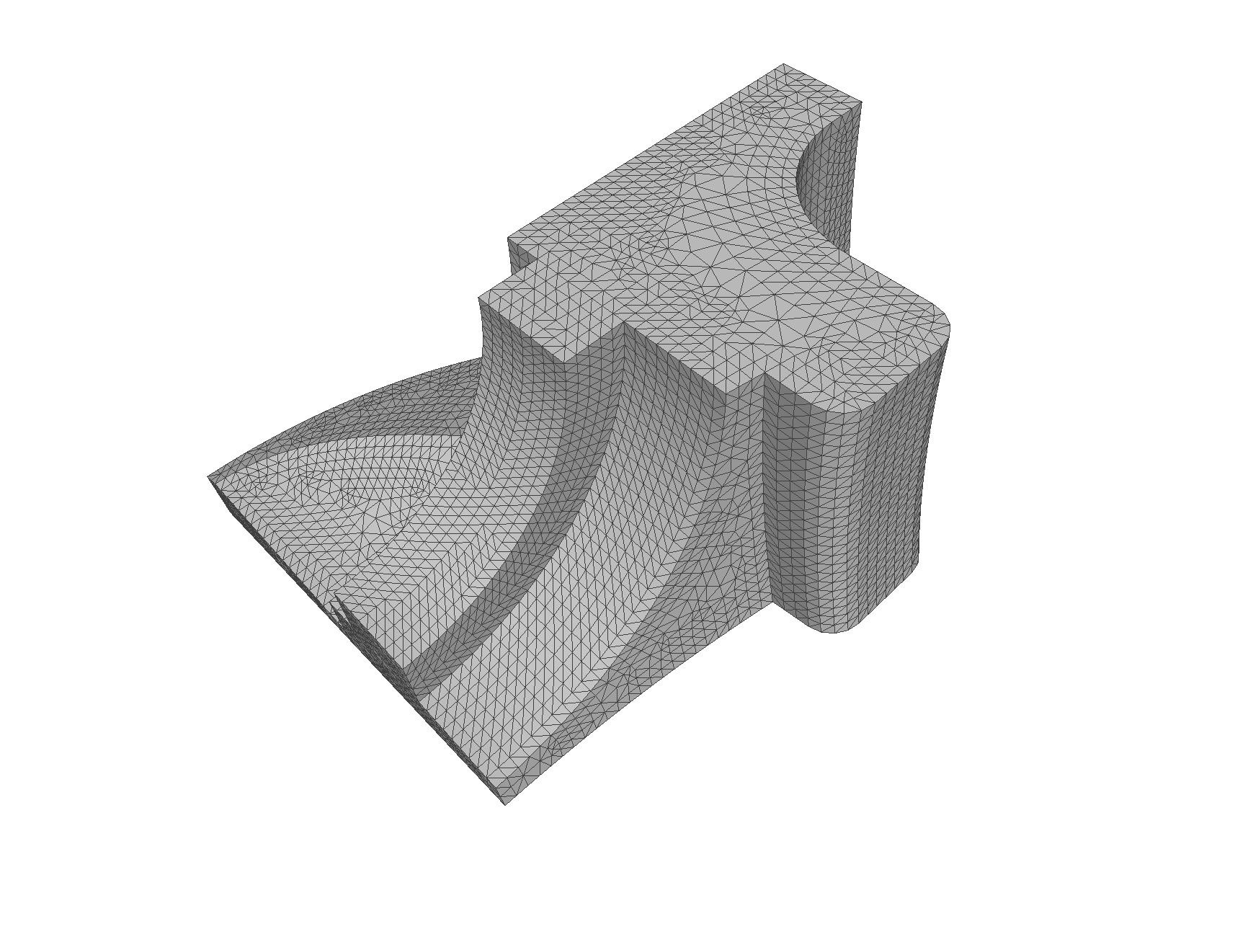
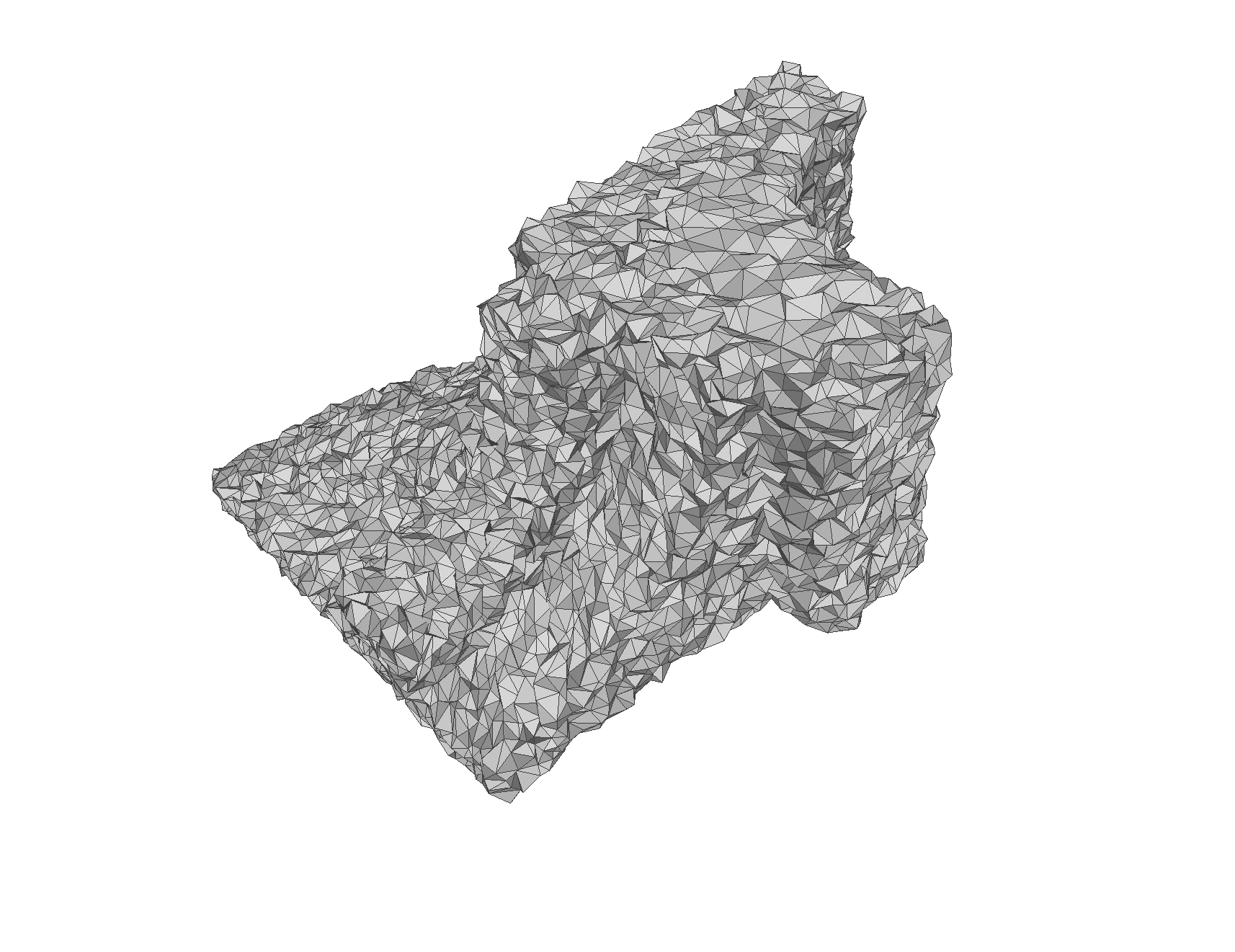
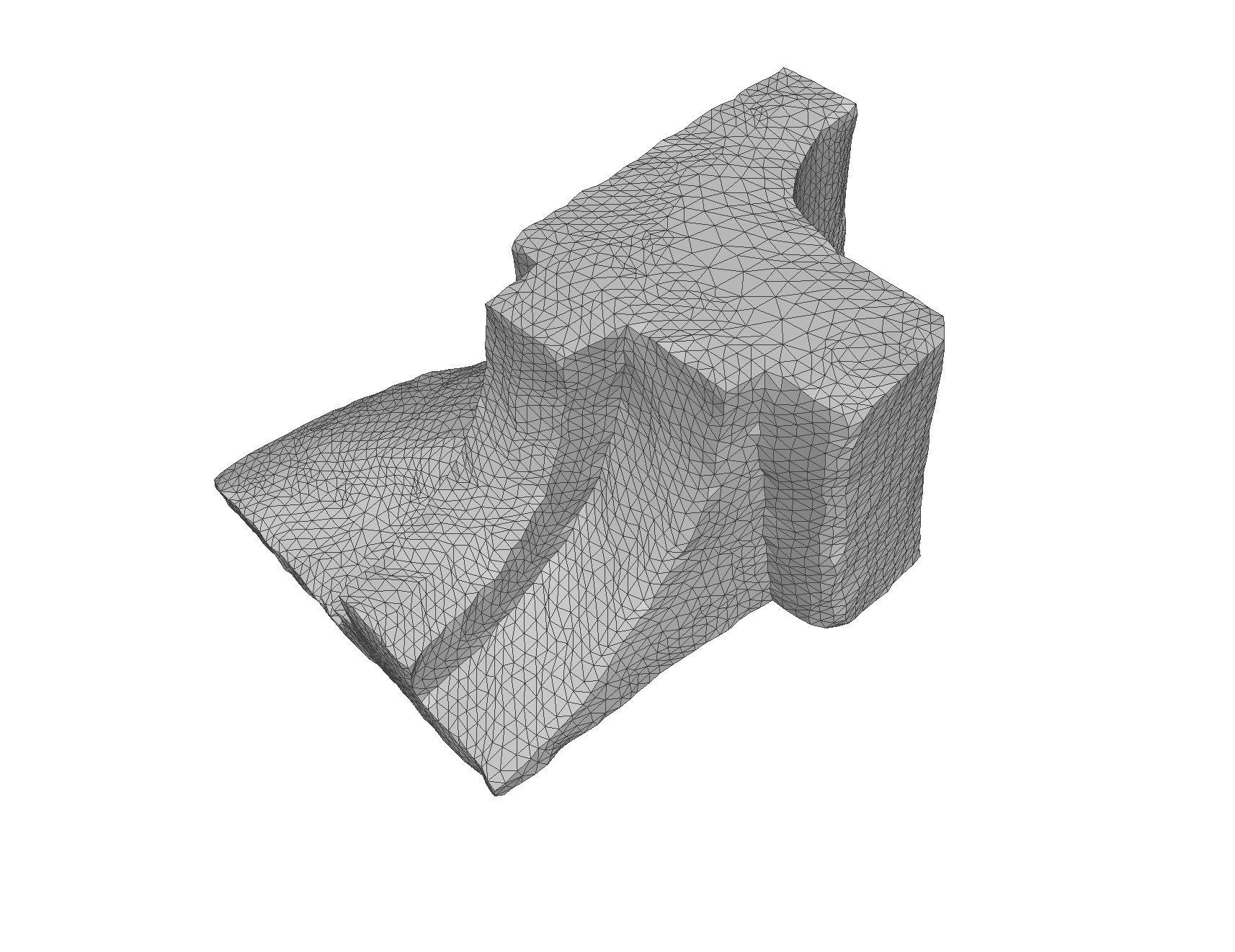
- L0 mesh smoothing [He and Schaefer 2013]
- Remeshing
- Uniform triangulation [Hoppe 1996]
- Simplification
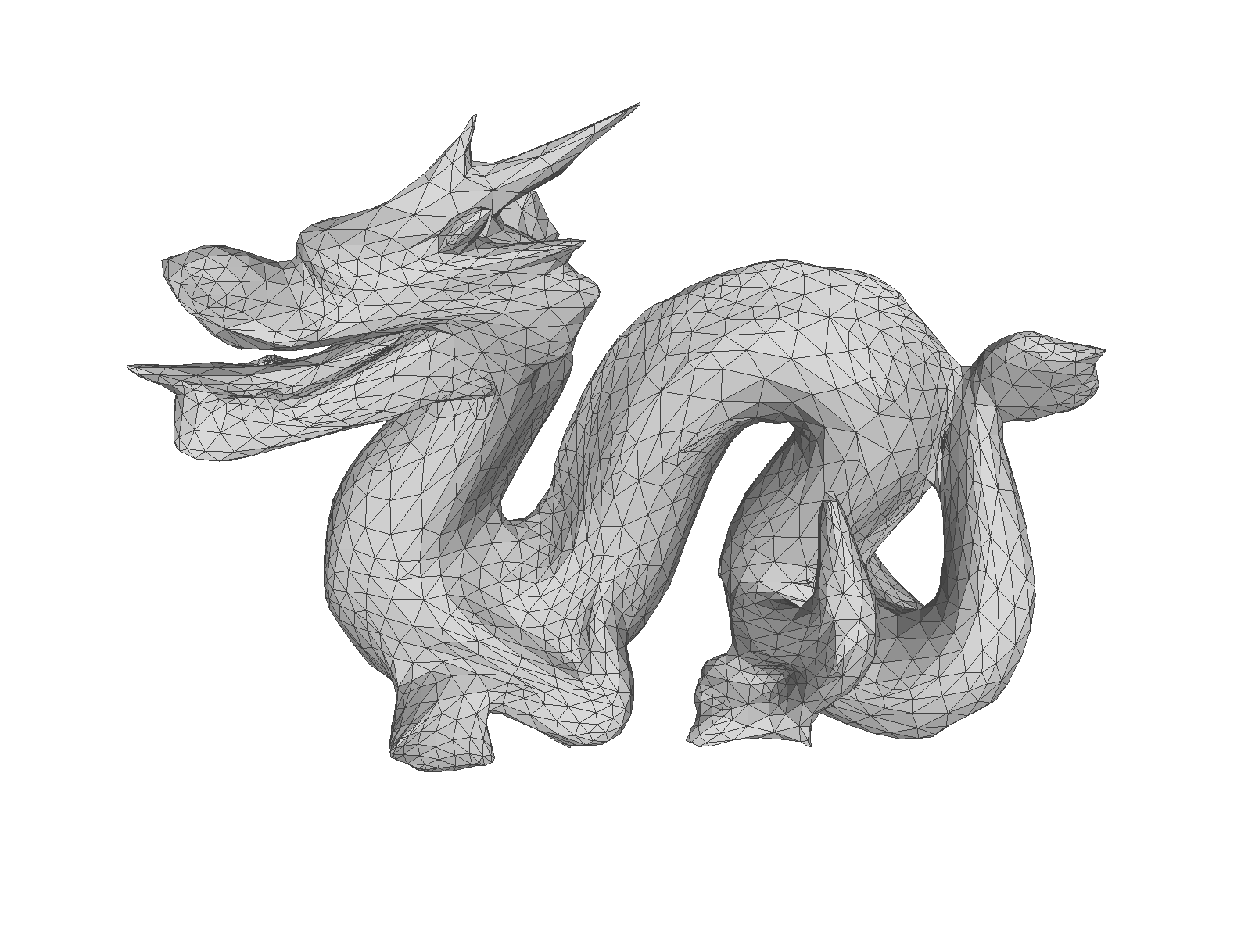
- Quadric error metrics (QEM) [Garland and Heckbert 1997]
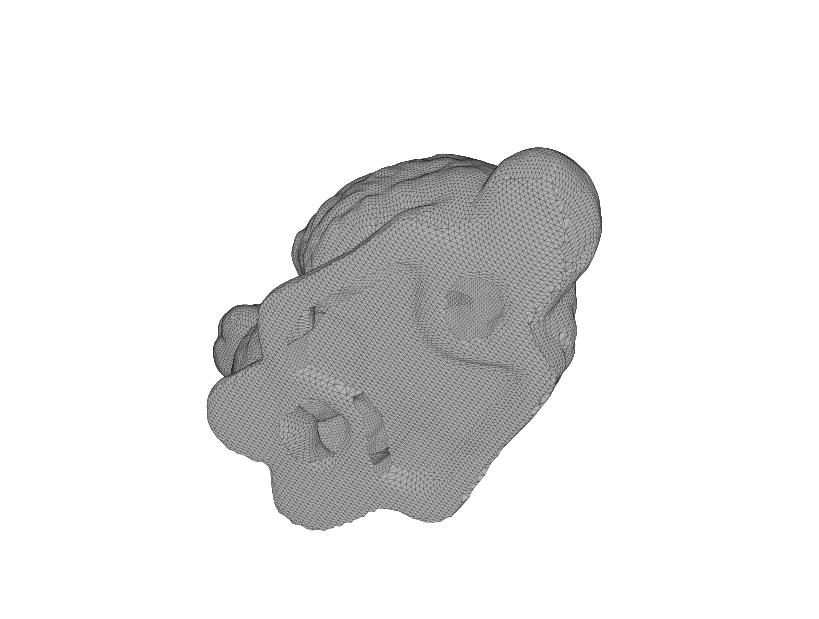
- Hole filling
- Min-area hole filling [Barequet and Sharir 1995]
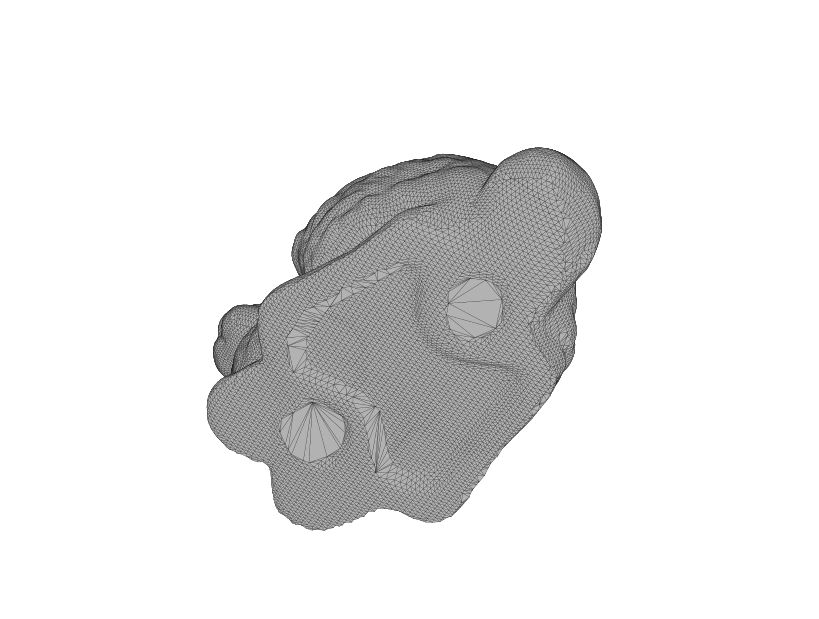
- Min-dihedral angle [Liepa 2003]
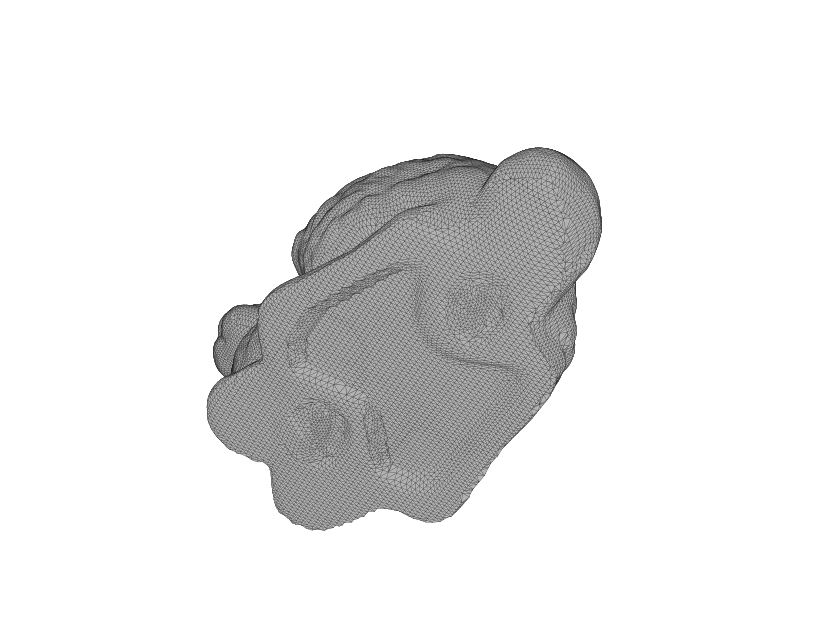
- Advancing front [Zhao et al. 2007]
Install
The module is tested its compilation using the following compilers.
- Windows - Visual Studio 2022 (Microsoft Windows Server 2022)
- MacOS - Apple Clang 11.0 (MacOS 11.7)
- Linux - LLVM Clang 11.0, GNU C Compiler 9.4.0 (Ubuntu 22.04 LTS)
Library and examples (C++)
You can build a shared library and all the examples by CMake with the following commands.
git clone https://github.com/tatsy/tinymesh.git --depth 1
cd tinymesh
git submodule update --init --recursive
mkdir build && cd build
cmake -DCMAKE_BUILD_TYPE=Release -DBUILD_EXAMPLES=ON ..
cmake --build . --config Release --parallel 2
Python module
You can install the Python module using Pip.
pip install git+https://github.com/tatsy/tinymesh.git
You can also use poetry to install from source codes.
git clone https://github.com/tatsy/tinymesh
cd tinymesh
poetry install
Run examples
C++
./build/bin/example_simplify data/models/bunny.ply
Python
# Run "poetry shell" to enable virtualenv if you test with poetry.
python examples/python/fill_and_fair.py data/models/bunny.ply
Gallery
Remeshing
| Input | Remesh | Remesh (bottom part) |
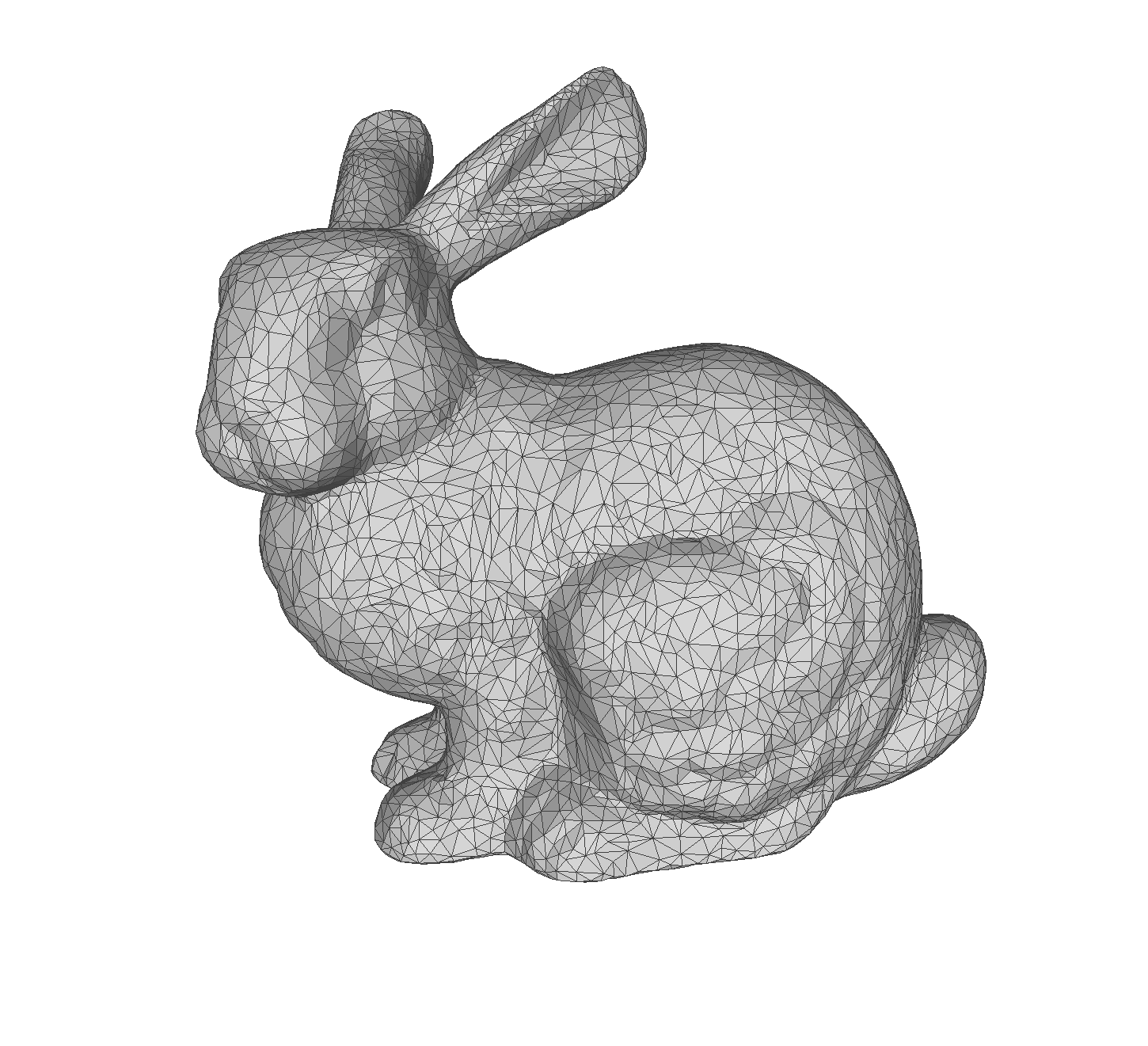 |
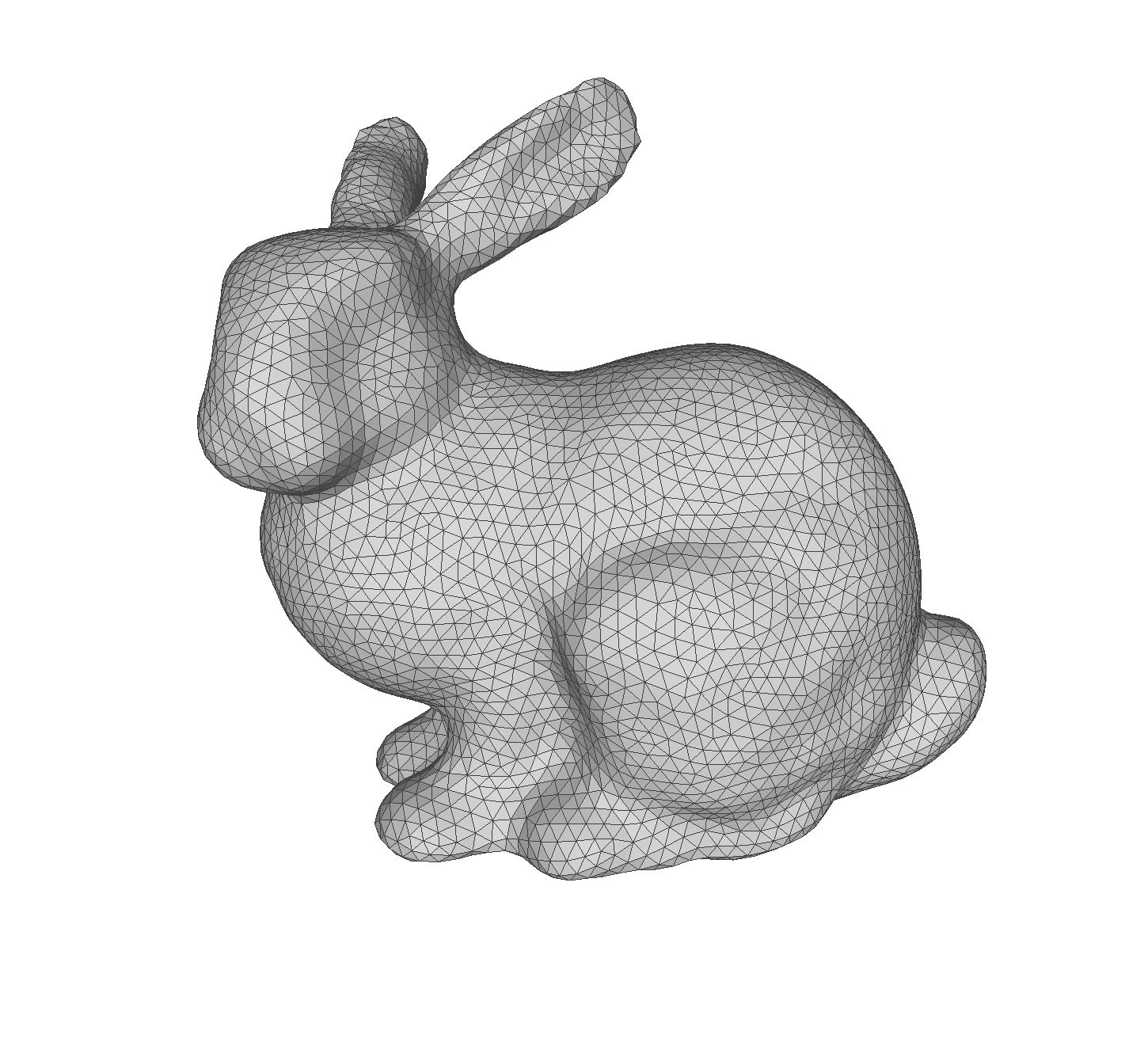 |
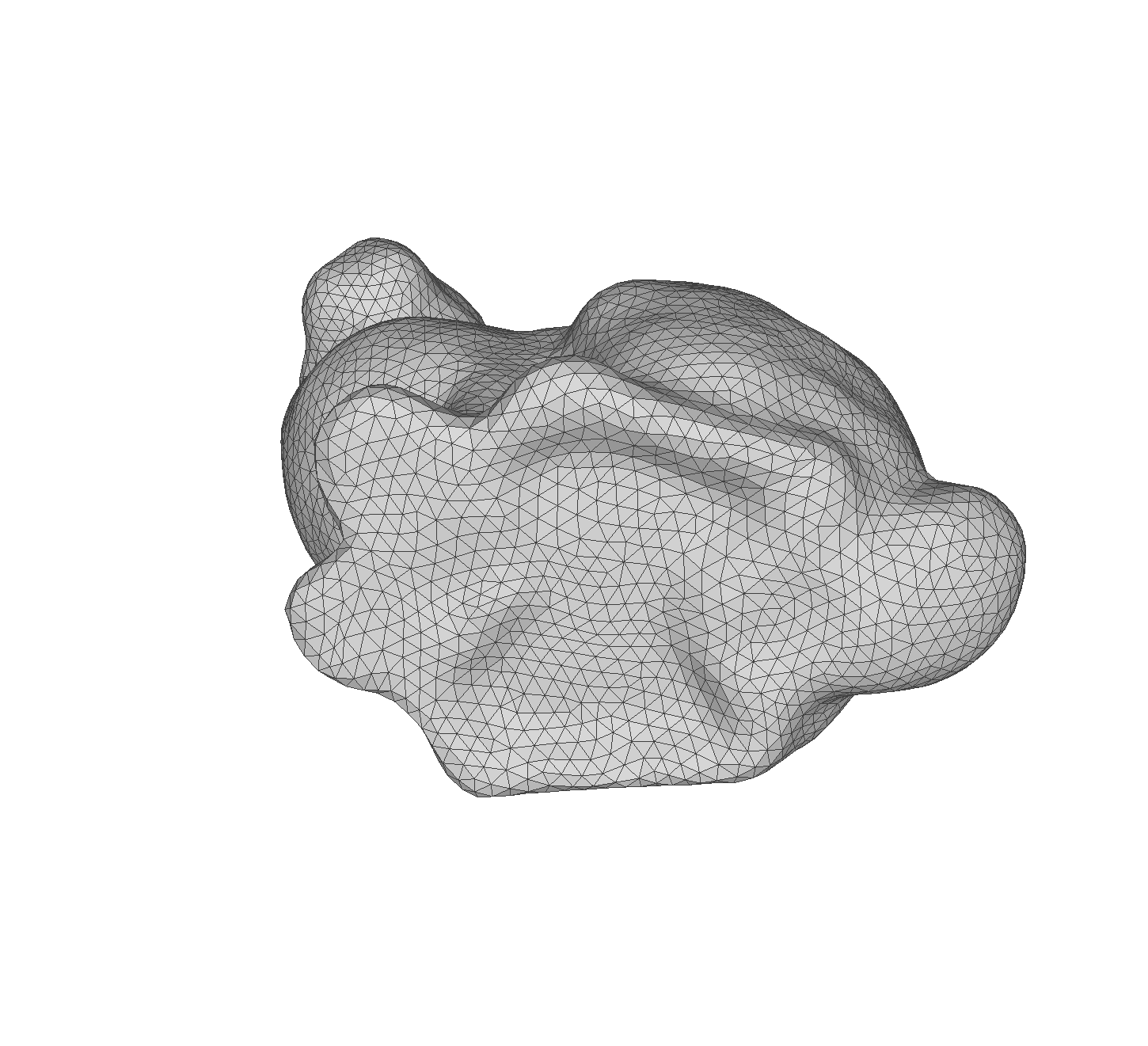 |
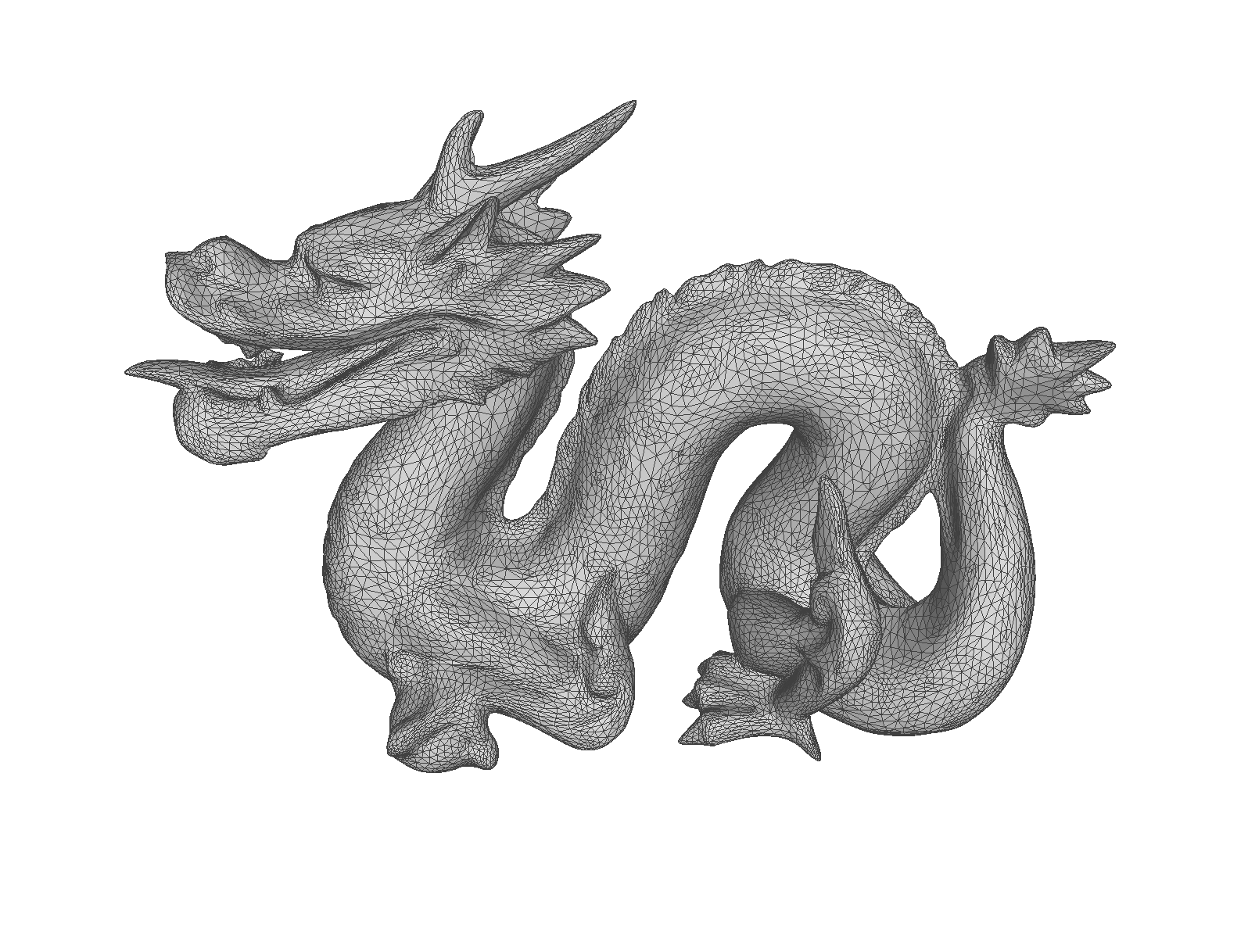
Simplification
| Input | Simplify (50000 faces) | Simplify (10000 faces) |
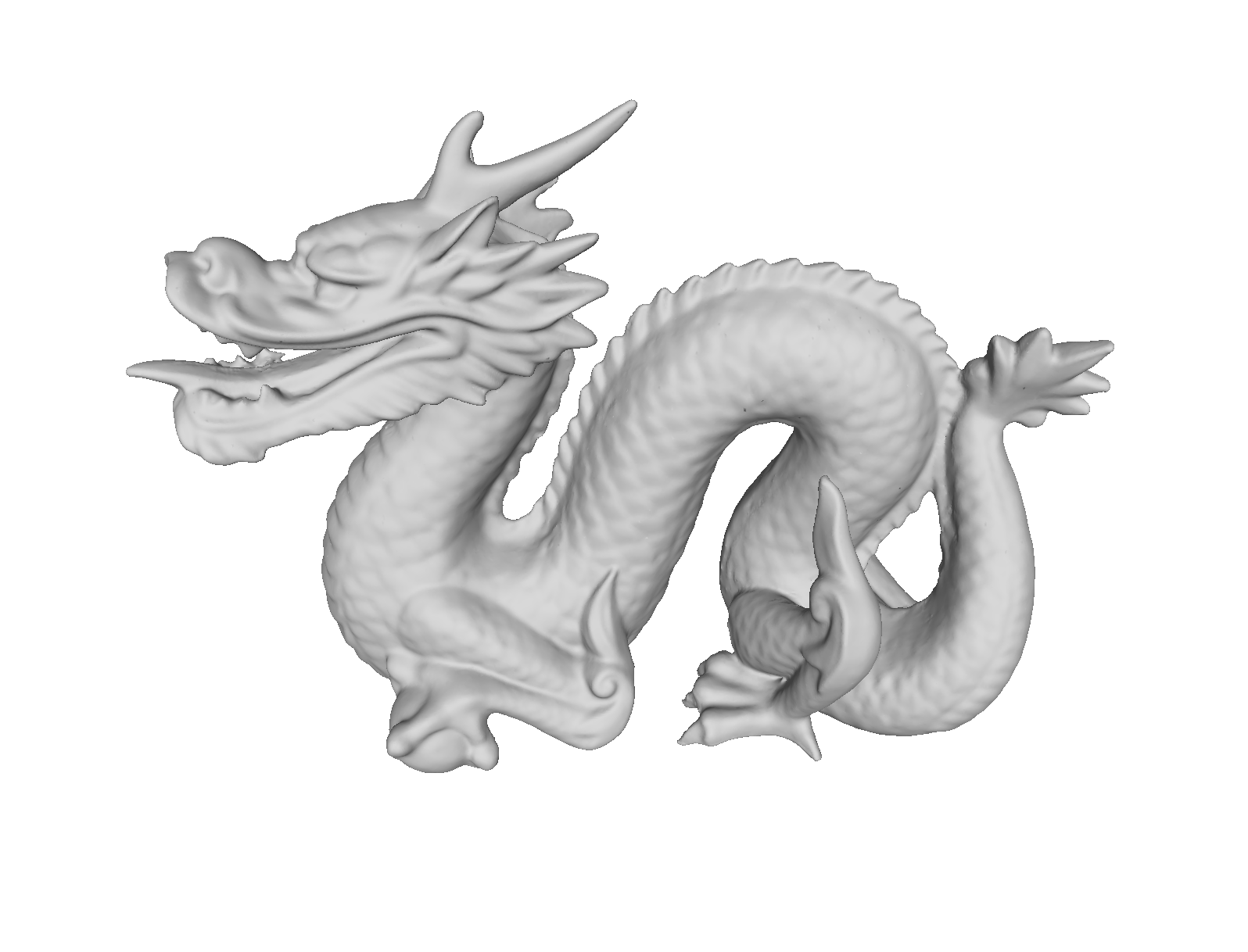 |
 |
 |
Denoising (L0 mesh smoothing)
| Original | Noisy | Denoise |
 |
 |
 |
Hole filling
| Original | Hole filled (minimum dihedral angles) | Hole filled (advancing front) |
 |
 |
 |
Notice
The functions provided by this repo are not perfect and their process will fail for problematic meshes, e.g., with non-manifold faces. In such cases, you can fix the problem by repairing the mesh using MeshFix.
License
Mozilla Public License v2 (c) Tatsuya Yatagawa 2020-2021