
sensepost/gowitness
sensepost/gowitness has 4,560 GitHub stars and 455 forks. GitHot measured +1 stars in 24 hours, +6 in 7 days, and +10 in 15 days. Last checked 2026-11-11 03:03 UTC. Last push 2026-10-29.
🔍 gowitness - 헤드리스 Chrome으로 웹페이지 스크린샷을 찍는 Go 유틸리티
What you can do
- Take website screenshots, obviously..., but fast and accurate!
- Scan a list of URLs, CIDRs, Nmap Results, Nessus Results and more.
- Ability to grab and save data (i.e., a request log, console logs, headers, cookies, etc.)
- Write data to many formats (sqlite database, jsonlines, csv, etc.)
측정된 스타 증가
- in 24h
- +1
- in 7 days
- +6
- in 15 days
- +10
- in 1 month
- 업데이트 지연
서로 겹치는 기간의 순증가량이며 일별 합계가 아닙니다. 측정값이 없으면 비워 둡니다. 스타는 관심도를 나타내며 품질을 보장하지 않습니다.
README.md
Original
gowitness
A golang, web screenshot utility using Chrome Headless.


introduction
gowitness is a website screenshot utility written in Golang, that uses Chrome Headless to generate screenshots of web interfaces using the command line, with a handy report viewer to process results. Both Linux and macOS is supported, with Windows support mostly working.
features
The main goal of gowitness is to take website screenshots (and do that well!), while optionally saving any information it gathered along the way. That said, a short list of features include:
- Take website screenshots, obviously..., but fast and accurate!
- Scan a list of URLs, CIDRs, Nmap Results, Nessus Results and more.
- Ability to grab and save data (i.e., a request log, console logs, headers, cookies, etc.)
- Write data to many formats (sqlite database, jsonlines, csv, etc.)
- An epic web-based results viewer (if you saved data to SQLite) including a fully featured API!
- And many, many more!
quick start
There are a few ways to get gowitness, the simplest (assuming your $GOBIN path is in your shell $PATH) will be to use go install:
go install github.com/sensepost/gowitness@latest
Otherwise, grab a platform specific release binary or compile from source. Then, scan your first target writing the results to a SQLite database and the screenshot to ./screenshots with:
gowitness scan single --url "https://sensepost.com" --write-db
There are many, many flags and scan types in gowitness. Just add -h anywhere and read all about it!
documentation
For advanced installation information and other documentation, please refer to the wiki here.
screenshots
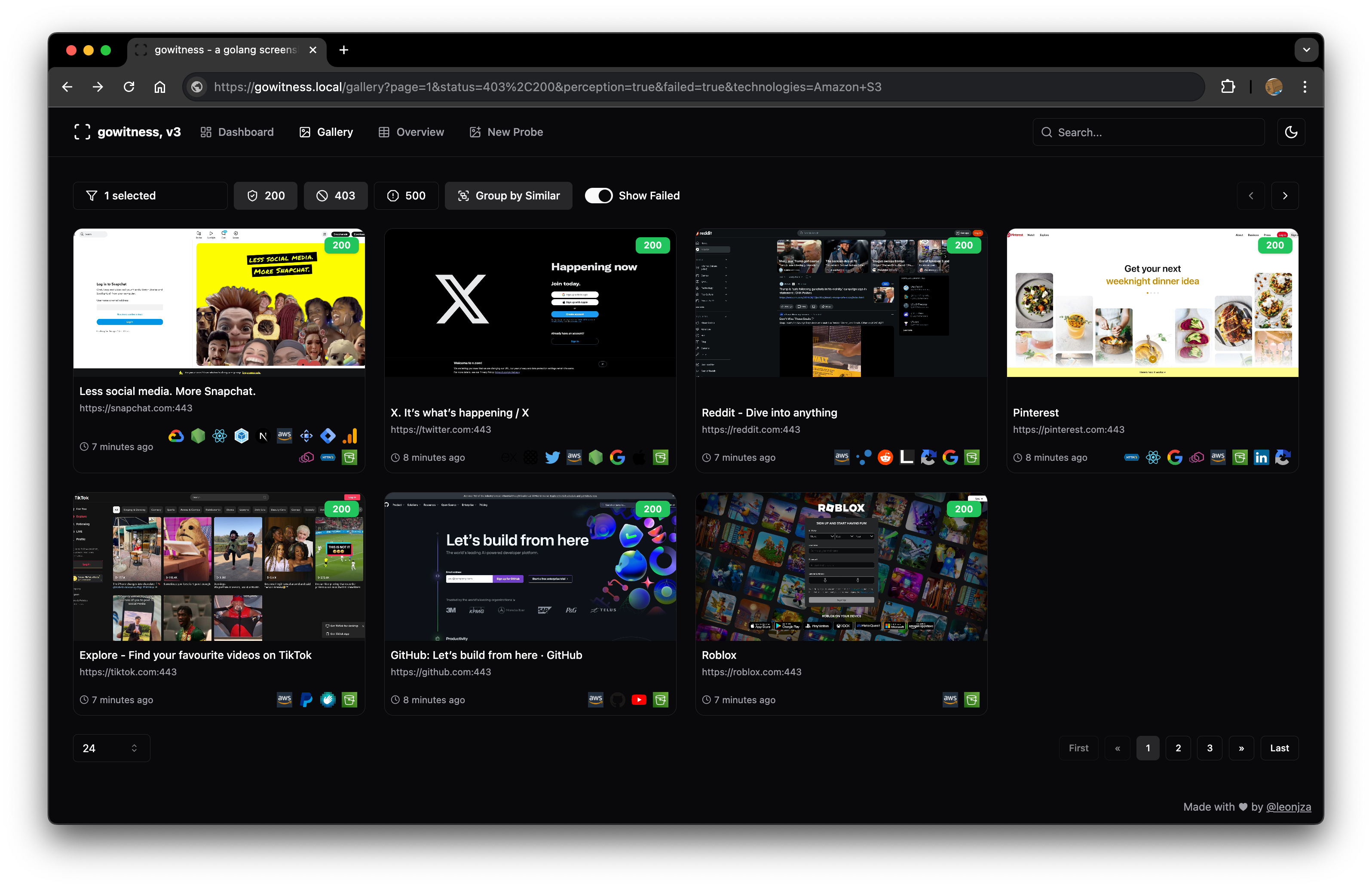
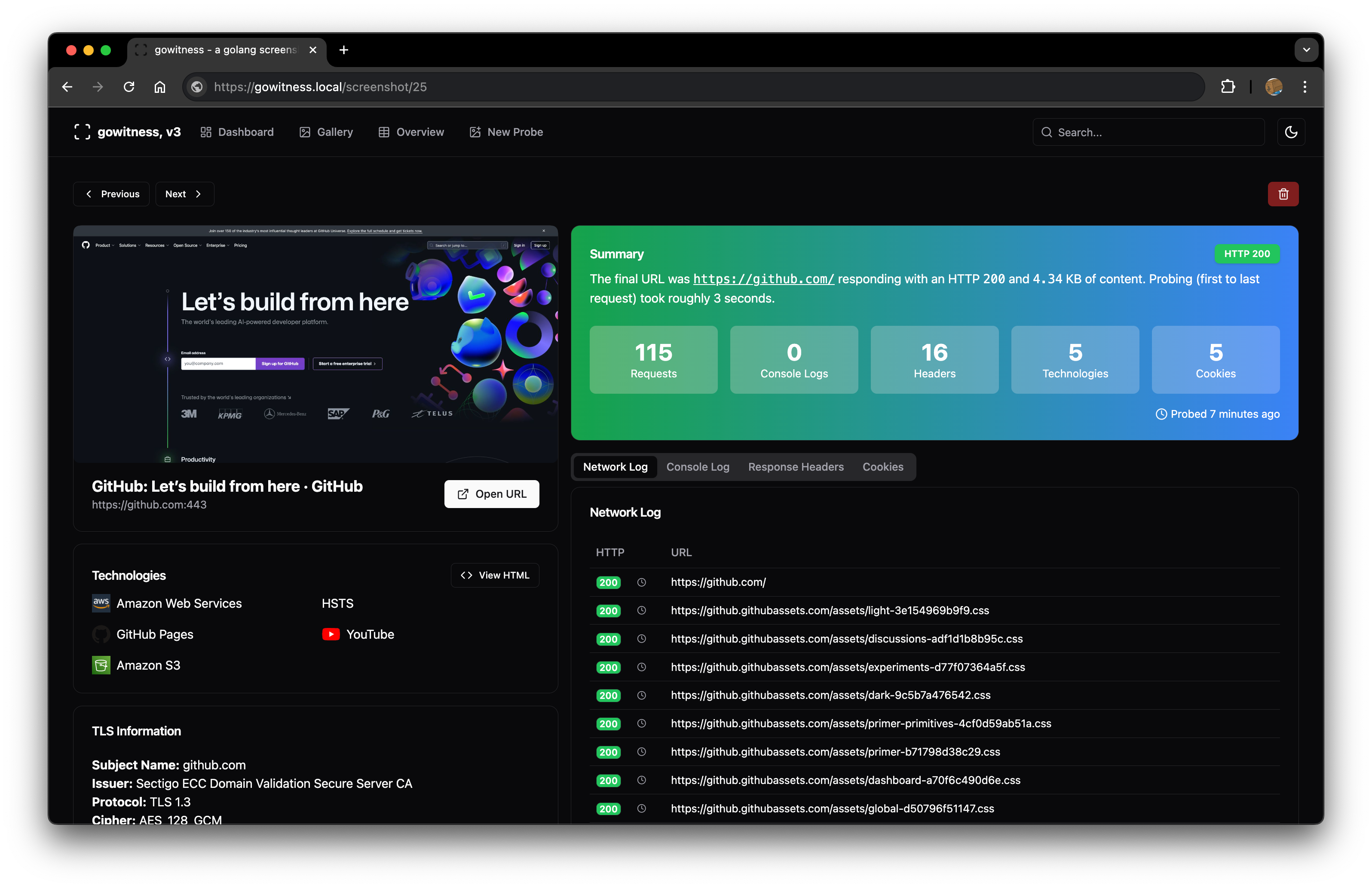
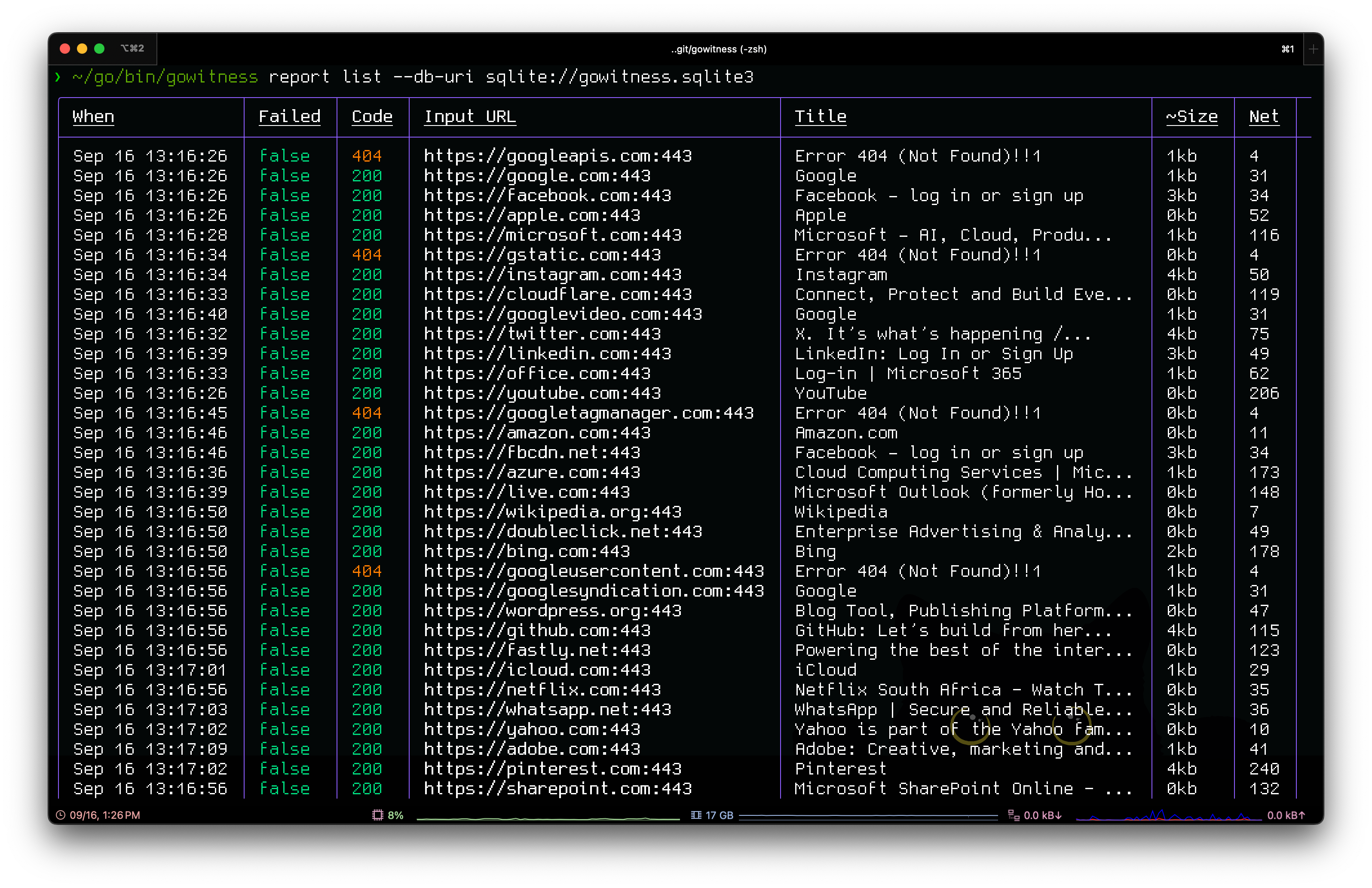
credits
gowitness would not have been possible without some of these amazing projects: chi, chromedp, go-rod, cobra, gorm, glamour, go-nmap, wappalyzergo, goimagehash.
license
gowitness is licensed under a GNU General Public v3 License. Permissions beyond the scope of this license may be available at http://sensepost.com/contact/.
관련 프로젝트 살펴보기
freeCodeCamp/freeCodeCamp
freeCodeCamp.org의 오픈 소스 코드베이스와 커리큘럼입니다. 수학, 프로그래밍, 컴퓨터 과학을 무료로 배울 수 있습니다.
459,002 스타donnemartin/system-design-primer
대규모 시스템 설계 방법을 배우고 시스템 설계 면접을 준비할 수 있습니다. Anki 플래시카드가 포함되어 있습니다.
377,613 스타react/react
웹과 네이티브 사용자 인터페이스를 위한 라이브러리.
252,524 스타vuejs/vue
Vue 2 저장소입니다. Vue 3은 https://github.com/vuejs/core를 방문하세요.
212,532 스타