
samarthagarwal/FlutterScreens
samarthagarwal/FlutterScreens has 6,019 GitHub stars and 1,346 forks. GitHot measured -4 in 7 days. Last checked 2026-11-09 06:01 UTC. Last push 2024-02-21.
A collection of Screens and attractive UIs built with Flutter ready to be used in your applications. No external libraries are used. Just download, add to your project and use.
측정된 스타 증가
- in 24h
- 업데이트 지연
- in 7 days
- -4
- in 15 days
- 업데이트 지연
- in 1 month
- 업데이트 지연
서로 겹치는 기간의 순증가량이며 일별 합계가 아닙니다. 측정값이 없으면 비워 둡니다. 스타는 관심도를 나타내며 품질을 보장하지 않습니다.
README.md
OriginalFlutter Screens
A collection of Login Screens, Buttons, Loaders and Widgets with attractive UIs, built with Flutter, ready to be used in your applications.
Last Update: Added SlideListView Widget
Screenshots And Usage
SlideListView
A widget that can be used to present two different views that can be toggled using a Floating Action Button. The views toggle with a nice cube-rotation animation.

Rating

Loaders

ColorLoaders
 Color Loader 1 |
 Color Loader 2 |
 Color Loader 3 |
|---|---|---|
 Color Loader 4 |
 Color Loader 5 |
FlipLoaders
Example #1
FlipLoader(
  loaderBackground: Colors.red,
  iconColor: Colors.white,
  icon: Icons.email,
  animationType: "full_flip"),
Example #2
FlipLoader(
  loaderBackground: Colors.blueAccent,
  iconColor: Colors.orangeAccent,
  icon: Icons.subway,
  animationType: "half_flip",
  rotateIcon: true,
),
Example #3
FlipLoader(
  loaderBackground: Colors.green,
  iconColor: Colors.white,
  icon: Icons.wifi,
  animationType: "half_flip",
  shape: "circle",
  rotateIcon: false,
),
I am working on more loaders. These loaders will also be updated. Thanks to jakeleveroni for parameterizing the FlipLoader.
Buttons
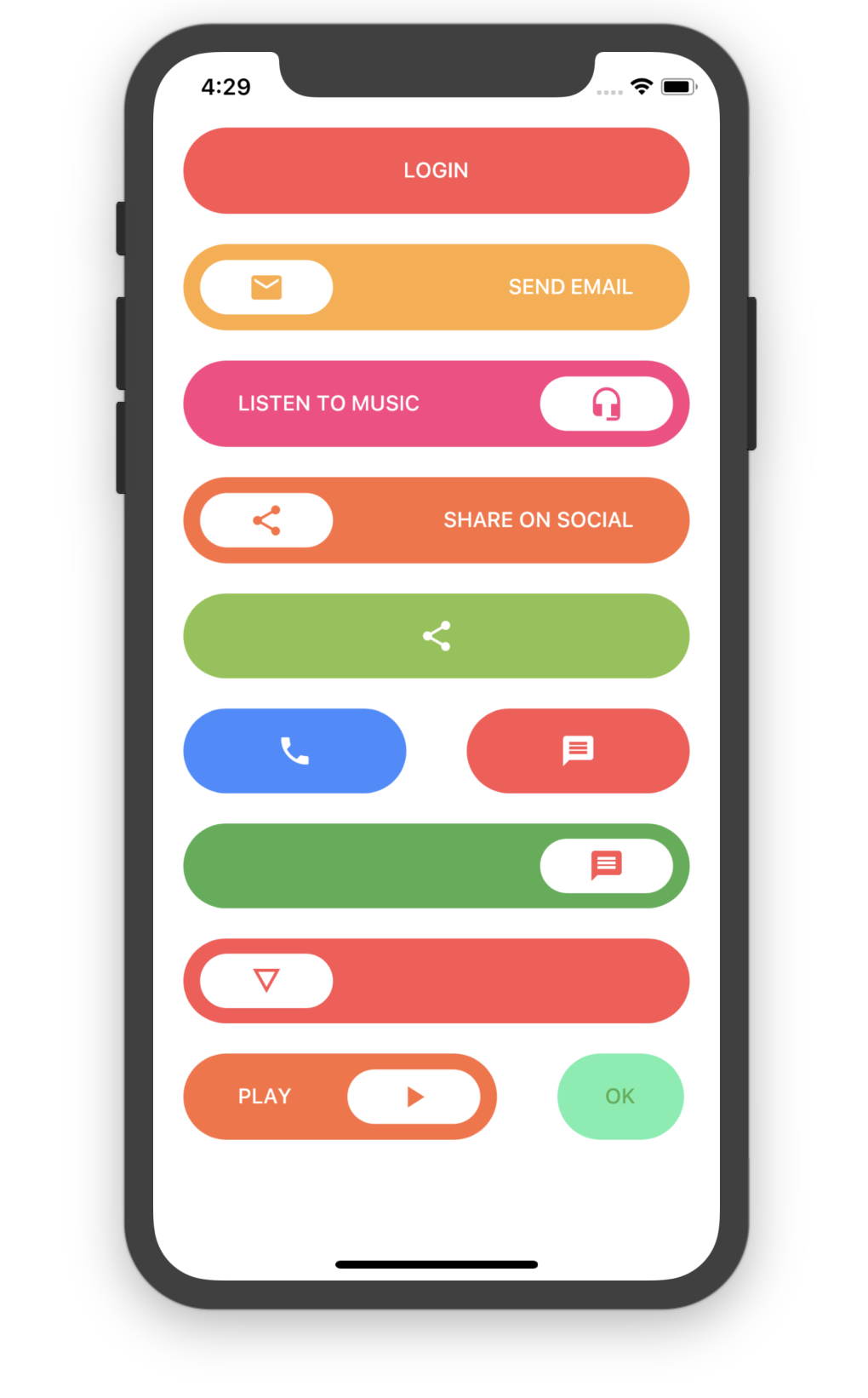
Simple Round Button
SimpleRoundButton(
    backgroundColor: Colors.redAccent,
    buttonText: Text("LOGIN",
        style: TextStyle(
            color: Colors.white
        ),
    ),
    textColor: Colors.white,
)
Simple Round Icon Button
SimpleRoundIconButton(
    backgroundColor: Colors.orangeAccent,
    buttonText: Text("SEND EMAIL",
        style: TextStyle(
            color: Colors.white
        ),
    ),
    textColor: Colors.white,
    icon: Icon(Icons.email),
)
Simple Round Icon Only Button
SimpleRoundOnlyIconButton(
  backgroundColor: Colors.blueAccent,
  icon: Icon(Icons.phone),
  iconAlignment: Alignment.center,
)
Login Screens
Login Screen 1
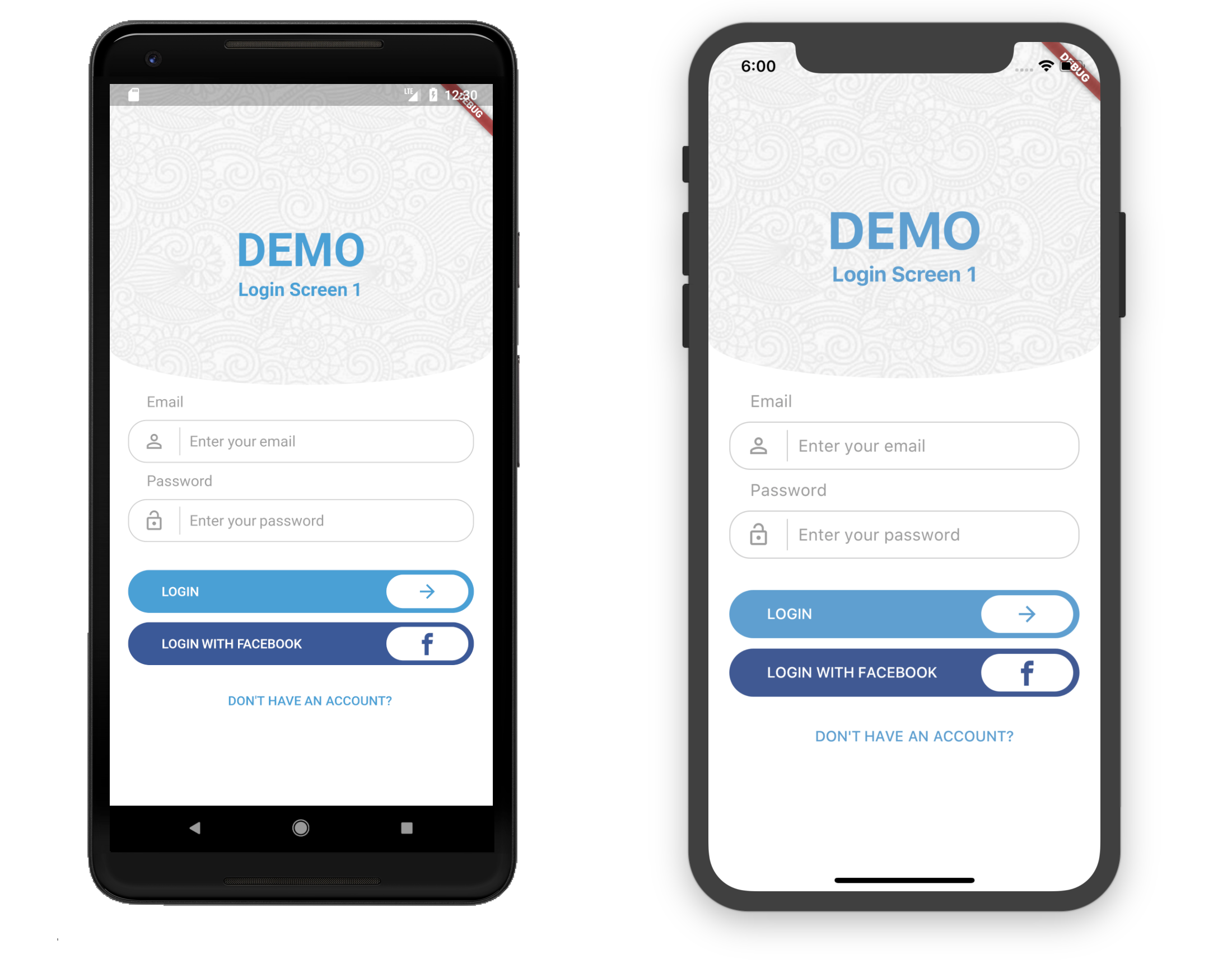
Usage
Container(
	child: LoginScreen1(
	primaryColor: Color(0xFF4aa0d5),
	backgroundColor: Colors.white,
	backgroundImage: new AssetImage("assets/images/full-bloom.png"),
    ),
)
Login Screen 2
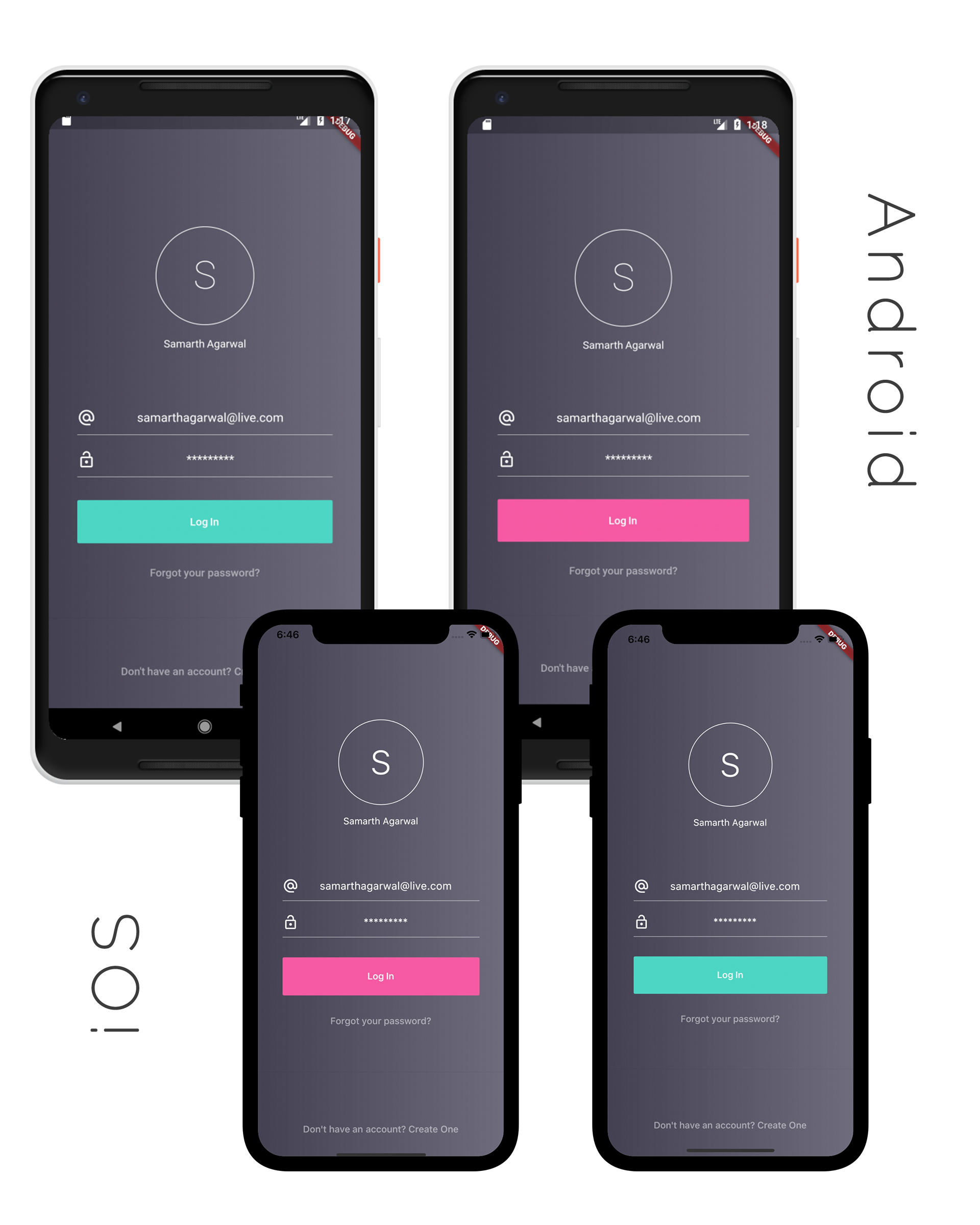
Usage
Container(
	child: LoginScreen2(
       backgroundColor1: Color(0xFF444152),
       backgroundColor2: Color(0xFF6f6c7d),
       highlightColor: Color(0xfff65aa3),
       foregroundColor: Colors.white,
       logo: new AssetImage("assets/images/full-bloom.png"),
       ),
   )
Login Screen 3
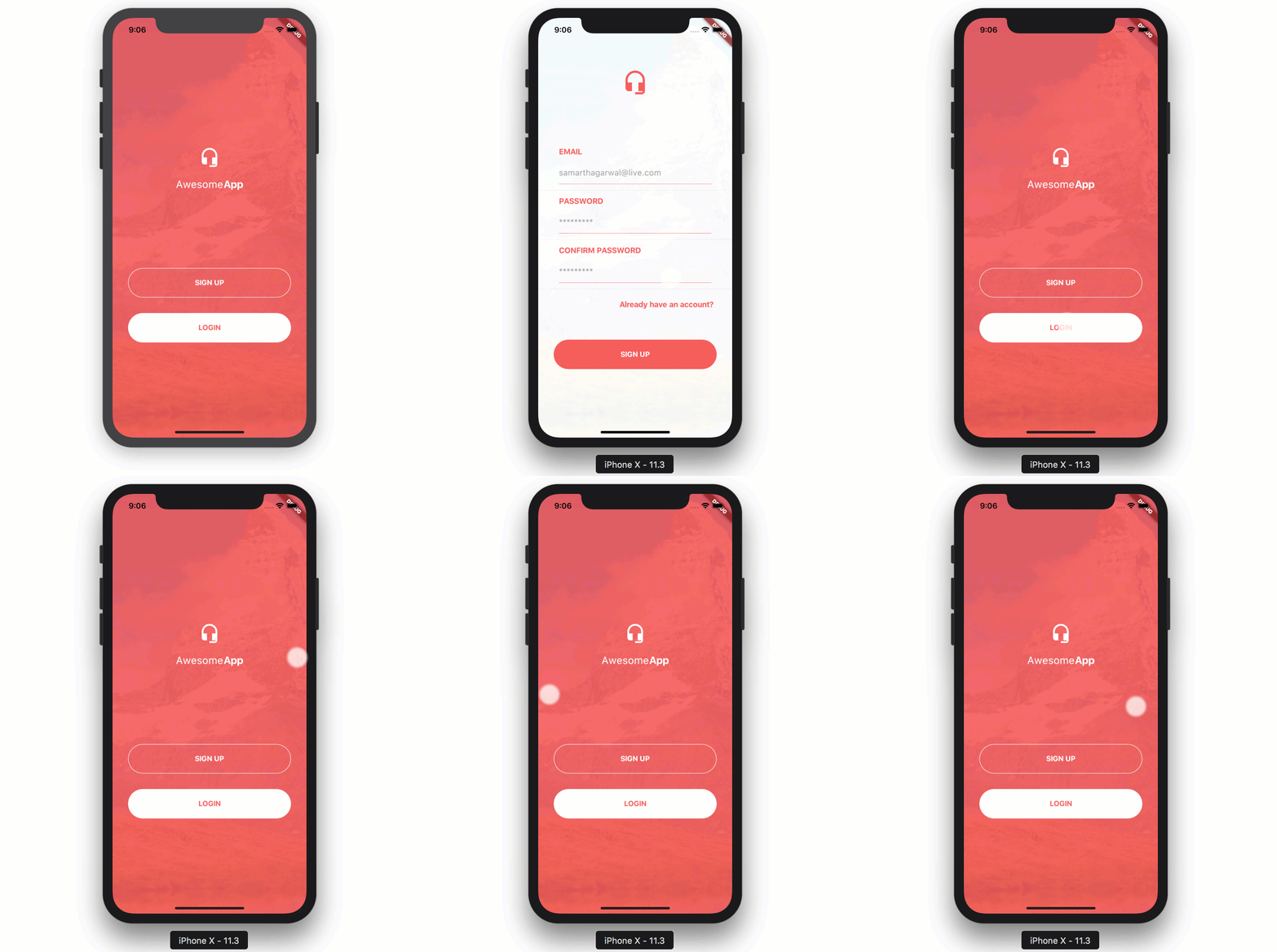
Usage
Container(
	child: LoginScreen3(),
)
Login Screen 4

Usage
Container(
	child: LoginScreen4(
       primaryColor: Color(0xff18203d),
       secondaryColor: Color(0xff232c51),
       logoGreen: Color(0xff25bcbb),
       ),
   )
Login Screen 5

Usage
Container(
	child: LoginScreen5(
       avatarImage: "path/to/image.png",
       onLoginClick: () {
         // when login button is pressed
       },
       googleSignIn: () {
         // when google signin button is pressed
       },
       navigatePage: () {
         // change to signup screen
       }
       ),
   )
Login Screen 6

Usage
Container(
	child: LoginScreen6(
       onLoginClick: () {
         // when login button is pressed
       },
       navigatePage: () {
         // change to signup screen
       }
       ),
   )
Contribution and Donation
Feel free to contribute. If you like the project and want to donate, click here.