
pomber/stargazer
소개
저장소의 스타 수가 새로운 이정표에 도달했나요? 스타를 눌러 준 사람들의 영상으로 축하해 보세요!
창작 및 미디어측정된 스타 증가
- in 24h
- 0
- in 7 days
- -1
- in 15 days
- -1
- in 1 month
- -1
서로 겹치는 기간의 순증가량이며 일별 합계가 아닙니다. 측정값이 없으면 비워 둡니다. 스타는 관심도를 나타내며 품질을 보장하지 않습니다.
README.md
OriginalYour repo reached a stars milestone? Celebrate with a video of your stargazers!
Example
There are 2 ways to make your Stargazer video.
- Make your Video locally
- Make your Video using Github Actions (Easy)
Make your own video (local)
Go to https://github.com/settings/personal-access-tokens/new and create a token with default settings. Create a
.envfile and add it:
REMOTION_GITHUB_TOKEN=github_pat_...
- Install dependencies:
npm i
- Start the preview:
npm run dev
- Open the right sidebar, enter your repo name and click "Render".
Or use the command line:
npx remotion render
Make your own video (GitHub Actions)
Fork this repo

Go to Actions of the forked repo.

Click on
I understand my workforce, go ahead and enable them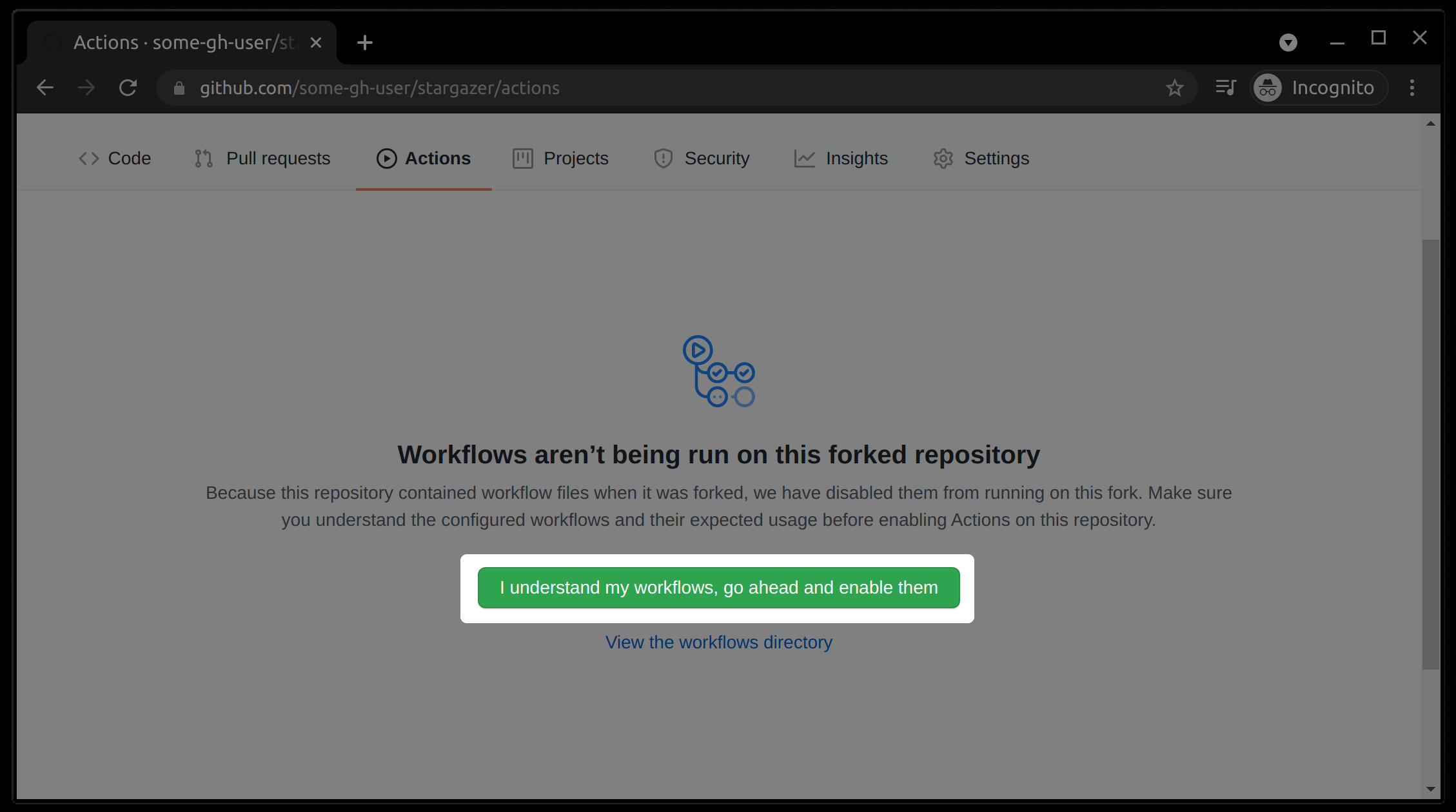
Go to the render video option in the workforce.

Over here enter the details of the repo for which you want to make the Stargazer video.

Here you can see the progress of the rendering video.

By clicking on this you can get your Stargazer video.

Upgrade Remotion
npx remotion upgrade
Credits
Made with Remotion
License
The code in this repository: Licensed under MIT.
The Remotion framework (a dependency of this project): Normally, companies need to obtain a paid license.
However, creating videos of this template is accepted without needing a company license.
관련 프로젝트 살펴보기
불러오는 중…