
pigfly/A_J_Full_Screen_Image_Browser
소개
High Performance Full Screen Image and Video browser in iOS
창작 및 미디어What you can do
- No Dependency, 100% iOS Native
- Support both iPad and iPhone family
- Support image resizing on different screen orientation
- Support multiple videos and images
측정된 스타 증가
- in 24h
- 0
- in 7 days
- 0
- in 15 days
- 기록 수집 중
- in 1 month
- 기록 수집 중
서로 겹치는 기간의 순증가량이며 일별 합계가 아닙니다. 측정값이 없으면 비워 둡니다. 스타는 관심도를 나타내며 품질을 보장하지 않습니다.
README.md
Original

A-J-Full-Screen-Image-Browser


A-J-Full-Screen-Image-Browser is an drop-in solution for full screen image and video browser
Features
- No Dependency, 100% iOS Native
- Support both iPad and iPhone family
- Support image resizing on different screen orientation
- Support multiple videos and images
- Image can be panned, zoomed and rotated
- Double tap to zoom all the way in and again to zoom all the way out
- Swipe to dismiss
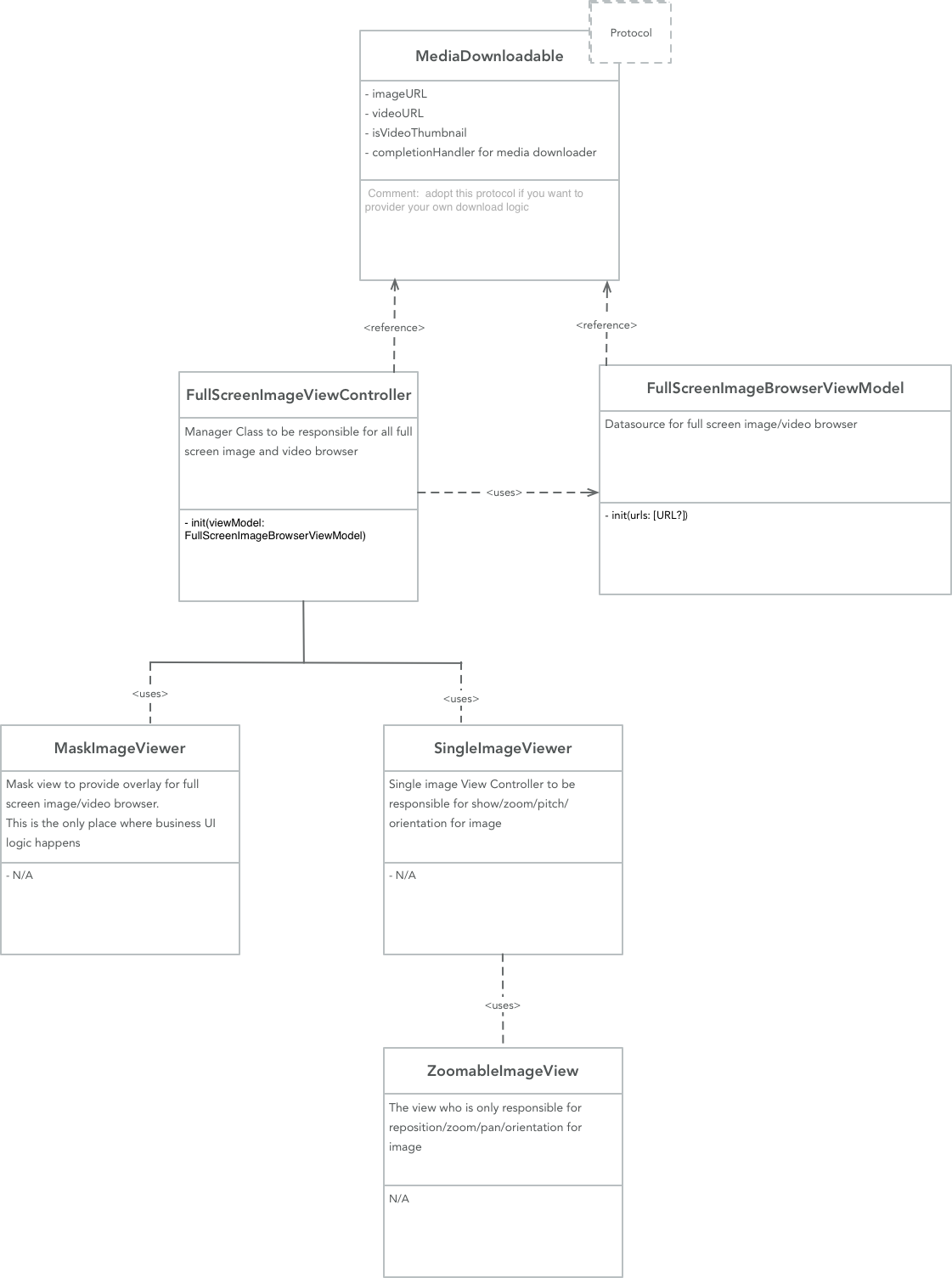
- High level diagram
- MVVM architecture
- Full documentation
- Easy to customise
Requirements
- iOS 9.0+ / macOS 10.10+ / tvOS 9.0+ / watchOS 2.0+
- Xcode 9.0+
- Swift 4.0+
Installation
- drag and drop the entire
A_J_Full_Screen_Image_Browserinto your project
Full Usage Example
import UIKit

final class ViewController: UIViewController {

    lazy var testVideo: MediaDownloadable = {
        return SingleMedia(imageURL: URL(string: "https://dummyimage.com/600&text=thumbnail")!,
                    isVideoThumbnail: true,
                    videoURL: URL(string: "http://jplayer.org/video/m4v/Big_Buck_Bunny_Trailer.m4v")!)
    }()

    lazy var media: [MediaDownloadable] = {
        return [testVideo,
                SingleMedia(imageURL: URL(string: "https://dummyimage.com/300")!),
                SingleMedia(imageURL: URL(string: "https://dummyimage.com/600")!),
                testVideo]
    }()

    @IBAction func onButtonTapped(_ sender: UIButton) {
        let vm = FullScreenImageBrowserViewModel(media: media)
        let browser = FullScreenImageBrowser(viewModel: vm)
        present(browser, animated: true, completion: nil)
    }

}
AlamofireImage Support
By default,
FullScreenImageBrowserdoesn't use any 3rd library, theSingleImageusesURLSessionto fetch image. However it's designed to be compatible with any networking library, one good example is AlamofireImage
The following code snippet shows an example how to use AlamofireImage to seamlessly integrated with FullScreenImageBrowser.
import Foundation
import AlamofireImage

public class FullScreenImage: MediaDownloadable {
    public var image: UIImage?
    public var imageURL: URL?
    public var videoURL: URL?
    public var isVideoThumbnail: Bool

    public init(imageURL: URL?, isVideoThumbnail: Bool = false, videoURL: URL? = nil) {
        self.imageURL = imageURL
        self.videoURL = videoURL
        self.isVideoThumbnail = isVideoThumbnail
    }

    public func loadImageWithCompletionHandler(_ completion: @escaping (UIImage?, NSError?) -> Void) {
        if let image = image {
            completion(image, nil)
            return
        }
        loadImageWithURL(imageURL, completion: completion)
    }

    // use any network calls you like
    public func loadImageWithURL(_ url: URL?, completion: @escaping (_ image: UIImage?, _ error: NSError?) -> Void) {
        guard let _url = url else {
            completion(nil, NSError(domain: "FullScreenImageBrowserDomain",
                                    code: -2,
                                    userInfo: [ NSLocalizedDescriptionKey: "Image URL not found."]))
            return
        }
        let urlRequest = URLRequest(url: _url)

        downloader.download(urlRequest) { [weak self] response in
            debugPrint(response.result)

            if let remoteImage = response.result.value {
                self?.image = remoteImage
                completion(remoteImage, nil)
            } else {
                completion(nil, NSError(domain: "FullScreenImageBrowserDomain",
                                        code: -1,
                                        userInfo: [ NSLocalizedDescriptionKey: "Couldn't load image from remote"]))
            }
        }
    }
}
Folder Structure
├── animator
│   └── FullScreenImageTransitionAnimator.swift
├── asset
│   └── FullScreenImageBrowser.bundle
│       ├── close.png
│       ├── [email protected]
│       └── [email protected]
├── core
│   ├── FullScreenImageBrowser.swift
│   ├── FullScreenImageBrowserViewModel.swift
│   ├── MediaDownloadable.swift
│   ├── MaskImageViewer.swift
│   ├── SingleImageViewer.swift
│   └── ZoomableImageView.swift
└── helper
    ├── SingleImage.swift
    └── UIView+SnapShot.swift
| File | Responsiblity |
|---|---|
| animator | customised fade in/fade out animations with damping factors |
| asset | customised static image asset for the full screen image/video browser navigation bar |
| core/FullScreenImageBrowser | manager class to be responsible for full screen image/video browser |
| core/FullScreenImageBrowserViewModel | datasource and business logic for full screen image/video browser |
| core/MediaDownloadable | protocol to define images to be able to asynchronously download |
| core/MaskImageViewer | customised overlay view for full screen image/video browser |
| core/SingleImageViewer | view controller to be responsible for single image rendering on the full screen |
| core/ZoomableImageView | view to add support for image to zoom, pin, rotate, and animation |
Demo
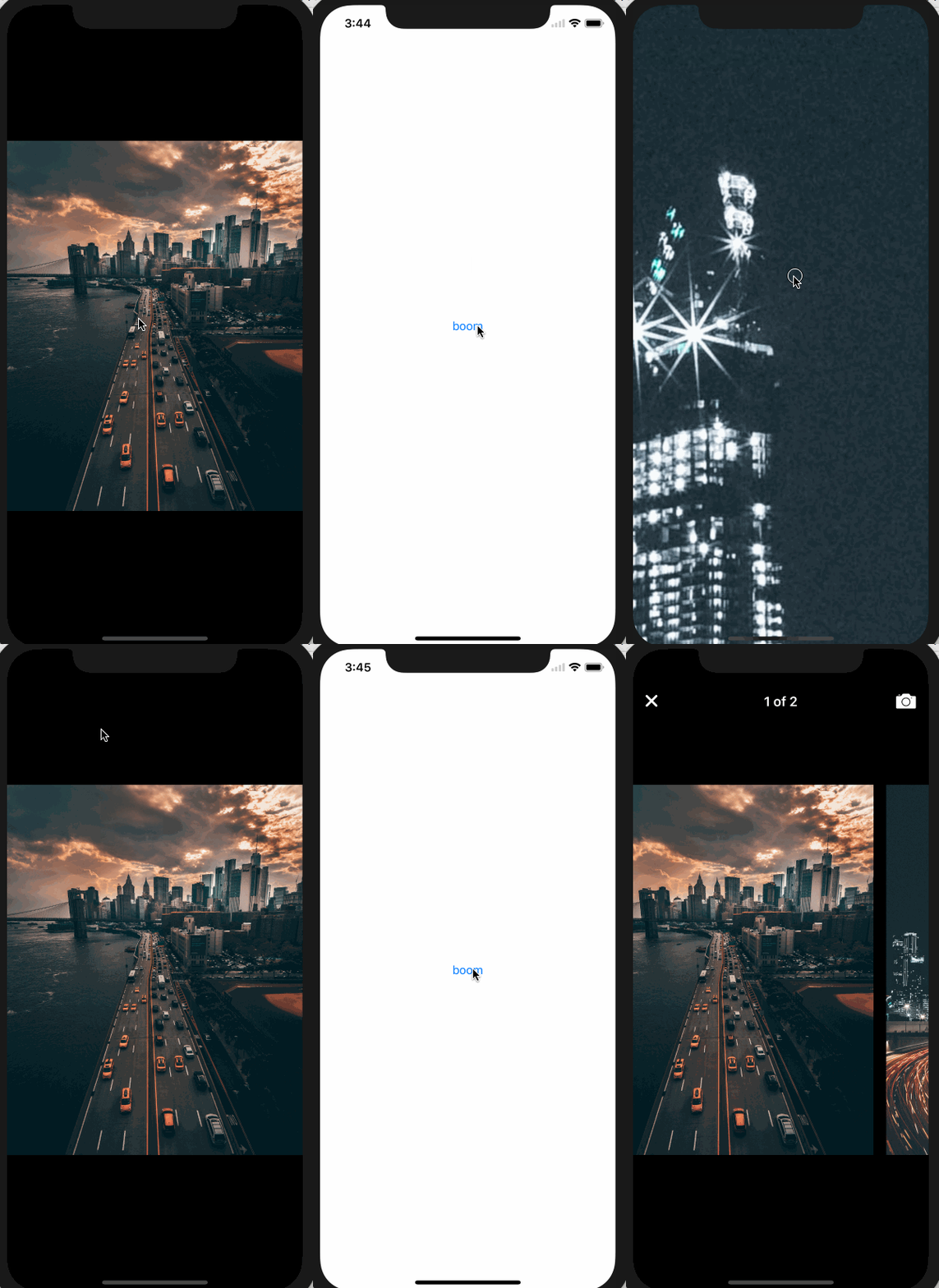
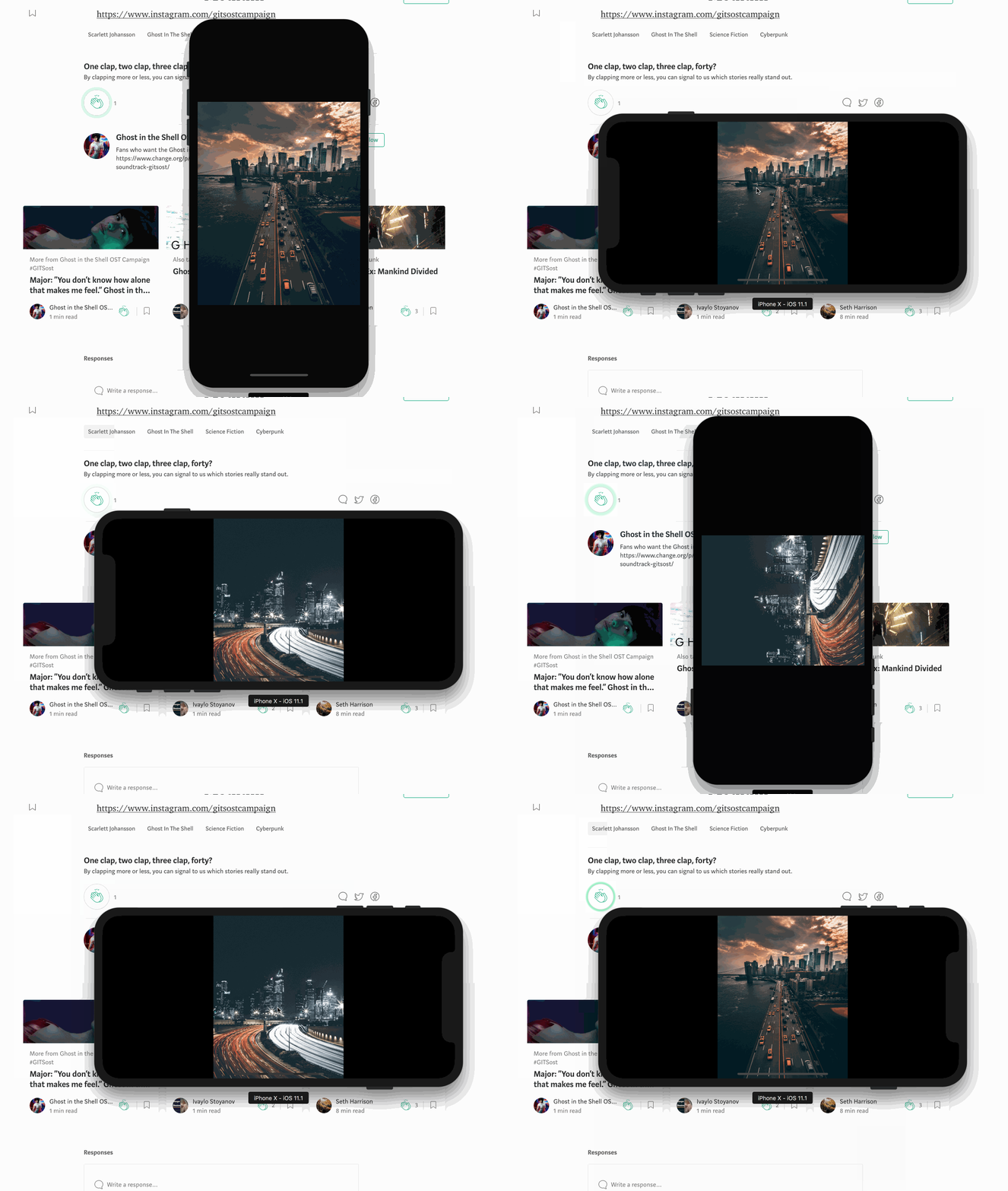
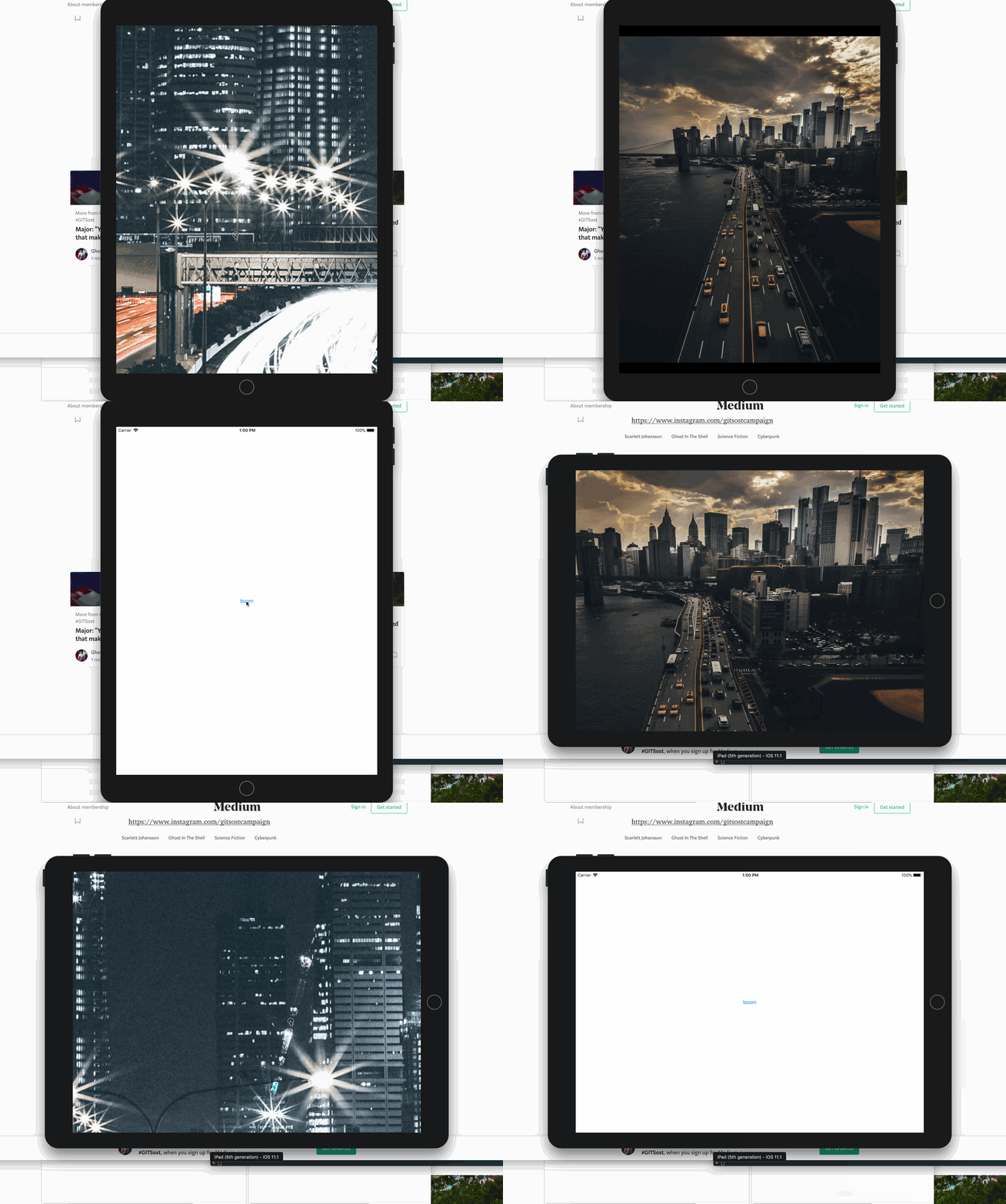
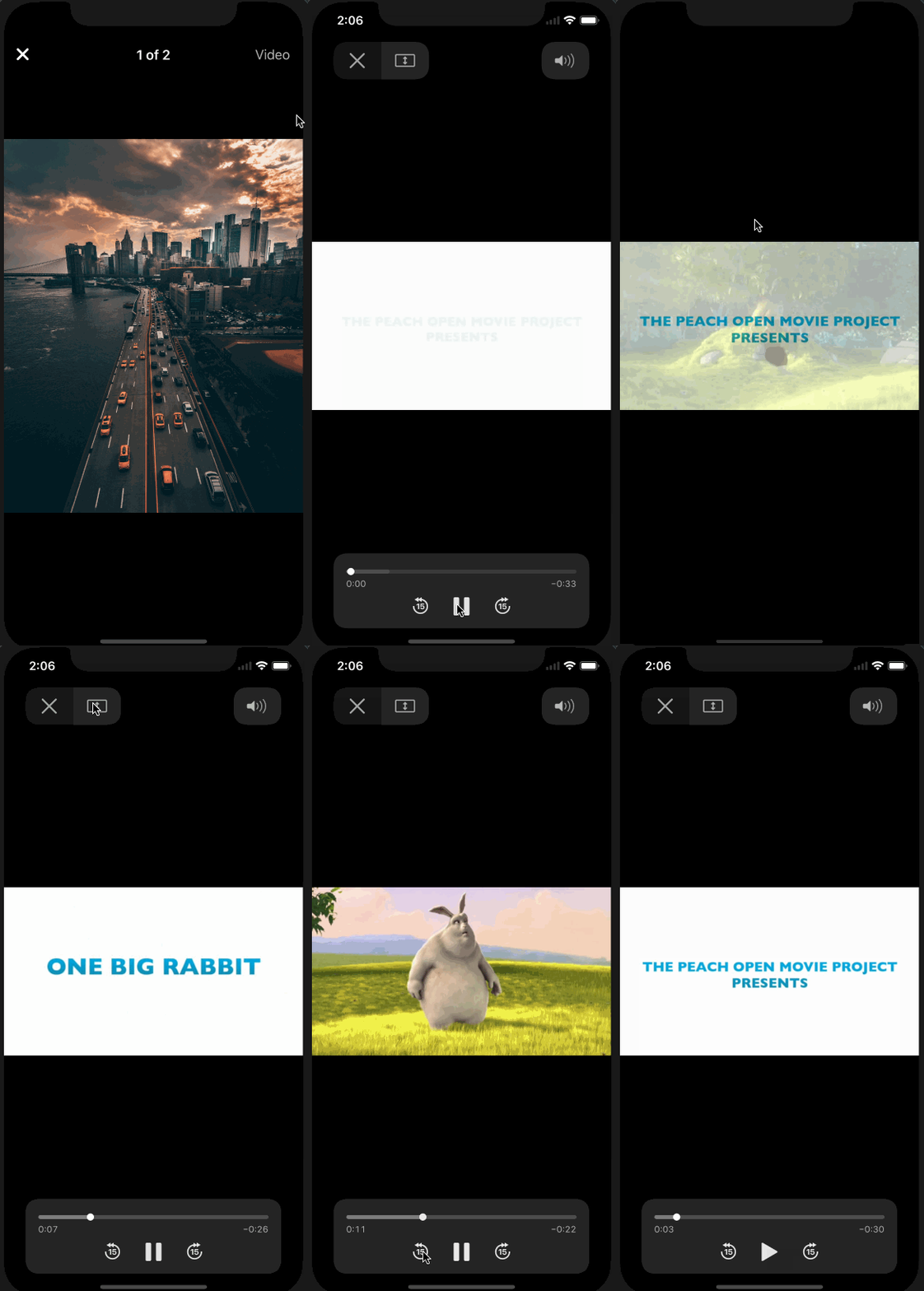
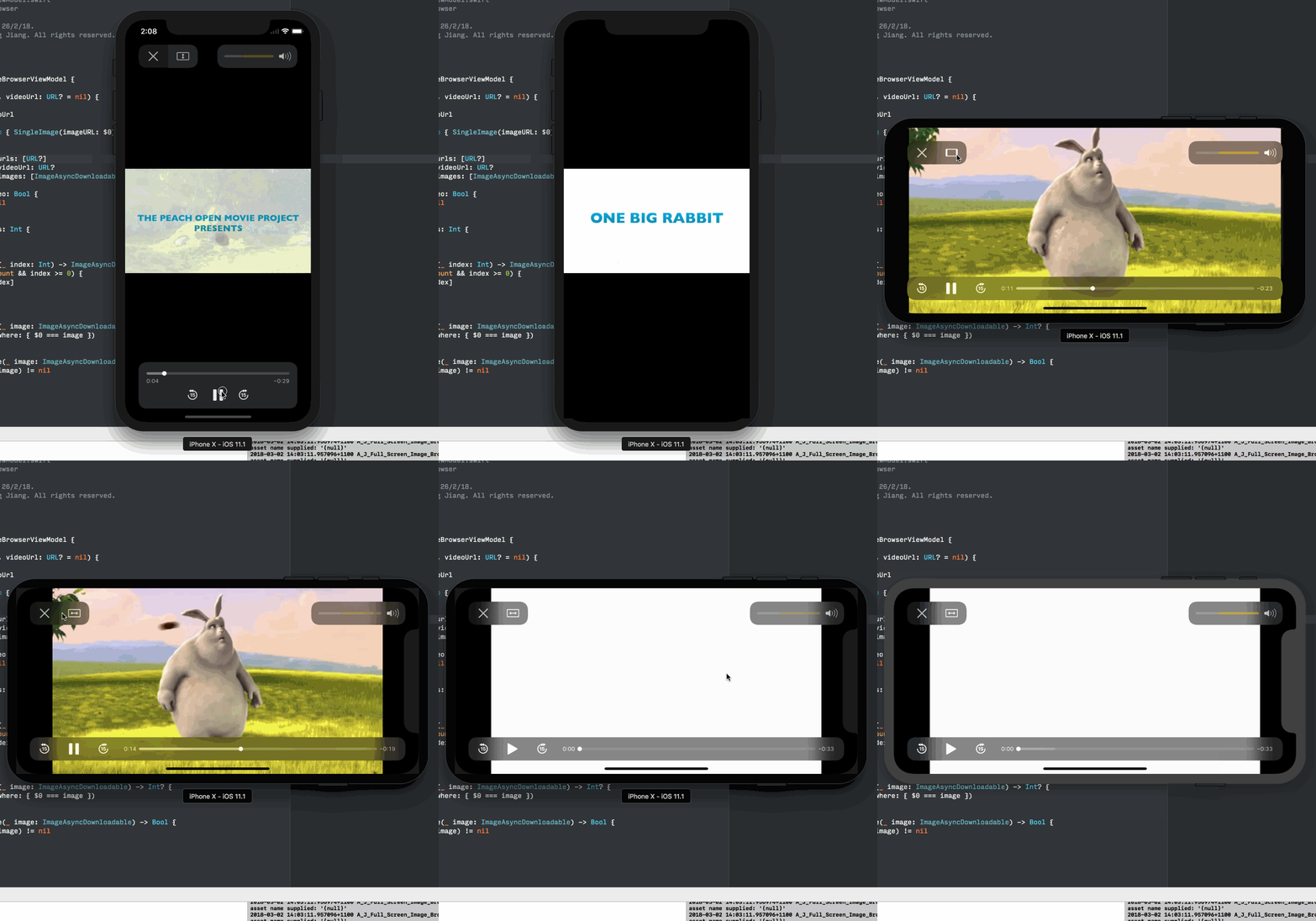
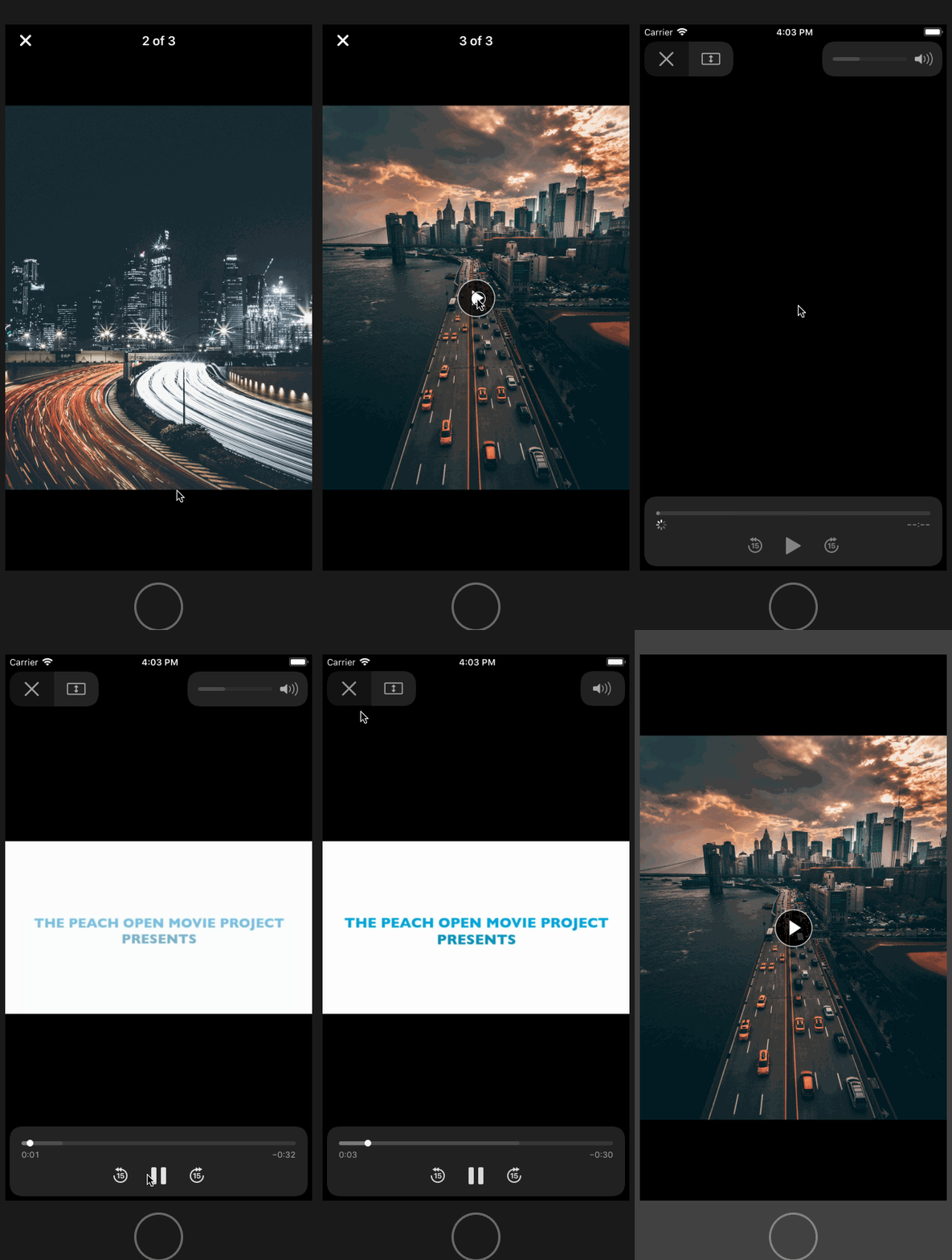
HLD
Credits
A-J-Full-Screen-Image-Browser is owned and maintained by the Alex Jiang. Thanks iTMan.design for providing computational resources.
License
A-J-Full-Screen-Image-Browser is released under the MIT license.
관련 프로젝트 살펴보기
불러오는 중…