
pannapudi/pilka
소개
Another live-coding tool for creating shader demos, Vulkan+Wgpu powered.
창작 및 미디어측정된 스타 증가
- in 24h
- 0
- in 7 days
- 0
- in 15 days
- 기록 수집 중
- in 1 month
- 기록 수집 중
서로 겹치는 기간의 순증가량이며 일별 합계가 아닙니다. 측정값이 없으면 비워 둡니다. 스타는 관심도를 나타내며 품질을 보장하지 않습니다.
README.md
Originalpilka 🔩

Pilka is a cross-platform live-coding tool for creating shader* demos, similar to Bonzomatic, KodeLife or sh4der-jockey.
Available features:
- Hot-reload
- Saving shaders
- Taking screenshots
- Recording videos
- Compute pipeline for post processing
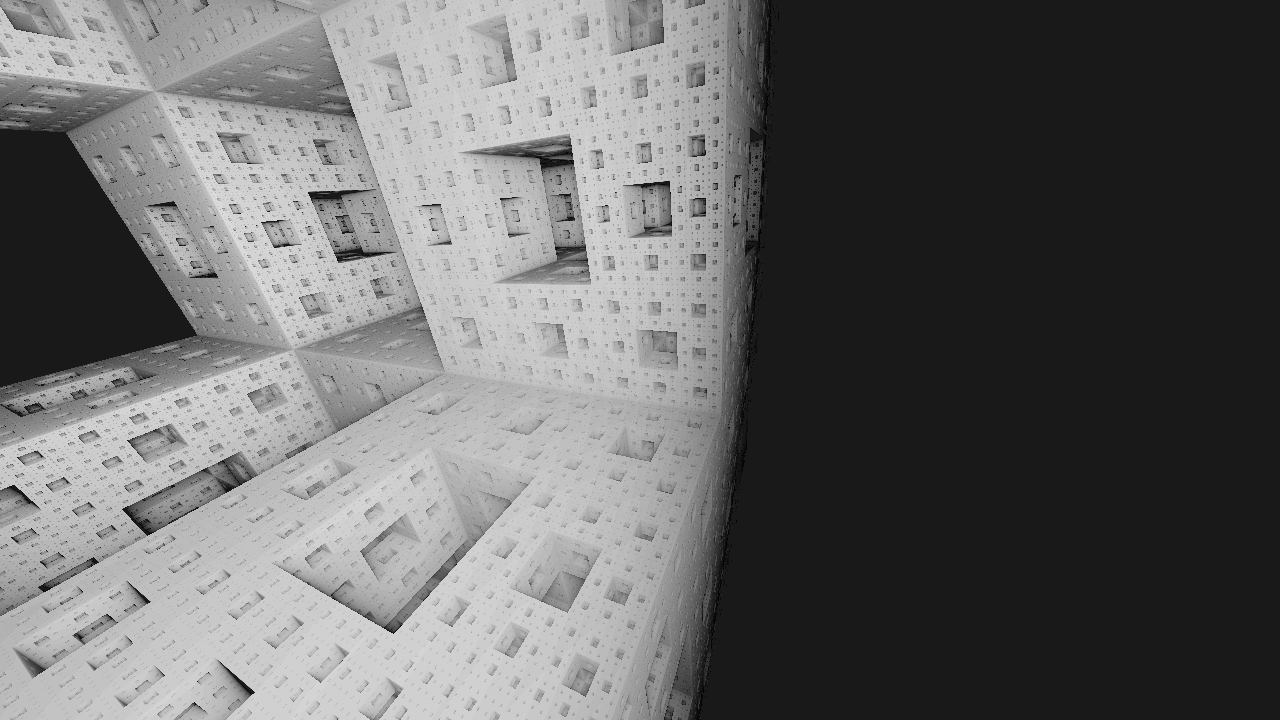
How
In current state pilka tries to seek shaders folder with the files
shader.vert and shader.frag, on fail pilka will generate
default setup for you. Then open shader in your favourite code editor (VS,
emacs, vim, ed etc.) and pilka would fetch changes after each save.
Controls
- F1: Print help
- F2: Toggle play/pause
- F3: Pause and step back one frame
- F4: Pause and step forward one frame
- F5: Restart playback at frame 0 (
TimeandPos= 0) - F6: Print parameters
- F10: Save shaders
- F11: Take Screenshot
- F12: Start/Stop record video
- ESC: Exit the application
- Arrows: Change
Pos
Parameters
(per-draw-update)
| name | type | range |
|---|---|---|
| position | vec3 | (-∞, ∞) |
| time | float | [0, ∞) |
| resolution | vec2 | [0, a] |
| mouse | vec2 | [-1, 1] |
| mouse_pressed | bool | |
| frame | uint | |
| time_delta | float | |
| record_period | float | |
| prev_frame | texture |
Flags
--record f32- Specify duration of recorded video--size u32xu32- Specify window size and lock from resizing
Requirements
Vulkan SDK is required.
On recent macOS, to allow sound input to be captured (for FFT textures to
be generated), you need to: Open up System Preferences, click on Security
& Privacy, click on the Privacy tab then click on the Microphone menu item.
Make sure pilka is in the list and ticked...
erm, probably. I don't have macOS.
Installation
cargo install pilka
You also can install the application by to downloading the source code and build locally.
# or through ssh [email protected]:pudnax/pilka.git
git clone https://github.com/pudnax/pilka.git
cd pilka
cargo install --path .
Dependencies
winit is the "default" window library in Rust ecosystem. And it covers the most of cross-platform issues for you.
png is used to encode screenshots into png files.
notify is a file watcher and maintains the hot-reload.
ash is a Vulkan bindings. I choose ash because I see pilka as a
learning project and want to touch the maximum untouched Vulkan. For the
same reason I didn't use vulkano, erupt, vulkanism, vkvk.
Ffmpeg is used to record videos. For my concerns it's temporary solution after which I switch to rav1e on it's release.
Places of inspiration (from where I steal code):
관련 프로젝트 살펴보기
불러오는 중…