
owenawsong/Inflect
소개
Inflect v3: compact local text-to-speech. Six English voices, three model sizes, reference-voice tuning, event tags and optional 48 kHz output. Apache 2.0.
창작 및 미디어측정된 스타 증가
- in 24h
- 0
- in 7 days
- +4
- in 15 days
- 기록 수집 중
- in 1 month
- 기록 수집 중
서로 겹치는 기간의 순증가량이며 일별 합계가 아닙니다. 측정값이 없으면 비워 둡니다. 스타는 관심도를 나타내며 품질을 보장하지 않습니다.
README.md
Original
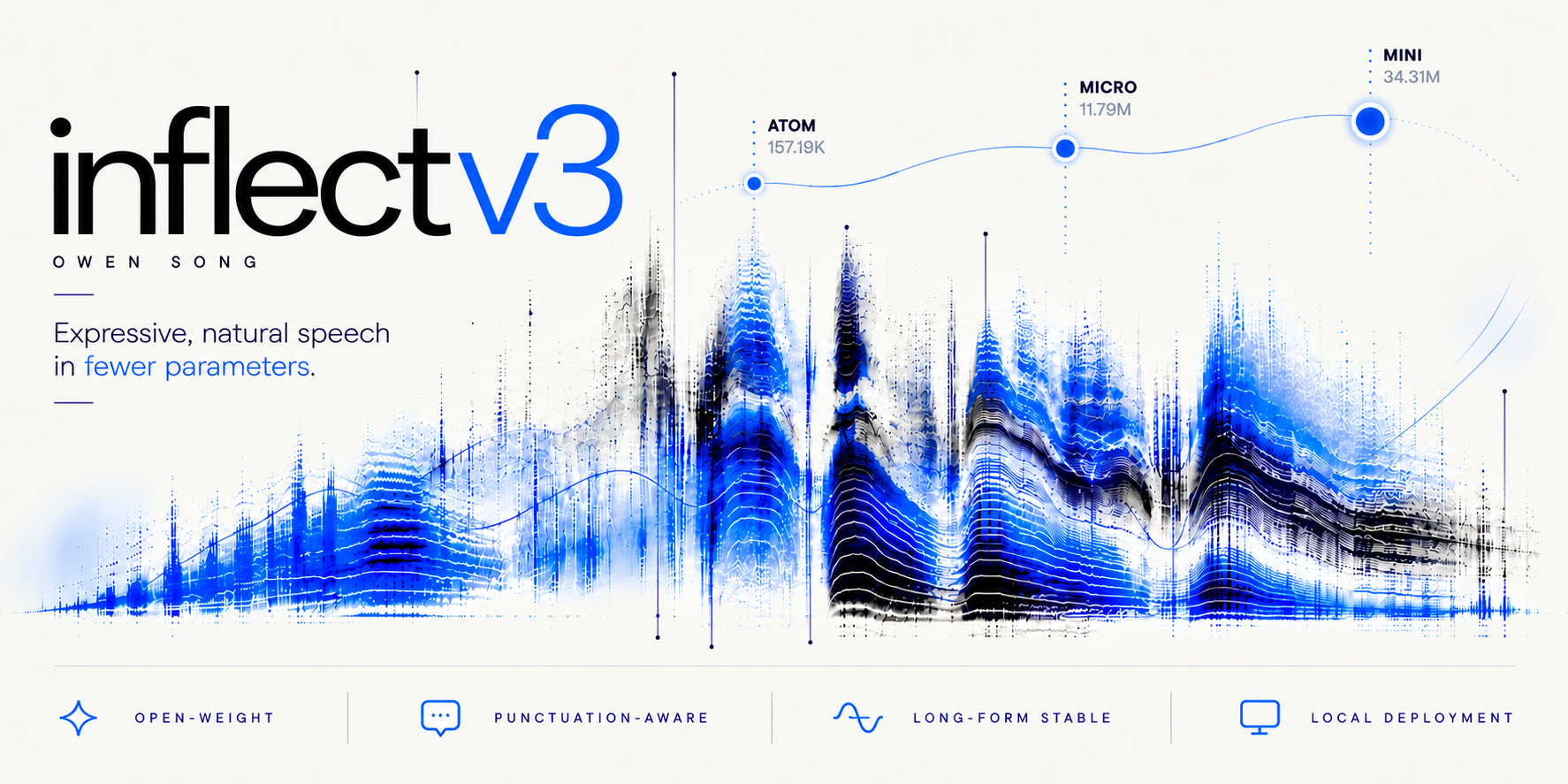
Inflect v3
A complete voice. A smaller footprint.
Six English voices. Three model sizes. Speech that runs on your hardware.





Apache 2.0 · Local generation · Native 24 kHz
Mini adds reference-voice tuning, vocal events, and optional 48 kHz enhancement.
Inflect is a family of compact English text-to-speech models. Choose a voice, enter your text, and generate a WAV locally. Start with Mini for the most features, Micro for a smaller neural model, or Atom for the smallest learned synthesis core.
Try the browser playground before installing. Compare models, switch voices, and download your own results.
Installing v3? Download a complete model package from Hugging Face. GitHub is the project guide; the
inflect/folder and old examples are retained for v1/v2. Do not use those with v3 weights. Download Mini, Micro or Atom and find your first command.
Choose your model
| Mini | Micro | Atom | |
|---|---|---|---|
| Best starting point | Quality and features | Compact neural speech | Smallest learned core |
| Learned synthesis core | 34.31M | 11.79M | 157.19K |
| English preset voices | 6 | 6 | 6 |
| Native output | 24 kHz | 24 kHz | 24 kHz |
| Optional 48 kHz enhancement | Yes | Not included | Not included |
| Reference-voice tuning | Yes | Not included | Not included |
| Optional vocal events | 8 tags, all 6 voices | Not included | Not included |
| Download | Mini package | Micro package | Atom package |
These are learned synthesis-core counts, not total installation size or RAM. Pronunciation assets, dependencies, voice conditioning and optional components are additional. Atom uses signal-processing-based waveform generation rather than a separate learned neural vocoder.
Hear the voices
Cassidy, Mark, Hope, James, Sophia, and Jasper are ready-to-use presets. No reference recording is needed for ordinary speech.
| Voice | Sample text | Native Mini audio |
|---|---|---|
| Cassidy | Could you bring the smaller suitcase downstairs? | Listen |
| Mark | Beyond the orchard, a narrow footpath curved toward the ruined tower. | Listen |
| Hope | Press the side button once, then wait until the indicator turns green. | Listen |
| James | A shadow becomes longer when the light source moves closer to the horizon. | Listen |
| Sophia | We moved the chairs inside and wiped the wooden table dry. | Listen |
| Jasper | I thought you were arriving tomorrow, but it is lovely to see you. | Listen |
These samples are generated native 24 kHz speech, without enhancement or reference adaptation. Each voice reads a different passage; use the playground's comparison mode to compare model sizes on the same text.
Quick start
Use Python 3.12 in a fresh environment. The self-contained v3 inference packages live with their weights on Hugging Face. Download the whole package, not only a checkpoint.
python -m pip install huggingface-hub==0.36.2
hf download owensong/Inflect-Mini-v3 --local-dir inflect-mini-v3
cd inflect-mini-v3
python verify_release.py
python -m pip install -r core/requirements-cpu.txt
python run.py speech --profile base --voice cassidy --text "A small idea can become something worth hearing." --subtype PCM_16 --output ../mini-cassidy.wav
This writes native 24 kHz PCM16 audio. Choose a new output filename in an
existing directory outside the package. To change voices, replace cassidy
with mark, hope, james, sophia, or jasper.
Windows and Linux setup, CUDA, Micro and Atom · Troubleshooting
Use Mini's optimized CUDA runtime
Start in a separate Python 3.12 environment with a compatible NVIDIA driver. After downloading and entering the complete Mini package:
python -m pip install -r core/requirements-cuda.txt
python run.py speech --device cuda --runtime cuda-source --profile base --voice cassidy --text "A small idea can become something worth hearing." --subtype PCM_16 --output ../mini-cuda.wav
The optimized runtime uses the same synthesis-core weights. Warm-up, loading and text processing still matter. The CPU recipe is not a CUDA installation.
Make speech your own
Reference-voice tuning
Create a reusable voice profile from an authorized 5-15 second recording, then generate new text with that profile. The reference is used for enrollment; you do not need to supply it for every generation.
Voice Tuner adapts the voice toward the reference. Resemblance varies; it is not a promise of an exact speaker clone or automatic accent transfer. Enrollment uses separate components and has its own supported environment.
Voice Tuner setup and commands
Vocal-event tags
All six Mini voices support eight short vocal events between speech segments:
[laugh] · [sigh] · [gasp] · [cough] · [yawn] · [inhale] · [exhale] · [clear_throat]
[throat_clear] is also accepted. The local event command runs on CPU at native 24 kHz.
You really surprised me. [laugh] That was a good one.
The optional event component generates learned non-speech performances and assembles them with speech. Performances have limited variation. These are event controls, not angry, happy, whisper or other emotion/style conditioning. Use the event guide for the supported voices, tag spellings and runtime.
Listen to event tags with surrounding speech · Event setup and release coverage
Optional 48 kHz enhancement
Native 24 kHz is the default. A separate compact 2.85M-parameter enhancer can produce 48 kHz output without replacing the speech backbone.
Choose by ear: neither output is universally better. A higher sample rate alone does not establish higher quality.
Native 24 kHz · The same generation, enhanced to 48 kHz · Enhancement command
Benchmarks
Measured speech quality, intelligibility and speed answer different questions. The following results describe published Mini native 24 kHz base speech, not tuned voices, event performances or enhanced output.
| Measure | Mini result | What was measured |
|---|---|---|
| Average WER | 0.739% | 1,688 Open TTS evaluation texts per voice, all six voices; self-run |
| UTMOSv2 | 3.917 | 180 clips, 30 per voice |
| UTMOS22Strong | 4.479 | The same 180-clip panel |
| Warm GPU throughput | 162.1x real time | RTX 5090, optimized CUDA; small 12-render probe |
| Warm CPU throughput | 1.81x real time | Ryzen 9 3900X, 2 Torch threads; small 12-render probe |
The WER result is not an official leaderboard placement or an independent held-out evaluation. Quality predictors are not human ratings. CPU and GPU results use different systems and runtime paths; they are not a controlled hardware speedup comparison or a latency guarantee.
Protocols, per-voice WER, exact scope and raw evidence
Adapt Mini to your language
The Mini v3 adaptation toolkit provides phone-coverage audits, aligned-data preparation, selective fine-tuning, resumable checkpoints and separate model export. It is compatible with the native Mini architecture, not the older v2 VITS trainer.
Start with the complete language-adaptation guide. The included local smoke workflow has been tested through GPU training, resume, export and generation. Real recordings still need reviewed external phone alignment. A passing smoke is not evidence of new-language speech quality.
Built to run locally
After downloading dependencies and model assets, preset speech generation stays on your machine. No hosted generation API is required. Reference enrollment has separate downloads and license requirements.
Open weights and runnable inference. Inflect-owned code and weights are Apache 2.0. Third-party components keep their own terms and notices. The full training pipeline, corpus-generation systems and training data are not part of this release.
English is the published language. Check unusual names, numbers and long text for your application. Do not assume streaming, mobile exports, exact cloning or general emotion tags from the availability of local inference.
Documentation and earlier releases
| Guide | Start here |
|---|---|
| Installation and first generation | Windows, Linux, CUDA, all three model sizes |
| Optional features | Voice profiles, event components and 48 kHz output |
| Evaluation | WER, quality predictors and speed protocols |
| Single-thread CPU measurement | Complete-utterance latency, frontend scope and raw timings |
| Mini v3 language adaptation | Coverage, aligned recordings, training, resume and deployment |
| Release scope | Packages, licenses and compatibility boundaries |
| Inflect v2 archive | Existing Micro/Nano v2 instructions and results |
| Inflect v1 | Original release |
The original inflect/ library and v2 examples in this repository remain for
earlier integrations. Use the v3 model packages above for v3 inference;
do not mix v2 runtime commands with v3 checkpoints.
Built by Owen Song
Community Discord
· Discord: blue.os
· [email protected]
Found a pronunciation, setup or integration problem? Open an issue with the text, voice, model revision, settings and hardware. Please do not attach private recordings, credentials or voice profiles without permission.
관련 프로젝트 살펴보기
불러오는 중…