
otter-sec/rctf
otter-sec/rctf has 148 GitHub stars and 36 forks. GitHot measured +1 stars in 24 hours and +2 in 7 days. Last checked 2026-11-24 08:06 UTC. Last push 2026-10-23.
측정된 스타 증가
- in 24h
- +1
- in 7 days
- +2
- in 15 days
- 기록 수집 중
- in 1 month
- 기록 수집 중
서로 겹치는 기간의 순증가량이며 일별 합계가 아닙니다. 측정값이 없으면 비워 둡니다. 스타는 관심도를 나타내며 품질을 보장하지 않습니다.
소개
rCTF is a platform for hosting cybersecurity capture-the-flag competitions.
보안README.md
Original




rCTF is a platform for hosting cybersecurity capture-the-flag competitions.
rCTF keeps deployment simple without locking organizers into one set of services. The platform runs as a single bundle, and its major integrations use replaceable providers with a common configuration format. An event can use only what it needs and change providers later without rewriting the platform.
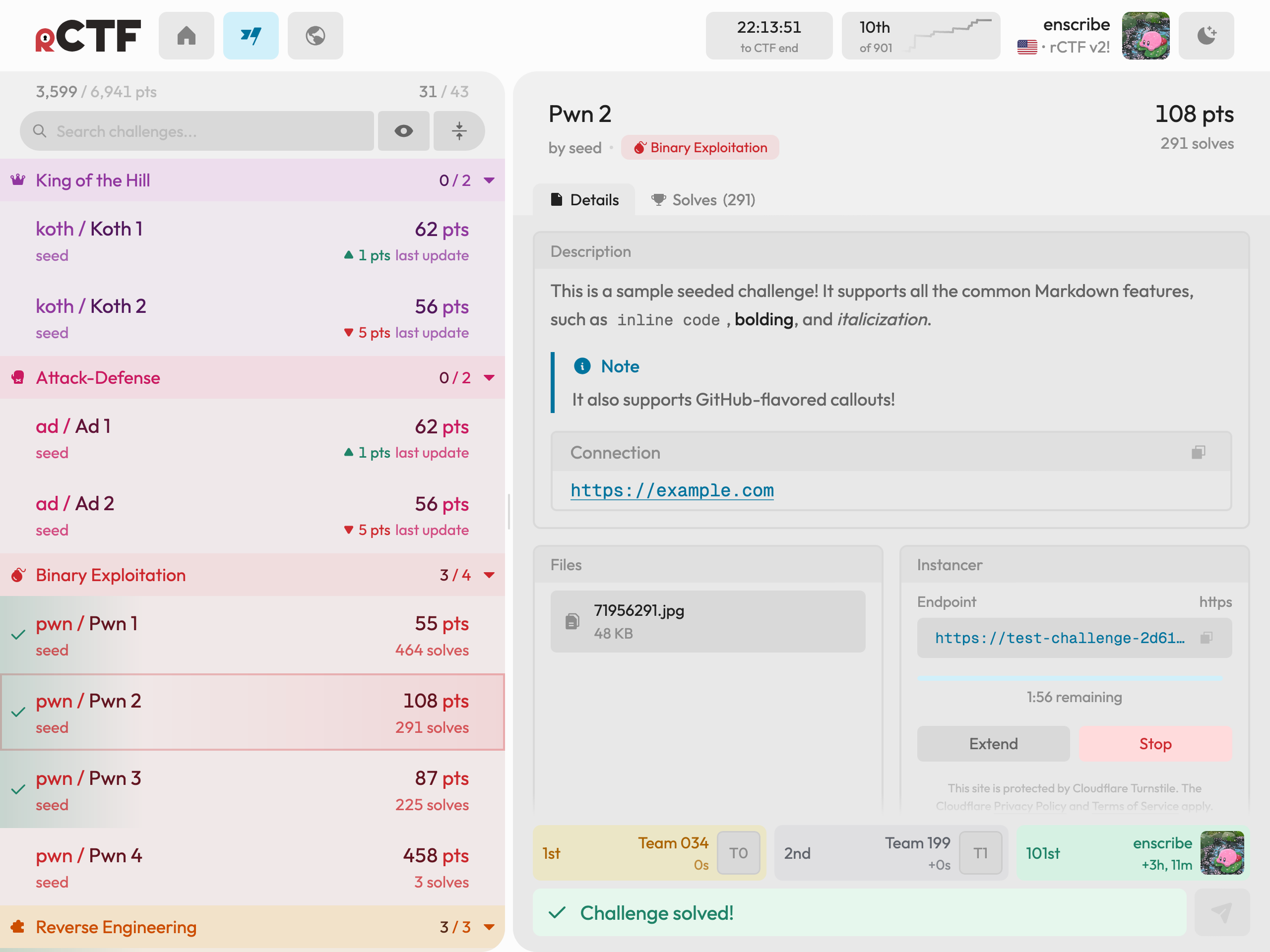
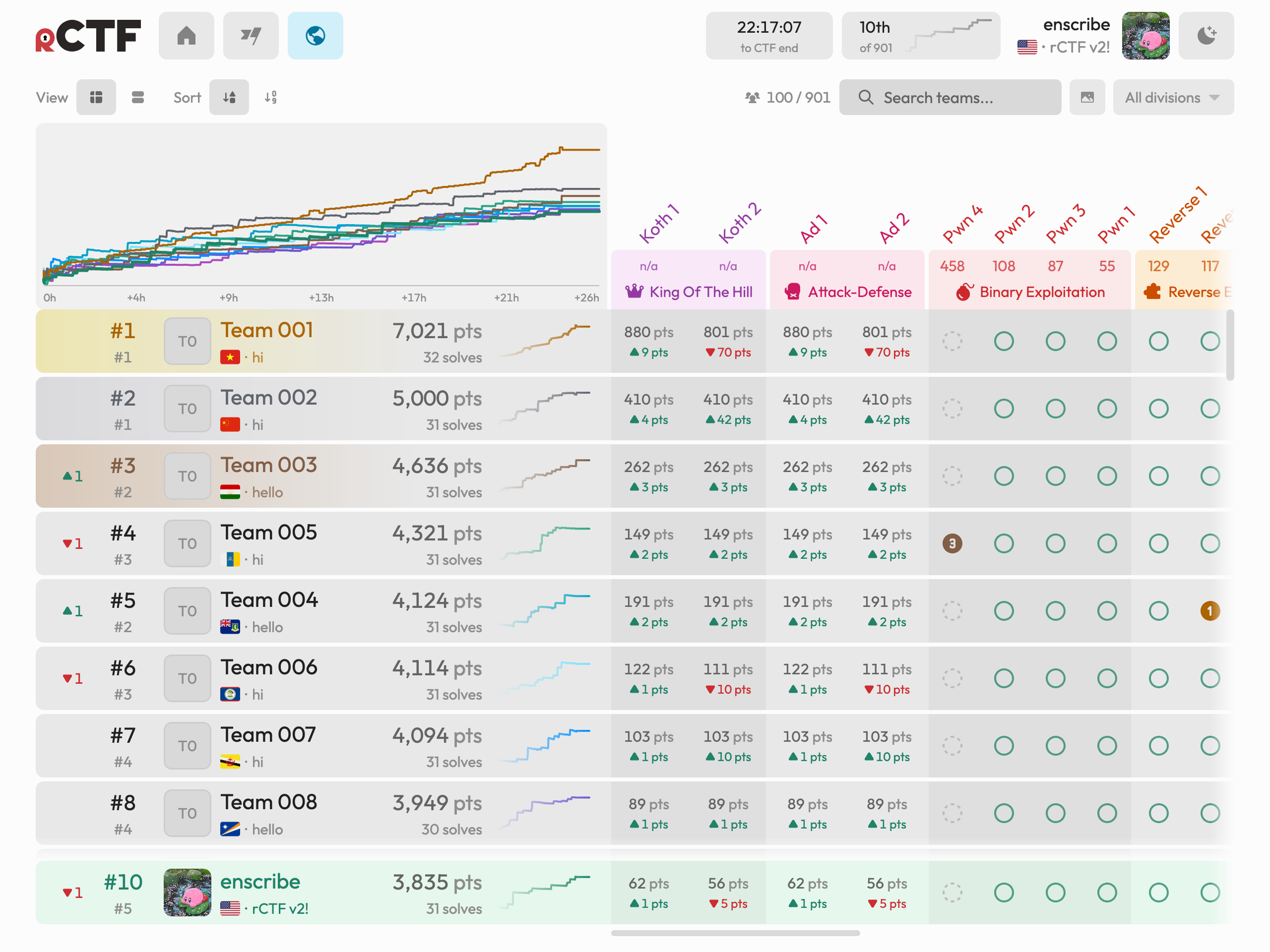
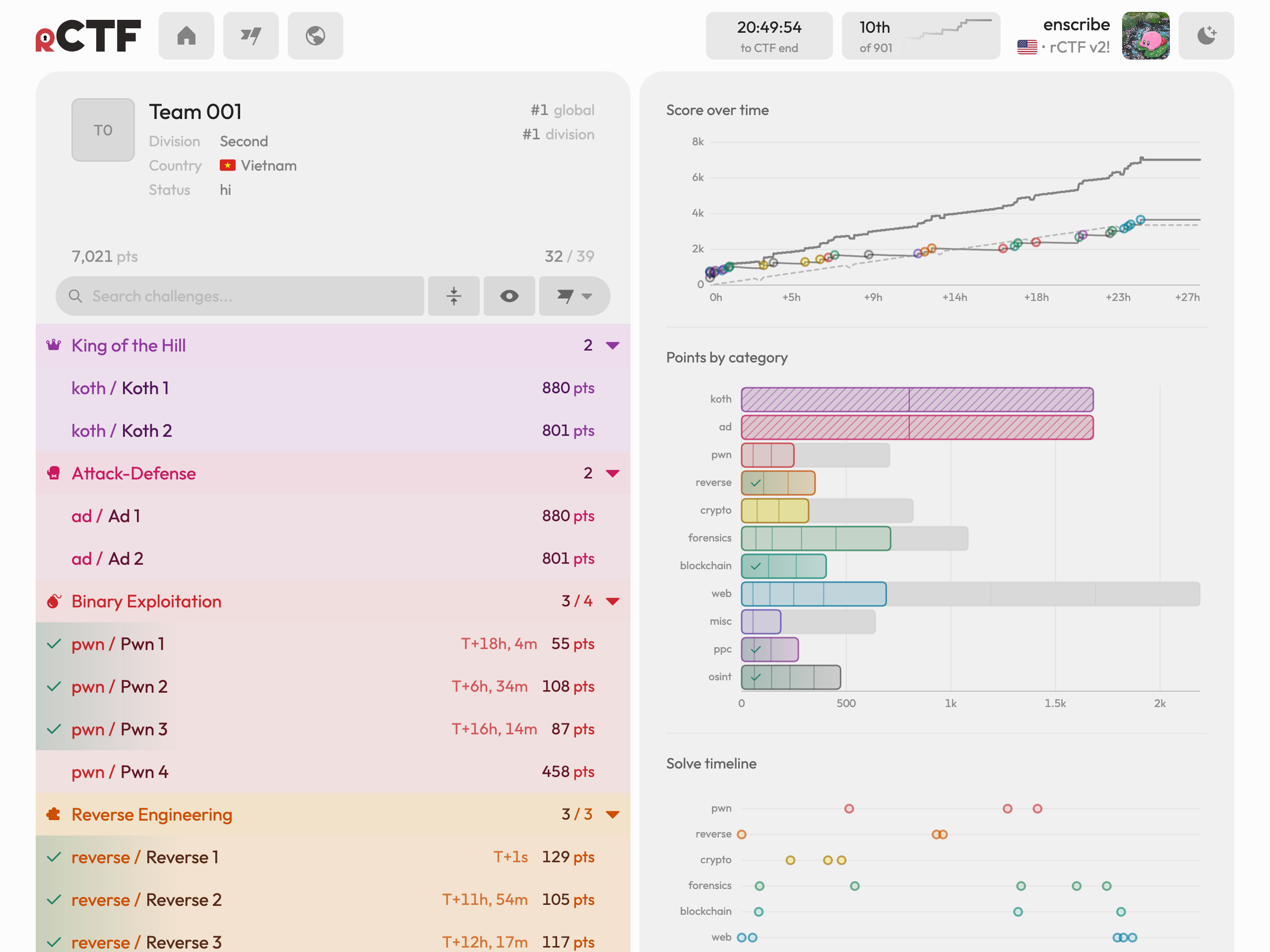
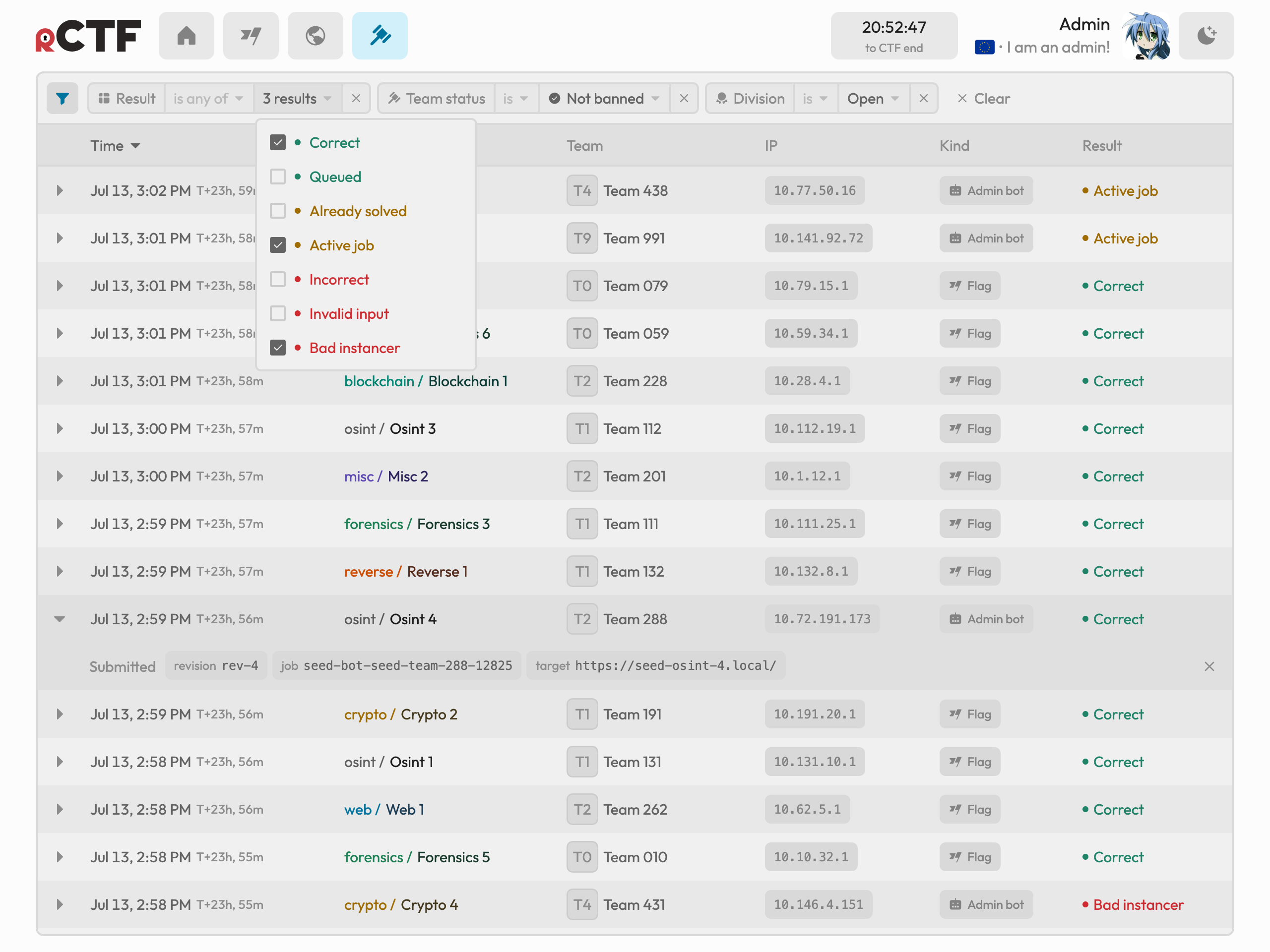
To get started with rCTF, visit the documentation. A live demo is also available for viewing. If you need help with rCTF, start a discussion.
 |
 |
|---|---|
 |
 |
Development
rCTF requires Bun v1.0+.
Install dependencies:
bun iStart the development containers:
docker compose -f compose.dev.yml up -dCreate
rctf.d/00-development.yamland enter the following configuration:Open me!
ctfName: rCTF Development
meta:
  description: 'Example rCTF instance'
  imageUrl: 'https://example.com'
homeContent: "A description of your CTF. Markdown supported.\n\n<timer></timer>"

origin: http://127.0.0.1:5173
divisions:
  open: Open
tokenKey: AAAAAAAAAAAAAAAAAAAAAAAAAAAAAAAAAAAAAAAAAAA=
startTime: 0
endTime: 99999999999999

database:
  sql:
    host: 127.0.0.1
    port: 5432
    # host: postgres
    user: rctf
    password: DO_NOT_USE_ME
    database: rctf
  redis:
    host: 127.0.0.1
    port: 6379
    # host: redis
    password: DO_NOT_USE_ME
  migrate: before

# email:
#   from: [email protected]
#   provider:
#     name: 'emails/smtp'
#     options:
#       smtpUrl: 'smtp://es3n1n%es3n1n.eu:[email protected]:587'

# ctftime:
#   clientId: 2288
#   clientSecret: secret

# instancers:
#   docker:
#     name: 'instancers/docker'
#     options:
#       authToken: 'changeme!'
#       apiUrl: 'http://tiny-instancer:1337'
# defaultInstancer: docker

# captcha:
#   provider:
#     name: 'captcha/hcaptcha'
#     options:
#       siteKey: 'key'
#       secretKey: 'secret'

# bloodBot:
#   bloodsCount: 1
#   destinations:
#     - provider:
#         name: 'messages/discord'
#         options:
#           url: 'webhook-url'
#     - provider:
#         name: 'messages/telegram'
#         options:
#           botToken: 'bot-token'
#           chatId: 1337

# adminBot:
#   provider:
#     name: 'admin-bots/rctf-ts'
#     options:
#       secretKey: beans
#       endpoint: 'http://admin-bot:21337'

# avatarsModeration:
#   provider:
#     name: 'moderation/openai'
#     options:
#         apiKey: 'key'

# globalSiteTag: 'G-1337'

# uploadProvider:
#   name: 'uploads/gcs'
#   options:
#     projectId: project-id
#     bucketName: bucket-name
#     credentials:
#       private_key: |-
#         key
#       client_email: [email protected]
Start the development server:
bun devFor frontend work, run
bun dev:mockto seed the database with a reproducible set of mock teams, challenges, and solves.
관련 프로젝트 살펴보기
불러오는 중…