
openziti/zrok
openziti/zrok has 4,801 GitHub stars and 229 forks. GitHot measured 0 stars in 24 hours, +5 in 7 days, and +17 in 15 days. Last checked 2026-11-08 13:38 UTC. Last push 2026-10-31.
안전한 인터넷 공유를 간편하게.
What you can do
- Zero Configuration: Works through firewalls, NAT, and corporate networks
- Secure by Default: End-to-end encryption with zero-trust architecture
- Public & Private Sharing: Share with anyone or just specific users
- Multiple Protocols: HTTP/HTTPS, TCP, UDP, and file sharing
측정된 스타 증가
- in 24h
- 0
- in 7 days
- +5
- in 15 days
- +17
- in 1 month
- 업데이트 지연
서로 겹치는 기간의 순증가량이며 일별 합계가 아닙니다. 측정값이 없으면 비워 둡니다. 스타는 관심도를 나타내며 품질을 보장하지 않습니다.
README.md
Originalzrok - Secure internet sharing made simple

Share anything, anywhere, instantly. Enterprise reliability. No firewall changes. No port forwarding. No hassle.
zrok lets you securely share web services, files, and network resources with anyone—whether they're across the internet or your private network. Built on zero-trust networking, it works through firewalls and NAT without requiring any network configuration changes.
Quick start
Get sharing in under 2 minutes:
- Install zrok for your platform
- Get an account:
zrok invite(use the free zrok.io service) - Enable sharing:
zrok enable
That's it! Now you can share anything:
# Share a web service publicly
$ zrok share public localhost:8080

# Share files as a network drive
$ zrok share public --backend-mode drive ~/Documents

# Share privately with other zrok users
$ zrok share private localhost:3000
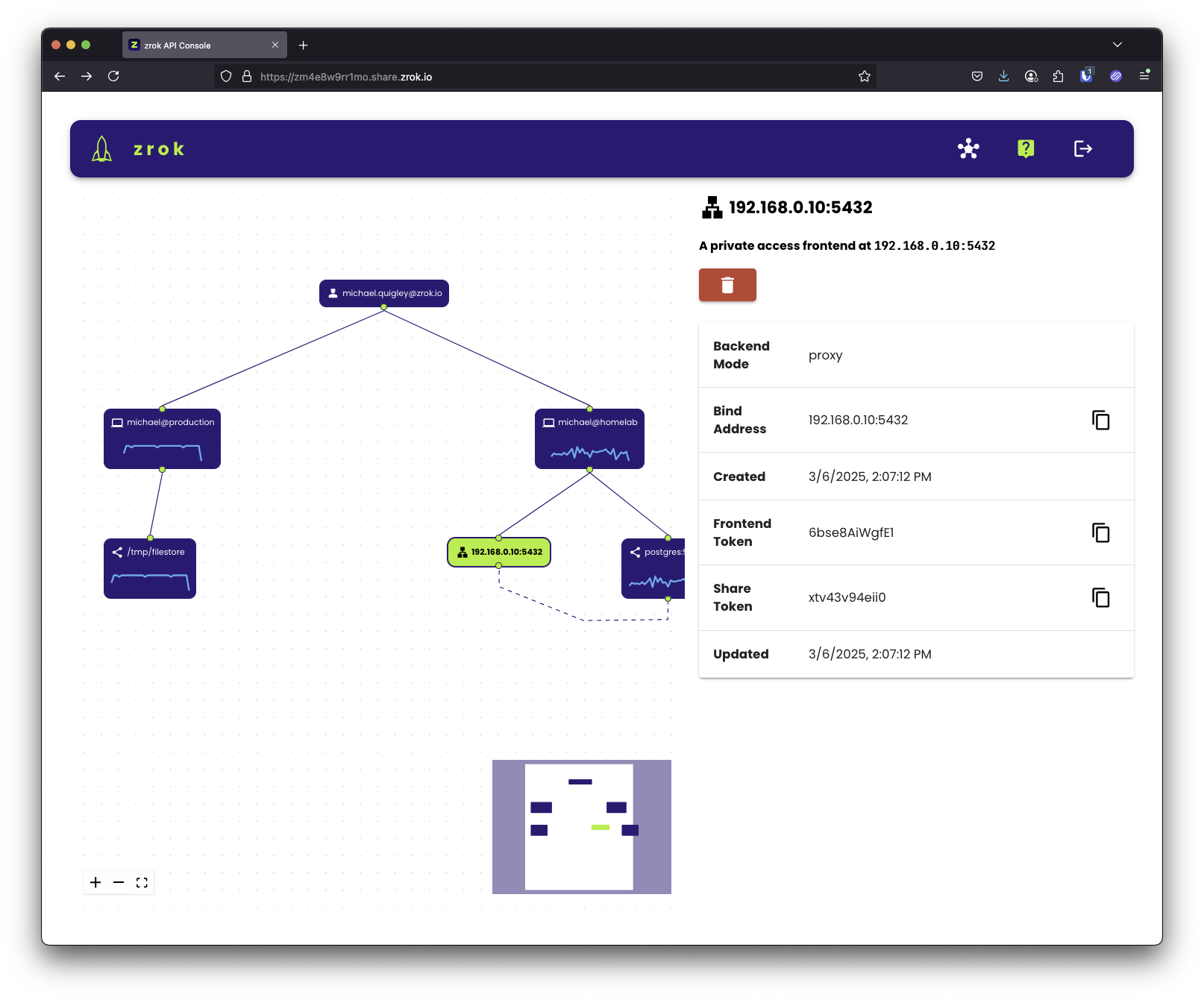
What you can share
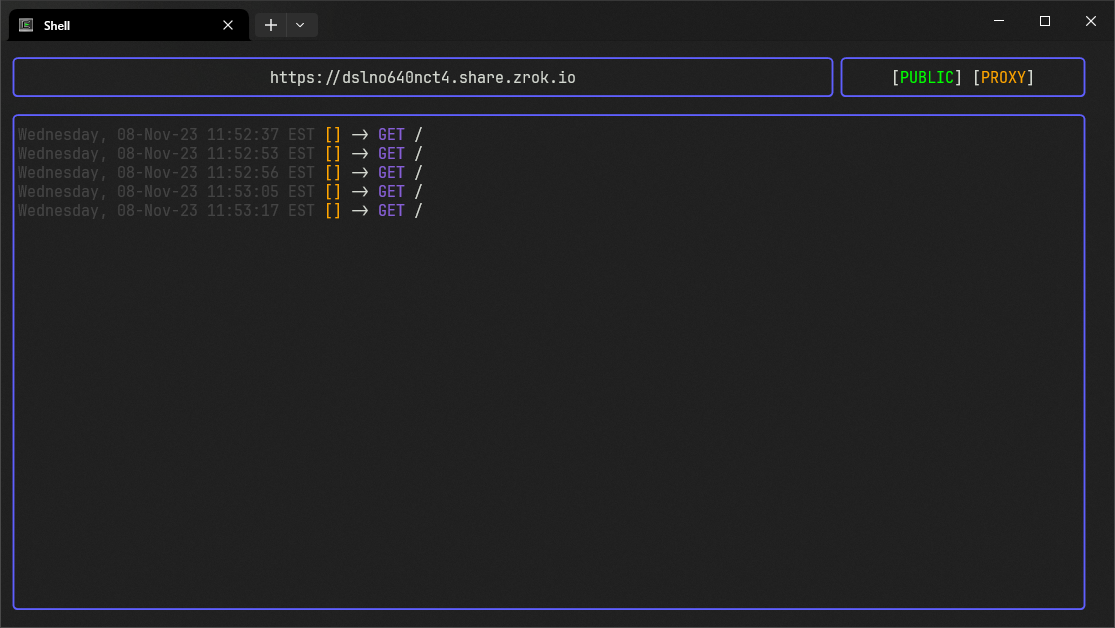
Web services
Instantly make local web apps accessible over the internet:
zrok share public localhost:8080
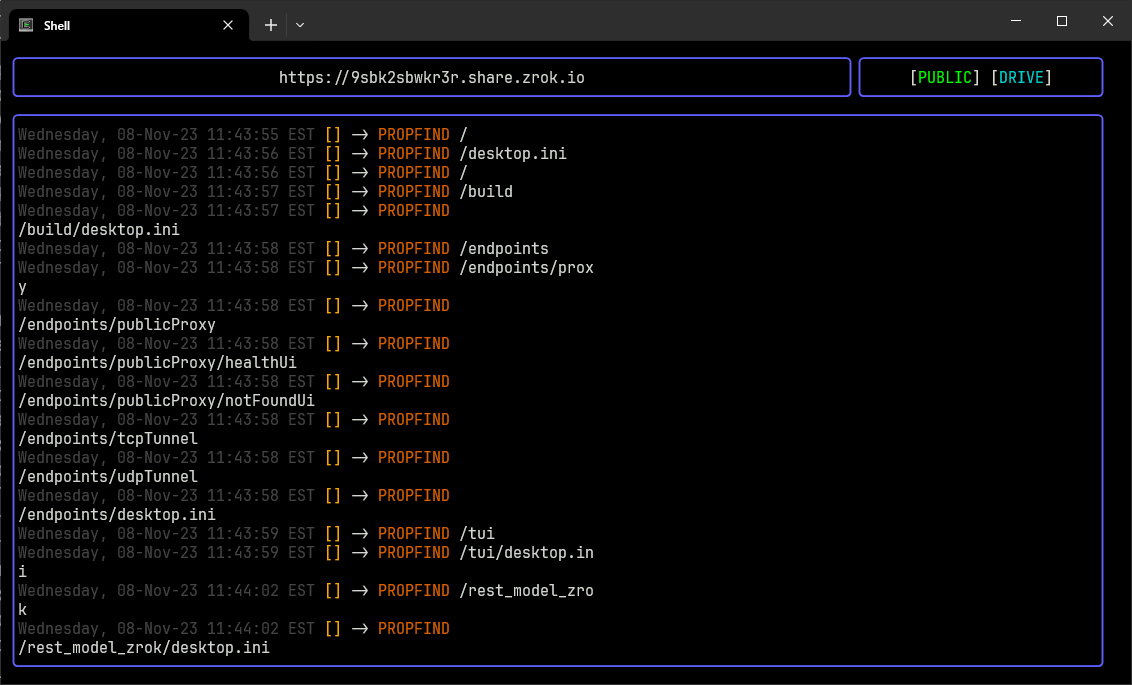
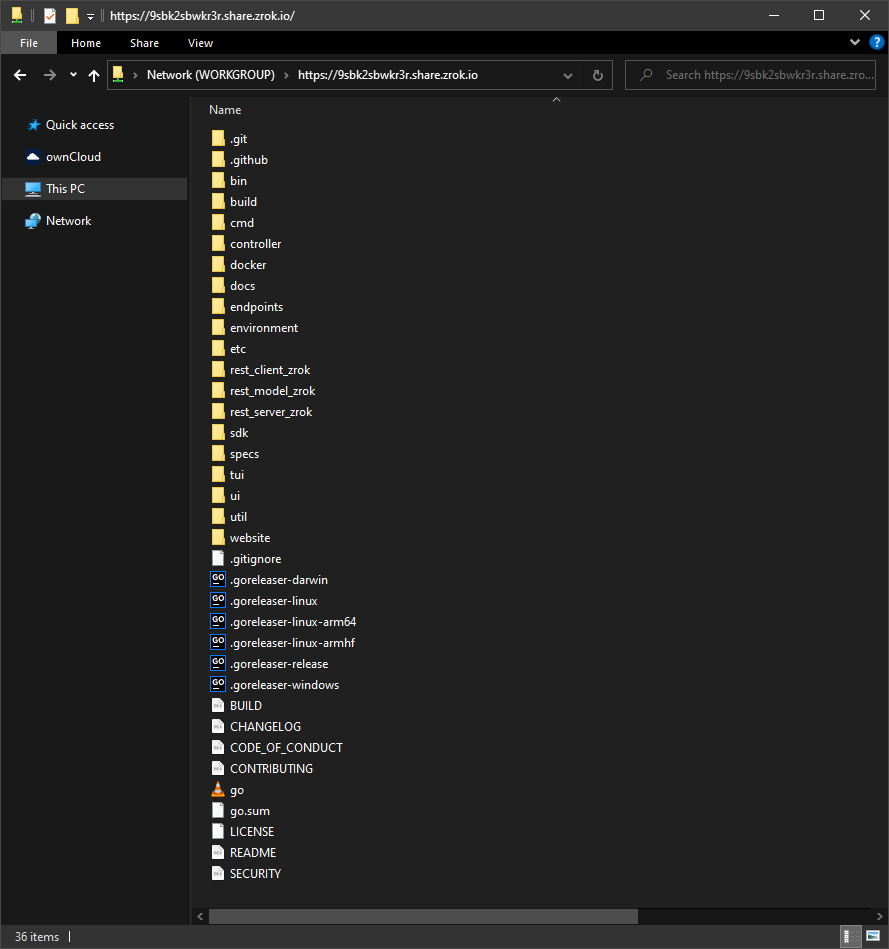
Files & directories
Turn any folder into a shareable network drive:
zrok share public --backend-mode drive ~/Repos/zrok
Private resources
Share TCP/UDP services securely with other zrok users—no public internet exposure.
Key features
- Zero Configuration: Works through firewalls, NAT, and corporate networks
- Secure by Default: End-to-end encryption with zero-trust architecture
- Public & Private Sharing: Share with anyone or just specific users
- Multiple Protocols: HTTP/HTTPS, TCP, UDP, and file sharing
- Cross-Platform: Windows, macOS, Linux, and Raspberry Pi
- Self-Hostable: Run your own zrok service instance
How it works
zrok is built on OpenZiti, a programmable zero-trust network overlay. This means:
- No inbound connectivity required: Works from behind firewalls and NAT
- End-to-end encryption: All traffic is encrypted, even from zrok servers
- Peer-to-peer connections: Direct connections between users when possible
- Identity-based access: Share with specific users, not IP addresses
Developer SDK
Embed zrok sharing into your applications with our Go SDK:
// Create a share
shr, err := sdk.CreateShare(root, &sdk.ShareRequest{
    BackendMode: sdk.TcpTunnelBackendMode,
    ShareMode:   sdk.PrivateShareMode,
})

// Accept connections
listener, err := sdk.NewListener(shr.Token, root)
Read the SDK guide for complete examples.
Self-hosting
Run your own zrok service—from Raspberry Pi to enterprise scale:
- Single binary contains everything you need
- Scales from small personal instances to large public services
- Built on the same codebase as the public zrok.io service
Resources
Ready to start sharing? Get started with zrok →
관련 프로젝트 살펴보기
trimstray/the-book-of-secret-knowledge
영감을 주는 목록, 매뉴얼, 치트시트, 블로그, 팁, 원라이너, CLI/웹 도구 등을 모은 컬렉션.
257,020 스타Hack-with-Github/Awesome-Hacking
해커, 펜테스터, 보안 연구자를 위한 다양한 Awesome 목록 모음.
125,014 스타swisskyrepo/PayloadsAllTheThings
웹 애플리케이션 보안과 모의 침투 테스트/CTF에 유용한 페이로드 및 우회 방법 목록.
82,508 스타caddyserver/caddy
빠르고 확장 가능한 멀티플랫폼 HTTP/1-2-3 웹 서버이며, 자동 HTTPS를 지원합니다
78,910 스타