
natario1/ZoomLayout
소개
Android용으로 Kotlin으로 작성된 2D 확대·축소 및 이동 동작으로, View 계층 구조와 이미지, 동영상 스트림 등을 지원합니다.
창작 및 미디어측정된 스타 증가
- in 24h
- 0
- in 7 days
- -1
- in 15 days
- -3
- in 1 month
- 기록 수집 중
서로 겹치는 기간의 순증가량이며 일별 합계가 아닙니다. 측정값이 없으면 비워 둡니다. 스타는 관심도를 나타내며 품질을 보장하지 않습니다.
README.md
Original


⠀

Need support, consulting, or have any other business-related question? Feel free to get in touch.
Like the project, make profit from it, or simply want to thank back? Please consider sponsoring!
ZoomLayout
A collection of flexible Android components that support zooming and panning of View hierarchies, images, video streams, and much more - either programmatically or through touch events.
implementation("com.otaliastudios:zoomlayout:1.9.0")
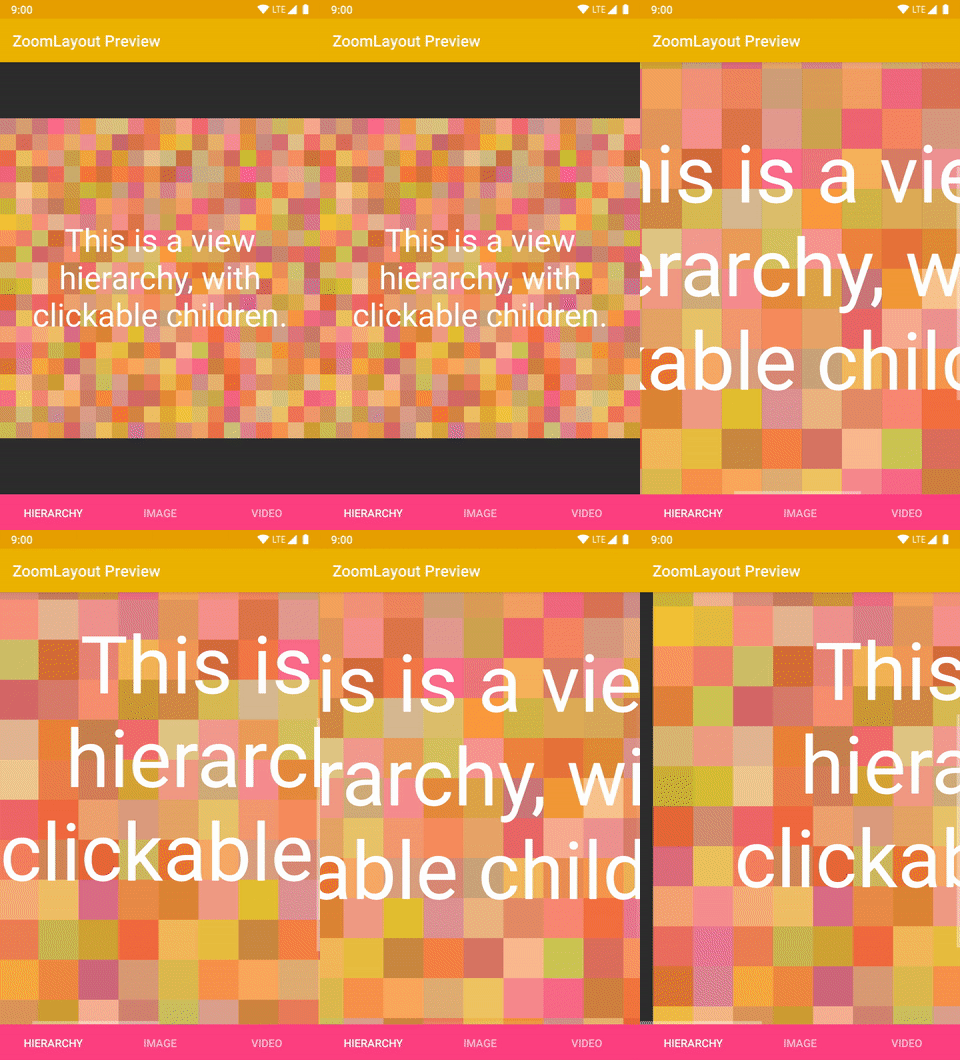
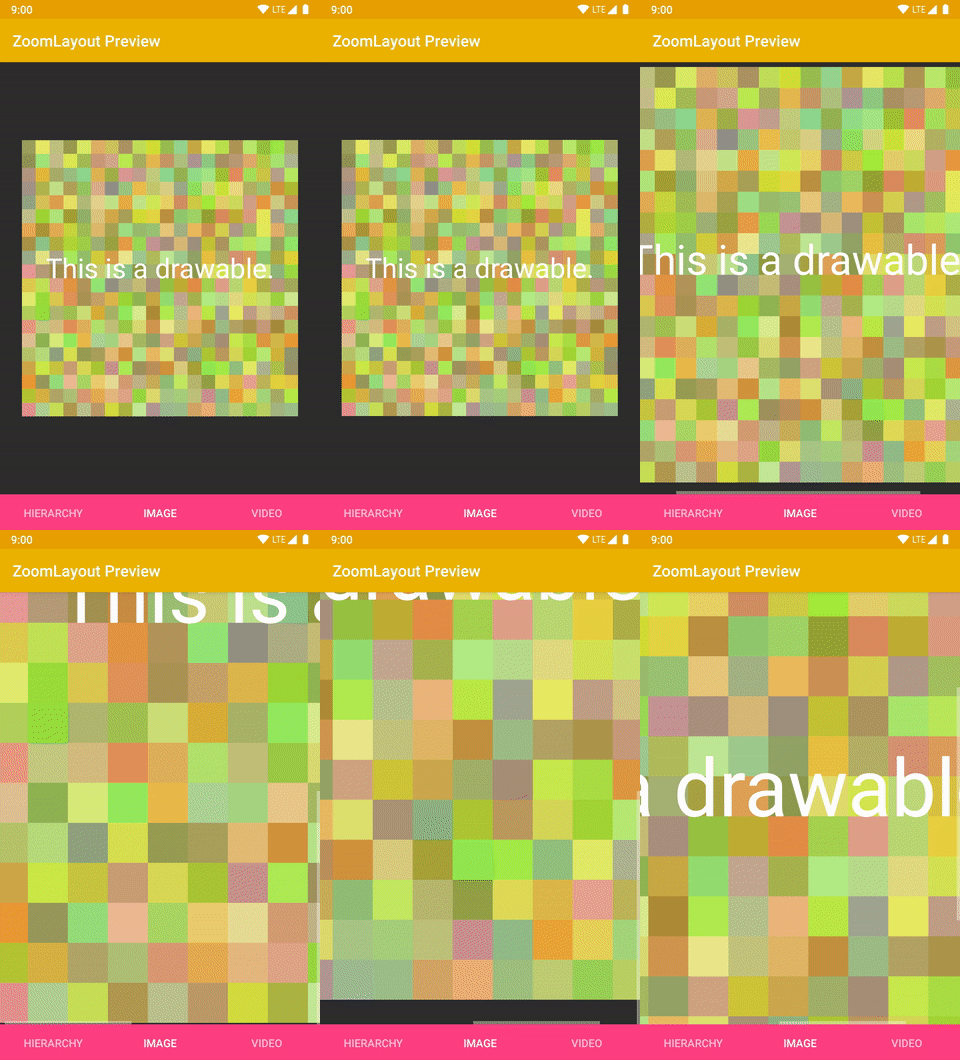
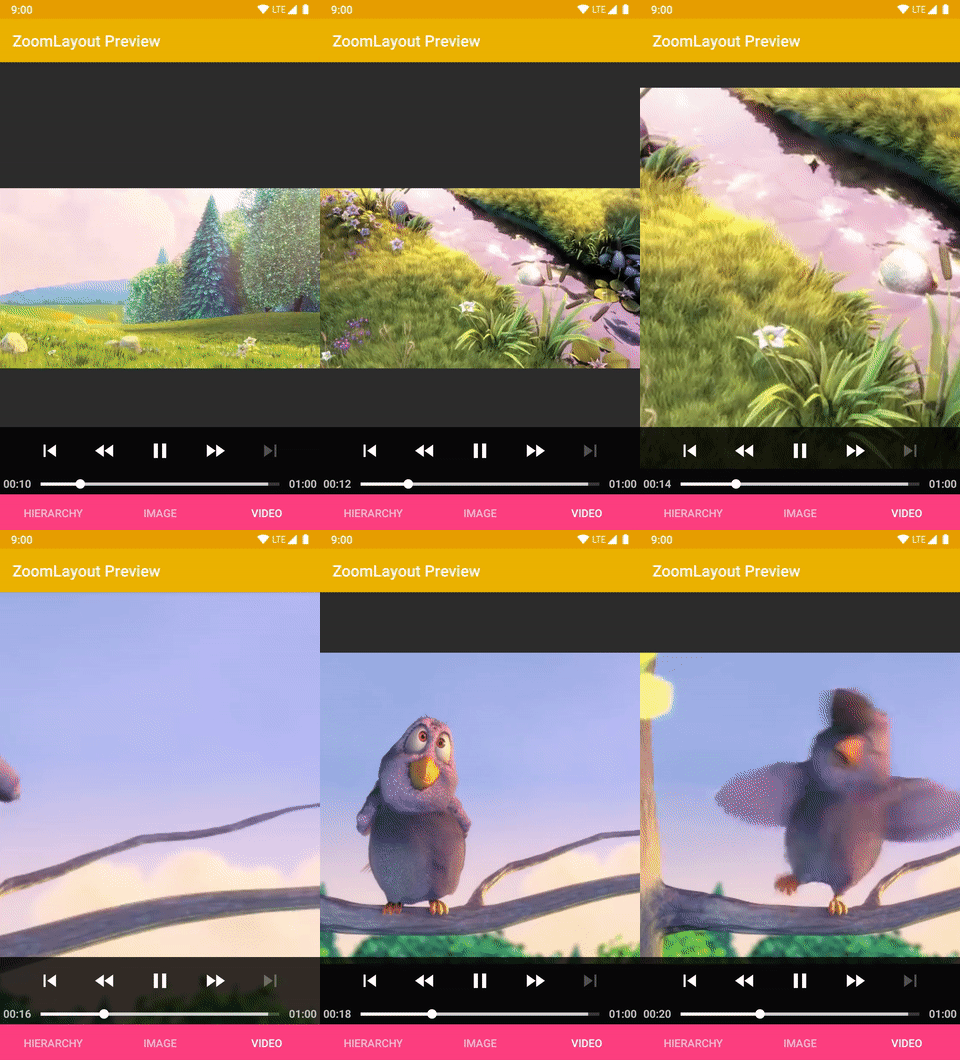
ZoomLayout: a container that supports 2D pan and zoom to a View hierarchy, even supporting clicks [docs]ZoomImageView: (yet another) ImageView that supports 2D pan and zoom [docs]ZoomSurfaceView: A SurfaceView that supports 2D pan and zoom with OpenGL rendering [docs]- Powerful zoom APIs [docs]
- Powerful pan APIs [docs]
- Lightweight, no dependencies
- Works down to API 16
In fact, ZoomLayout, ZoomImageView and ZoomSurfaceView are just very simple implementations of the
internal ZoomEngine [docs]. The zoom engine lets you animate everything through
constant updates, as long as you feed it with touch events, with a Matrix-based mechanism
that makes it very flexible.
⠀
⠀
Support
If you like the project, make profit from it, or simply want to thank back, please consider supporting it through the GitHub Sponsors program! You can have your company logo here, get private support hours or simply help me push this forward.
Feel free to contact me for support, consulting or any other business-related question.
Setup
Please read the official website for setup instructions and documentation. You might also be interested in our changelog.
<com.otaliastudios.zoom.ZoomLayout
    android:layout_width="match_parent"
    android:layout_height="match_parent"
    android:scrollbars="vertical|horizontal"
    app:transformation="centerInside"
    app:transformationGravity="auto"
    app:alignment="center"
    app:overScrollHorizontal="true"
    app:overScrollVertical="true"
    app:overPinchable="true"
    app:horizontalPanEnabled="true"
    app:verticalPanEnabled="true"
    app:zoomEnabled="true"
    app:flingEnabled="true"
    app:scrollEnabled="true"
    app:oneFingerScrollEnabled="true"
    app:twoFingersScrollEnabled="true"
    app:threeFingersScrollEnabled="true"
    app:minZoom="0.7"
    app:minZoomType="zoom"
    app:maxZoom="2.5"
    app:maxZoomType="zoom"
    app:animationDuration="280"
    app:hasClickableChildren="false">

    <!-- Content here. -->

</com.otaliastudios.zoom.ZoomLayout>
관련 프로젝트 살펴보기
불러오는 중…