
muxinc/media-chrome
소개
웹사이트나 앱에서 보기 좋은 오디오 및 비디오 플레이어 컨트롤을 만들 수 있는 커스텀 요소(웹 컴포넌트)입니다.
창작 및 미디어측정된 스타 증가
- in 24h
- 0
- in 7 days
- +4
- in 15 days
- +8
- in 1 month
- 기록 수집 중
서로 겹치는 기간의 순증가량이며 일별 합계가 아닙니다. 측정값이 없으면 비워 둡니다. 스타는 관심도를 나타내며 품질을 보장하지 않습니다.
README.md
Original





[!IMPORTANT] Media Chrome, meet Video.js 👋
The folks behind Media Chrome, Plyr and Vidstack have joined forces to build the latest version of Video.js: one modern, accessible player with the best of all three. It keeps what made Media Chrome great, like HTML-first
media-*elements styled with plain CSS, and adds React components, polished skins, and streaming built in. Starting something new? Give Video.js a try.
Your media player's dancing suit. :man_dancing:
Fully customizable media player controls using web components (native custom elements).
- Compatible with any javascript framework (React, Angular, Svelte, etc.)
- Compatible with the
<video>and<audio>elements and a lot of players (YouTube, HLS.js, and more) - Simple HTML to add/remove controls
- Simple CSS to style the controls
From Mux, the team behind Video.js. Need video hosting? Check out Mux!
Documentation
Visit the official documentation for Media Chrome for the latest up-to-date usage instructions.
Examples
See all of the repo examples in action.
Video Example
<script type="module" src="https://cdn.jsdelivr.net/npm/media-chrome@4/+esm"></script>

<media-controller>
  <video
    slot="media"
    src="https://stream.mux.com/DS00Spx1CV902MCtPj5WknGlR102V5HFkDe/high.mp4"
    crossorigin
  >
    <track
      label="thumbnails"
      default
      kind="metadata"
      src="https://image.mux.com/DS00Spx1CV902MCtPj5WknGlR102V5HFkDe/storyboard.vtt"
    />
  </video>
  <media-control-bar>
    <media-play-button></media-play-button>
    <media-mute-button></media-mute-button>
    <media-volume-range></media-volume-range>
    <media-time-range></media-time-range>
    <media-pip-button></media-pip-button>
    <media-fullscreen-button></media-fullscreen-button>
  </media-control-bar>
</media-controller>
Results (Try the CodePen example)
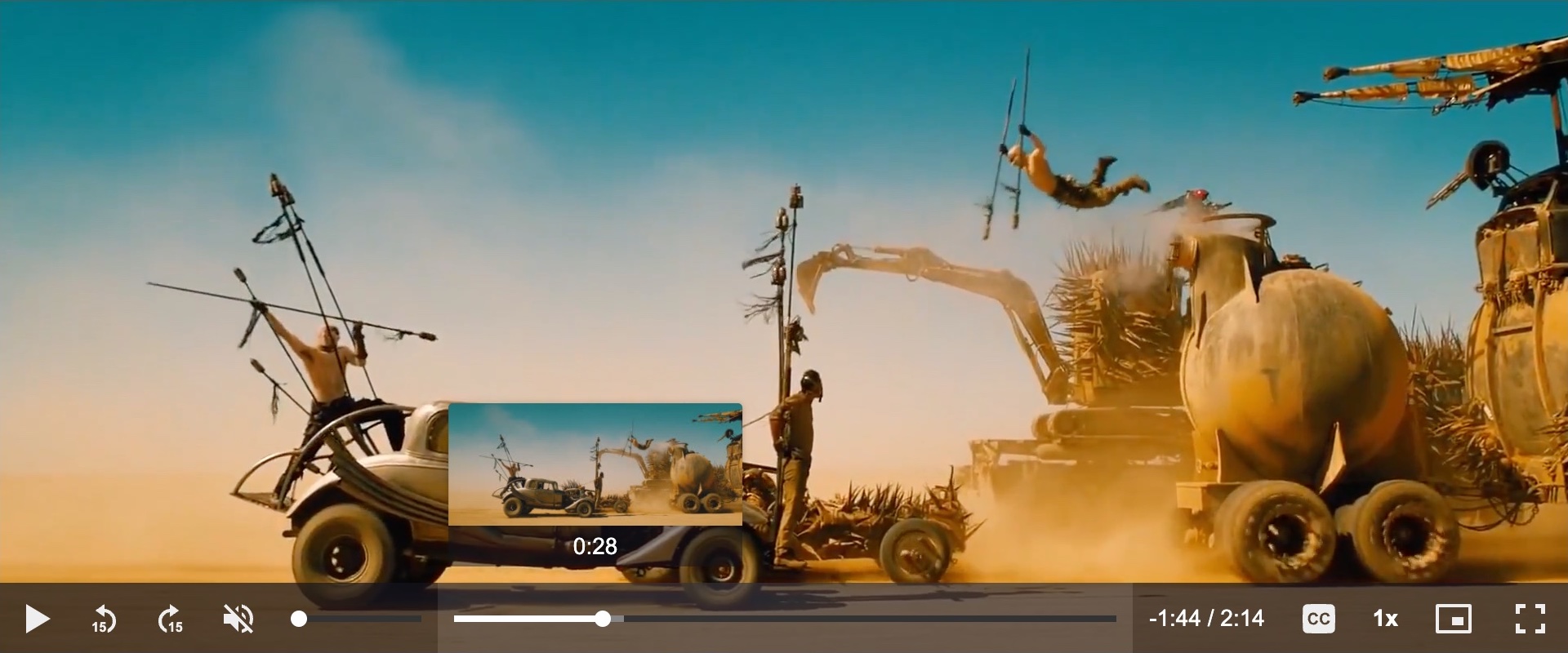
Audio Example
<script type="module" src="https://cdn.jsdelivr.net/npm/media-chrome@4/+esm"></script>

<media-controller audio>
  <audio
    slot="media"
    src="https://stream.mux.com/O4h5z00885HEucNNa1rV02wZapcGp01FXXoJd35AHmGX7g/audio.m4a"
  ></audio>
  <media-control-bar>
    <media-play-button></media-play-button>
    <media-time-display showduration></media-time-display>
    <media-time-range></media-time-range>
    <media-playback-rate-button></media-playback-rate-button>
    <media-mute-button></media-mute-button>
    <media-volume-range></media-volume-range>
  </media-control-bar>
</media-controller>
Results (Try the CodePen example)

Use with React
While you technically can use Media Chrome elements directly with React, it can sometimes be a bit clunky to work with Web Components in React, and some things just don't feel idiomatic to the framework (for example: having to use class= instead of className=, see React's official docs regarding web components for more details). To help with this, we've published some React wrapper components for all of our core Elements. You can read up on using them here.
Why?
More often than not web designers and developers just use the default media player controls, even when creating a beautiful custom design theme. It's hard not to.
- Web browsers have built-in media controls that can't easily be customized and look different in every browser.
- Social sites like Youtube, Vimeo, and SoundCloud only let you customize small details of the player, like primary button color.
- Media controls are complex and hard to build from scratch. Open source players like Video.js and JW Player help, but require you to learn proprietary JS APIs, and can be difficult to use with popular Javascript frameworks.
It should be easier... <media-chrome> is an attempt at solving that.
Why now?
Web components. @heff spoke about the potential of web components for video at Demuxed 2015, and again in 2020. They allow us to extend the browser's base HTML functionality, meaning we can now build media player controls as simple HTML tags that:
- Can be used like any native HTML tag in HTML, Javascript, and CSS (unleash your designer)
- Are compatible by default with Javascript frameworks (React, Angular, Svelte)
- Can be used across players when using multiple in the same site, e.g Youtube &
<video>. (Could even be used by players as their own built-in controls)
Core Concepts
관련 프로젝트 살펴보기
불러오는 중…