
monomere/pshine
monomere/pshine has 27 GitHub stars and 0 forks. GitHot measured 0 stars in 24 hours and 0 in 7 days. Last checked 2026-11-20 04:42 UTC. Last push 2026-06-24.
측정된 스타 증가
- in 24h
- 0
- in 7 days
- 0
- in 15 days
- 기록 수집 중
- in 1 month
- 기록 수집 중
서로 겹치는 기간의 순증가량이며 일별 합계가 아닙니다. 측정값이 없으면 비워 둡니다. 스타는 관심도를 나타내며 품질을 보장하지 않습니다.
소개
Atmosphere and planet rendering playground. Moved to Codeberg.
창작 및 미디어README.md
OriginalMoved to Codeberg!
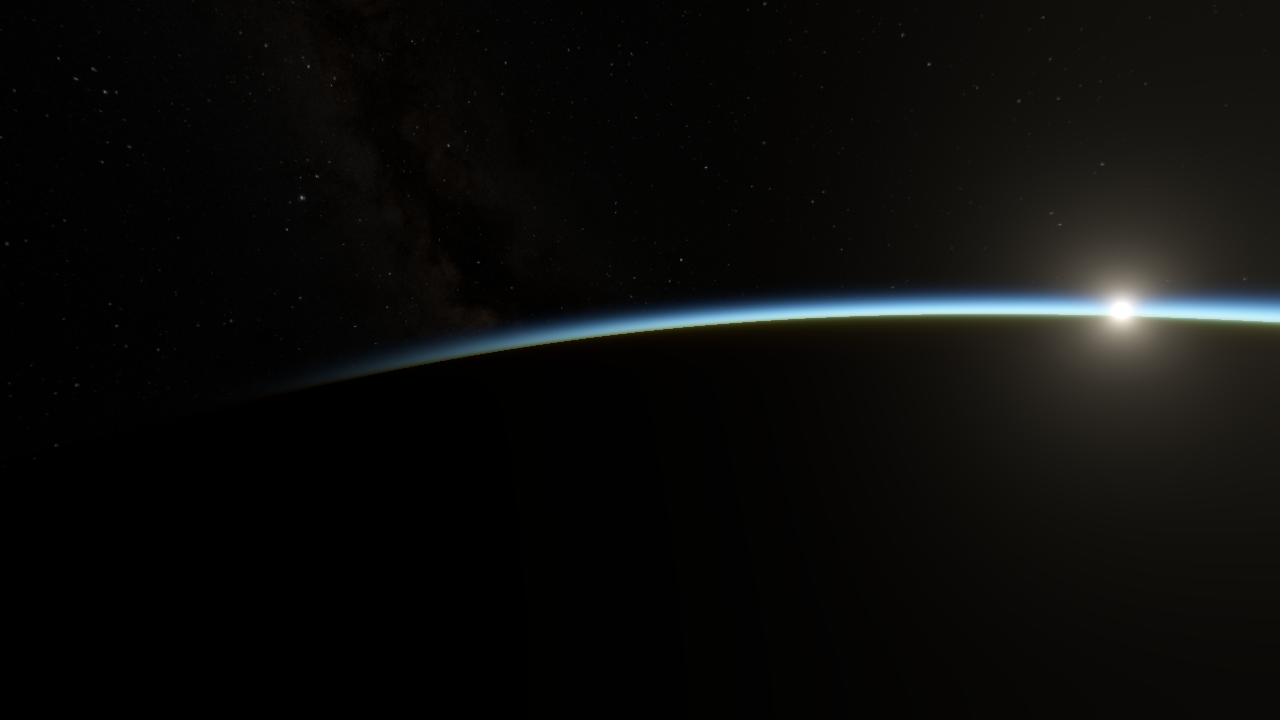
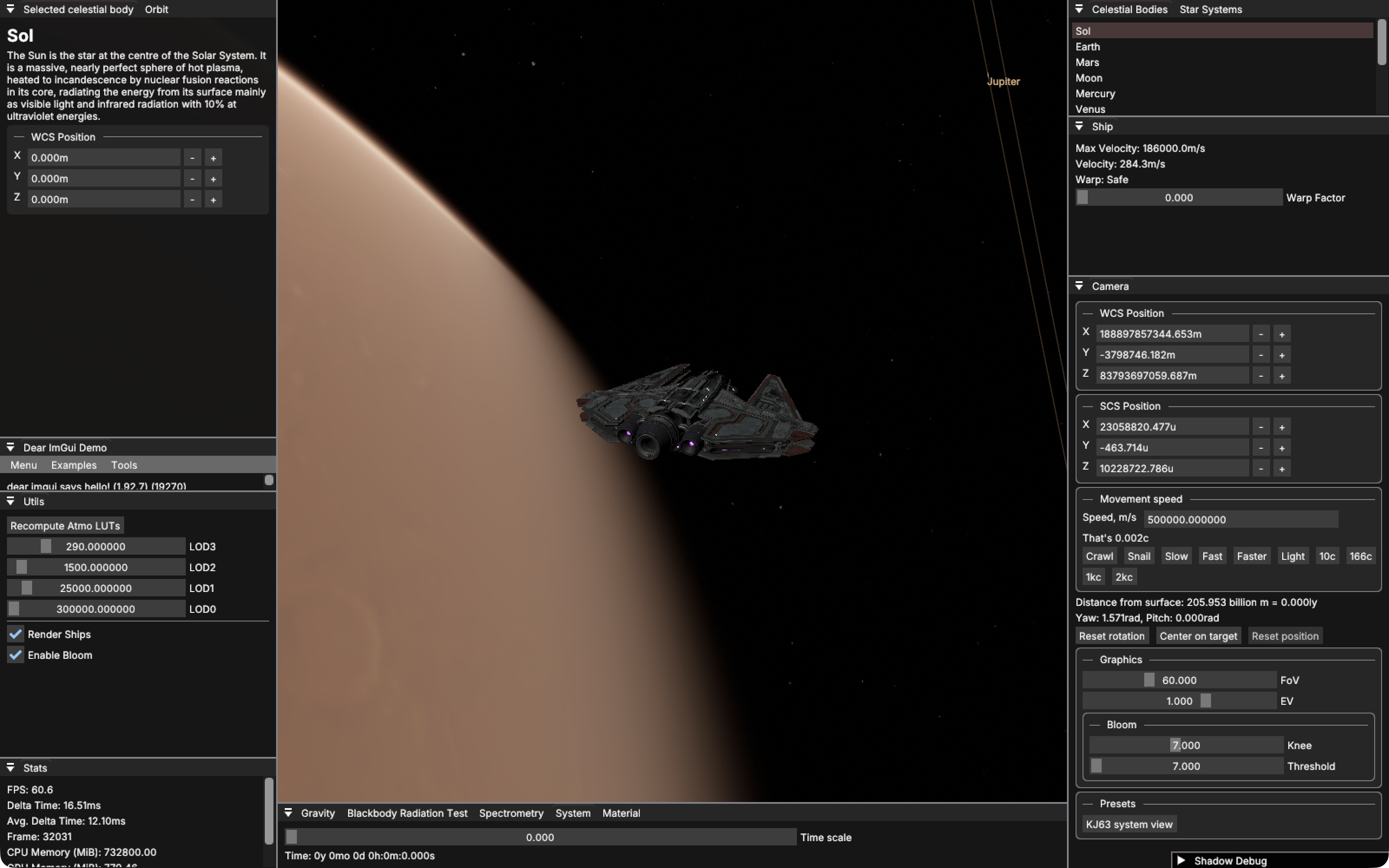

Graphics playground. Eternally WIP. No AI was used in making this code, at all.
TODO:
- Rendering
- Actual atmosphere rendering
- Vulkan backend
- Fix PBR
- Better effects
- Animations
- Gameplay
- Ship cabin view
- Better controls
- Orbits
- Elliptic orbits, propagation
- Non-elliptic orbits untested
- Planets
- Textures
- Planetary terrain
Setting Up
requirements: git, internet connection
git clone https://github.com/monomere/pshine --recurse-submodules --shallow-submodules --depth=1
cd pshine
./setup.sh # Sets the ninja platform file, you can do it manually instead.
Building
requirements: ninja modern gcc-compatible c/c++ compiler, glfw, python (optional)
To build (incremental)
ninja
If you edit generate_math.py, ninja will try to regenerate the math.h header, which requires python.
NB: by default, the build.ninja file uses the full LLVM setup with lld, clang, libc++, etc. To use the system-provided stuff change the first line in
build.ninjato includebuild.system.ninjainstead. Or make your own config if you want to (or need to)!
Running
requirements: vulkan ≥1.4 with validation layers
MacOS and MoltenVK: If you installed MoltenVK and Vulkan through Homebrew,
add VK_LAYER_PATH=/opt/homebrew/opt/vulkan-validationlayers/share/vulkan/explicit_layer.d
to your environment (or maybe not I'm not sure).
build/pshine/main
Pass -fullscreen for fullscreen.
Linux and X11: By default pshine uses wayland, but you can pass -x11 to use X11 instead.
Controls
| Key | Action |
|---|---|
| F | Switch camera mode (default is ship) |
| F2 | Hide all UI |
| Shift+F2 | Only hide the debug windows |
| P | Toggle precise rotation |
Ship Mode
| Key | Action |
|---|---|
| A/D | Yaw |
| W/S | Pitch |
| W/S | Roll |
| Shift/Ctrl | Increase/decrease velocity |
| Y | Enter/exit Warp (100c by default). |
Hold left mouse button and drag to rotate the camera around the ship.
Arcball Mode
| Key | Action |
|---|---|
| A/D | Rotate left/right (yaw) |
| W/S | Rotate up/down (pitch) |
| X/Z | Zoom in/out |
Flycam Mode
| Key | Action |
|---|---|
| A/D | Move left/right |
| W/S | Move forward/backward |
| E/Q | Move down/up |
| ←/→ | Rotate on global Y axis (yaw) |
| ↑/↓ | Rotate on local X axis (pitch) |
Credits
- Spaceship model by FilipZelinka, from SketchFab. Under CC BY 4.0.
- Spaceship model by Kerem Kavalci, from SketchFab. Under Free Standard License.
Useful stuff
- Unite 2013 - Building a new universe in Kerbal Space Program how ksp does stuff!
Resources
This isn't the full set of resources used unfortunately.
Survey of Efficient Representations for Independent Unit Vectors - Cigolle et al., 2014
https://gist.github.com/pezcode/1609b61a1eedd207ec8c5acf6f94f53a
http://www.songho.ca/opengl/gl_projectionmatrix.html#perspective
https://discourse.nphysics.org/t/reversed-z-and-infinite-zfar-in-projections/341/2
https://playerunknownproductions.net/news/atmospheric-scattering
https://paminerva.github.io/docs/LearnVulkan/02.F-Compute-Shader.html
https://bgolus.medium.com/normal-mapping-for-a-triplanar-shader
Textures: https://planetpixelemporium.com/
Textures: https://svs.gsfc.nasa.gov/4720
Textures: https://bjj.mmedia.is/
https://en.wikipedia.org/wiki/Permuted_congruential_generator
Amazing resource for orbital mechanics: https://orbital-mechanics.space/
Vulkan discord