
mattdesl/workshop-web-audio
mattdesl/workshop-web-audio has 203 GitHub stars and 58 forks. GitHot measured 0 stars in 24 hours and 0 in 7 days. Last checked 2026-11-22 21:31 UTC. Last push 2023-10-18.
측정된 스타 증가
- in 24h
- 0
- in 7 days
- 0
- in 15 days
- 기록 수집 중
- in 1 month
- 기록 수집 중
서로 겹치는 기간의 순증가량이며 일별 합계가 아닙니다. 측정값이 없으면 비워 둡니다. 스타는 관심도를 나타내며 품질을 보장하지 않습니다.
소개
Web Audio workshop with Frontend Masters
웹 및 앱README.md
OriginalWeb Audio Synthesis & Visualization
This repository includes resources & course notes for those attending my Web Audio Synthesis & Visualization workshop with Frontend Masters, demonstrating the raw Web Audio API, p5.js for rendering, and Tone.js for synthesis.
Contents
🔧 Tools
✂️️ Code Snippets
📖 Setup
Course Demos
📚 Collections
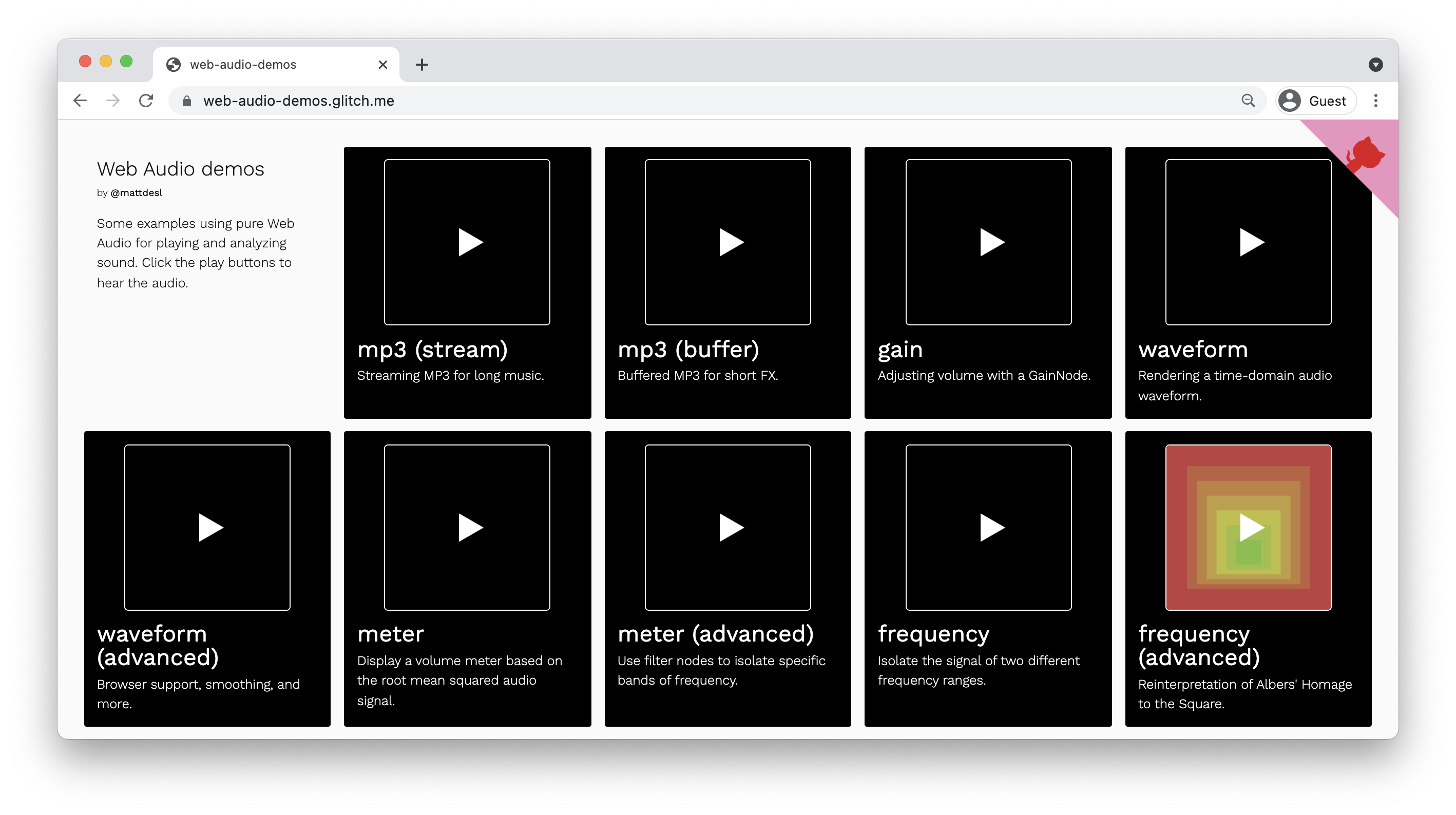
🔈 web-audio-demos.glitch.me — playback and visualization examples with pure WebAudio
🔈 tone-demos.glitch.me — synthesis and other examples with Tone.js
🎨 p5-demos.glitch.me — examples with p5.js
Tools
Here is a list of tools and libraries that will be used during the workshop.
| Tool | Documentation | Version | Description |
|---|---|---|---|
| A browser | A modern browser, Chrome is recommended | ||
| Glitch | Help | An online platform for editing & sharing JavaScript projects | |
| Web Audio API | API Docs | This API is built into modern browsers and allows us to work with audio and sound. | |
| Tone.js | API Docs | 13.8.25 | A JavaScript audio library for playing synths and sounds |
| p5.js | API Docs | 0.9.0 | A JavaScript graphics library for creative coding |
Just Starting Out
This workshop assumes you are comfortable with JavaScript and ES6 syntax, and instead focuses just on the audio side of things. If you're new to JavaScript, you might want to begin your journey below:
Also great is Daniel Shiffman's video series, which often uses p5.js:
A more comprehensive guide on the JavaScript language can be found here:
And here's a useful cheat sheet to use as a reference:
Code Snippets
I've also included a small "recipes" document that you can use as a reference if you are forgetting some of the patterns and recipes discussed during the workshop.
Setup
If you want to run locally (without internet), clone this repo into a new folder, then use Node.js to cd into the folder and run the following to install dependencies:
npm install
Now, start the development server:
npm start
Edit files in src/js and see them reflected in the browser.
Further Reading
More links to web audio, creative coding, and more:
Resources & Tutorials
awesome-web-audio — A list that includes resources, books, and more on Web Audio
The Coding Train with Daniel Shiffman
Creative Coding with Canvas & WebGL — My own course, if you want to continue exploring the world of creative coding and generative art
awesome-audio-visualization — A large list of interesting Web Audio visualizers
awesome-creative-coding — A large list of resources
Math
math-as-code — A cheat sheet for mathematical notation in code form
Learning Audio
Fun Web Audio Sites
Tools
- Spectrum Analyser — see the frequency spectrum of an MP3 file
License
MIT, see LICENSE.md for details.
관련 프로젝트 살펴보기
불러오는 중…