
marcopixel/monstercat-visualizer
marcopixel/monstercat-visualizer has 965 GitHub stars and 106 forks. GitHot measured 0 stars in 24 hours and 0 in 7 days. Last checked 2026-11-18 21:58 UTC. Last push 2023-06-17.
What you can do
- Live visualization of the audio output
- Customizable colors and fonts
- Genre-based colors (AIMP, CAD, iTunes, WMP and Winamp)
- Cover-based colors (All supported players)
측정된 스타 증가
- in 24h
- 0
- in 7 days
- 0
- in 15 days
- 기록 수집 중
- in 1 month
- 기록 수집 중
서로 겹치는 기간의 순증가량이며 일별 합계가 아닙니다. 측정값이 없으면 비워 둡니다. 스타는 관심도를 나타내며 품질을 보장하지 않습니다.
소개
A real time audio visualizer for Rainmeter similar to the ones used in the Monstercat videos.
창작 및 미디어README.md
Original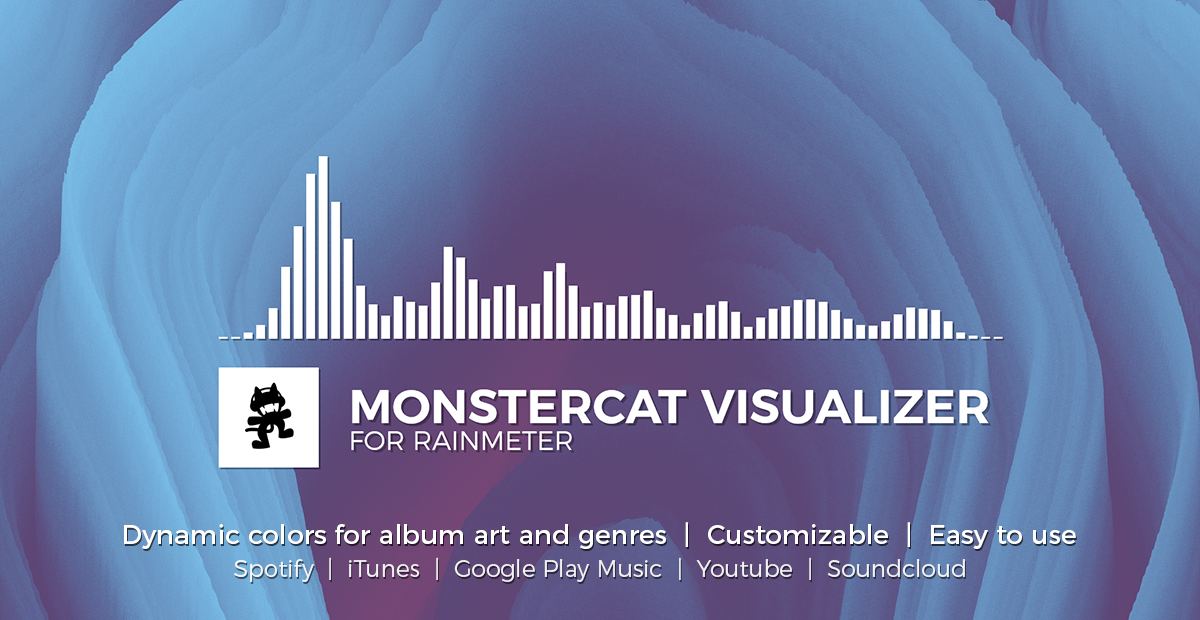
Monstercat Visualizer


A real time audio visualizer for Rainmeter similar to the ones used in the Monstercat videos.
Supports all major media players, including full Spotify, Google Play Music Desktop Player and Chrome/Firefox webplayer support (thanks to @tjhrulz and @khanhas) for the amazing plugins used in this skin).
Minimum Requirements:
- Windows 7 or higher.
- Rainmeter 4.3 Beta (r3298) or higher.
Features
- Live visualization of the audio output
- Customizable colors and fonts
- Genre-based colors (AIMP, CAD, iTunes, WMP and Winamp)
- Cover-based colors (All supported players)
- Support for all major media players
- Full Spotify (Desktop & Web Player) support
- Full Google Play Music Desktop Player & Web Player support
- Full Youtube, Soundcloud, and other web music players
- Media controls & progress bar
- Settings skin for easier customization/configuration
- Hide skin when media player is not running
Important notes
- You need at least Rainmeter 4.3 Beta (r3298) or higher to get all features of this skin. You can find the newest version on https://www.rainmeter.net/
- After installation you can access the settings by right-clicking the visualizer or song information and then clicking on Open Settings.
- Due to limitations of Rainmeter the complete audio output of your system will be shown on the visualizer. For the best experience only play music. This is something I can’t fix.
Installation
- Download the latest version here: https://github.com/MarcoPixel/Monstercat-Visualizer/releases
- Install the skin by double-clicking the .rmskin file and follow the steps in the installer.
- After finishing the setup Rainmeter will open the settings skin where you can configure and customize the skin.
- You're done! 🎉
Troubleshooting and FAQs
You can access the frequently asked questions and our troubleshooting guide in our wiki.
Click here to open the wiki.
Issues & feature requests
If you still have issues or a bug, please report them here. Be sure to follow the existing template and fill out the necessary information, otherwise it will be closed without notice.
You can also request new features and help them develop by joining the discussion. Just add the request label to your issue and we will have a look!
Click here to get to the open issues.
Credits
- Rainmeter Skin - @marcopixel & @tjhrulz
- Google Play Music Desktop Player Plugin - @tjhrulz
- WebNowPlaying Plugin - @tjhrulz
- spicetify-cli - @khanhas
- SysColor - @brianferguson
- Montserrat Font - @JulietaUla
- Media Controls Icons - Material Icons
- Additional Icons - Feather Icons
- Thanks to @undefinist for letting me use his factory code (made everything so much easier and cleaner) :thumbsup:
- Thanks to @alatsombath for letting me use his rotation and audio device picker code :thumbsup:
- For bringing awesome music and artists to the community - Monstercat <3