
lrusso/VirtualXP
lrusso/VirtualXP has 554 GitHub stars and 185 forks. GitHot measured 0 stars in 24 hours, 0 in 7 days, and 0 in 15 days. Last checked 2026-11-25 03:36 UTC. Last push 2026-05-24.
측정된 스타 증가
- in 24h
- 0
- in 7 days
- 0
- in 15 days
- 0
- in 1 month
- 기록 수집 중
서로 겹치는 기간의 순증가량이며 일별 합계가 아닙니다. 측정값이 없으면 비워 둡니다. 스타는 관심도를 나타내며 품질을 보장하지 않습니다.
소개
Virtual Machine running in a web browser
웹 및 앱README.md
OriginalVirtualXP
Virtual Machine running in a web browser.
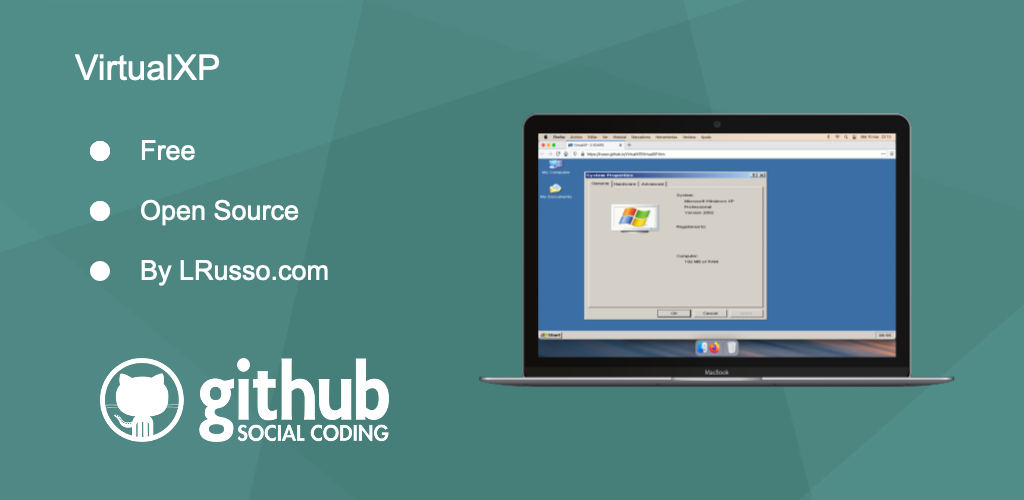
Website
https://lrusso.github.io/VirtualXP/VirtualXP.htm
Changing the ISO file content
To do this, I used the apps Magic ISO Maker and WinImage.
Editing the VirtualXP Registry
Within the VirtualXP.iso image file you will find the following files that belongs to the System Registry.
| REGISTRY KEY | FILE |
|---|---|
| HKEY_CURRENT_USER | \I386\SYSTEM32\CONFIG\DEFAULT |
| HKEY_LOCAL_MACHINE | \I386\SYSTEM32\CONFIG\SOFTWARE |
Copy those files to your hard drive (your hard drive must have a standard Windows installation) and run from that standard Windows installation the following lines:
reg load HKCU\OFFLINE C:\DEFAULT
reg load HKLM\OFFLINE C:\SOFTWARE
Those lines will mount the VirtualXP Registry in:
- HKEY_CURRENT_USER\OFFLINE
- HKEY_LOCAL_MACHINE\OFFLINE
Now open the Registry editor and at the mentioned location you will find all the settings that VirtualXP is using. Modify all the things that you may need in there and after that run the following lines:
reg unload HKCU\OFFLINE
reg unload HKLM\OFFLINE
Those lines will:
- Remove the HKEY_CURRENT_USER\OFFLINE Registry.
- Remove the HKEY_LOCAL_MACHINE\OFFLINE Registry.
- Unmount the DEFAULT file and save changes in it.
- Unmount the SOFTWARE file and save changes in it.
After this, you must copy the modified DEFAULT and SOFTWARE files back to the VirtualXP.iso image file.
The MODELRAM.EXE file
Within the VirtualXP.iso image you will find the \MODELRAM.EXE file that it is self extracting exe file created with the 7-Zip command line that automatically extracts the Documents and Settings folder in the RAMDisk when VirtualXP is booting. The command to create this file is the following:
7z a MODELRAM.EXE -mx9 -sfx "Documents and Settings"
VirtualXP is a modified version of Halfix
https://github.com/nepx/halfix
Disclaimer
The Windows XP minified image is provided for educational purposes ONLY. This demo is not affiliated with or endorsed by their respective copyright holders.
관련 프로젝트 살펴보기
불러오는 중…