
leinelissen/fintunes
소개
🎵 iOS와 Android용 멋진 Jellyfin 오디오 스트리밍 앱
창작 및 미디어측정된 스타 증가
- in 24h
- 0
- in 7 days
- +1
- in 15 days
- +9
- in 1 month
- 기록 수집 중
서로 겹치는 기간의 순증가량이며 일별 합계가 아닙니다. 측정값이 없으면 비워 둡니다. 스타는 관심도를 나타내며 품질을 보장하지 않습니다.
README.md
Original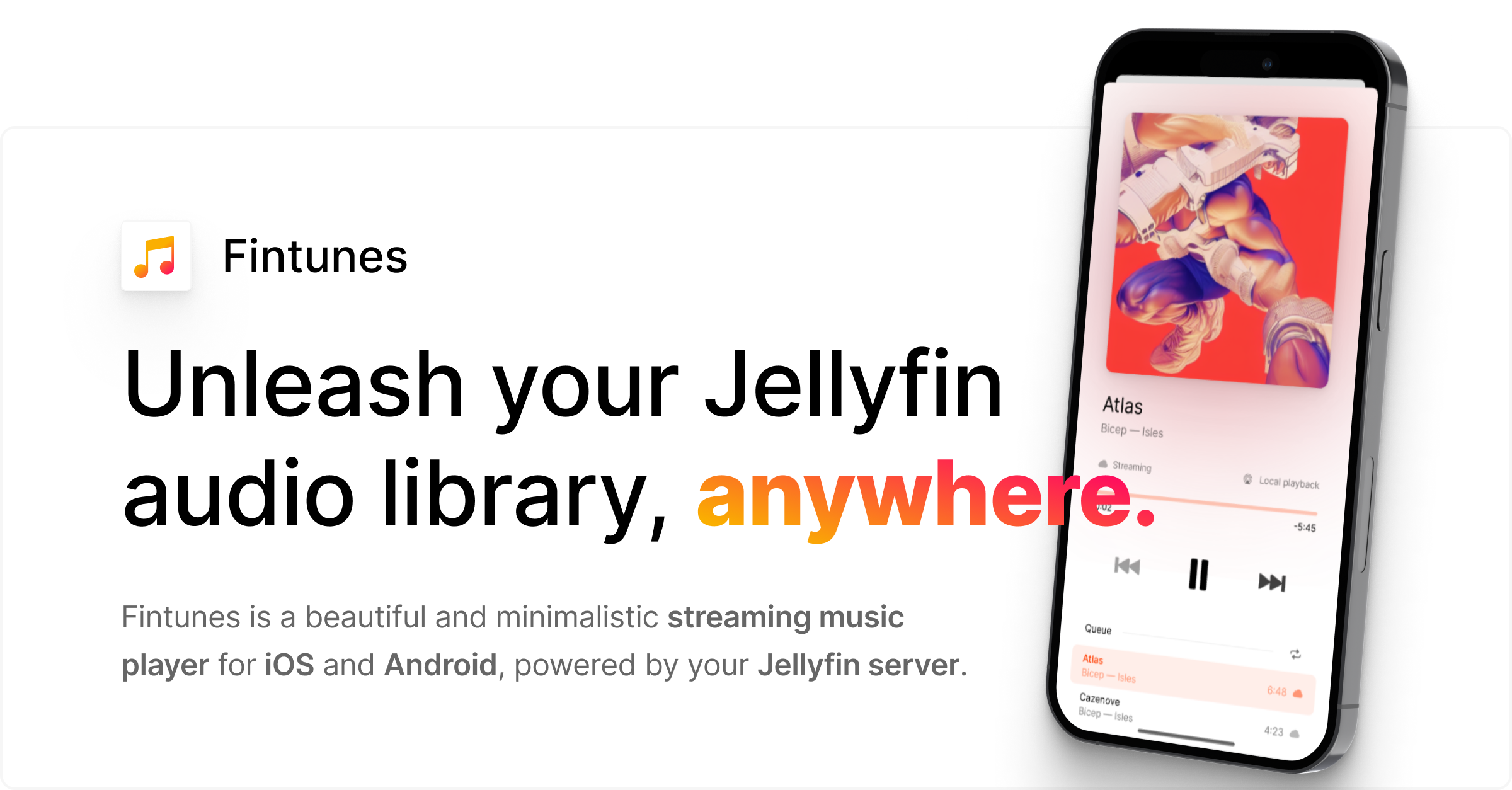






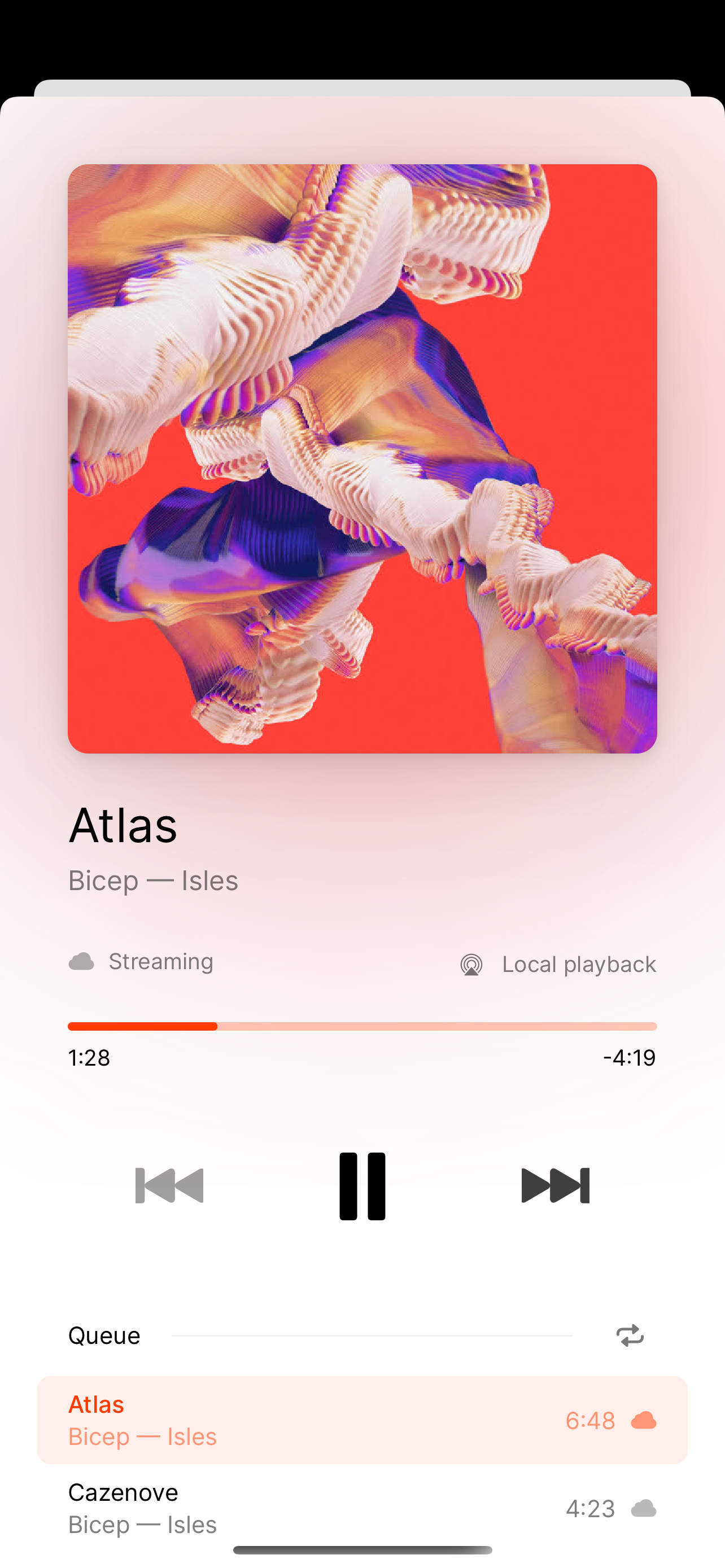
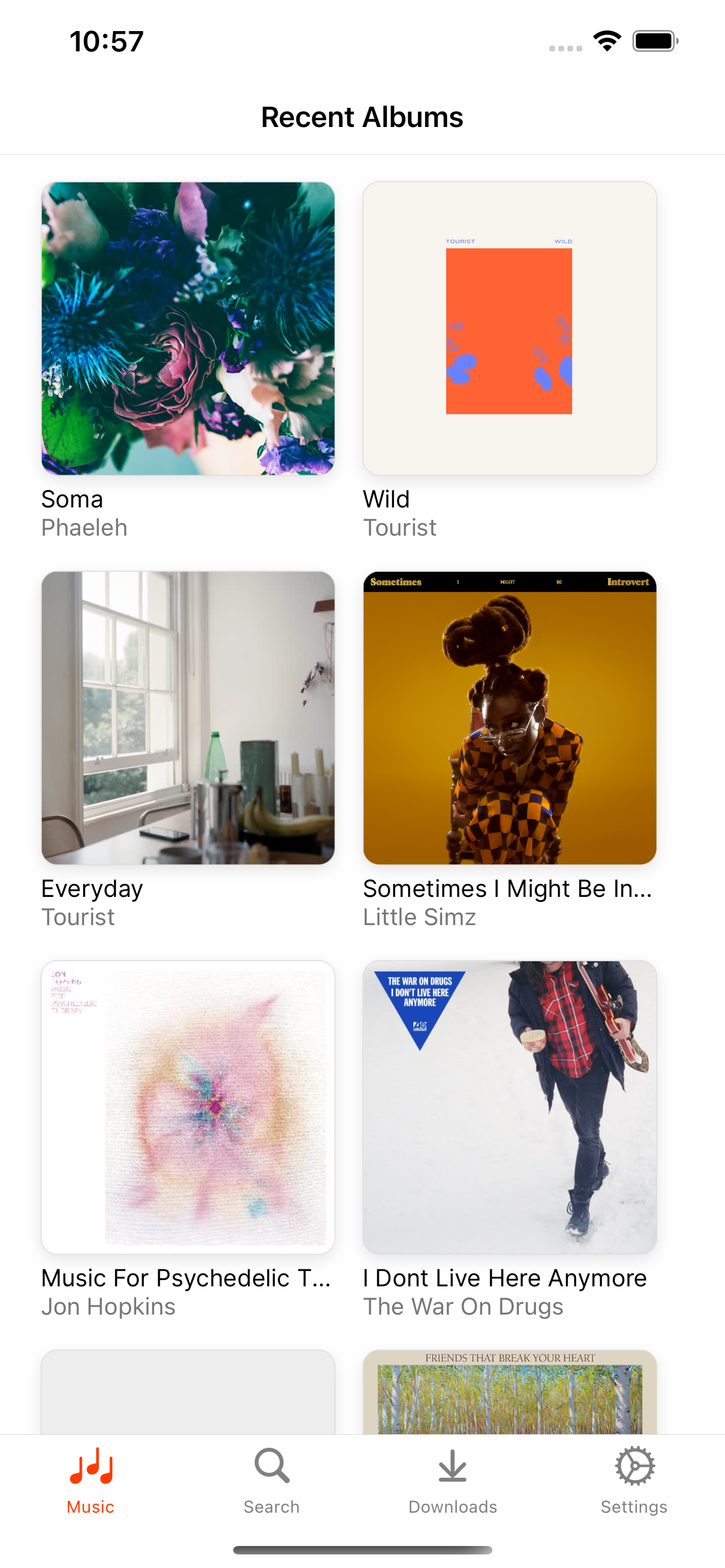
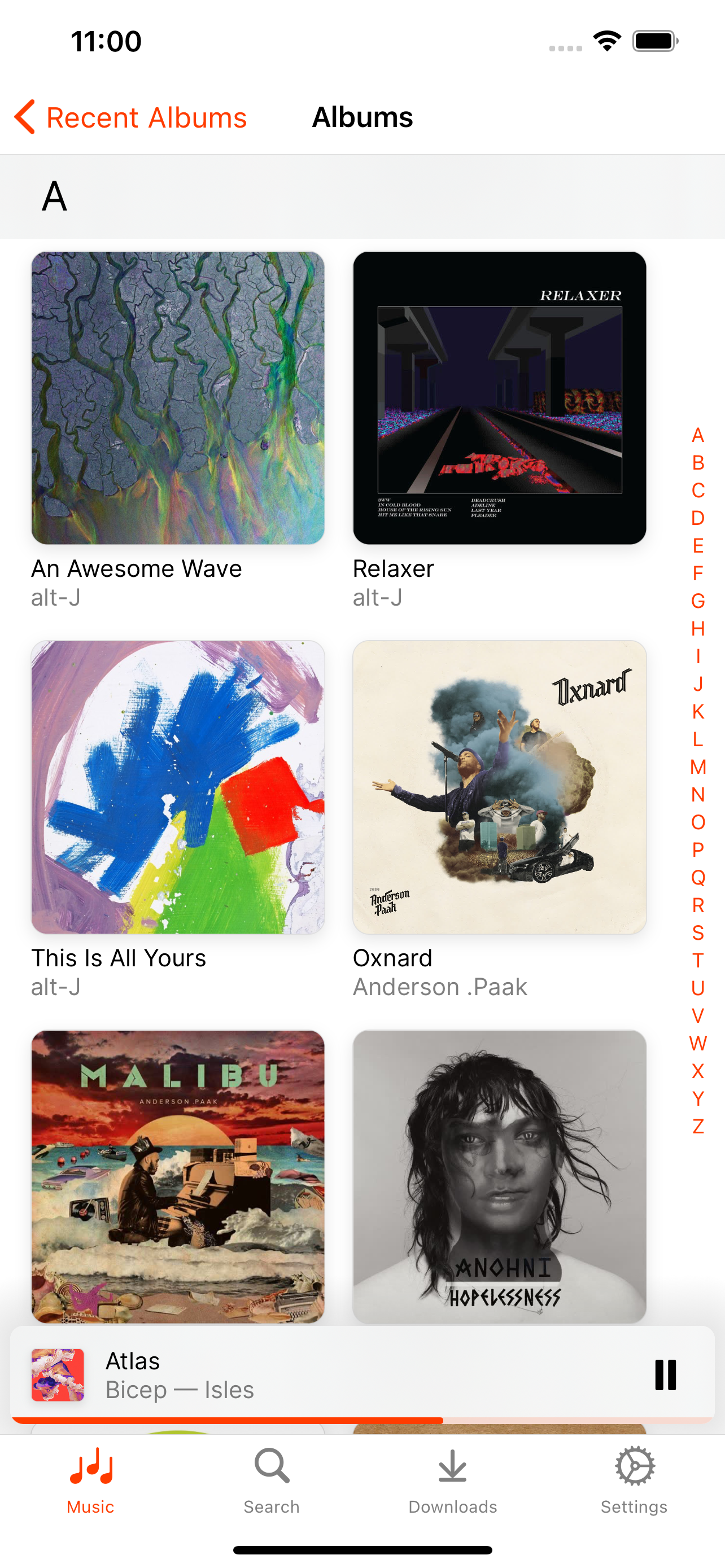
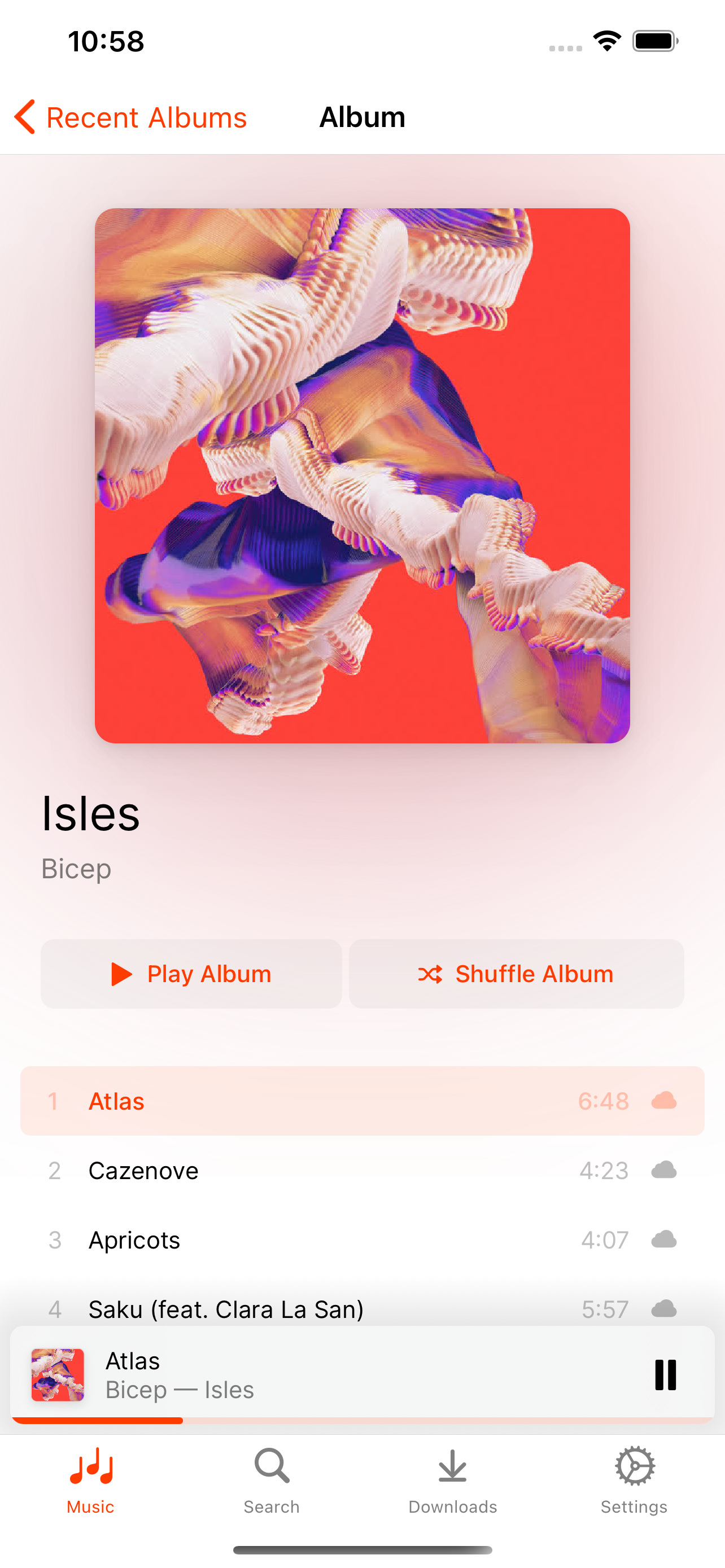
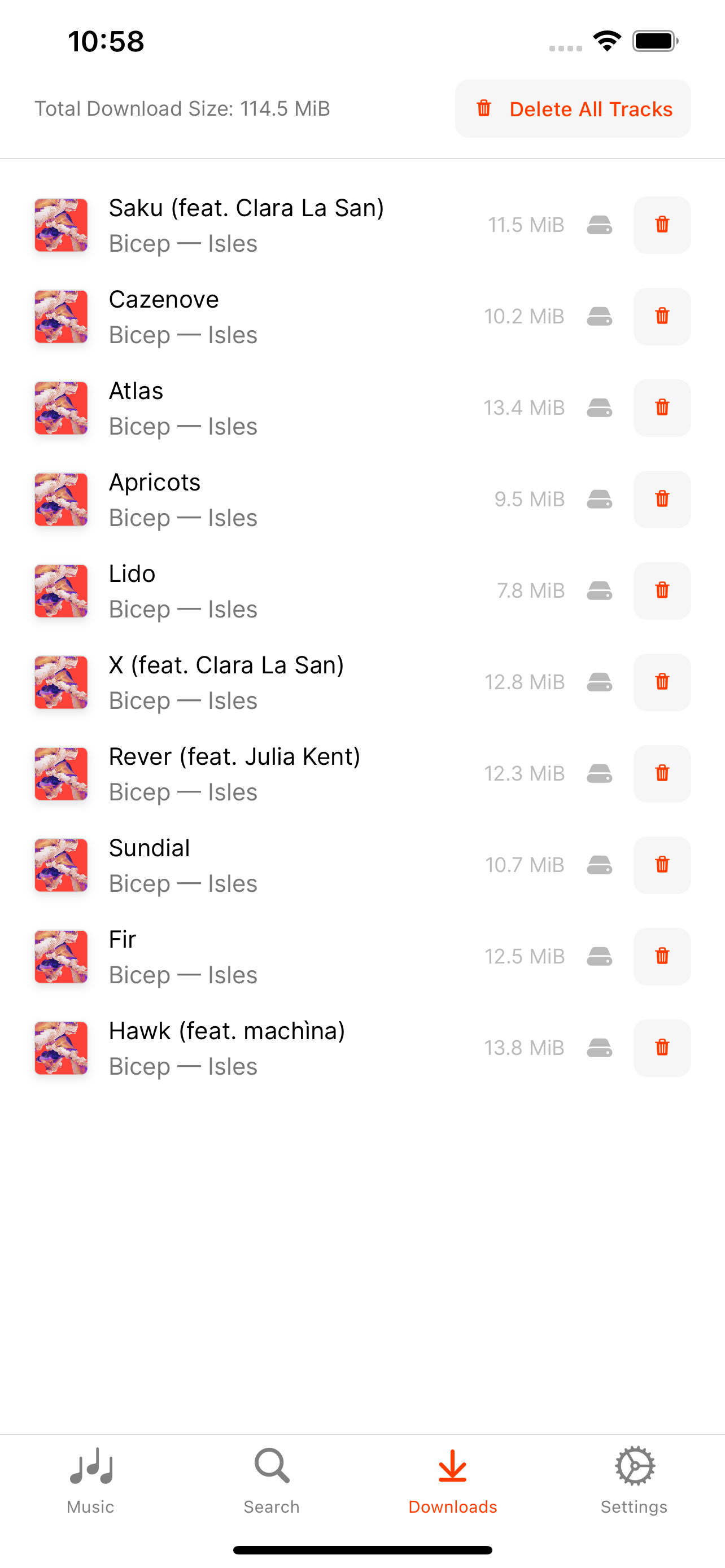
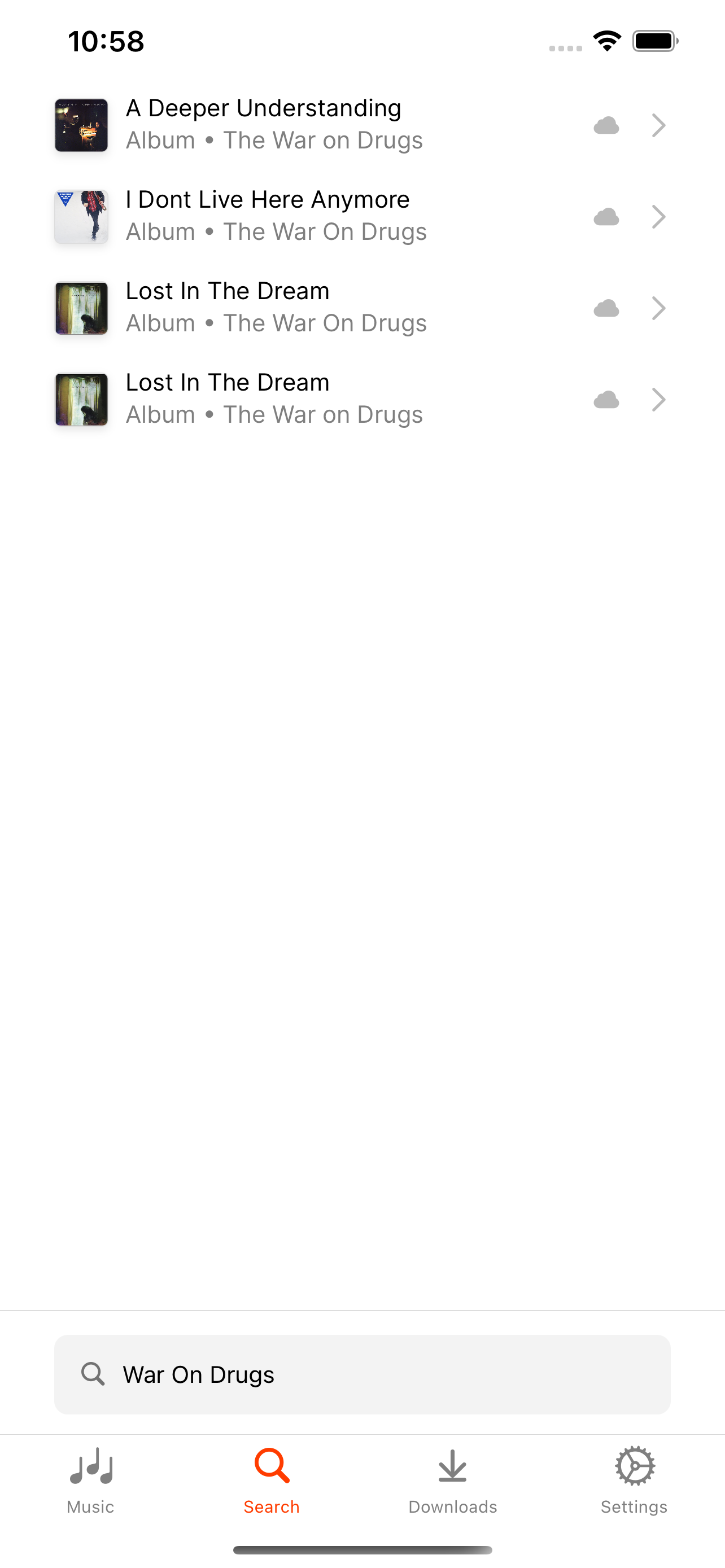
With Fintunes, you can stream your Jellyfin audio library in full quality. List or search through your favourite tracks, albums and playlists. Stream to speakers and TVs wirelessly via either AirPlay or Chromecast. Download your favourite tracks and play them back, even when you are offline. Available in both a dark and a light mode, based on your operating system settings.
 |
 |
 |
|---|---|---|
 |
 |
 |
Getting Started
Fintunes is available on the App Store. It is in the process of being released on both Google Play and F-Droid. You can also grab either an APK or IPA from the release page. If you are feeling frisky, you can compile Fintunes from source using the settings below.
Using the app
You will need to setup your Jellyfin account for the application to be able to pull in all your audio. To do this, go over to the "Settings" tab and click the "Set Jellyfin server"-button. A modal will pop up in which you will enter your Jellyfin server URL, after which you enter your credentials in the provided browser view. When the app detects your credentials, they will automatically be remembered for the future.
Building from source
Prerequisites
This project is built on React Native, and first of all requires NodeJS and PNPM to be installed. After installing it and cloning this repository, don't forget to run pnpm install on your command line, so that all Node dependencies are installed.
iOS Prerequisites
XCode is required to build the iOS application. It also comes bundled with iOS simulators which make development exceedingly easy. This does mean that iOS development is limited to macs.
Android prerequisites
Android Studio is recommended for development as it includes the Android SDK as well as Android Simulators for development. At the very least, installing the Android SDK is necessary for building any version of the app.
Development Build
As soon as all prerequisites are covered, you can start development in either iOS or Android simulators by running the following
pnpm ios
pnpm android
Production Build
This project is configured using Fastlane, which allows for easy IPA and APK generation. To get started with this, make sure you install Fastlane first either using bundler (see below), or alternatively via e.g. Homebrew (see supported methods).
gem install bundler
bundle install -j 6
When fastlane is setup, you can run either commands for generating IPA (iOS) or APK (Android) bundles.
fastlane ios beta
fastlane android beta
Translations
Translations for this project are managed using Weblate. All contributions are warmly welcomed. Click the chart below to contribute a translation.

Licensing and Credits
This work is licensed under the MIT license and was built by Lei Nelissen.
An Apple Developer license, as well as various forms of support are graciously provided for by BMD Studio, experts in finding creative solutions for difficult problems.
관련 프로젝트 살펴보기
불러오는 중…