프로젝트 GitHub에서 보기
jgudo/ecommerce-react
소개
React, Redux, Redux-Saga, Firebase 및 SASS를 사용하는 전자상거래 웹 애플리케이션입니다.
웹 및 앱What you can do
- Admin CRUD operations
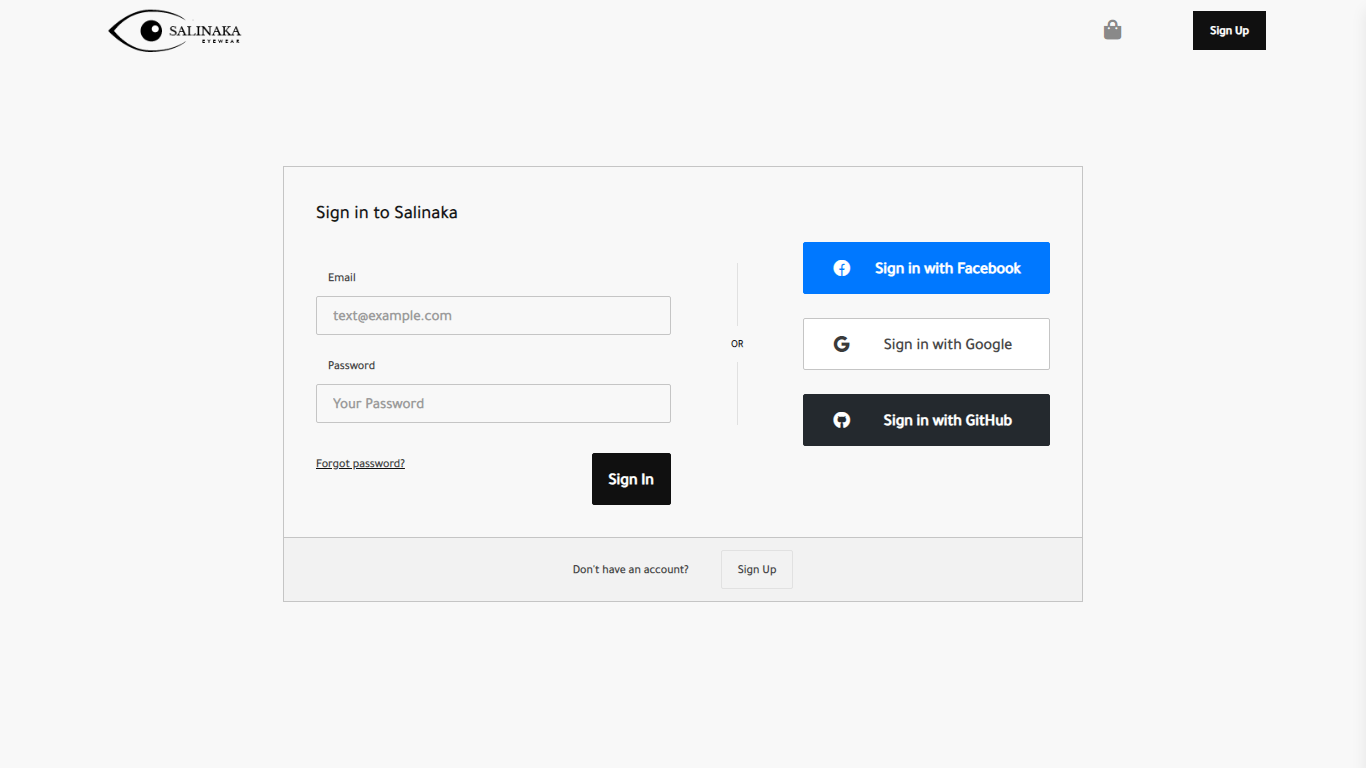
- Firebase authentication
- Firebase auth provider authentication
- Account creation and edit
측정된 스타 증가
- in 24h
- 0
- in 7 days
- -2
- in 15 days
- -2
- in 1 month
- 기록 수집 중
서로 겹치는 기간의 순증가량이며 일별 합계가 아닙니다. 측정값이 없으면 비워 둡니다. 스타는 관심도를 나타내며 품질을 보장하지 않습니다.
README.md
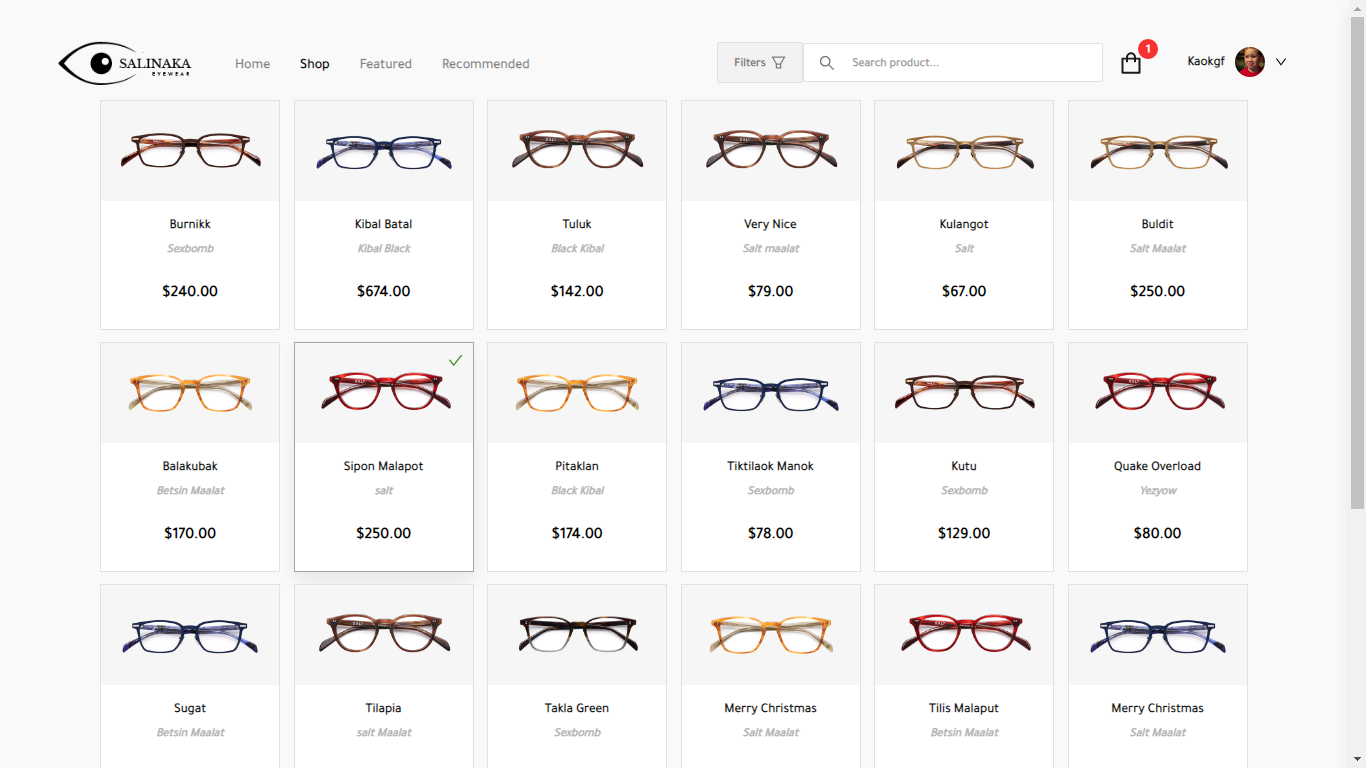
OriginalSalinaka | E-commerce react app
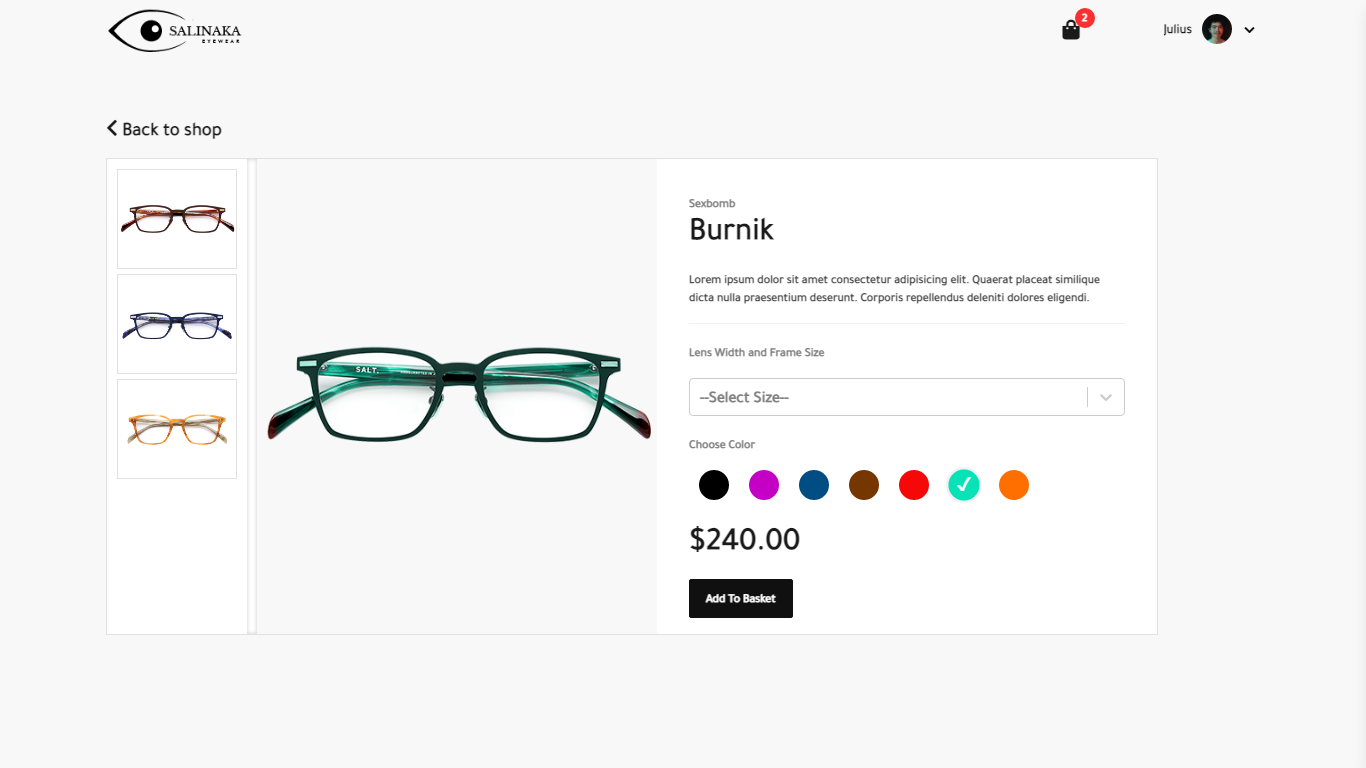
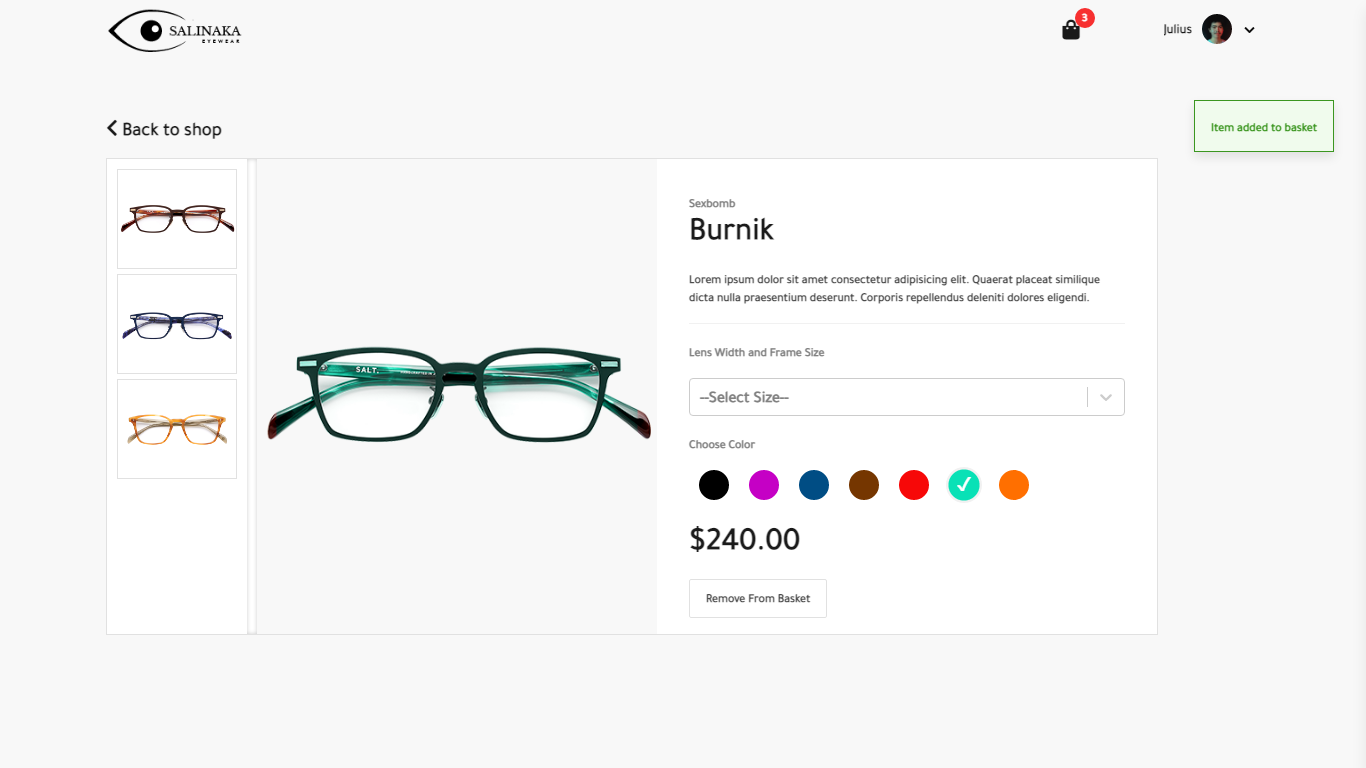
Simple ecommerce react js app with firebase [typescript].

Live demo
Run Locally
1. Install Dependencies
$ yarn install
2. Create a new firebase project
Login to your google account and create a new firebase project here
Create an .env file and add the following variables.
// SAMPLE CONFIG .env, you should put the actual config details found on your project settings

VITE_FIREBASE_API_KEY=AIzaKJgkjhSdfSgkjhdkKJdkjowf
VITE_FIREBASE_AUTH_DOMAIN=yourauthdomin.firebaseapp.com
VITE_FIREBASE_DB_URL=https://yourdburl.firebaseio.com
VITE_FIREBASE_PROJECT_ID=yourproject-id
VITE_FIREBASE_STORAGE_BUCKET=yourstoragebucket.appspot.com
VITE_FIREBASE_MSG_SENDER_ID=43597918523958
VITE_FIREBASE_APP_ID=234598789798798fg3-034
After setting up necessary configuration, create a Database and choose Cloud Firestore and start in test mode
3. Run development server
$ yarn dev
Build the project
$ yarn build
How to add products or perform CRUD operations for Admin
- Navigate to your site to
/signup - Create an account for yourself
- Go to your firestore collection
users collectionand edit the account you've just created. Change the role fromUSERtoADMIN. - Reload or sigin again to see the changes.
Firebase Admin to be integrated soon
Features
- Admin CRUD operations
- Firebase authentication
- Firebase auth provider authentication
- Account creation and edit
관련 프로젝트 살펴보기
불러오는 중…