
jeremybarbet/react-native-modalize
소개
스크롤 콘텐츠에 적합한 고도로 사용자 지정 가능한 모달/바텀 시트입니다.
웹 및 앱측정된 스타 증가
- in 24h
- -1
- in 7 days
- -2
- in 15 days
- -4
- in 1 month
- 기록 수집 중
서로 겹치는 기간의 순증가량이며 일별 합계가 아닙니다. 측정값이 없으면 비워 둡니다. 스타는 관심도를 나타내며 품질을 보장하지 않습니다.
README.md
OriginalModalize

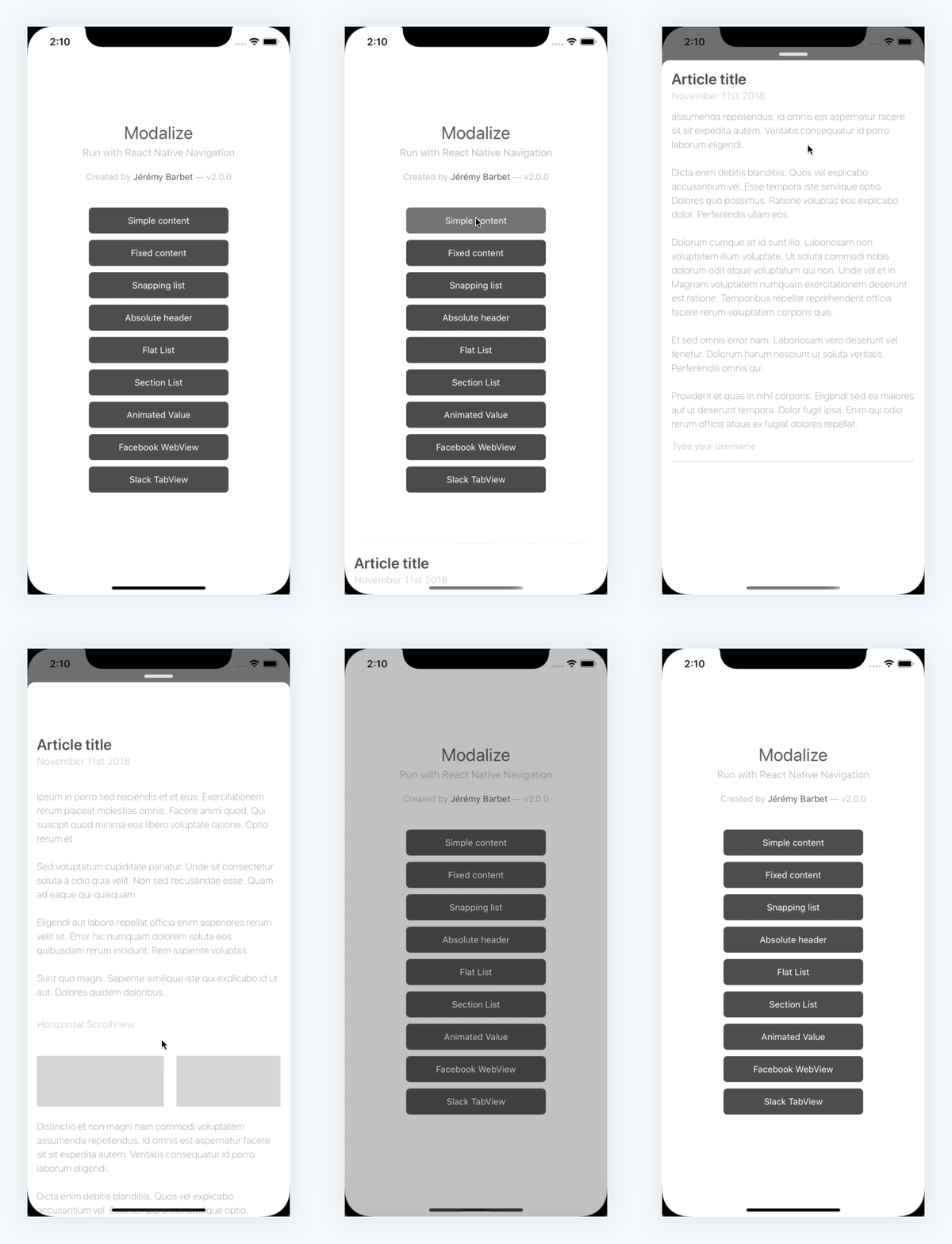
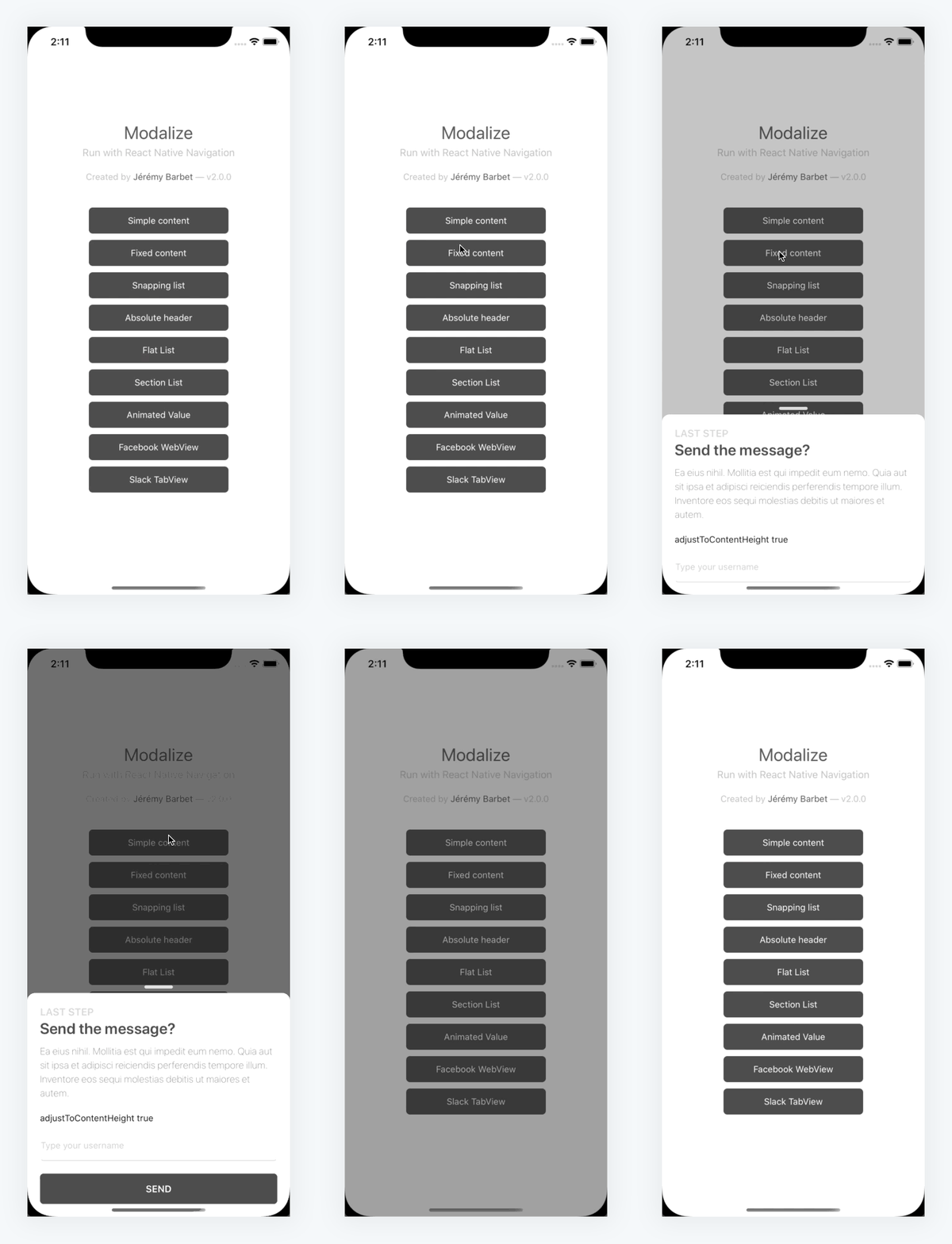
A highly customizable modal/bottom sheet that loves scrolling content.
This component has been built with react-native-gesture-handler to address the common issue of scrolling, swiping and handling the keyboard behaviors, you can face with react-native's modal.
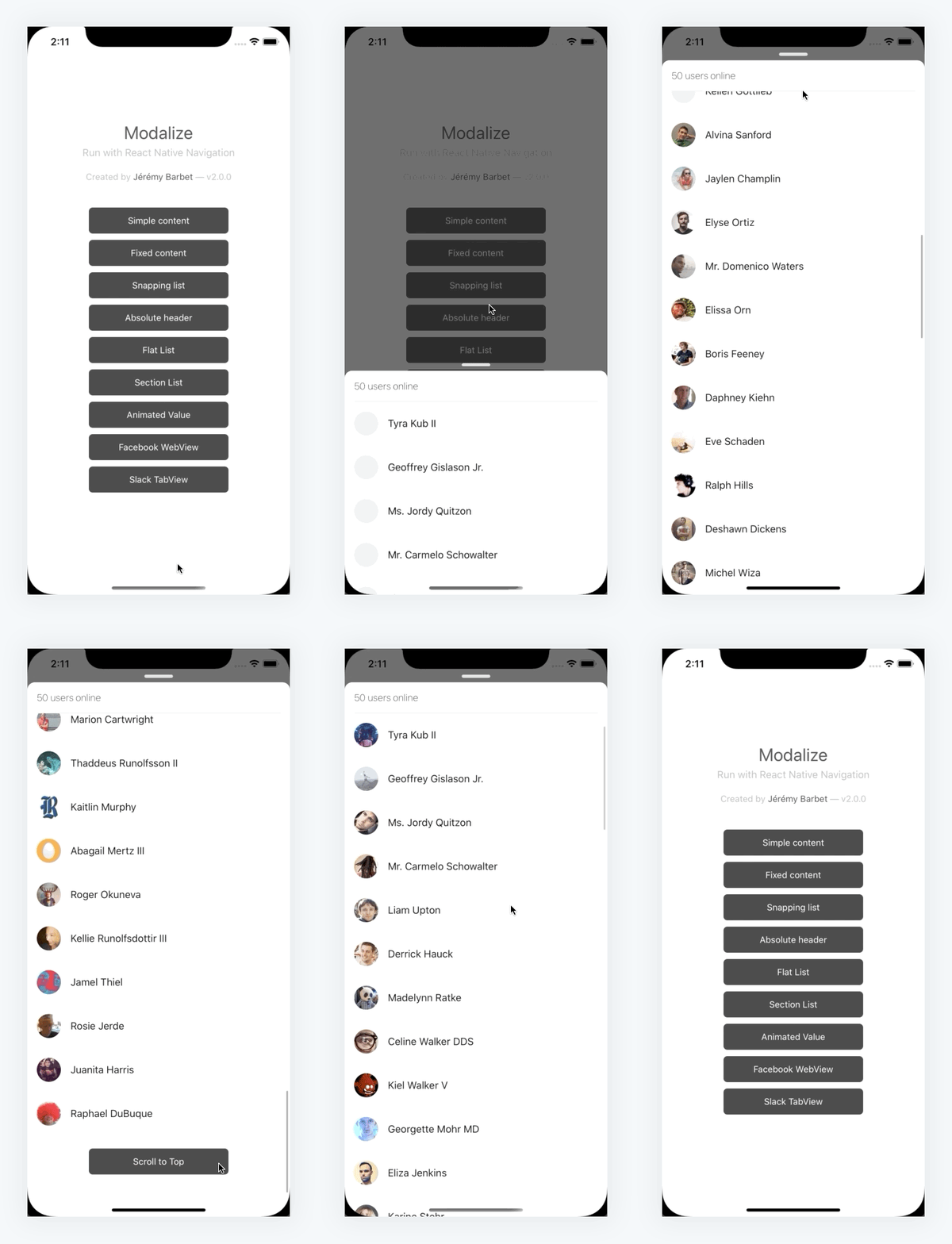
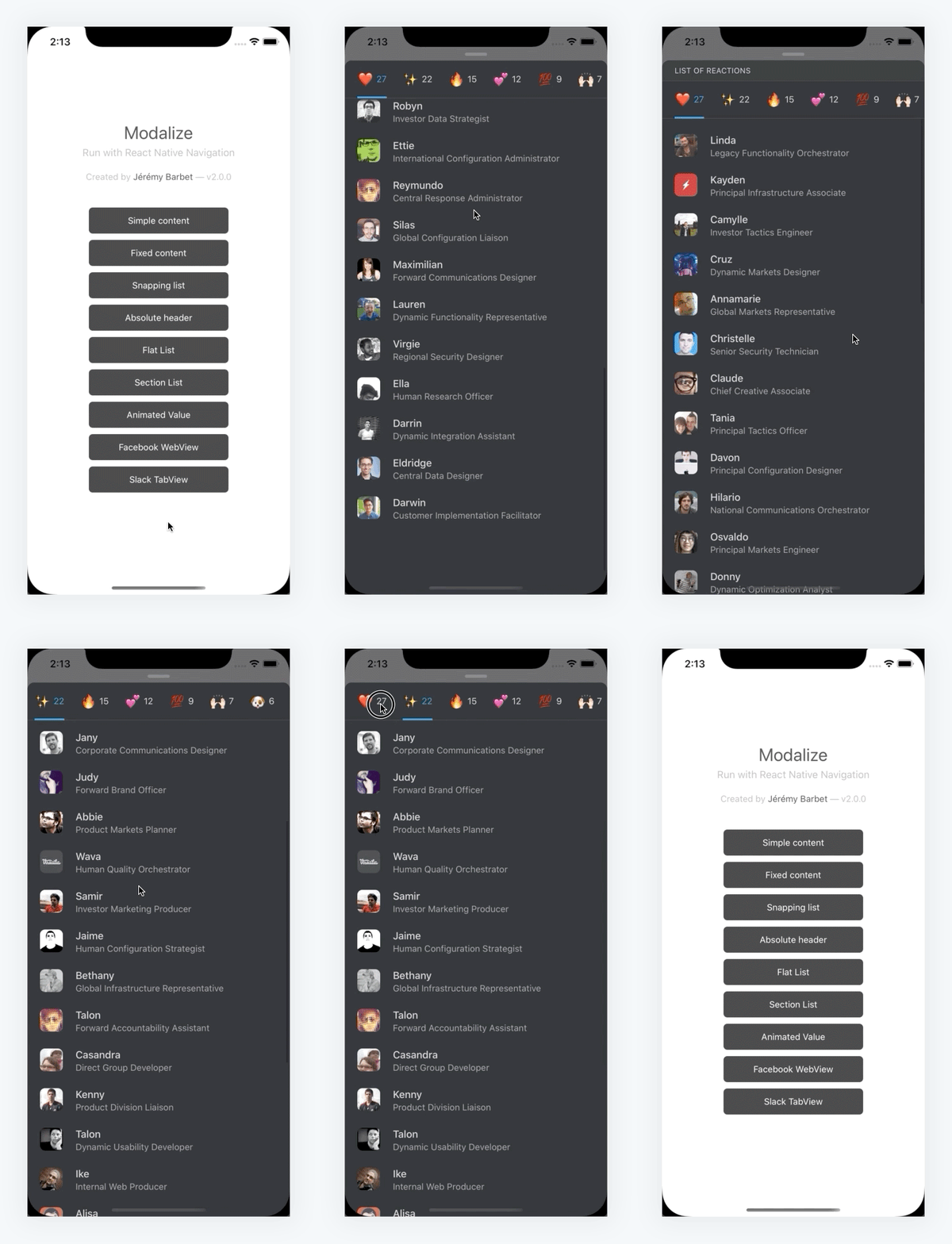
This component comes with a ScrollView, the default renderer, a FlatList or a SectionList. They are all three built-in and make your life easier, just pass your content and Modalize will handle the rest for you. You can also have the possibility to pass your own custom renderer.


Installation
yarn add react-native-modalize react-native-gesture-handler
iOS
npx pod-install ios
Android
React Native <= 0.59
Follow this guide to complete the Android installation.
React Native > 0.60
You don't need to follow the guide mentioned above because autolinking from React already did the steps.
Usage
Here is a quick example, using the default ScrollView renderer.
import React, { useRef } from 'react';
import { View, Text, TouchableOpacity } from 'react-native';
import { Modalize } from 'react-native-modalize';

export const App = () => {
  const modalizeRef = useRef<Modalize>(null);

  const onOpen = () => {
    modalizeRef.current?.open();
  };

  return (
    <>
      <TouchableOpacity onPress={onOpen}>
        <Text>Open the modal</Text>
      </TouchableOpacity>

      <Modalize ref={modalizeRef}>...your content</Modalize>
    </>
  );
};
Documentation
Please check out the full documentation available here to find all about the props, methods and examples of Modalize's usage.
관련 프로젝트 살펴보기
불러오는 중…