프로젝트 GitHub에서 보기
jeffzh3ng/fuxi
소개
침투 테스트 플랫폼
보안측정된 스타 증가
- in 24h
- 0
- in 7 days
- -2
- in 15 days
- -3
- in 1 month
- 기록 수집 중
서로 겹치는 기간의 순증가량이며 일별 합계가 아닙니다. 측정값이 없으면 비워 둡니다. 스타는 관심도를 나타내며 품질을 보장하지 않습니다.
README.md
OriginalFuxi 2.1 - developing


Fuxi is cross-platform compatible and works in any Python 3.x environment including Linux, Mac OSX and Windows.
Getting Started
Docker
docker pull jeffzh3ng/fuxi
docker run -itd --name fuxi_docker -p 5000:50020 jeffzh3ng/fuxi:latest
Wait about 15 seconds for the service to start, then visit: http://127.0.0.1:5000
- Default username: fuxi
- Default password: whoami
- Application restart:
docker restart fuxi_docker
How to persist data
docker run -itd --name fuxi_docker -p 5000:50020 -v /your_volume/fuxi:/data jeffzh3ng/fuxi:latest
The data and logs will be saved to /your_volume/fuxi
Installation
Dependency: Linux python3.x redis mongoDB
Get the project:
git clone https://github.com/jeffzh3ng/fuxi.git
cd fuxi
pip install -r requirements.txt
Creating configuration file:
cd instance/
cp _config.py config.py
vi config.py
Begin using fuxi
chmod +x fuxi_manage.sh
./fuxi_manage.sh
- Default username: fuxi
- Default password: whoami
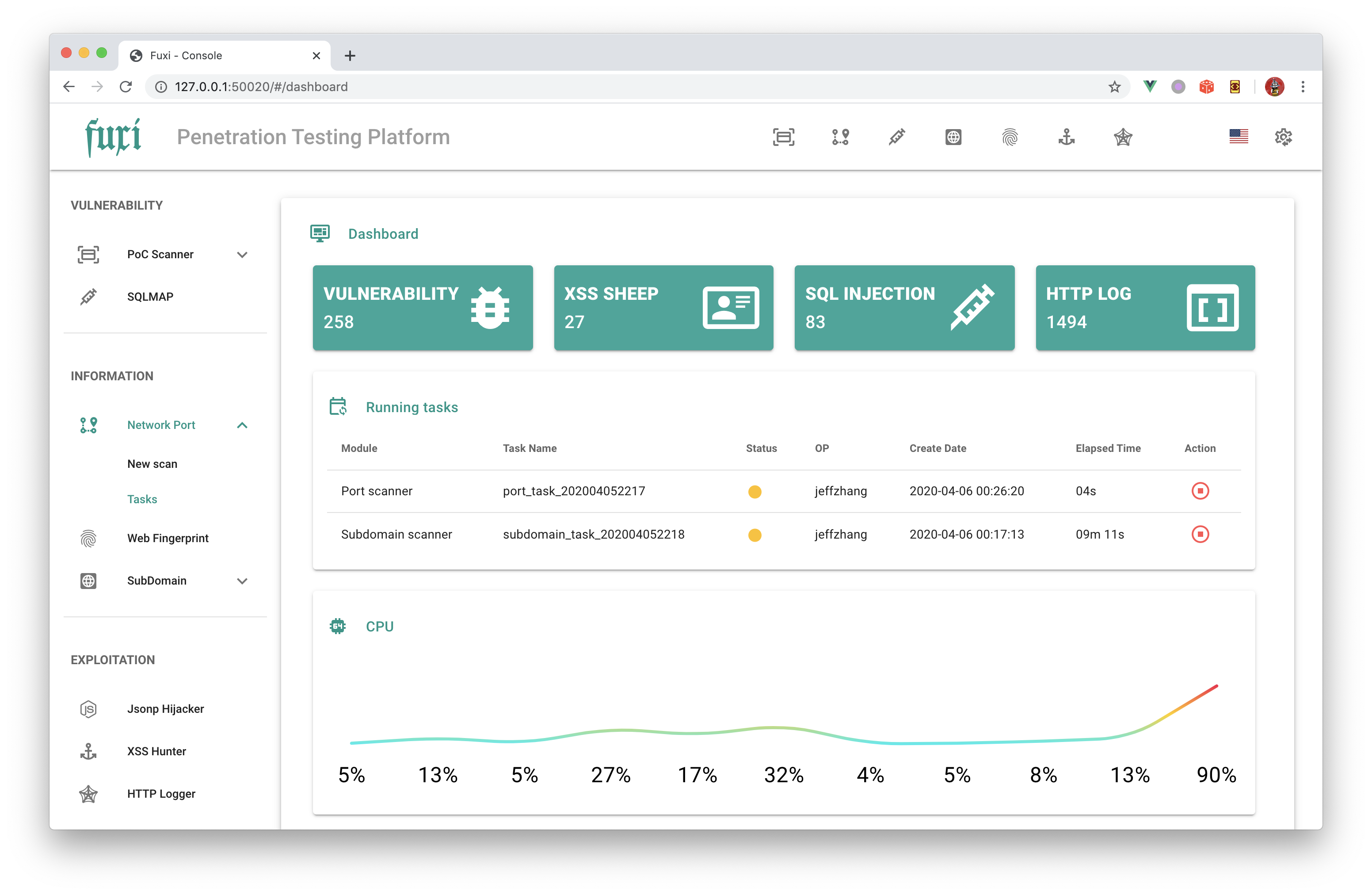
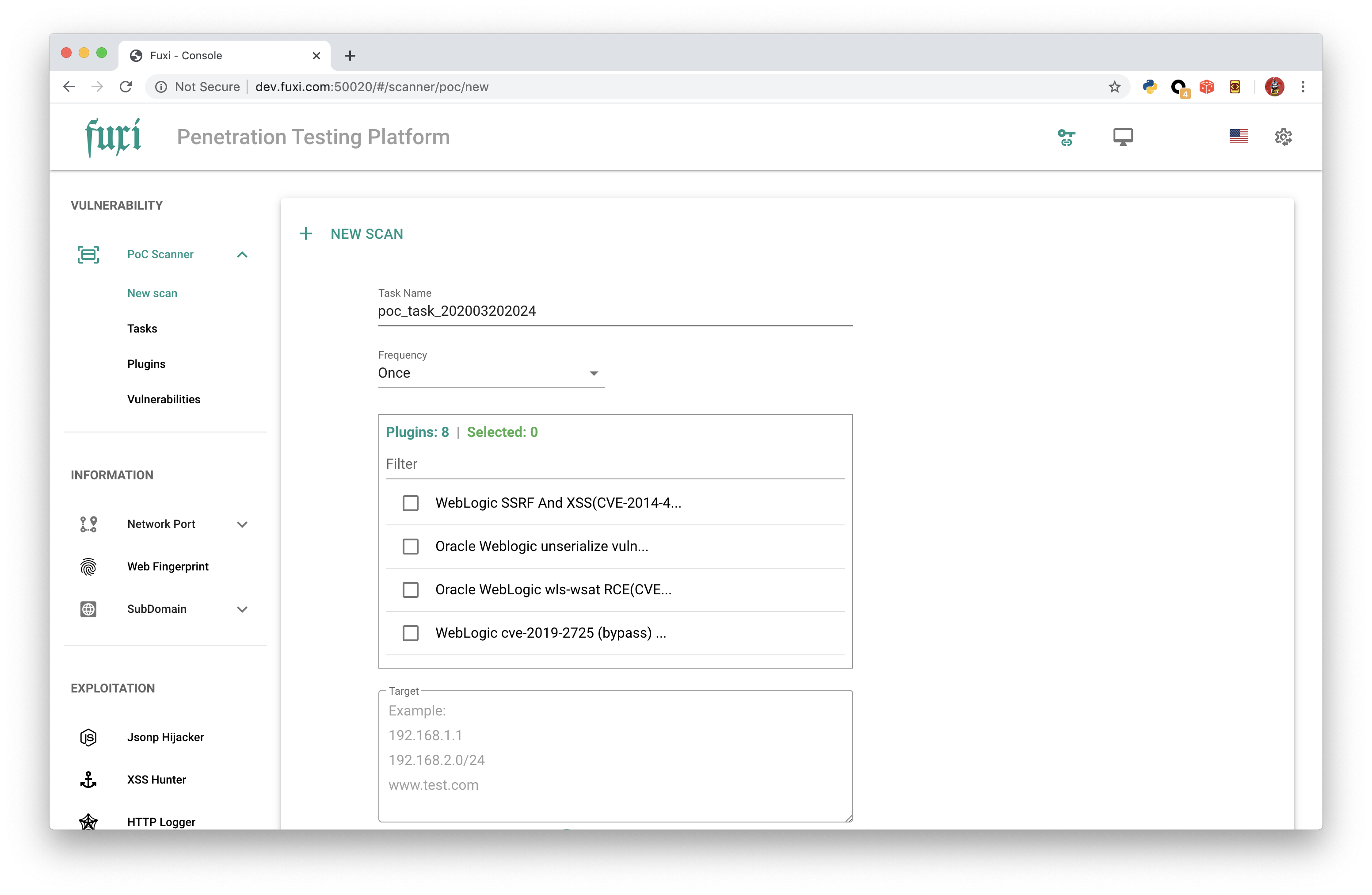
Docs
API Document
Issues
Github: New issue
E-Mail: [email protected]
Telegram: https://t.me/jeffzh3ng
WeChat: QR Code
Feel free to contact me if you have any questions or suggestions.
관련 프로젝트 살펴보기
불러오는 중…