
hieunc229/mailflare
hieunc229/mailflare has 5,899 GitHub stars and 932 forks. GitHot measured +43 stars in 24 hours and +410 in 7 days. Last checked 2026-11-09 12:00 UTC. Last push 2026-11-08.
Email for professionals and teams
측정된 스타 증가
- in 24h
- +43
- in 7 days
- +410
- in 15 days
- 기록 수집 중
- in 1 month
- 기록 수집 중
서로 겹치는 기간의 순증가량이며 일별 합계가 아닙니다. 측정값이 없으면 비워 둡니다. 스타는 관심도를 나타내며 품질을 보장하지 않습니다.
README.md
Original
Mailflare
A self-hosted alternative to Google Workspace. Setup custom domain Emails, Calendar, Drive, Booking and built-in AI agents.
Run it on Cloudflare or Docker. Send and receive with Cloudflare, Resend or Amazon SES. Store files in R2, Backblaze B2 or AWS S3. Use D1, Postgres, MySQL or Turso for the database.
Screenshots
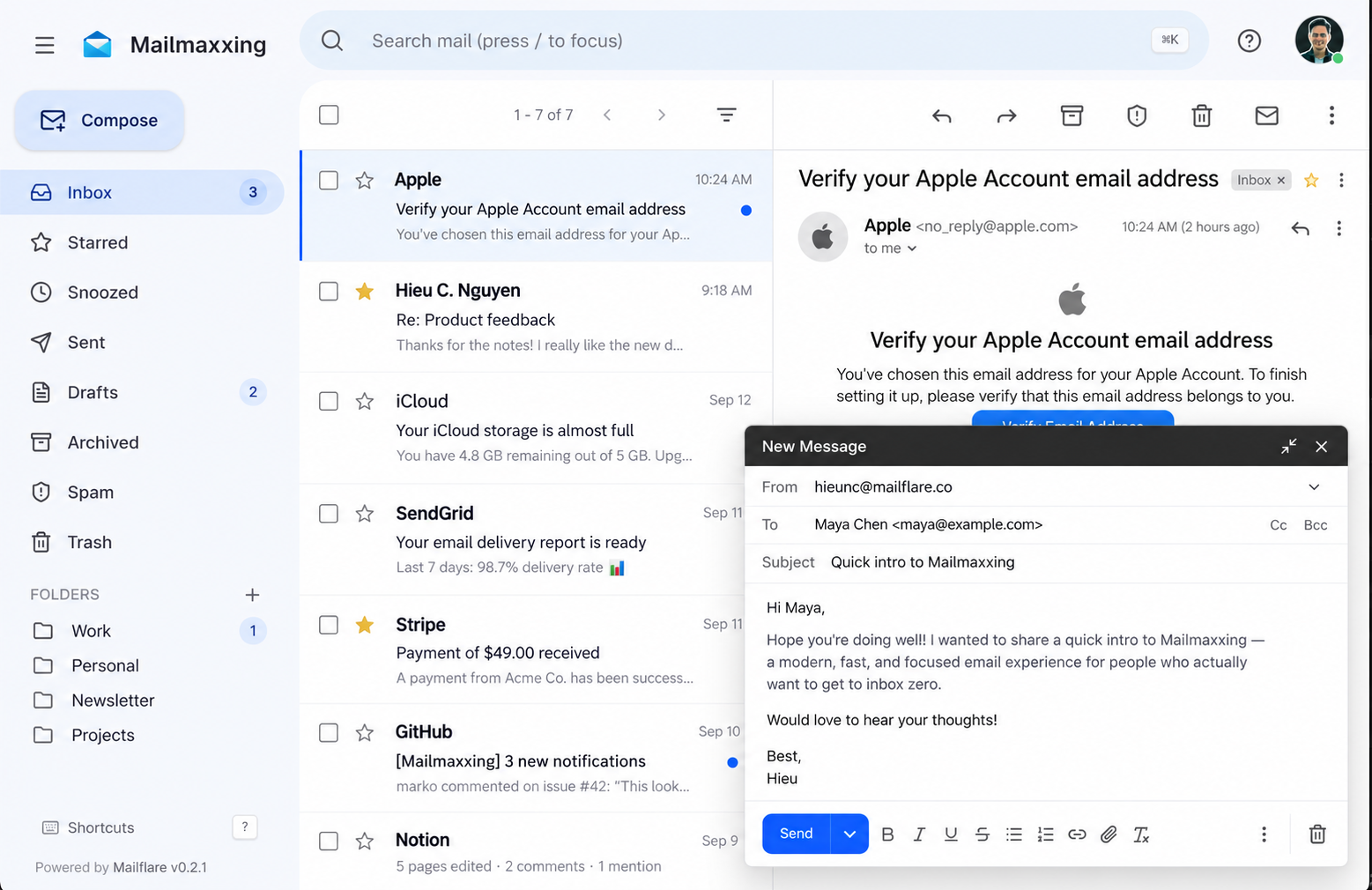 Inbox |
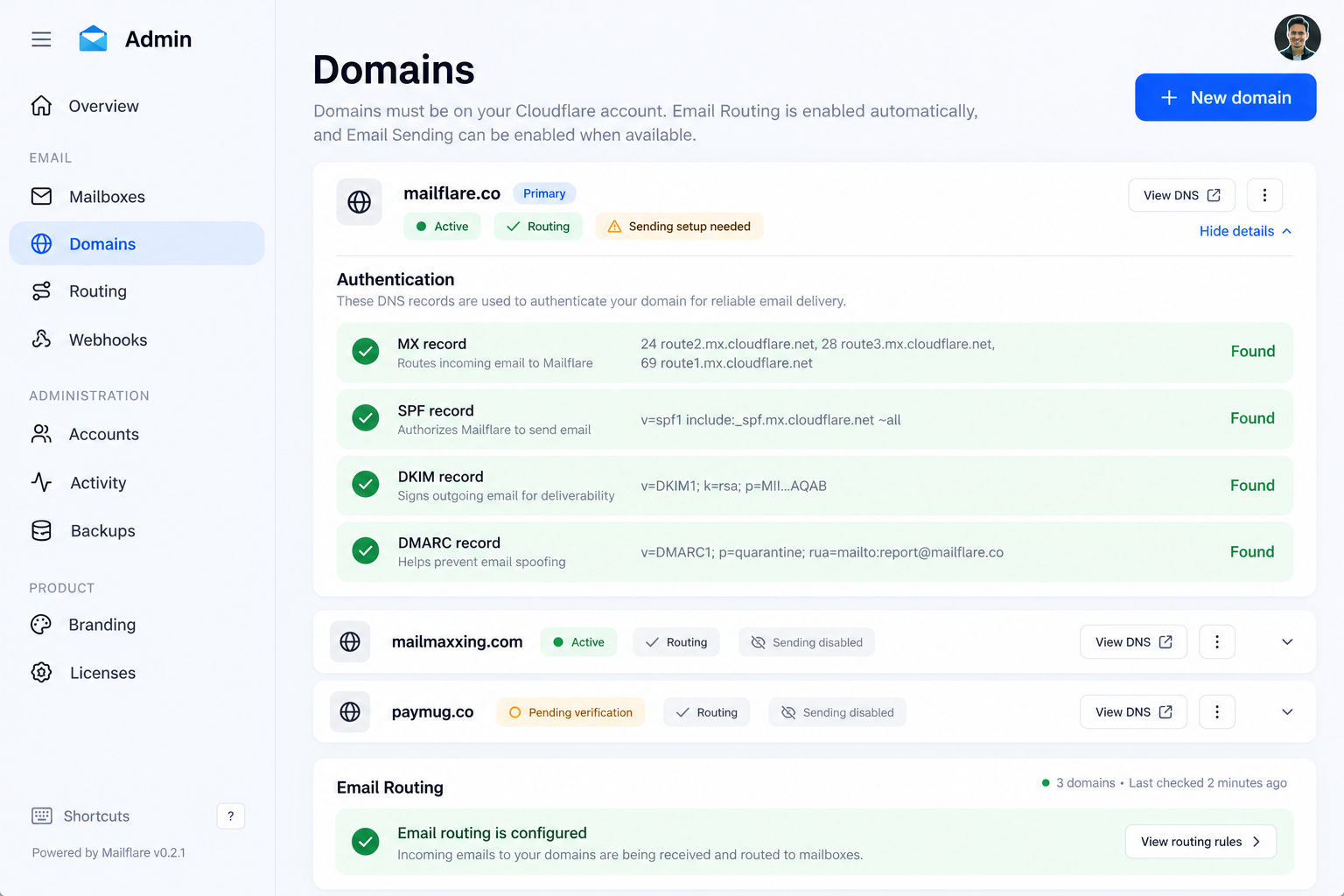 Domains |
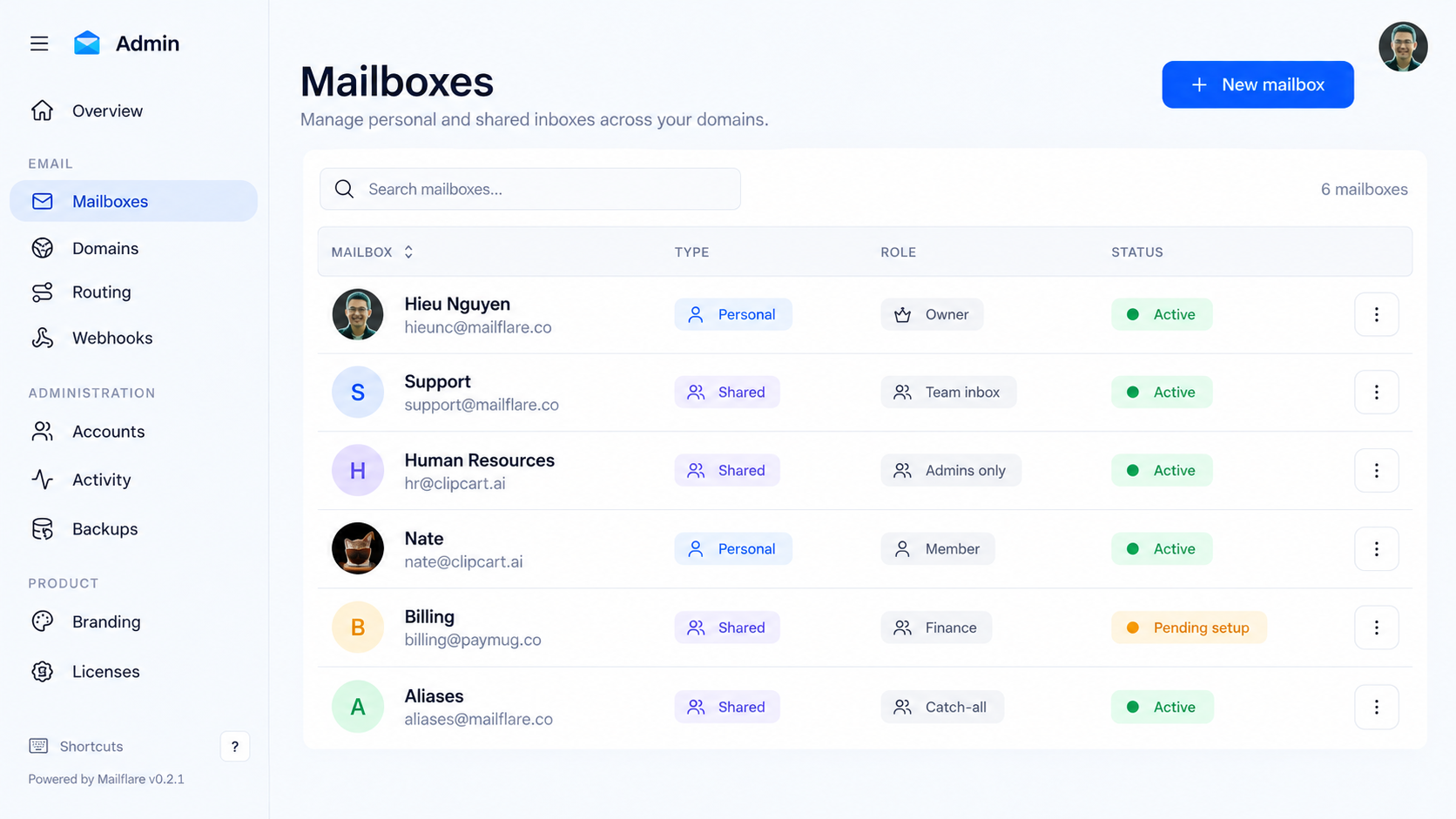 Mailboxes |
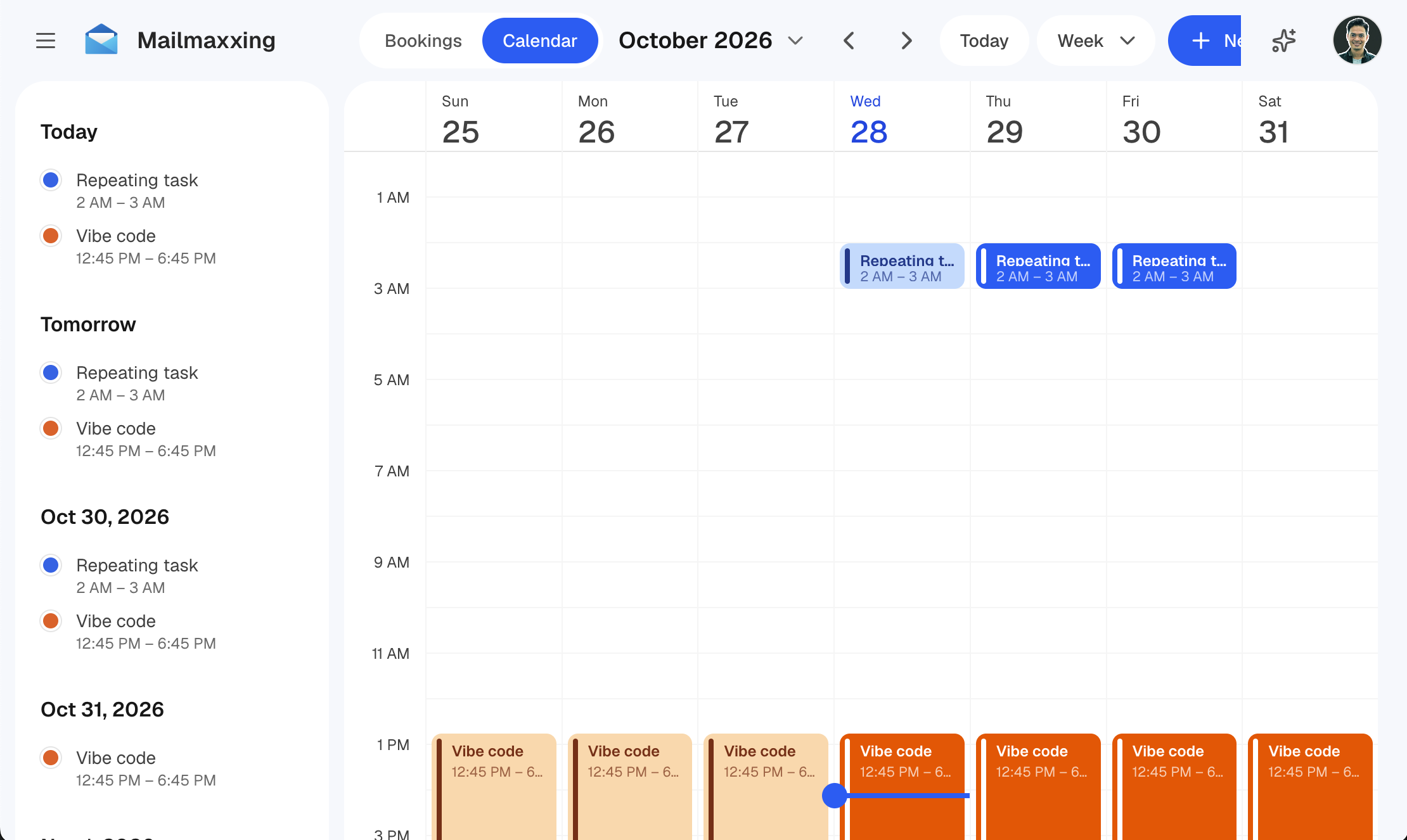 Calendar |
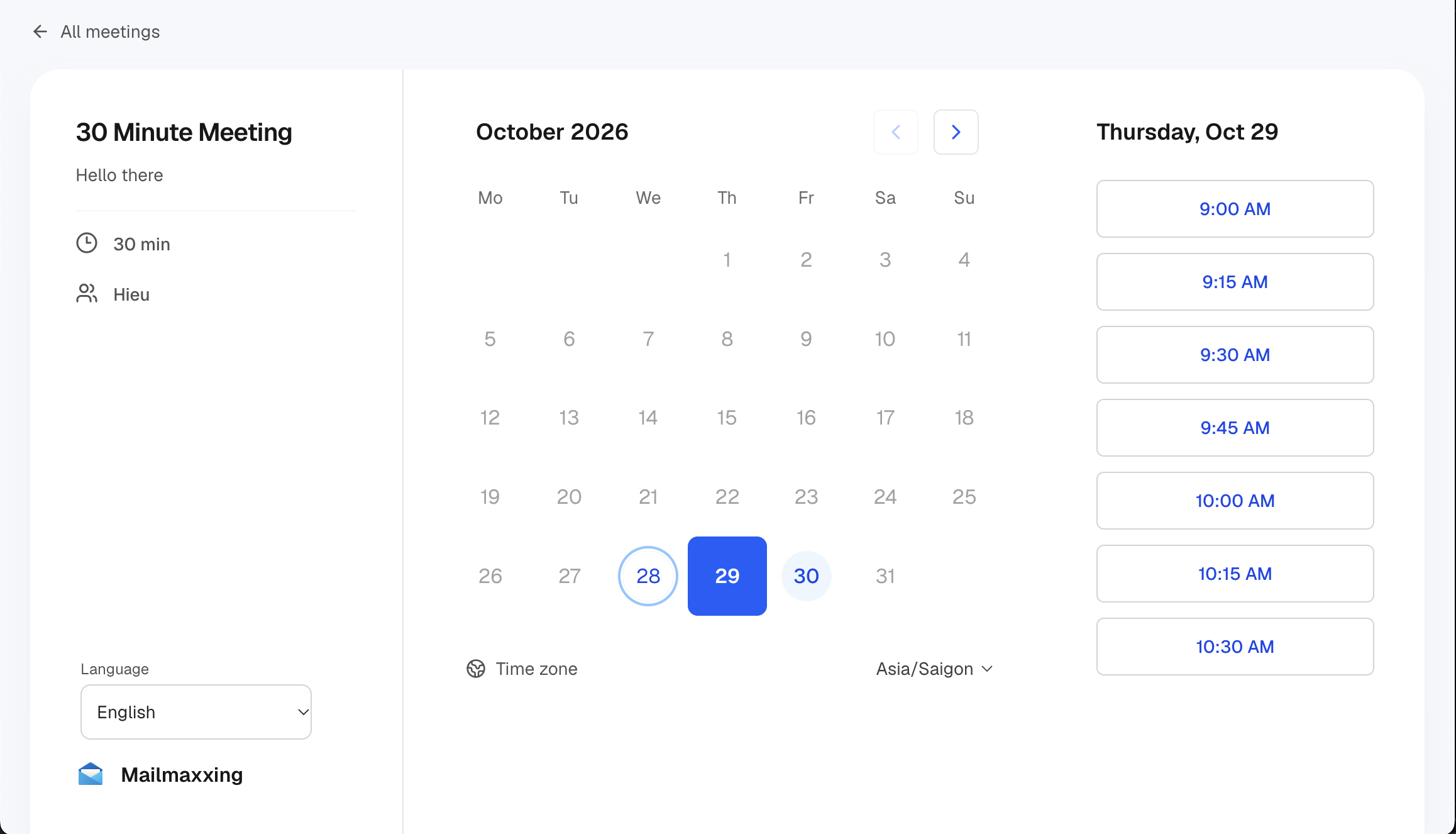 Booking |
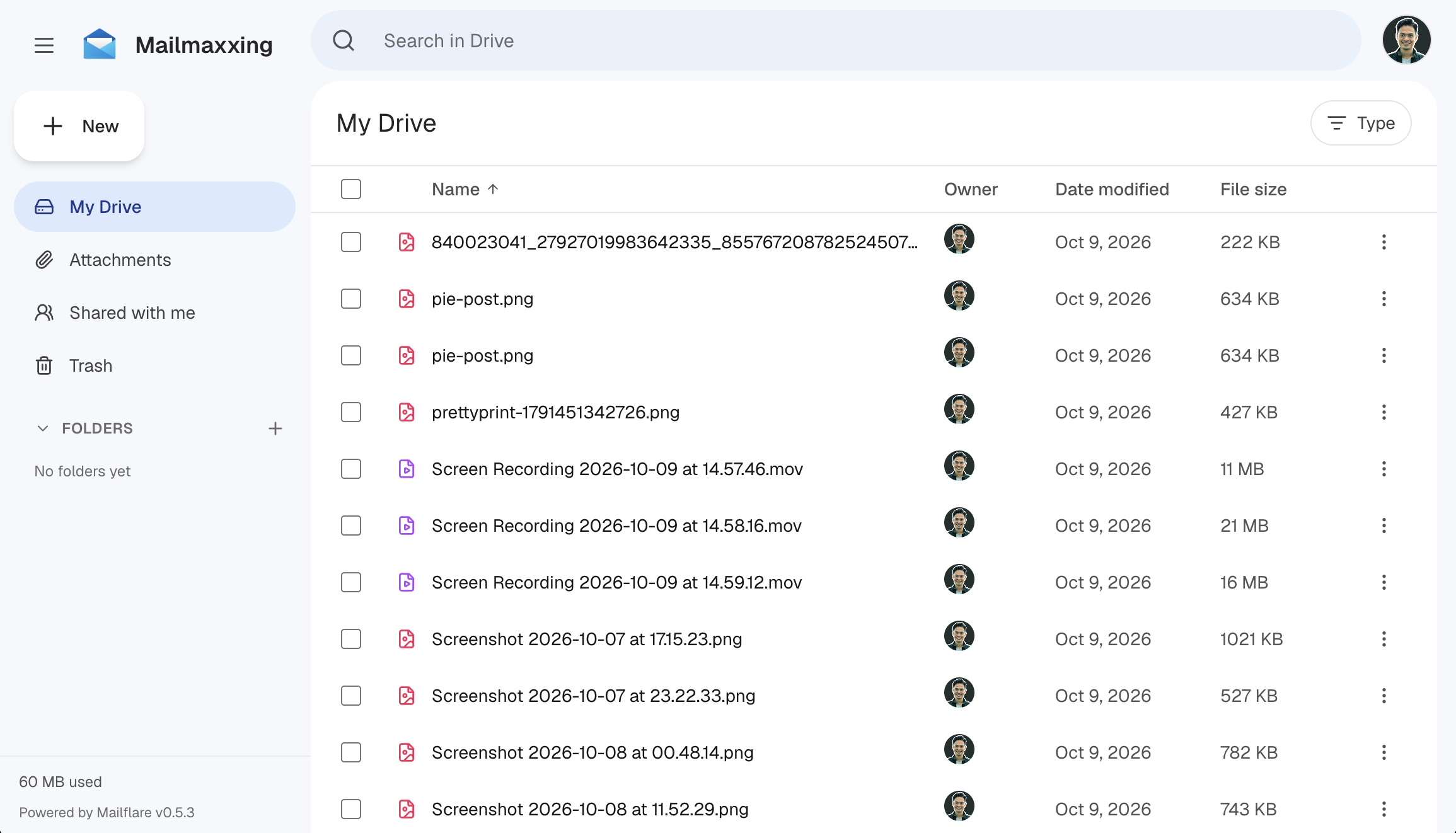 Drive |
Sponsors


Want to support Mailflare? Become a sponsor.
Features
Apps
- Email: Custom domain mailboxes, personal or shared, with access you control. Send and receive with Cloudflare Email, Resend or Amazon SES.
- Routing rules: Store, forward, reject or sort incoming mail.
- Calendar: Repeating events with time zones. Attendees get email invitations.
- Booking: Share a public link so anyone can book a free time on your calendar.
- Drive: Store and share files.
- AI agents: Search mail, draft replies and manage events. Connect other AI tools over MCP.
Technical
- Databases: Cloudflare D1 (default), PostgreSQL, MySQL, Turso / libSQL, or a local SQLite file. Set
DATABASE_URLto switch. Works with Supabase, Neon, PlanetScale, TiDB and more. See Databases. - File storage: Cloudflare R2, Backblaze B2 or AWS S3.
- Hosting: Cloudflare Workers or a single Docker container.
- Admin: Users, API keys, webhooks, audit logs and backups.
- Import: Bring in mail from IMAP, Gmail Takeout,
.emland.mboxfiles.
Mailflare currently supports 34 languages, including English, Português (Brasil), Português (Portugal), Español, Français, Deutsch, Italiano, Nederlands, Polski, Українська, Русский, Türkçe, 中文(简体), 日本語, 한국어, Bahasa Indonesia, Bahasa Melayu, Tiếng Việt, ไทย, हिन्दी, বাংলা, मराठी, తెలుగు, தமிழ், ગુજરાતી, ಕನ್ನಡ, മലയാളം, ਪੰਜਾਬੀ, සිංහල, Kiswahili, Hausa, plus العربية, اردو and فارسی (right-to-left).
Cost
You can receive and send mail for free.
- Receiving: Cloudflare Email Routing is free.
- Sending: Use the free tier of Resend (3,000 emails a month) or Amazon SES. Cloudflare's own sending needs the $5/month Paid Worker plan.
New Amazon SES accounts start in a sandbox. Ask AWS for production access to lift it. Prices change, so check Resend, Amazon SES and Cloudflare.
Deploy
- Deploy the app. Click Deploy to Cloudflare. Keep the app name
mailflare, or it will break. - Finish setup. Open the app at
/setupand create your admin account. - Connect a domain. Add a domain from the same Cloudflare account, then create your first mailbox.
CF_TOKENis required. Create a scoped Cloudflare API token with these permissions:
- All accounts: Email Sending:Edit, DNS Settings:Edit, Email Routing Addresses:Edit
- All zones: DNS Settings:Edit, Email Routing Rules:Edit, Zone Settings:Edit, DNS:Edit
More options: deployment guide.
Deploy with an AI agent
Paste this into an AI agent that has terminal access (Claude Code, Codex, Cursor and similar):
Install Mailflare for me from https://github.com/hieunc229/mailflare on my Cloudflare account.

1. Read README.md, docs/deployment.md and wrangler.jsonc first.
2. Ask me for my Cloudflare account ID and two API tokens, using a secret input:
   a deploy token (for Wrangler) and a runtime token (the Worker secret CF_TOKEN).
   Never print them, commit them, or pass them as command arguments.
3. Keep the Worker name exactly "mailflare". Create or reuse the D1 database
   "mailflare", the R2 bucket "mailflare-raw", and the queues "mailflare-inbound",
   "mailflare-outbound" and "mailflare-agent".
4. Install dependencies, run `npm run deploy`, and set CF_TOKEN as a Worker secret.
   Do not run remote database migrations yourself. The /setup page does that.
5. Give me the app URL and anything I still need to do. I will open /setup, create
   the admin account and connect my domain.
Token permissions and more options: deployment guide.
Self-host with Docker
Runs as one container on any server, with SQLite and local files.
cp .env.docker.example .env.docker
docker compose up -d --build
See self-hosting.
Local development
cp .dev.vars.example .dev.vars
npm install
npm run db:migrate:local
npm run dev
Add your Cloudflare credentials to .dev.vars, then open localhost:3000. Run npm run db:seed to load sample data.
npm run build: build the Workernpm run deploy: build and deploynpm run lint: lint and type check
A schema change needs a migration for each database type. See Databases.
Documentation
- Deployment and configuration
- Databases
- Sending and receiving providers
- API and integrations
- Email assistant and MCP
- Adding a language
- Troubleshooting
License
See LICENSE.