
exyte/Macaw
exyte/Macaw has 6,044 GitHub stars and 567 forks. GitHot measured -1 stars in 24 hours and 0 in 7 days. Last checked 2026-11-06 02:13 UTC. Last push 2024-02-07.
SVG를 지원하는 강력하고 사용하기 쉬운 Swift 벡터 그래픽 라이브러리
측정된 스타 증가
- in 24h
- -1
- in 7 days
- 0
- in 15 days
- 업데이트 지연
- in 1 month
- 업데이트 지연
서로 겹치는 기간의 순증가량이며 일별 합계가 아닙니다. 측정값이 없으면 비워 둡니다. 스타는 관심도를 나타내며 품질을 보장하지 않습니다.
README.md
Original



❗Macaw Deprecated❗
Check out this post for deatils. TL;DR:
- You can continue to use this framework as is: expect no new features or bug fixing; however, it will be updated to work in future Xcode releases.
- if you need some good declarative UI framework, please use SwiftUI.
- If you need a powerful SVG support, please use SVGView.
- If you’d like to fix something in Macaw, feel free to fork this repo. Publish your PRs so that other people can use it as well. Some PRs will be merged from time to time.
Macaw
Powerful and easy-to-use vector graphics Swift library with SVG support


What is Macaw?

Macaw is a powerful and easy-to-use vector graphics library written in Swift.
It's simple
Get started with Macaw in several lines of code:
class MyView: MacawView {

	required init?(coder aDecoder: NSCoder) {
		let text = Text(text: "Hello, World!", place: .move(dx: 145, dy: 100))
		super.init(node: text, coder: aDecoder)
	}

}

It has SVG support
Include Scalable Vector Graphics right into your iOS application:

It's powerful
Affine transformations, user events, animation and various effects to build beautiful apps with Macaw:

Motivation
Modern designs contain tons of illustrations and complex animations. Mobile developers have to spend a lot of time on converting designs into native views that will be resizable for different screens. With Macaw you can reduce development time to a minimum and describe all graphics in high level scene elements. Or even render SVG graphics right from your design tool with Macaw events and animation support.
Resources
Docs
We're working hard to provide full documentation. Currently you can take a look at the following docs:
Posts
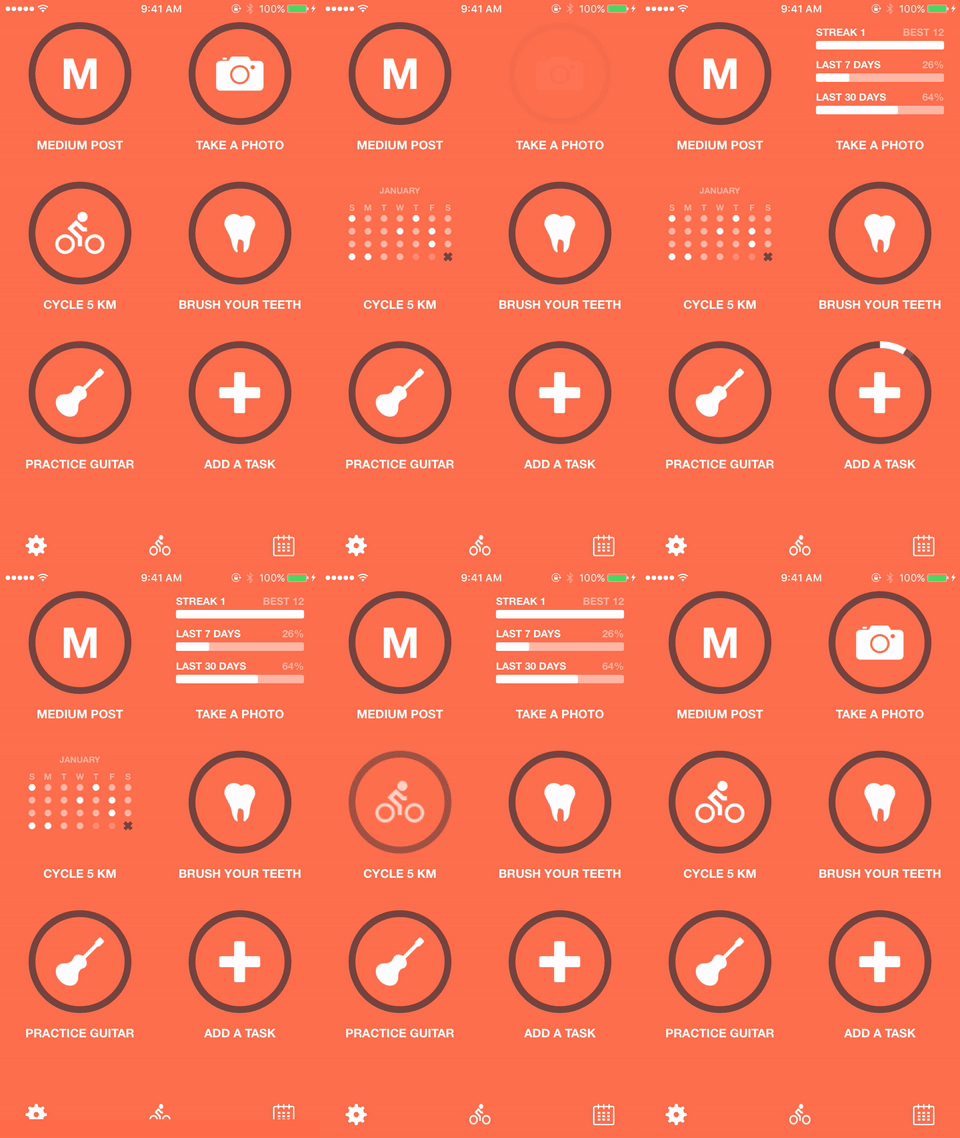
- Replicating Apple Design Awarded Applications
- How friendly can drawing API be on iOS?
- Macaw iOS Library: Morphing Animations
Examples
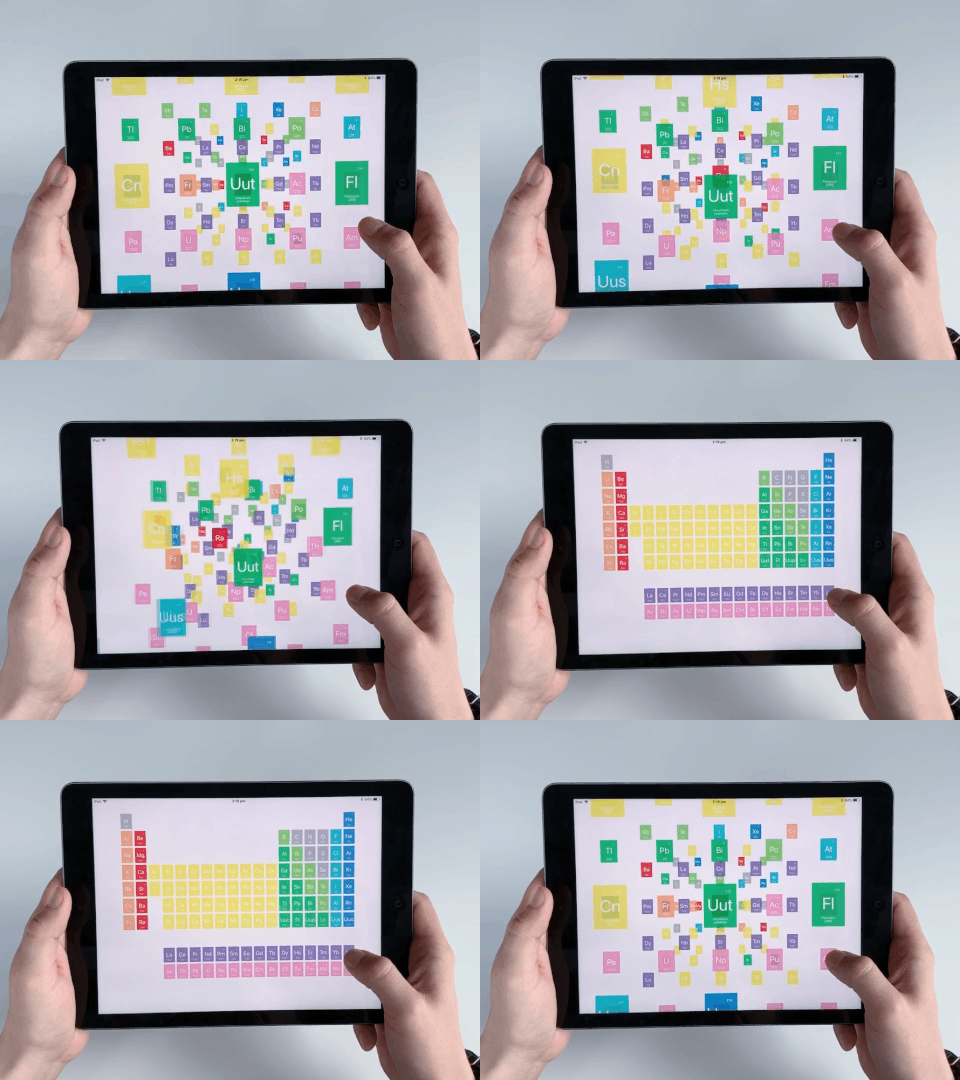
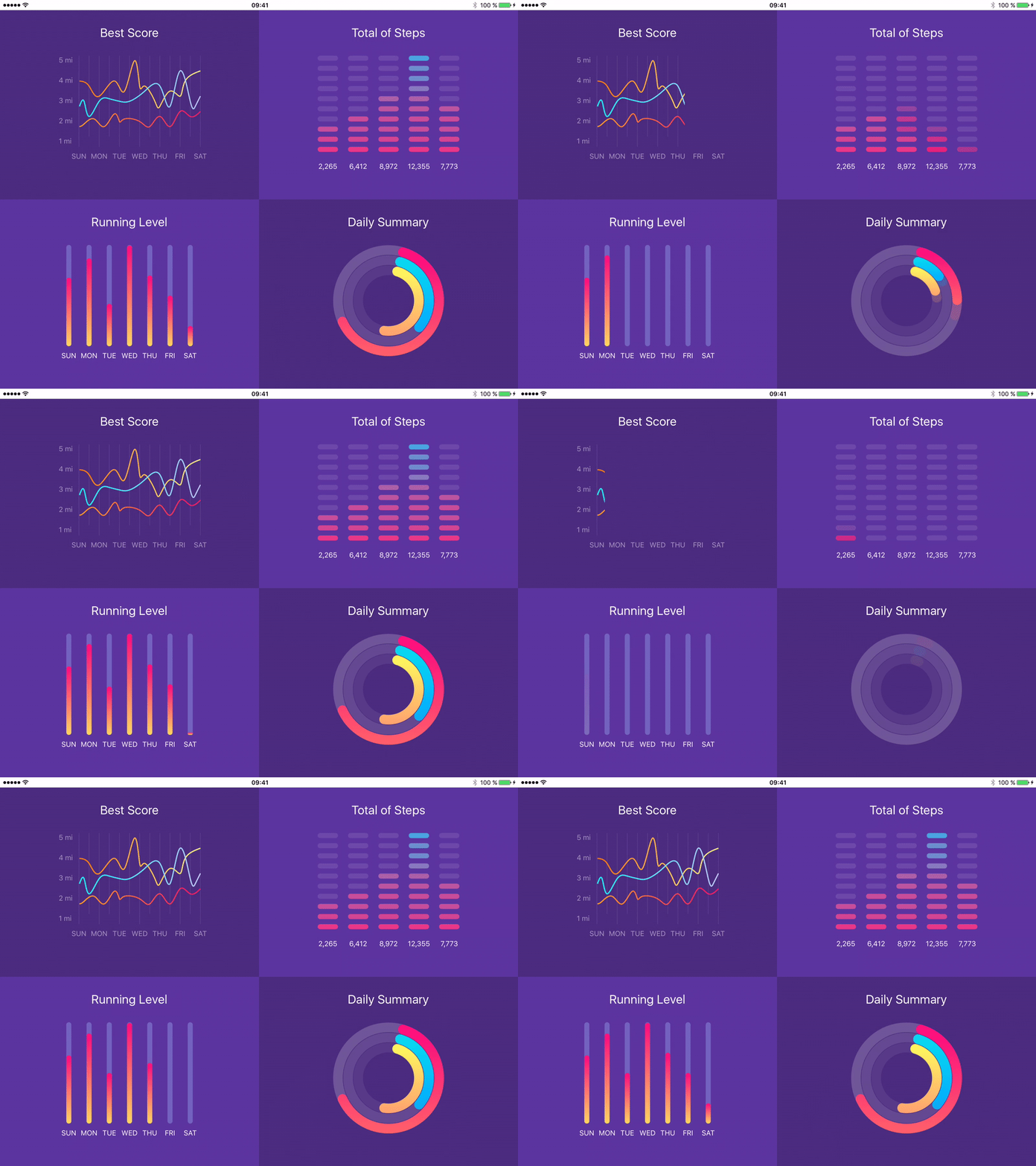
Macaw-Examples is a repository where you can find various usages of the Macaw library from simple charts to the complex periodic table.




Requirements
- iOS 9.0+
- Mac OS X 10.11+
- Xcode 7.3+
Installation
CocoaPods
To install it, simply add the following line to your Podfile:
pod "Macaw", "0.9.7"
Carthage
github "Exyte/Macaw" ~> 0.9.7
Building from sources
To build Macaw from sources:
- clone the repo
[email protected]:exyte/Macaw.git - open terminal and run
cd <MacawRepo>/Example/ - run
pod installto install all dependencies - run
open Example.xcworkspace/to open project in the Xcode
Change Log
You can find list of all changes by version in the Change Log
License
Macaw is available under the MIT license. See the LICENSE file for more info.