
dvt3d/dc-sdk
dvt3d/dc-sdk has 937 GitHub stars and 278 forks. GitHot measured 0 stars in 24 hours and -1 in 7 days. Last checked 2026-11-25 09:24 UTC. Last push 2026-06-12.
측정된 스타 증가
- in 24h
- 0
- in 7 days
- -1
- in 15 days
- 기록 수집 중
- in 1 month
- 기록 수집 중
서로 겹치는 기간의 순증가량이며 일별 합계가 아닙니다. 측정값이 없으면 비워 둡니다. 스타는 관심도를 나타내며 품질을 보장하지 않습니다.
소개
DC-SDK는 오픈 소스 프로젝트인 Cesium을 기반으로 한 3차원 WebGIS 애플리케이션용 2차 개발 프레임워크입니다. Cesium 사용 방식을 최적화하고 일부 추가 기능을 제공하며, 개발자가 WebGIS 애플리케이션을 빠르게 구축할 수 있도록 설계되었습니다.🌎
창작 및 미디어README.md
OriginalDC-SDK






DC-SDK is based on the open source project Cesium for the second development of two three-dimensional WebGis application framework , the framework optimizes the use of Cesium and adds some additional features , designed for developers to quickly build WebGis application.
Tips:This SDK is JS+GIS framework package. Developers need to have some front-end technology and GIS related technology
Run examples
  yarn run build
  yarn run server
Installation
NPM / YARN (Recommend)
Installing with NPM or YARN is recommended and it works seamlessly with webpack.
yarn add @dvgis/dc-sdk
-------------------------
npm install @dvgis/dc-sdk
import * as DC from '@dvgis/dc-sdk'
import '@dvgis/dc-sdk/dist/dc.min.css'
CDN
<script src="https://cdn.jsdelivr.net/npm/@dvgis/dc-sdk/dist/dc.min.js"></script>
<link
  href="https://cdn.jsdelivr.net/npm/@dvgis/dc-sdk/dist/dc.min.css"
  rel="stylesheet"
  type="text/css"
/>
Please put the resources in the project root directory libs/dc-sdk, if you put it in other directory, the framework will not run properly.
Configuration
The configuration is mainly used in the
NPM / YARNway
Since the DC framework sets CESIUM_BASE_URL to ./libs/dc-sdk/resources/ , you need to copy Cesium related static resources files: Assets , Workers , ThirdParty to libs/dc-sdk/resources directory of the project to ensure that the 3D scene can be rendered properly. You can also use DC.config.baseUrl to set the static resource base related to Cesium .
Webpack
// webpack.config.js
const path = require('path')
const CopywebpackPlugin = require('copy-webpack-plugin')
const dvgisDist = './node_modules/@dvgis'

module.exports = {
  plugins: [
    new CopyWebpackPlugin([
      {
        from: path.join(dvgisDist, 'dc-sdk/dist/resources'),
        to: 'libs/dc-sdk/resources',
      },
    ]),
  ],
}
Vue2.x
// vue.config.js
const path = require('path')
const CopywebpackPlugin = require('copy-webpack-plugin')
const dvgisDist = './node_modules/@dvgis'
module.exports = {
  chainWebpack: (config) => {
    config.plugin('copy').use(CopywebpackPlugin, [
      [
        {
          from: path.join(dvgisDist, 'dc-sdk/dist/resources'),
          to: 'libs/dc-sdk/resources',
        },
      ],
    ])
  },
}
Vue3.x
// vue.config.js
const path = require('path')
const CopywebpackPlugin = require('copy-webpack-plugin')
const dvgisDist = './node_modules/@dvgis'
module.exports = {
  chainWebpack: (config) => {
    config.plugin('copy').use(CopywebpackPlugin, [
      {
        patterns: [
          {
            from: path.join(dvgisDist, 'dc-sdk/dist/resources'),
            to: path.join(__dirname, 'dist', 'libs/dc-sdk/resources'),
          },
        ],
      },
    ])
  },
}
vite
// vite.config.js
import { defineConfig } from 'vite'
import DC from '@dvgis/vite-plugin-dc'

export default defineConfig({
  plugins: [DC()],
})
Start
global.DC = DC
DC.ready({}).then(()=>{
    let viewer = new DC.Viewer()
})
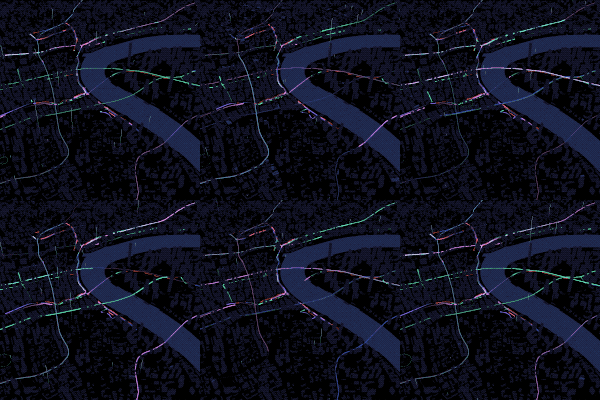
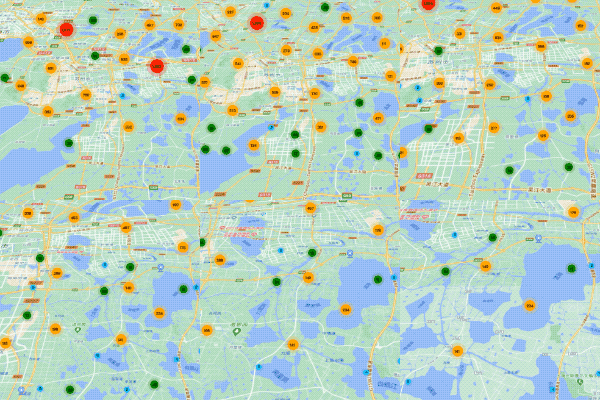
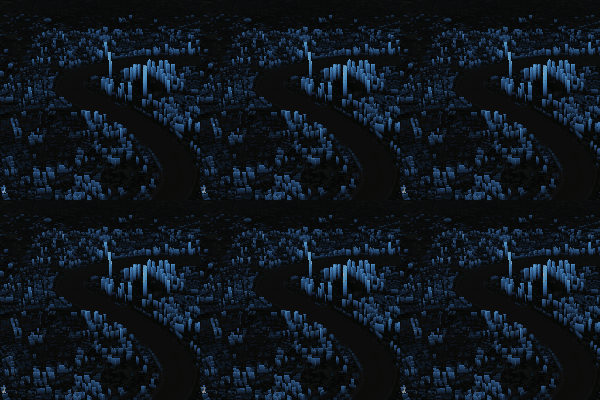
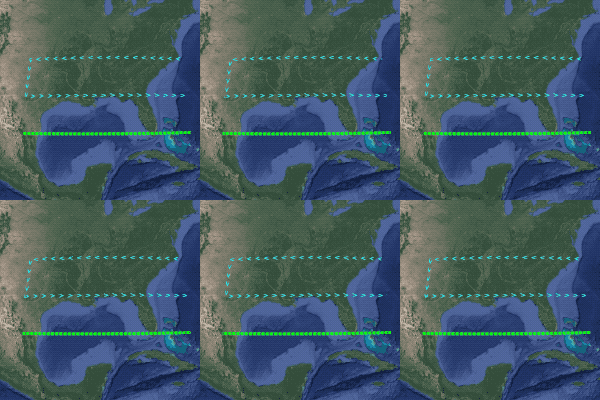
Demo
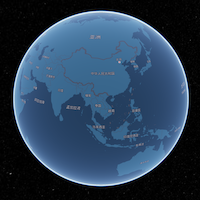 |
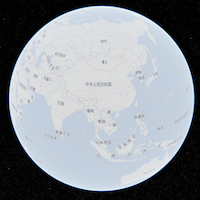 |
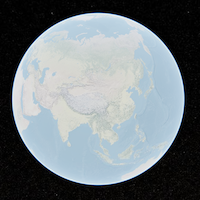 |
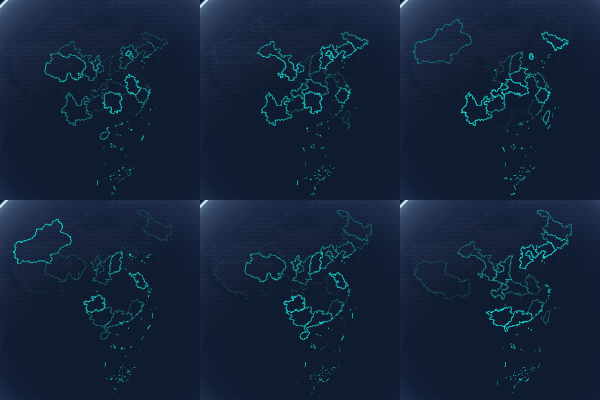 |
|---|---|---|---|
 |
 |
 |
 |
 |
 |
 |
 |
Copyright
1. The framework is a basic platform, completely open source, which can be modified and reconstructed by any individual or institution without our authorization.
2. We are not responsible for any problems arising from the modification of the framework by individuals and organizations.
3. Some industrial plug-ins and tools will be added in the later stage, and the code will be open source appropriately.
4. The package released by us may be used permanently and free of charge by any person or organization subject to:
  1) complete package reference;
  2) reserve this copyright information in the console output
We reserve the right of final interpretation of this copyright information.
Support
if dc-sdk can bring benefits to you, please support it ~

Thanks
관련 프로젝트 살펴보기
불러오는 중…