프로젝트 GitHub에서 보기
Android Draw
divyanshub024/AndroidDraw
소개
A drawing view for your android application.
창작 및 미디어측정된 스타 증가
- in 24h
- 0
- in 7 days
- -1
- in 15 days
- 기록 수집 중
- in 1 month
- 기록 수집 중
서로 겹치는 기간의 순증가량이며 일별 합계가 아닙니다. 측정값이 없으면 비워 둡니다. 스타는 관심도를 나타내며 품질을 보장하지 않습니다.
README.md
OriginalAndroid Draw 

A drawing view for your android application
Download
For information : checkout Sample App Code in repository.

Dependency
Step 1. Add the JitPack repository to your build file
Add it in your root build.gradle at the end of repositories:
allprojects {
		repositories {
			...
			maven { url 'https://jitpack.io' }
		}
	}
Step 2. Add the dependency
	dependencies {
	        implementation 'com.github.divyanshub024:AndroidDraw:v0.1'
	}
Usage
There are two ways to use this library.
1. Use Activity
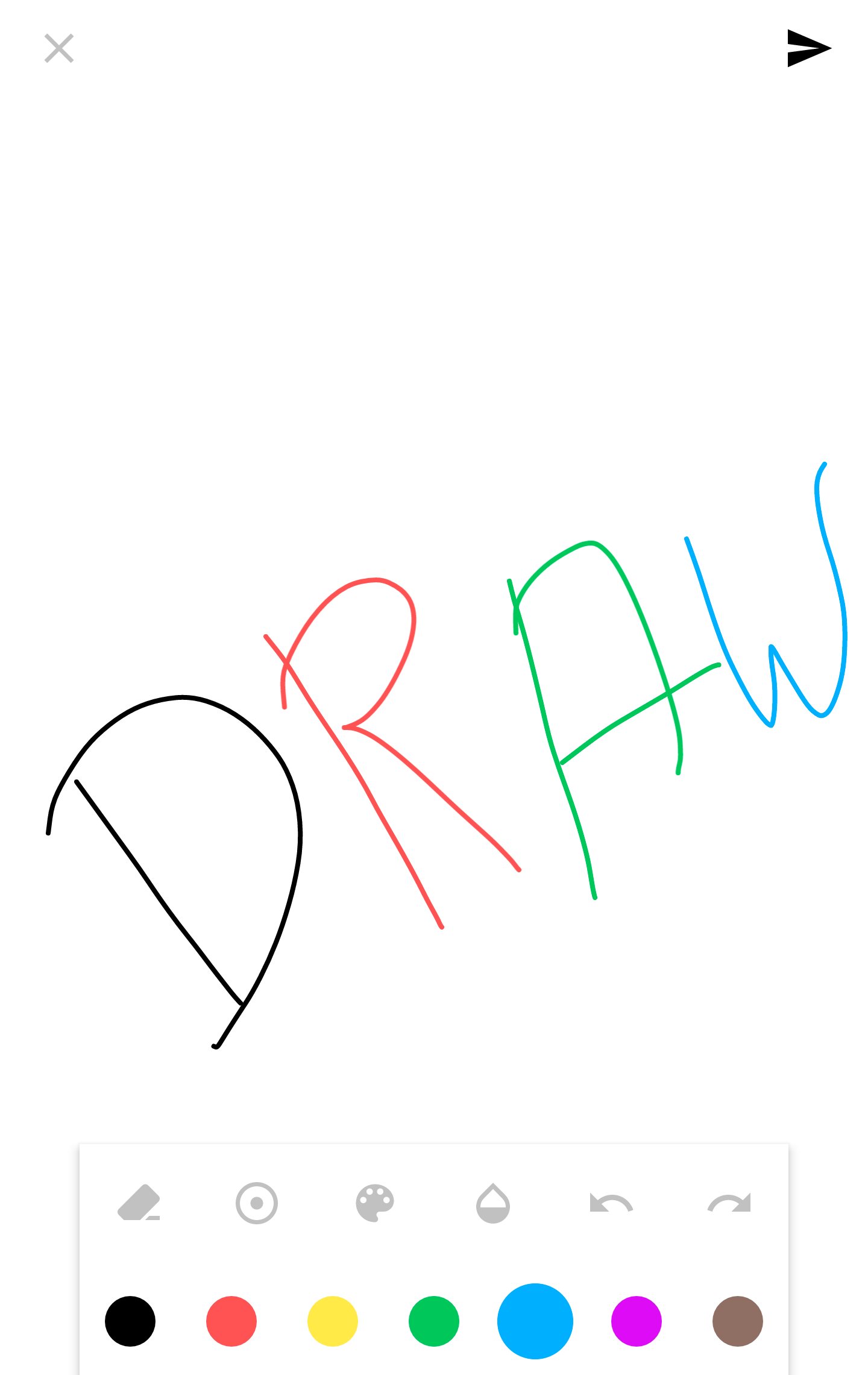
You can call the Drawing Activity using startActivityForResult which will return you bitmap in byteArray. By using this method you will have all the features like change strokeWidth, change strokeColor, change Alpha, erase, redo, undo.
val intent = Intent(this, DrawingActivity::class.java)
startActivityForResult(intent, REQUEST_CODE_DRAW)

// Get bitmap in onActivityResult
override fun onActivityResult(requestCode: Int, resultCode: Int, data: Intent?) {
        if (data != null && resultCode == Activity.RESULT_OK) {
            when(requestCode){
                REQUEST_CODE_DRAW -> {
                    val result= data.getByteArrayExtra("bitmap")
                    val bitmap = BitmapFactory.decodeByteArray(result, 0, result.size)
                    saveImage(bitmap)
                }
            }
        }
    }
2.Use DrawView
Declaration
<com.divyanshu.draw.widget.DrawView
        android:id="@+id/draw_view"
        android:layout_width="match_parent"
        android:layout_height="match_parent" />
- To clear canvas
draw_view.clearCanvas()
- To set stroke width
// takes input as Float
draw_view.setStrokeWidth(strokeWidth)
- To set stroke alpha
// takes input as Int
draw_view.setAlpha(progress)
- To set stroke color
draw_view.setColor(color)
- To undo
draw_view.undo()
- To redo
draw_view.redo()
Contributor
Thanks Arslan Şahin for this amazing logo.
Connect
LICENCE
Copyright 2018 Divyanshu Bhargava

Licensed under the Apache License, Version 2.0 (the "License");
you may not use this file except in compliance with the License.
You may obtain a copy of the License at

   http://www.apache.org/licenses/LICENSE-2.0

Unless required by applicable law or agreed to in writing, software
distributed under the License is distributed on an "AS IS" BASIS,
WITHOUT WARRANTIES OR CONDITIONS OF ANY KIND, either express or implied.
See the License for the specific language governing permissions and
limitations under the License.
관련 프로젝트 살펴보기
불러오는 중…