프로젝트 GitHub에서 보기


ddddxxx/LyricsX
소개
🎶 macOS용 최고의 가사 앱.
창작 및 미디어What you can do
- Work perfectly with your favorite music players. List of supported players
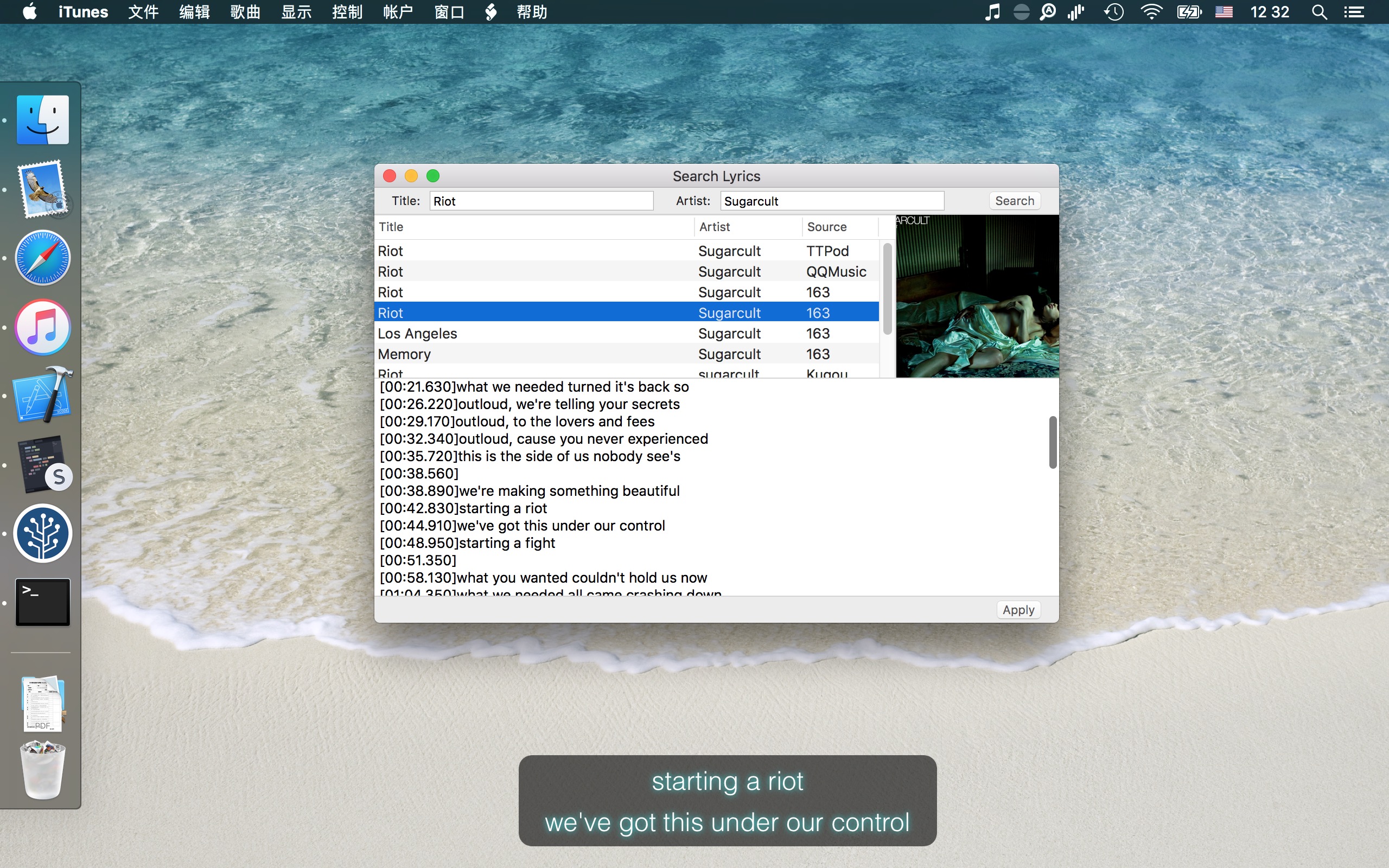
- Automatically search & download live lyrics from various lyrics sources. List of supported sources
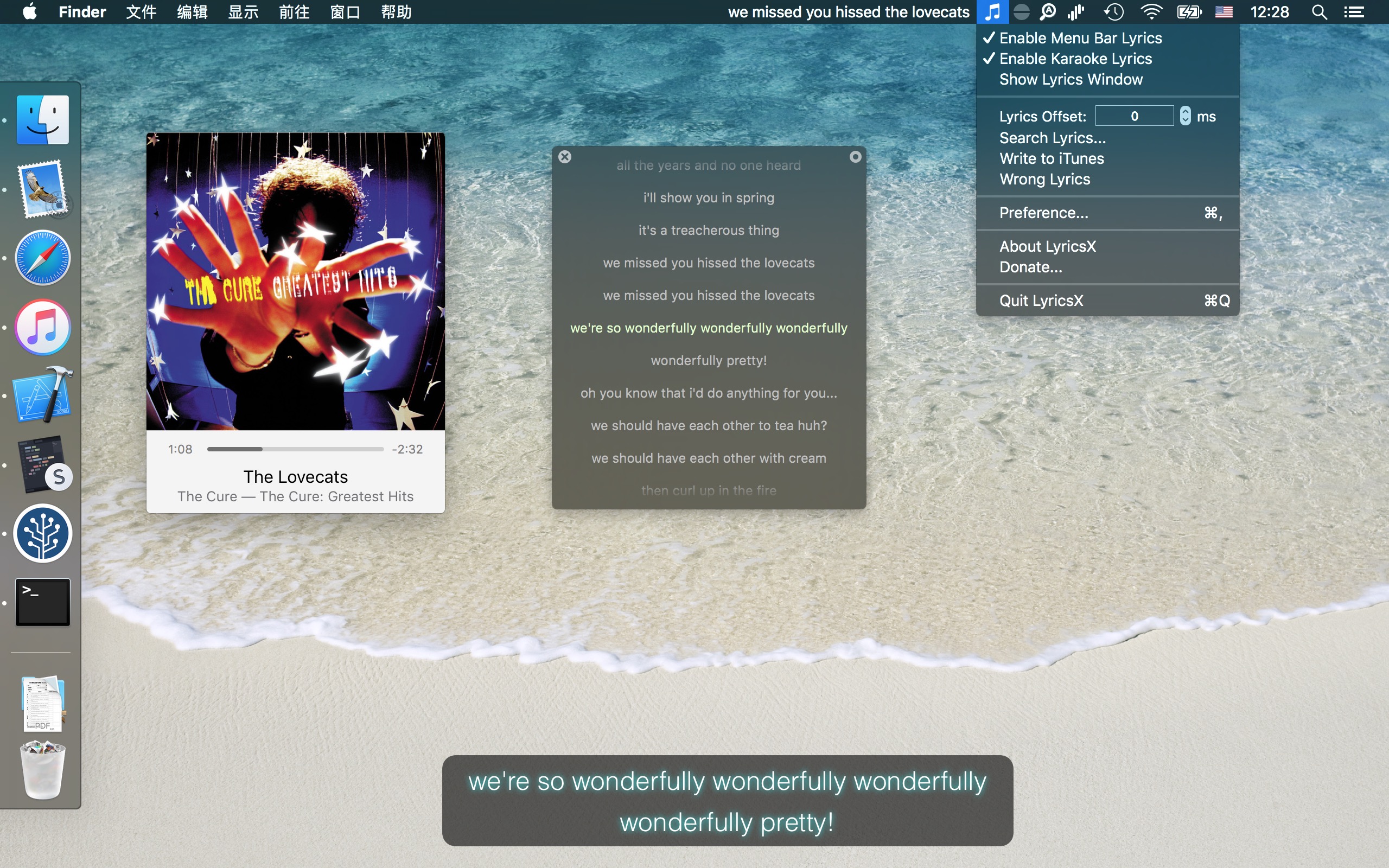
- Display lyrics on desktop and menubar. you can customize font, color and position.
- Adjust lyrics offset on status menu.
측정된 스타 증가
- in 24h
- 0
- in 7 days
- 0
- in 15 days
- +6
- in 1 month
- 기록 수집 중
서로 겹치는 기간의 순증가량이며 일별 합계가 아닙니다. 측정값이 없으면 비워 둡니다. 스타는 관심도를 나타내며 품질을 보장하지 않습니다.
README.md
OriginalLyricsX


Ultimate lyrics app for macOS.
LyricsX for iOS and lyricsx-cli for Linux is in early development.
Installation
Homebrew
$ brew install --cask lyricsx
Mac App Store

Manual
Download from releases.
Requirements
- macOS 10.11+
Features
- Work perfectly with your favorite music players. List of supported players
- Automatically search & download live lyrics from various lyrics sources. List of supported sources
- Display lyrics on desktop and menubar. you can customize font, color and position.
- Adjust lyrics offset on status menu.
- Navigate the song with lyrics - Double click a line to jump to specific position.
- Drag & Drop to import/export lyrics file.
- Auto launch & quit with music player.
- Automatic conversion between Traditional Chinese and Simplified Chinese.
Lyrics Editor
LyricsX use custom lyrics file format "LRCX" which support word time tag, multi-language translation and more. Currently there's no official LRCX editor. You can use Lrcx_Creator for now (see #544, thanks to @Doublefire-Chen). Or use normal LRC editor, as LRCX is compatible with LRC.
Screenshot
Credit
Components
Open Source Libraries
- SwiftyOpenCC
- GenericID
- SwiftCF
- Regex
- Semver
- TouchBarHelper
- CombineX
- SnapKit
- MASShortcut
- Sparkle
- Then
Special Thanks
⚠️ Disclaimer
All lyrics are property and copyright of their owners.
관련 프로젝트 살펴보기
불러오는 중…