
daltoniam/DCAnimationKit
소개
iOS용 애니메이션 모음입니다. 간단하게 물 애니메이션을 추가할 수 있습니다.
창작 및 미디어측정된 스타 증가
- in 24h
- 0
- in 7 days
- 0
- in 15 days
- 기록 수집 중
- in 1 month
- 기록 수집 중
서로 겹치는 기간의 순증가량이며 일별 합계가 아닙니다. 측정값이 없으면 비워 둡니다. 스타는 관심도를 나타내며 품질을 보장하지 않습니다.
README.md
OriginalDCAnimationKit
A collection of animations for iOS Simply, just add water! DCAnimationKit is a category on UIView to make animations easy to perform.
Examples
All our examples will use this as a base.
self.moveLabel = [[UILabel alloc] initWithFrame:CGRectMake(80, 85, 200, 100)];
self.moveLabel.backgroundColor = [UIColor clearColor];
self.moveLabel.text = NSLocalizedString(@"Animate!", nil);
self.moveLabel.font = [UIFont systemFontOfSize:36];
[self.moveLabel sizeToFit];
[self.view addSubview:self.moveLabel];

self.moveView = [[UIView alloc] initWithFrame:CGRectMake(40, 165, 200, 100)];
self.moveView.backgroundColor = [UIColor orangeColor];
[self.view addSubview:self.moveView];
Attention getters
Tada
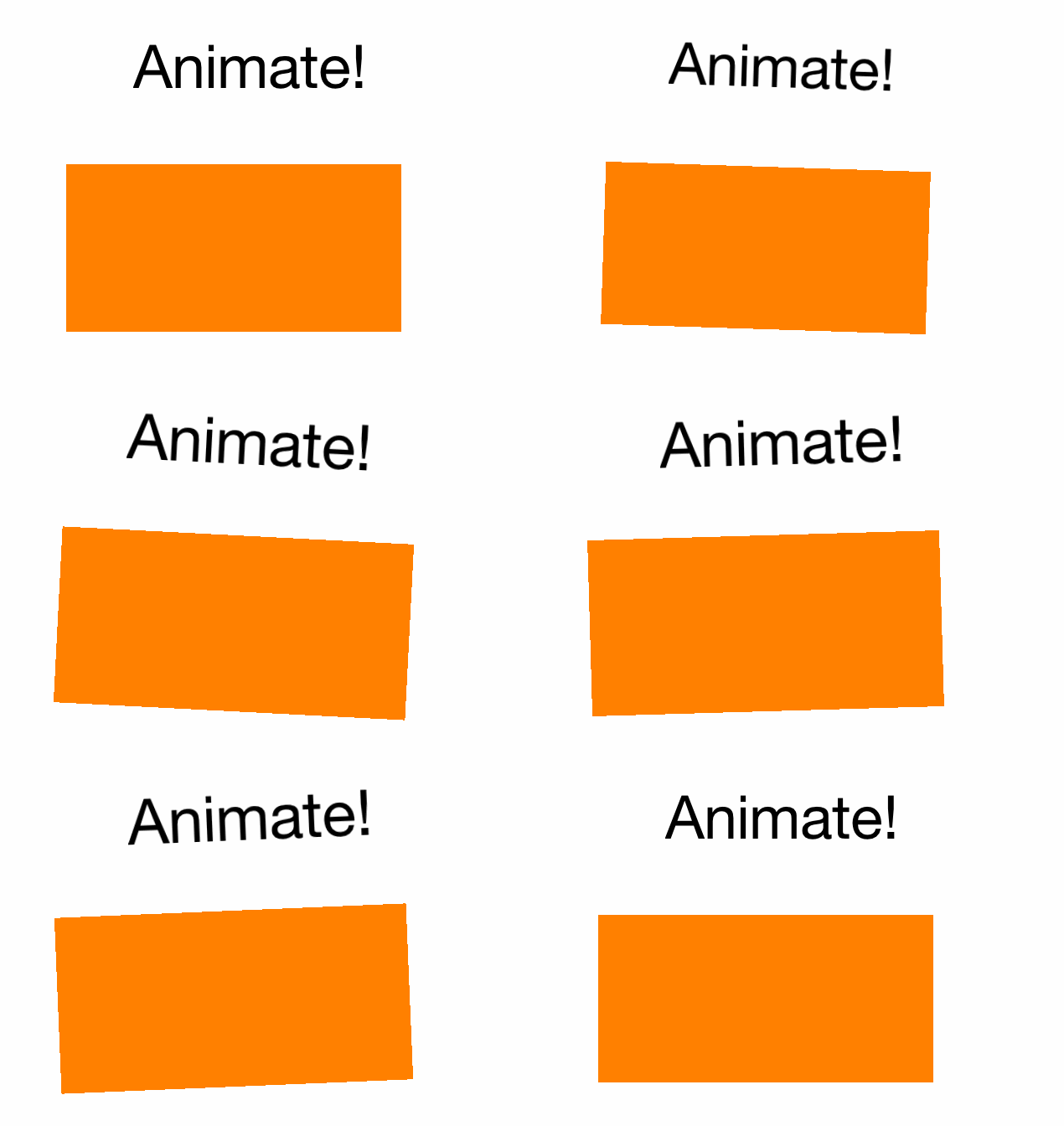
our method to run tada.
[self.moveView tada:NULL];
[self.moveLabel tada:NULL];
Bounce
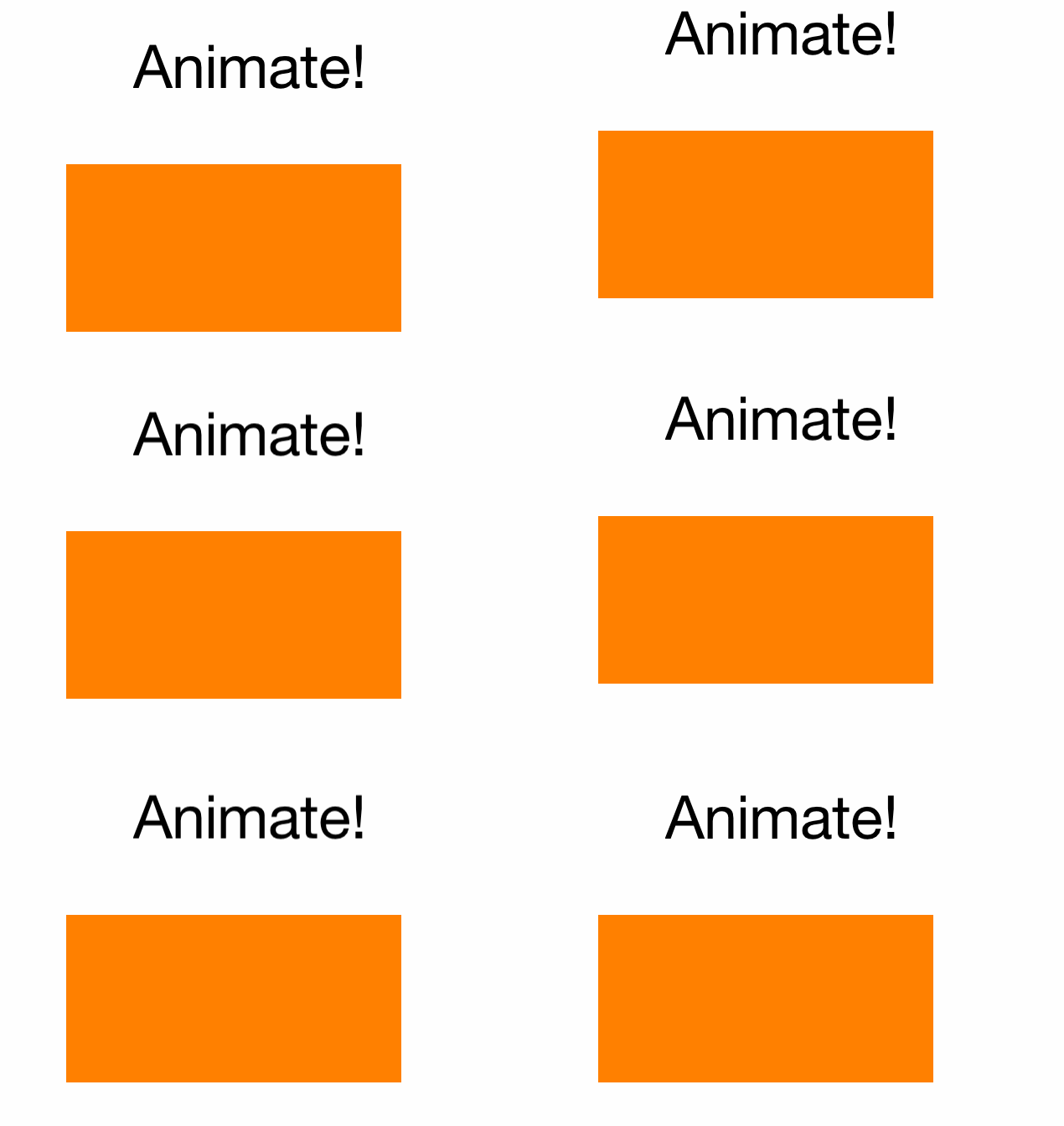
our method to run bounce.
[self.moveView bounce:NULL];
[self.moveLabel bounce:NULL];
Pulse
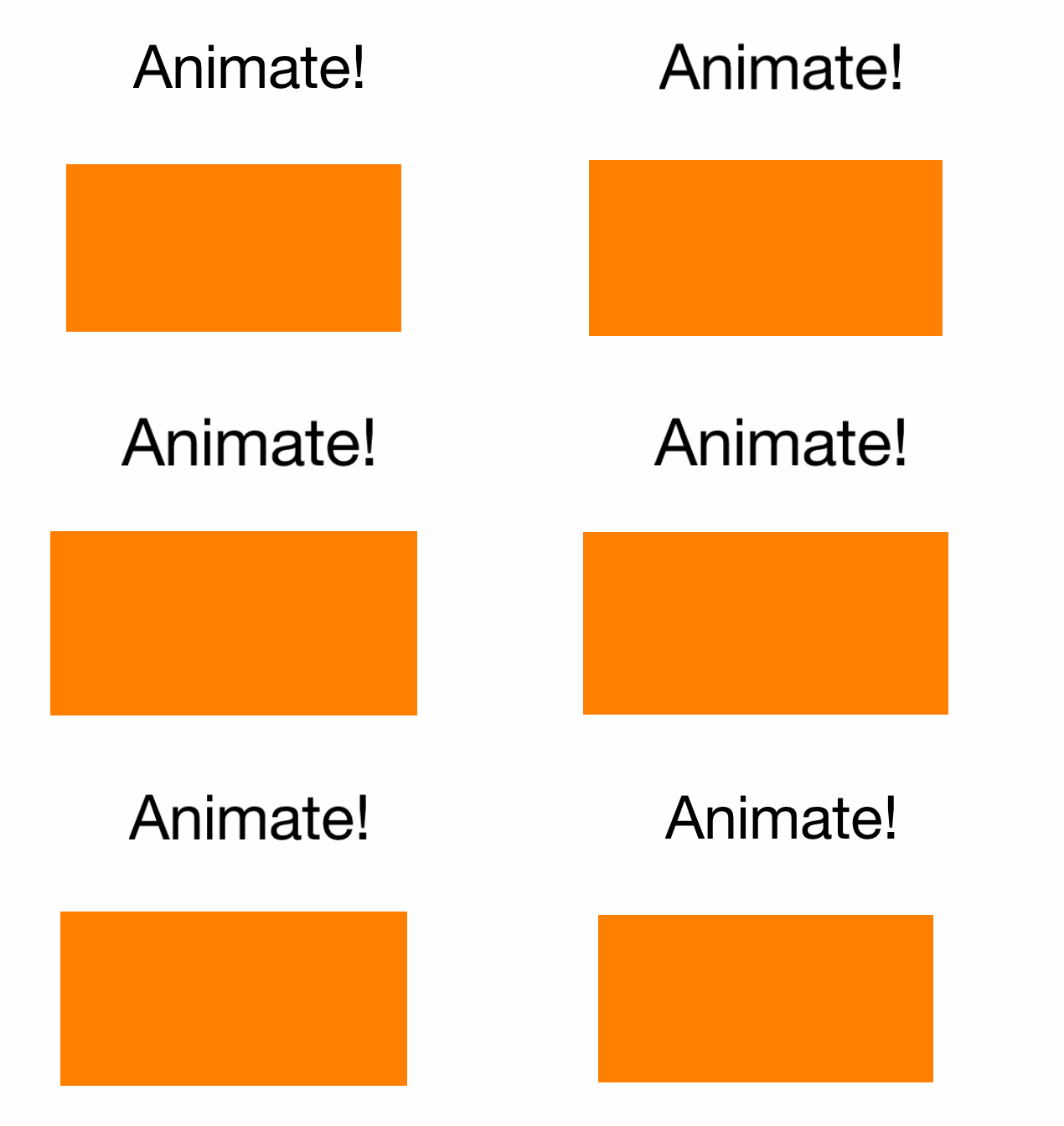
our method to run pulse.
[self.moveView pulse:NULL];
[self.moveLabel pulse:NULL];
Shake
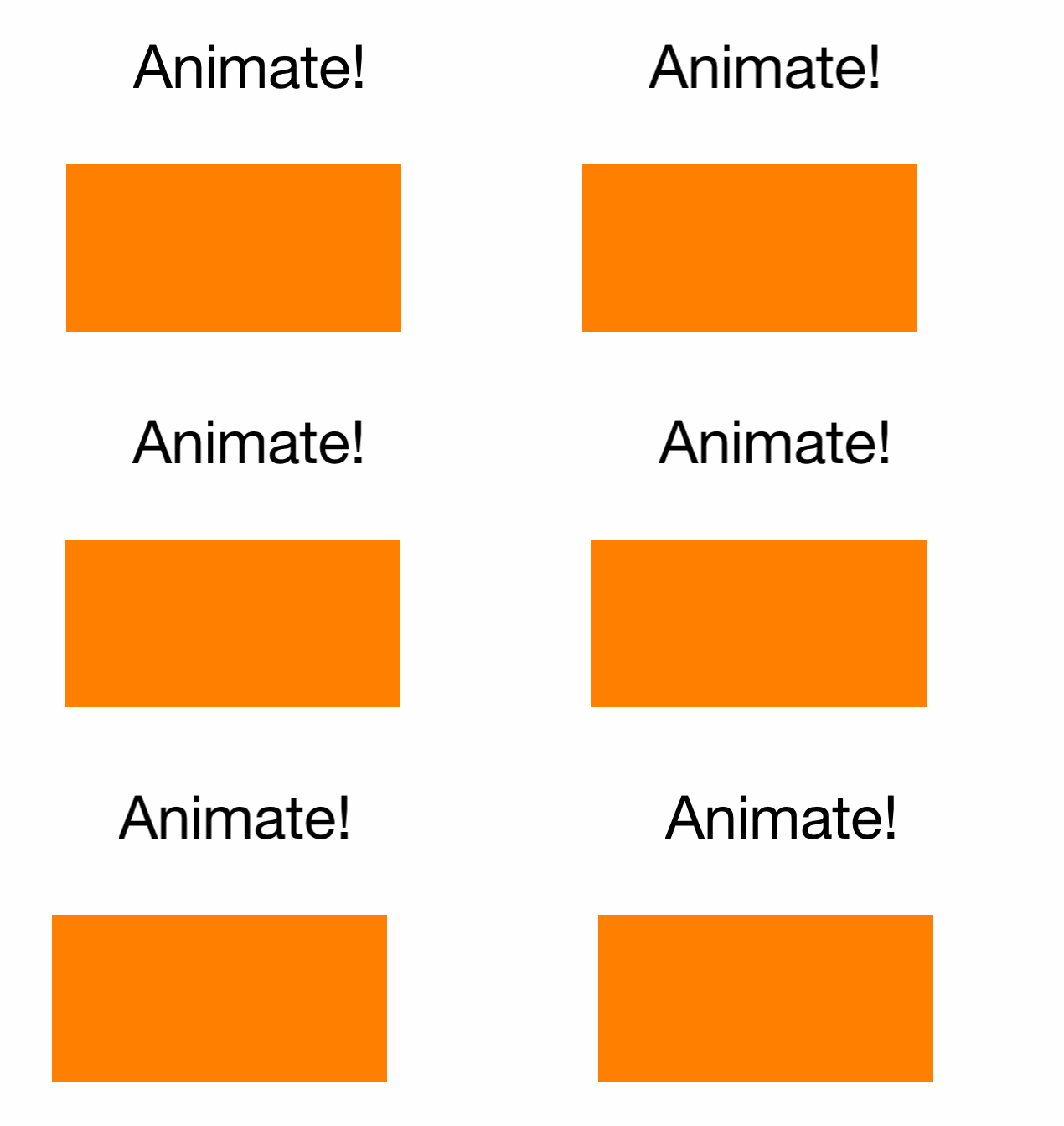
our method to run shake.
[self.moveView shake:NULL];
[self.moveLabel shake:NULL];
Swing
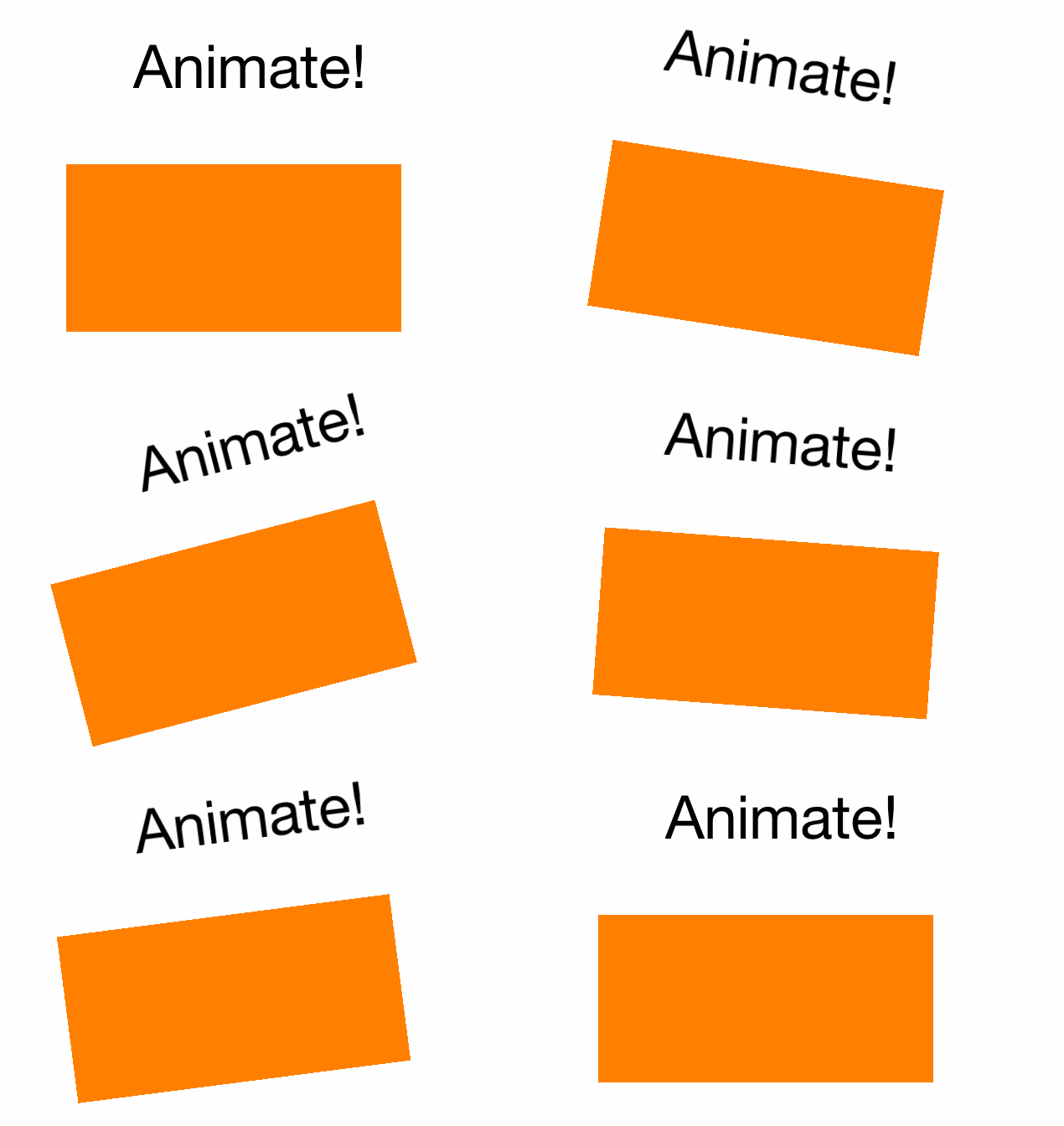
our method to run swing.
[self.moveView swing:NULL];
[self.moveLabel swing:NULL];
Intros
Intros have a slight difference from the base code. We simple remove these 2 lines:
//[self.view addSubview:self.moveLabel];
//[self.view addSubview:self.moveView];
This lines will be added to the view once they snap in.
Snap

our method to run the snap in.
[self.moveLabel snapIntoView:self.view direction:DCAnimationDirectionTop];
[self.moveView snapIntoView:self.view direction:DCAnimationDirectionLeft];
Bounce

our method to run the bounce in.
[self.moveLabel bounceIntoView:self.view direction:DCAnimationDirectionTop];
[self.moveView bounceIntoView:self.view direction:DCAnimationDirectionLeft];
Expand

our method to run the expand.
[self.moveLabel expandIntoView:self.view finished:NULL];
[self.moveView expandIntoView:self.view finished:NULL];
Outros
Compress
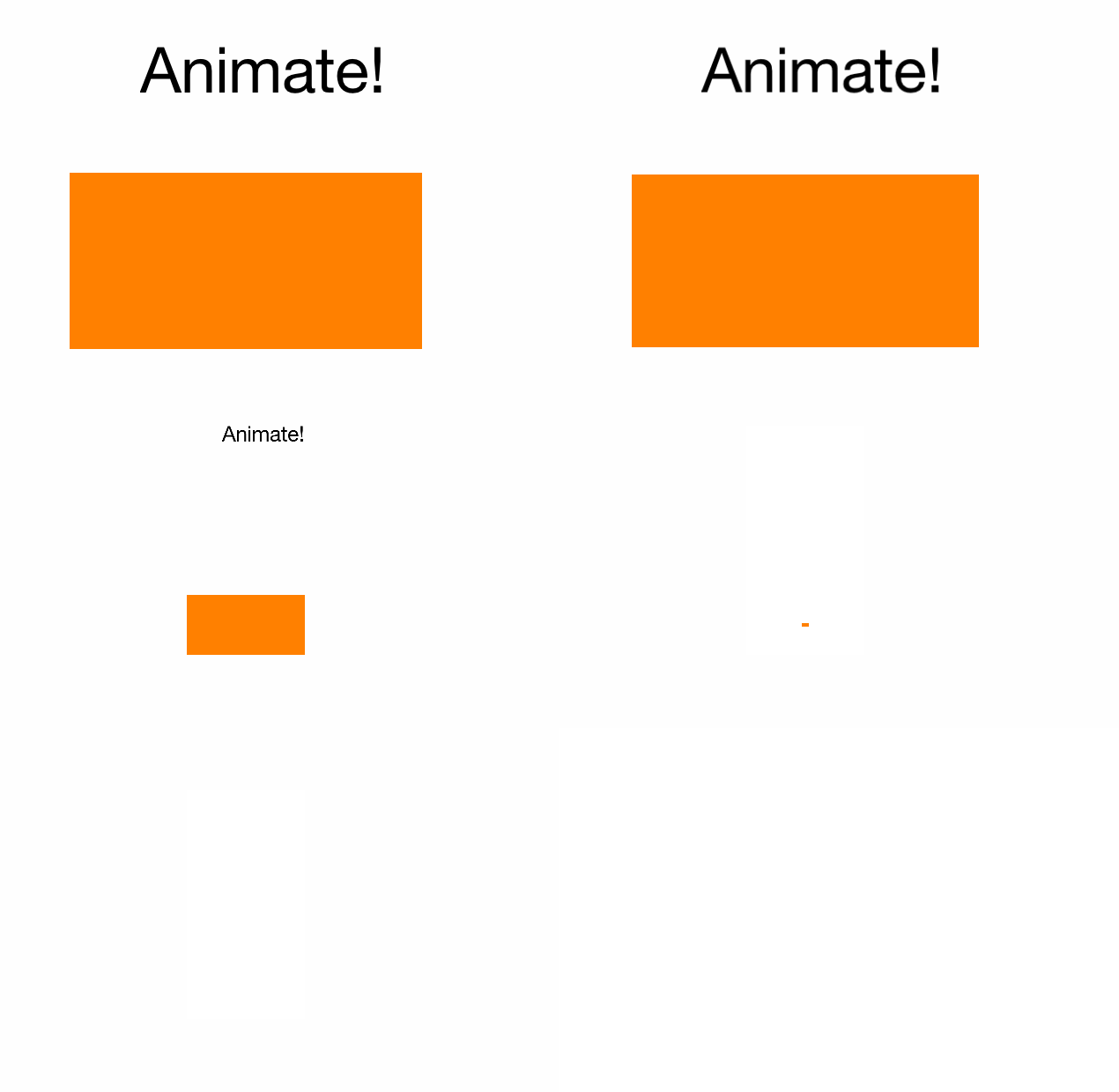
our method to run the compress.
[self.moveLabel expandIntoView:NULL];
[self.moveView expandIntoView:NULL];
Hinge
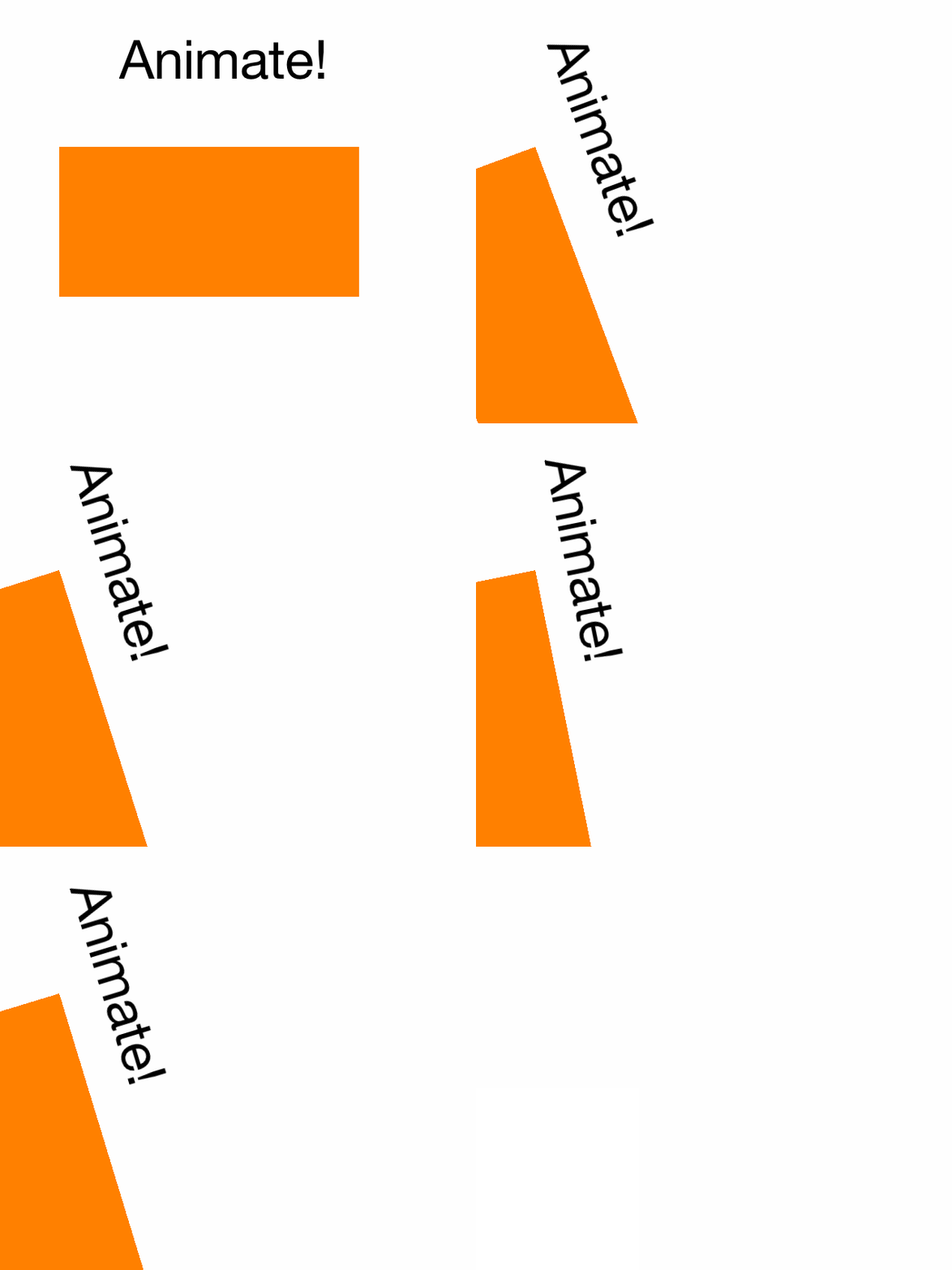
our method to run the hinge.
[self.moveLabel hinge:NULL];
[self.moveView hinge:NULL];
Drop
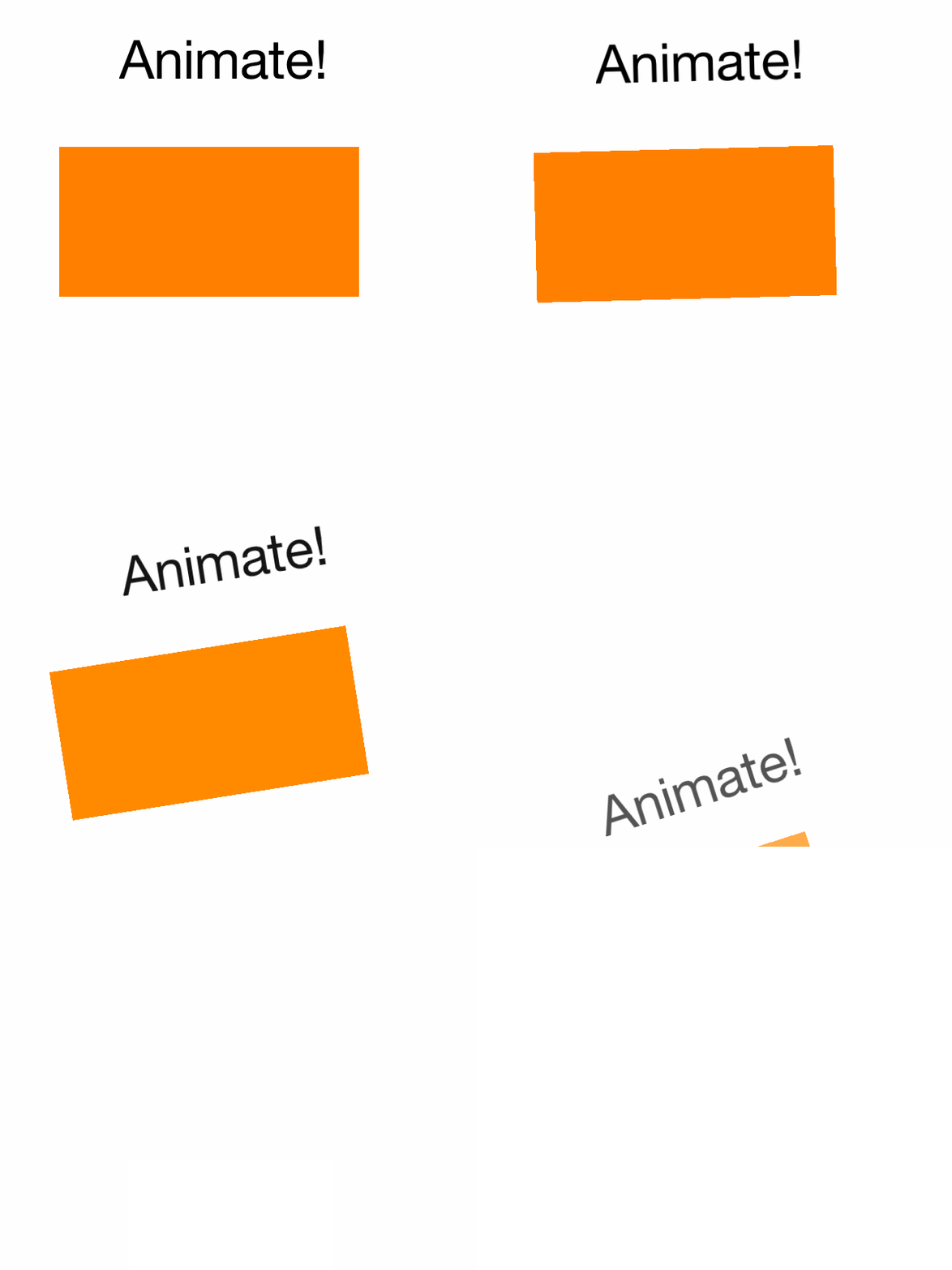
our method to run the drop.
[self.moveLabel drop:NULL];
[self.moveView drop:NULL];
General transitions
To round off our fantastic animations, DCAnimationKit also simplifies doing ordinary frame manipulation.
UIView *baseView = [[UIView alloc] initWithFrame:CGRectMake(40, 85, 50, 50)];
baseView.backgroundColor = [UIColor grayColor];
[self.view addSubview:baseView];

self.moveView = [[UIView alloc] initWithFrame:baseView.frame];
self.moveView.backgroundColor = [UIColor redColor];
[self.view addSubview:self.moveView];
Move

our code to move around.
CGFloat distance = 80;
__weak id weakSelf = self.moveView;
[weakSelf moveX:distance finished:^{
    [weakSelf moveY:distance finished:^{
        [weakSelf moveX:-distance finished:^{
            [weakSelf moveY:-distance finished:^{

            }];
        }];
    }];
}];
We can also set the view's origin to a specific value as well.
__weak id weakSelf = self.moveView;
[weakSelf setX:200 finished:^{
    [weakSelf setY:200 finished:^{
        [weakSelf setX:40 finished:^{
            [weakSelf setY:85 finished:^{

            }];
        }];
    }];
}];
We can even slide to a specific point (there is a move as well!).
[self.moveView movePoint:CGPointMake(100, 100) finished:NULL];
Rotation

our code to rotate (there is a move rotation as well).
__weak id weakSelf = self.moveView;
[weakSelf setRotation:45 duration:.35 finished:^{
    [weakSelf setRotation:0 duration:.35 finished:^{

    }];
}];
Install
The recommended approach for installing DCAnimationKit is via the CocoaPods package manager, as it provides flexible dependency management and dead simple installation.
via CocoaPods
Install CocoaPods if not already available:
$ [sudo] gem install cocoapods
$ pod setup
Change to the directory of your Xcode project, and Create and Edit your Podfile and add DCAnimationKit:
$ cd /path/to/MyProject
$ touch Podfile
$ edit Podfile
platform :ios, '7.0'
pod 'DCAnimationKit'
Install into your project:
$ pod install
Open your project in Xcode from the .xcworkspace file (not the usual project file)
Requirements
DCAnimationKit requires at least iOS 7 or above.
License
DCAnimationKit is license under the Apache License.
Contact
Dalton Cherry
관련 프로젝트 살펴보기
불러오는 중…