
dalboris/vpaint
dalboris/vpaint has 766 GitHub stars and 56 forks. GitHot measured 0 stars in 24 hours and 0 in 7 days. Last checked 2026-11-25 04:39 UTC. Last push 2024-07-18.
측정된 스타 증가
- in 24h
- 0
- in 7 days
- 0
- in 15 days
- 기록 수집 중
- in 1 month
- 기록 수집 중
서로 겹치는 기간의 순증가량이며 일별 합계가 아닙니다. 측정값이 없으면 비워 둡니다. 스타는 관심도를 나타내며 품질을 보장하지 않습니다.
소개
실험적인 벡터 그래픽 및 2D 애니메이션 편집기
창작 및 미디어README.md
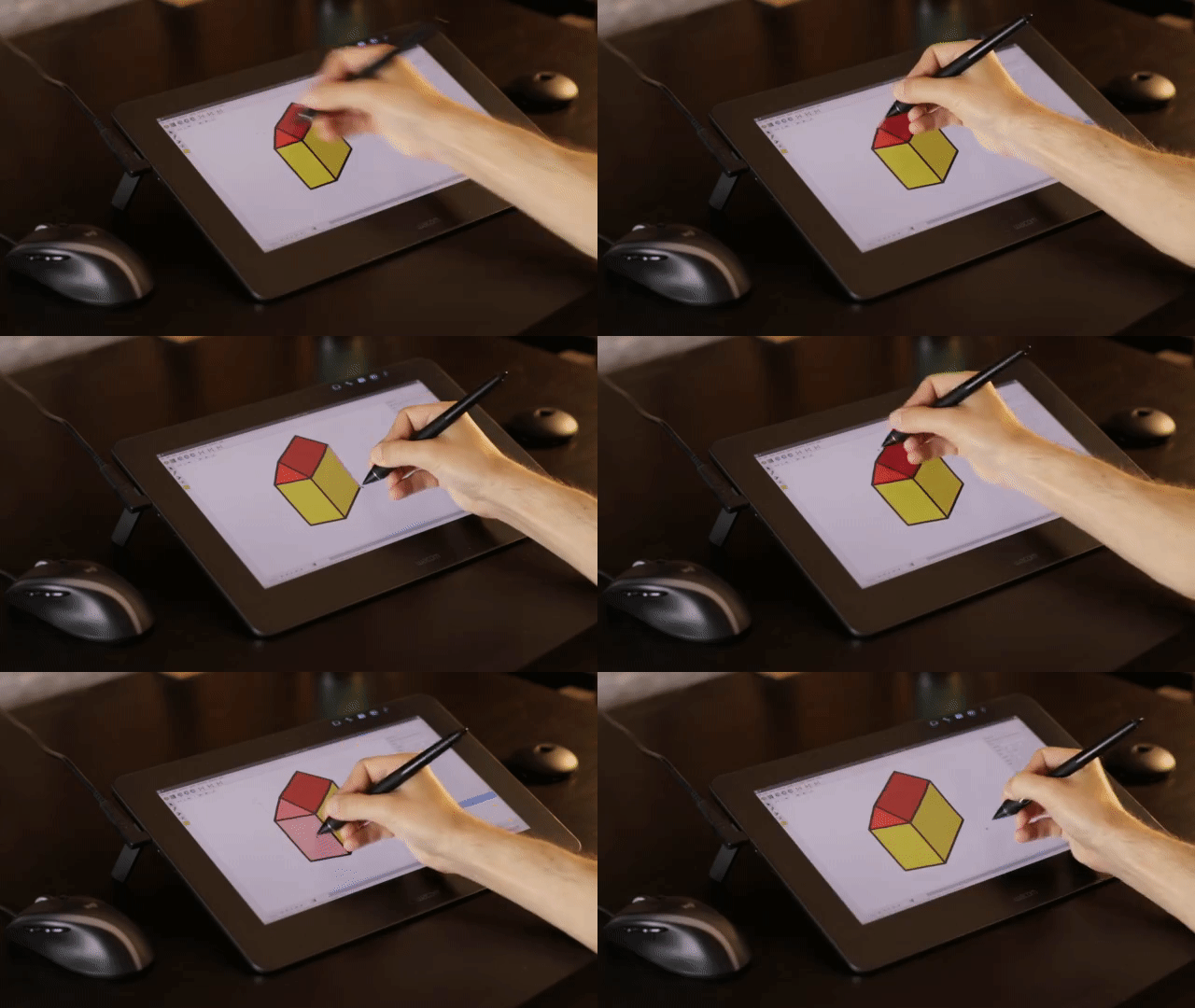
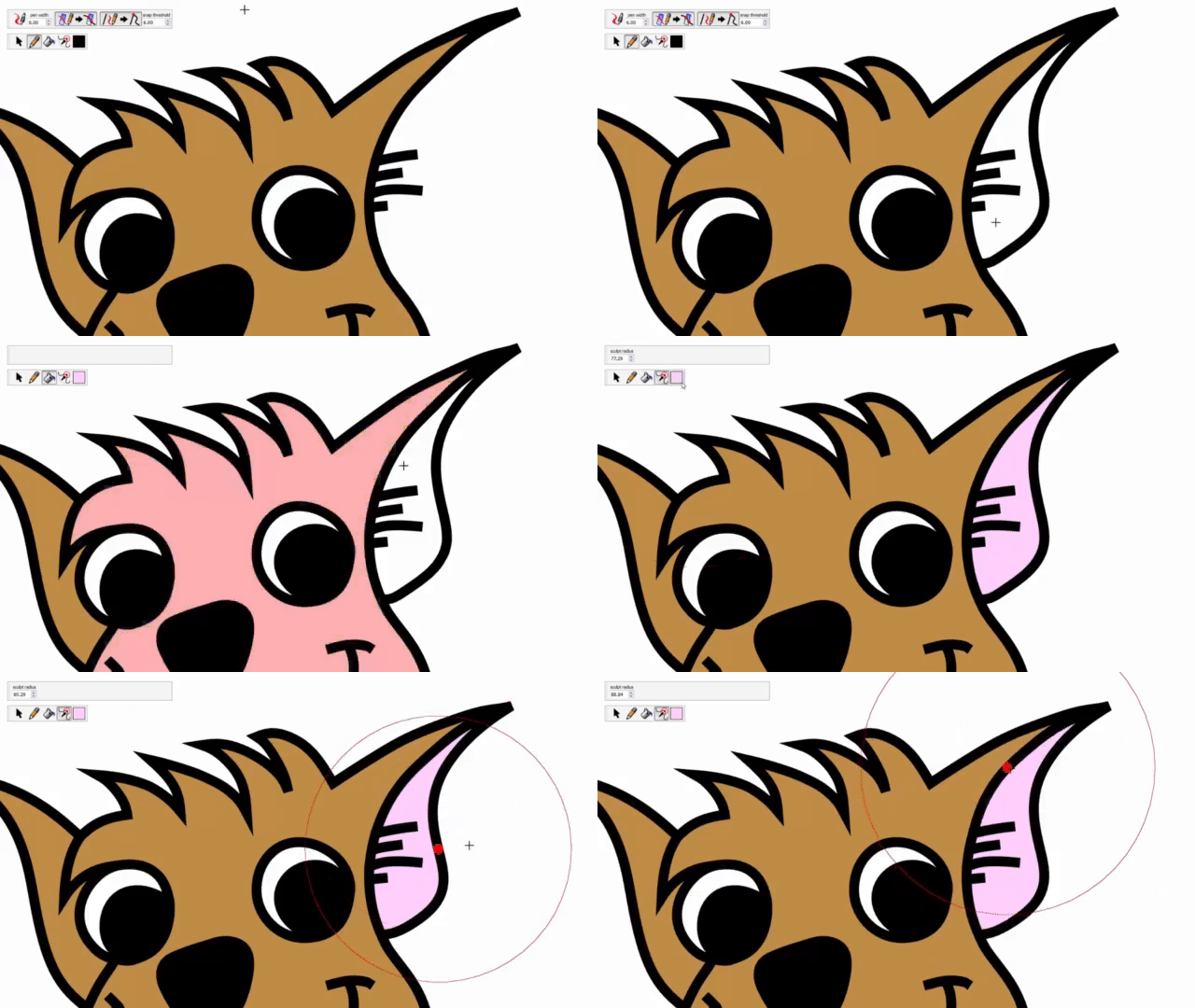
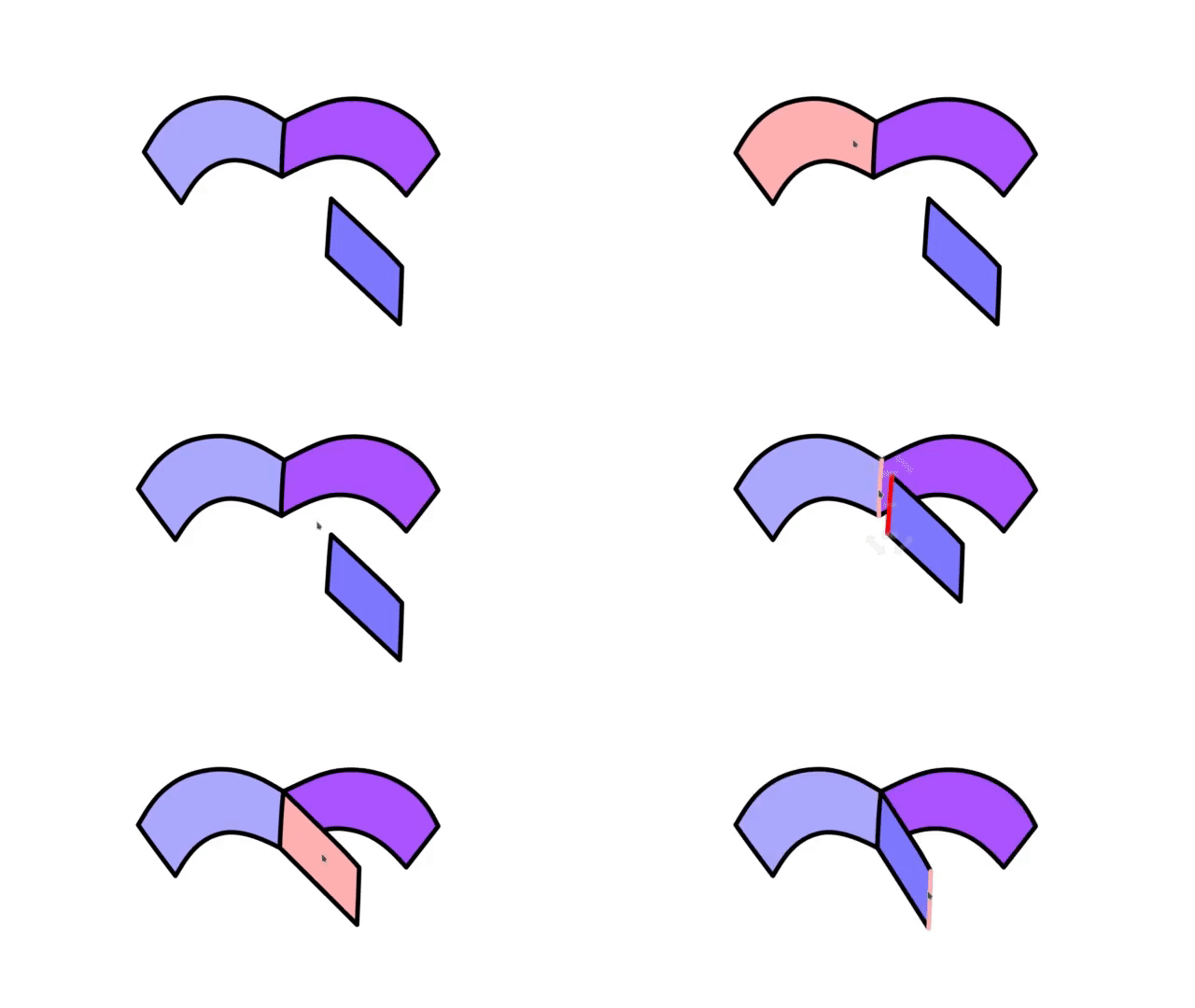
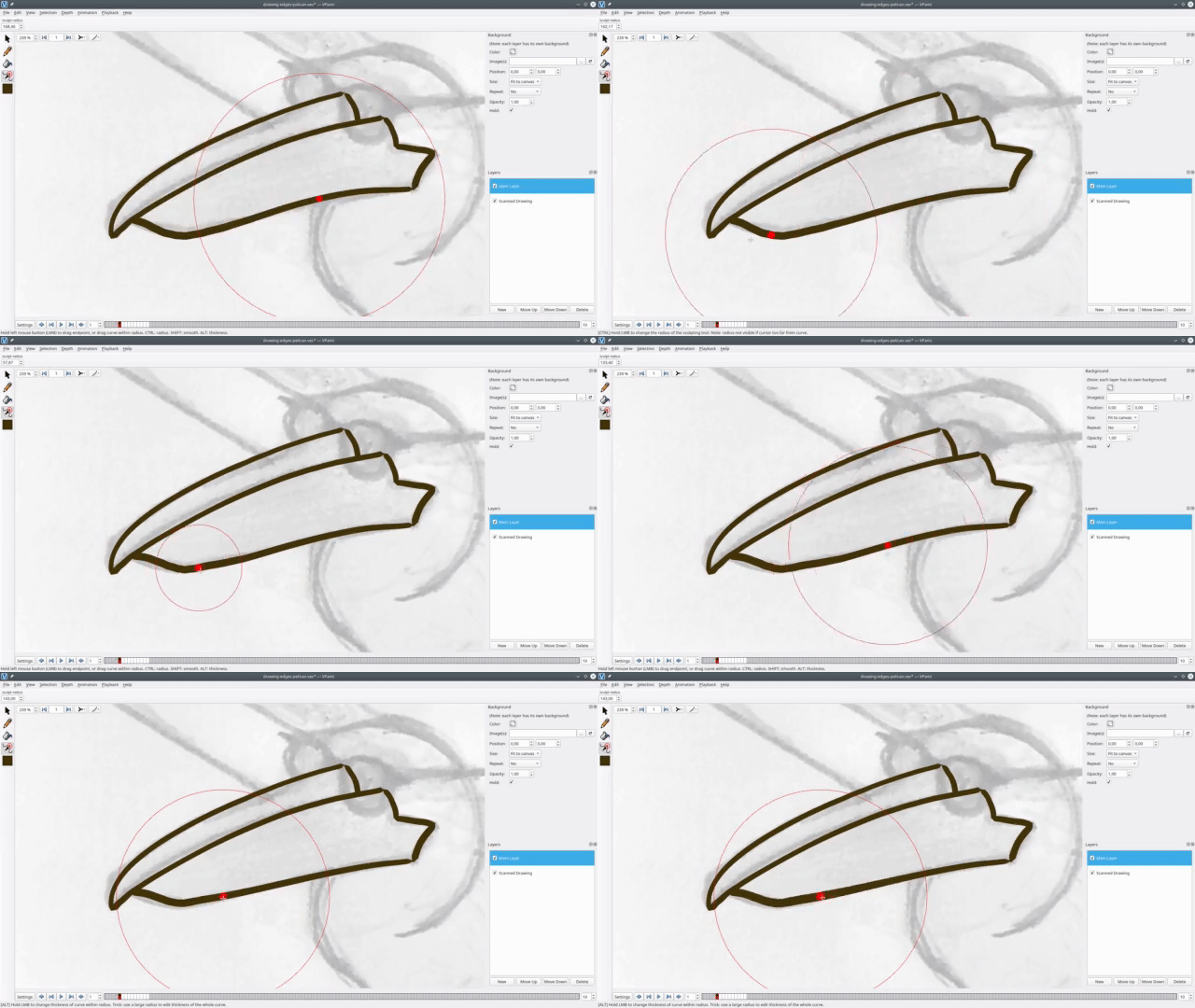
OriginalVPaint is an experimental prototype based on the Vector Graphics Complex (VGC), a technology developed by a collaboration of researchers at Inria and the University of British Columbia. It allows you to create resolution-independent illustrations and animations using innovative techniques.
VPaint is licensed under the Apache 2.0 License.
More Info:

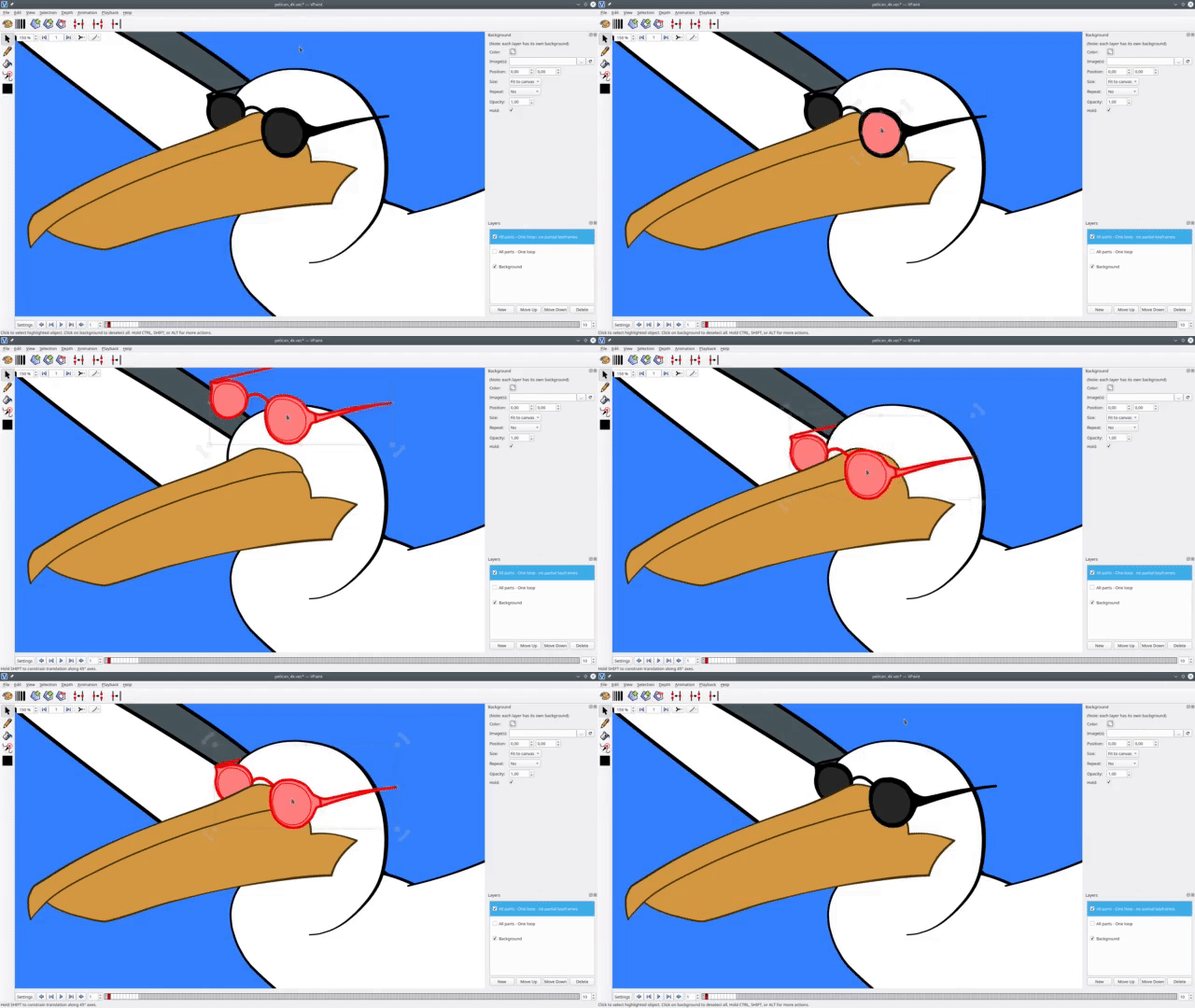

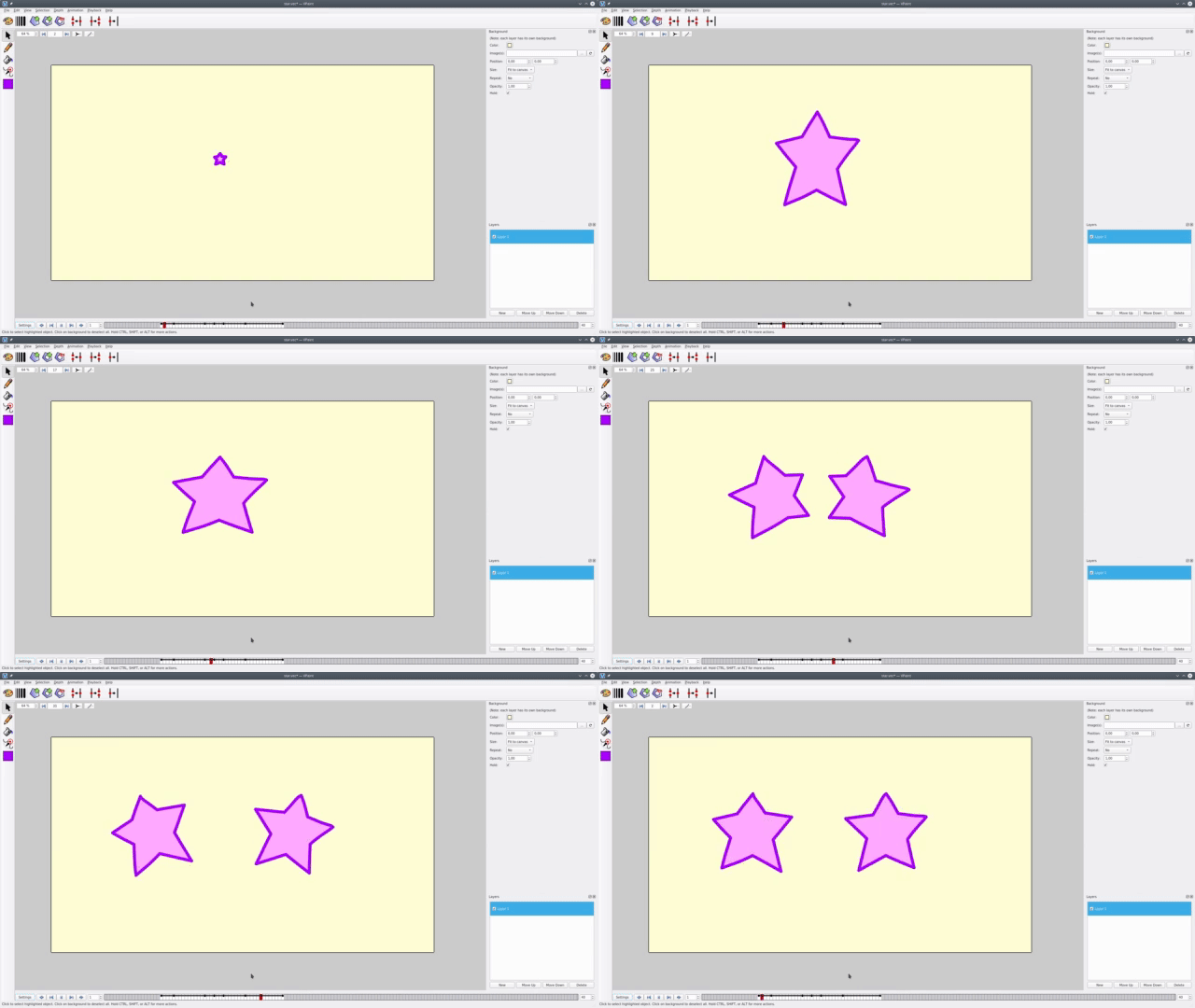
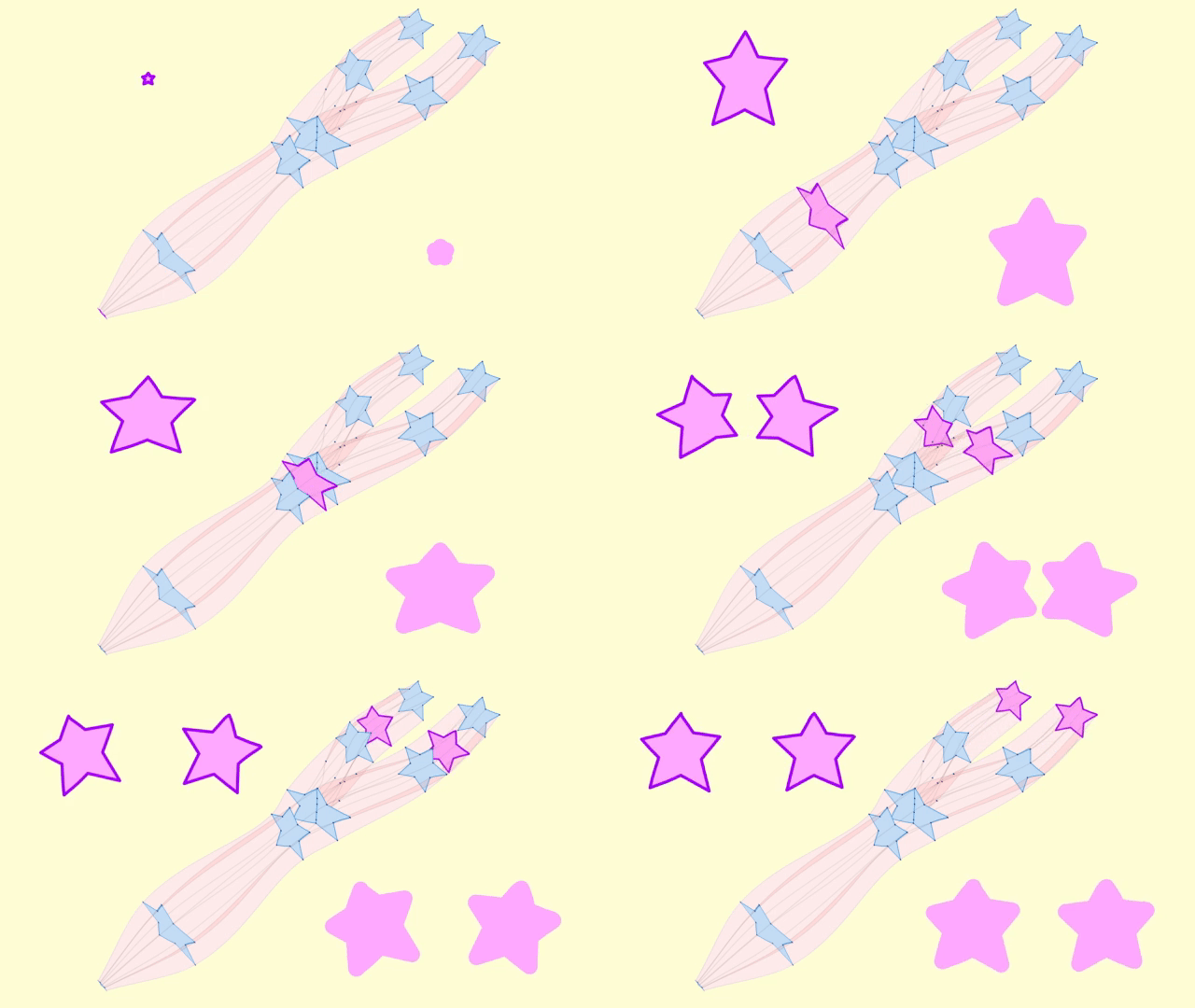
Disclaimer
VPaint is considered BETA, and always will: it lacks plenty of useful features commonly found in other editors, and you should expect glitches and crashes once in a while. It is distributed primarily for research purposes, and for curious artists interested in early testing of cutting-edge but unstable technology.
Future Releases
Because VPaint is just a prototype, we may or may not release new versions. However, we are currently developing two new apps, called VGC Illustration and VGC Animation, based on what we learned from VPaint. These new apps will significantly improve performance compared to VPaint, and have more features.
If you would like to be notified if/when a new version of VPaint is released, or when VGC Illustration and VGC Animation are released, you can subscribe to the newsletter at vgc.io. Thanks for your interest, and have fun testing VPaint!
Build Instructions
Prerequisites:
- C++11: We recommend Visual Studio 2019 on Windows, and any recent version of Clang/GCC on macOS/Linux.
- Qt 5.15: We recommend installing Qt 5.15.2 using the Qt installer.
- GLU: This is already installed on Windows, macOS, and many Linux distributions. However, on Ubuntu, you need to install it yourself via
sudo apt-get install libglu1-mesa-dev.
Supported platforms (see Qt 5.15 Supported Platforms for details):
- Windows 7+
- macOS 10.13+
- Linux Ubuntu 18.04+ or any recent Linux distribution on X11 (Wayland not tested)
Using qmake (application only)
Windows 7+, Visual Studio 2019 64bit, Qt 5.15.2
git clone https://github.com/dalboris/vpaint.git
mkdir build && cd build
"C:\Program Files (x86)\Microsoft Visual Studio\2019\Community\Common7\Tools\VsDevCmd.bat" -arch=amd64
C:\Qt\5.15.2\msvc2019_64\bin\qmake.exe ..\vpaint\src
nmake
set PATH=%PATH%;C:\Qt\5.15.2\msvc2019_64\bin
Gui\release\VPaint.exe
macOS 10.13+, Xcode/Clang, Qt 5.15.2
git clone https://github.com/dalboris/vpaint.git
mkdir build && cd build
~/Qt/5.15.2/clang_64/bin/qmake ../vpaint/src
make
./Gui/VPaint.app/Contents/MacOS/VPaint
Ubuntu 18.04+, GCC, Qt 5.15.2
sudo apt-get install build-essential libglu1-mesa-dev
git clone https://github.com/dalboris/vpaint.git
mkdir build && cd build
~/Qt/5.15.2/gcc_64/bin/qmake ../vpaint/src
make
./Gui/VPaint
Using CMake (application and library)
git clone https://github.com/dalboris/vpaint.git
cd vpaint
mkdir build && cd build
cmake ..
cmake --build . --config Release
./src/Gui/Release/VPaint
관련 프로젝트 살펴보기
불러오는 중…