
coderaiser/cloudcmd
소개
✨☁️📁✨ 콘솔과 편집기를 제공하는 웹용 Cloud Commander 파일 관리자입니다.
개발 도구측정된 스타 증가
- in 24h
- 0
- in 7 days
- +5
- in 15 days
- +8
- in 1 month
- 기록 수집 중
서로 겹치는 기간의 순증가량이며 일별 합계가 아닙니다. 측정값이 없으면 비워 둡니다. 스타는 관심도를 나타내며 품질을 보장하지 않습니다.
README.md
OriginalCloud Commander v19.21.4 



Main Blog Support Demo
Cloud Commander a file manager for the web with console and editor.

Install
npm i cloudcmd -g
Start
For starting just type in console:
cloudcmd
How to use?
Open url http://localhost:8000 in browser.
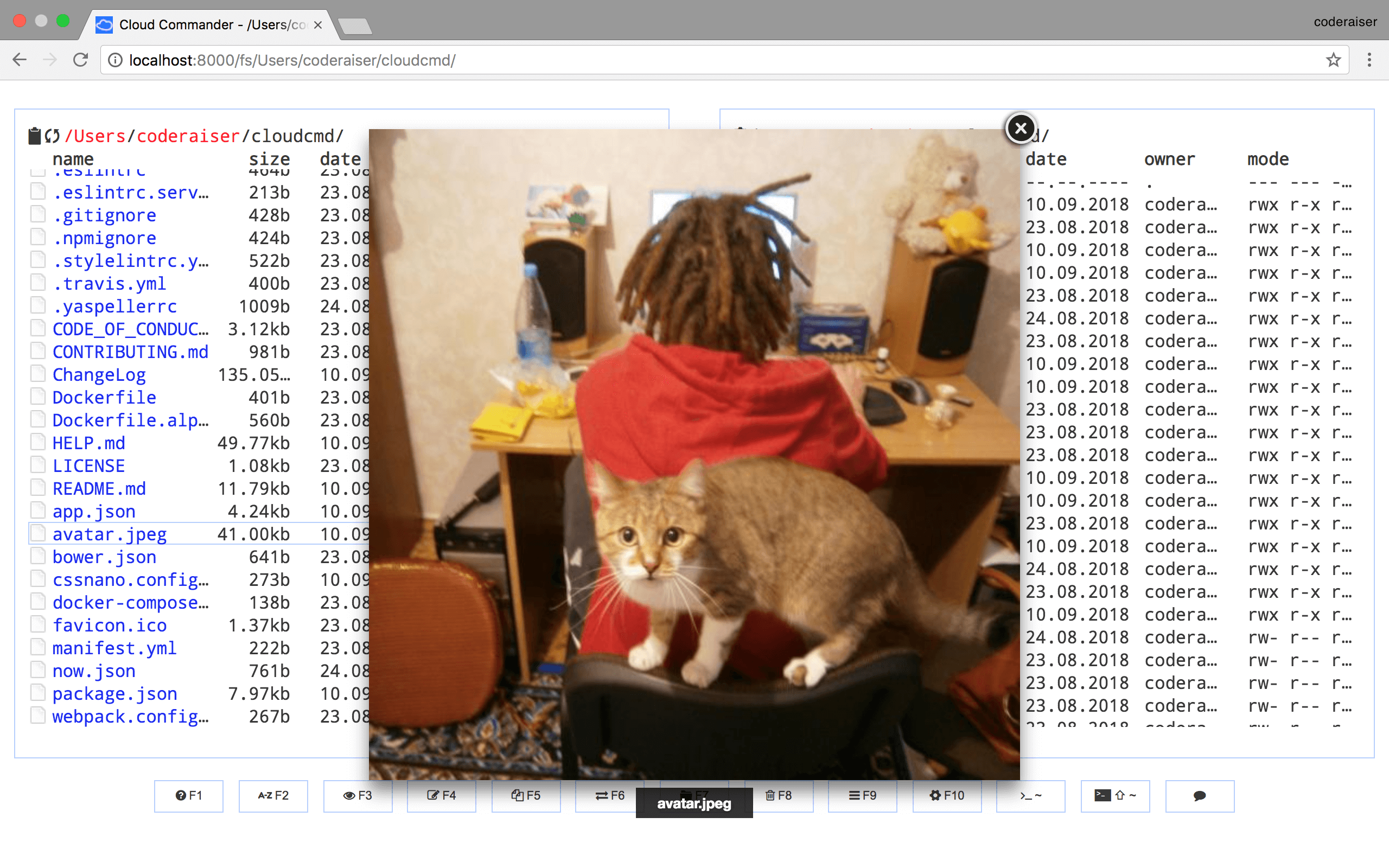
View
You will see something similar to this.
Using as Middleware
Cloud Commander could be used as middleware for node.js applications based on socket.io and express:
Init package.json:
npm init -y
Install dependencies:
npm i cloudcmd express socket.io -S
And create index.js:
import http from 'node:http';
import {cloudcmd} from 'cloudcmd';
import {Server} from 'socket.io';
import express from 'express';

const app = express();

const port = 1337;
const prefix = '/';

const server = http.createServer(app);
const socket = new Server(server, {
    path: `${prefix}socket.io`,
});

const config = {
    name: 'cloudcmd :)',
};

const filePicker = {
    data: {
        FilePicker: {
            key: 'key',
        },
    },
};

// override option from json/modules.json
const modules = {
    filePicker,
};

const {
    createConfigManager,
    configPath,
} = cloudcmd;

const configManager = createConfigManager({
    configPath,
});

app.use(prefix, cloudcmd({
    socket, // used by Config, Edit (optional) and Console (required)
    config, // config data (optional)
    modules, // optional
    configManager, // optional
}));

server.listen(port);
Docker
The docker images are provided for multiple architectures and types. The following list shows all existing images:
| Architecture | Type |
|---|---|
| amd64 | linux |
| arm64 (arm/v8) | linux |
| amd64 | linux-alpine |
| arm64 (arm/v8) | linux-alpine |
Cloud Commander could be used as a docker container this way:
docker run -it --rm -v ~:/root -v /:/mnt/fs -w=/root -p 8000:8000 coderaiser/cloudcmd
Config would be read from home directory, hosts root file system would be mount to /mnt/fs,
8000 port would be exposed to hosts port.
Also you could use docker compose with docker-compose.yml:
version: '2'
services:
  web:
    ports:
      - 8000:8000
    volumes:
      - ~:/root
      - /:/mnt/fs
    image: coderaiser/cloudcmd
When you create this file run:
docker-compose up
Documentation
More documentation you can find on https://cloudcmd.io/.
Get involved
There is a lot ways to be involved in Cloud Commander development:
- support project on patreon: https://patreon.com/coderaiser;
- if you find a bug or got idea to share create an issue;
- if you fixed a bug, typo or implemented new feature create pull request;
- if you know languages you can help with site translations;
License
MIT
관련 프로젝트 살펴보기
불러오는 중…