
codemybrainsout/ahoy-onboarding
소개
Android 온보딩 라이브러리입니다.
학습측정된 스타 증가
- in 24h
- 0
- in 7 days
- 0
- in 15 days
- 기록 수집 중
- in 1 month
- 기록 수집 중
서로 겹치는 기간의 순증가량이며 일별 합계가 아닙니다. 측정값이 없으면 비워 둡니다. 스타는 관심도를 나타내며 품질을 보장하지 않습니다.
README.md
OriginalAhoy! Onboarding
Onboarding library for android with Gradient, Image or Solid color backgrounds.

Installation
Gradle
Add it as a dependency in your app's build.gradle file
dependencies {
    compile 'com.codemybrainsout.onboarding:onboarder:1.0.4'
}
How to use
First of all, you will have to extend your activity like this
public class YourActivity extends AhoyOnboarderActivity {
Then, Create AhoyOnboarderCard and configure it accordingly
AhoyOnboarderCard ahoyOnboarderCard1 = new AhoyOnboarderCard("Title", "Description", R.drawable.icon1);
ahoyOnboarderCard1.setBackgroundColor(R.color.black_transparent);
ahoyOnboarderCard1.setTitleColor(R.color.white);
ahoyOnboarderCard1.setDescriptionColor(R.color.grey_200);
ahoyOnboarderCard1.setTitleTextSize(dpToPixels(10, this));
ahoyOnboarderCard1.setDescriptionTextSize(dpToPixels(8, this));
ahoyOnboarderCard1.setIconLayoutParams(iconWidth, iconHeight, marginTop, marginLeft, marginRight, marginBottom);
After that, Create a list of cards and set them using
List<AhoyOnboarderCard> pages = new ArrayList<>();
pages.add(ahoyOnboarderCard1);
pages.add(ahoyOnboarderCard2);
pages.add(ahoyOnboarderCard3);
...

setOnboardPages(pages);
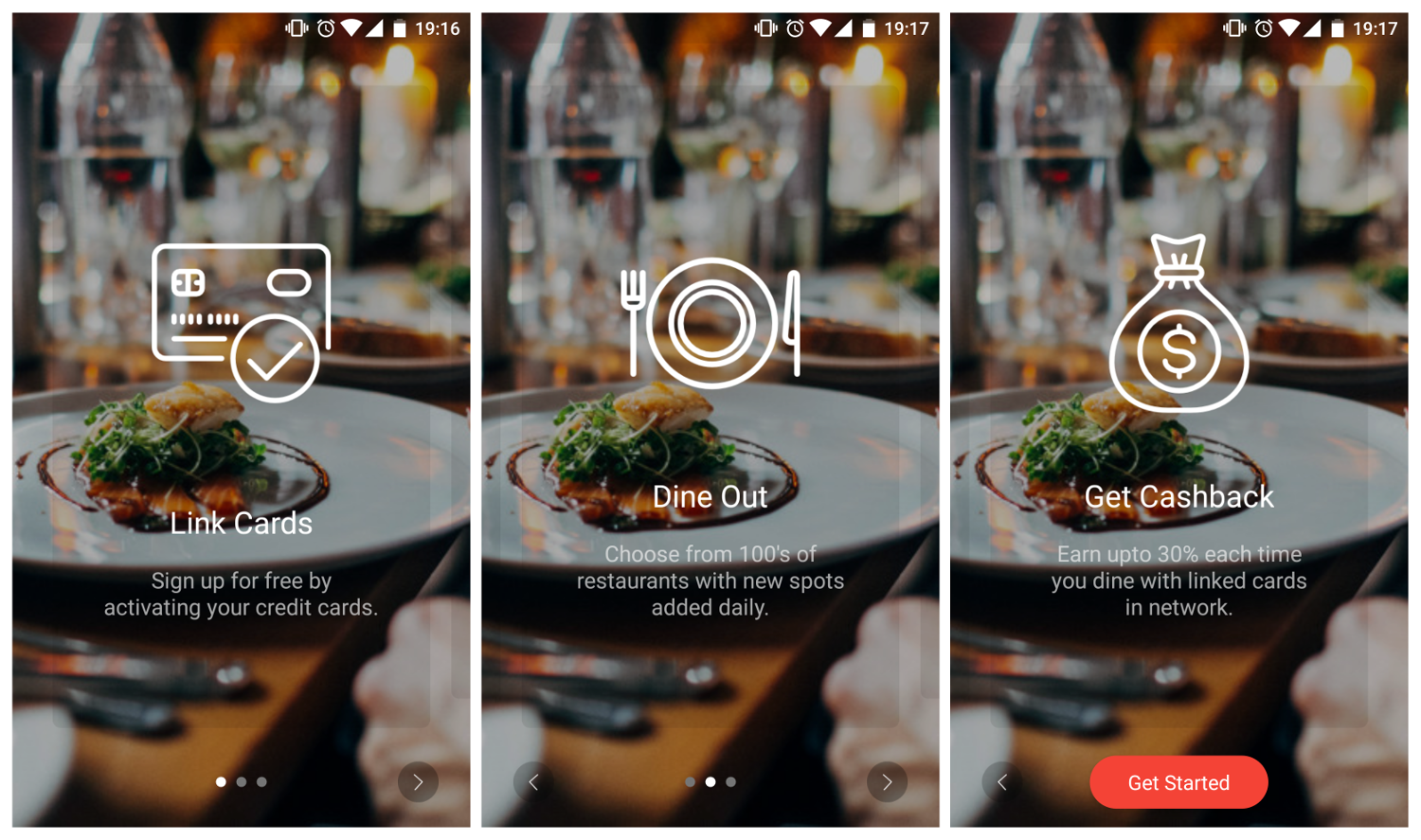
Choose from one of these three background types
- Gradient Background
setGradientBackground();

- Image Background
setImageBackground(R.drawable.image);
- Solid Background
List<Integer> colorList = new ArrayList<>();
colorList.add(R.color.solid_one);
colorList.add(R.color.solid_two);
colorList.add(R.color.solid_three);
setColorBackground(colorList);

                //or

setColorBackground(R.color.solid_one);

You can also customise the font to match your app
Typeface face = Typeface.createFromAsset(getAssets(), "fonts/Roboto-Light.ttf");
setFont(face);
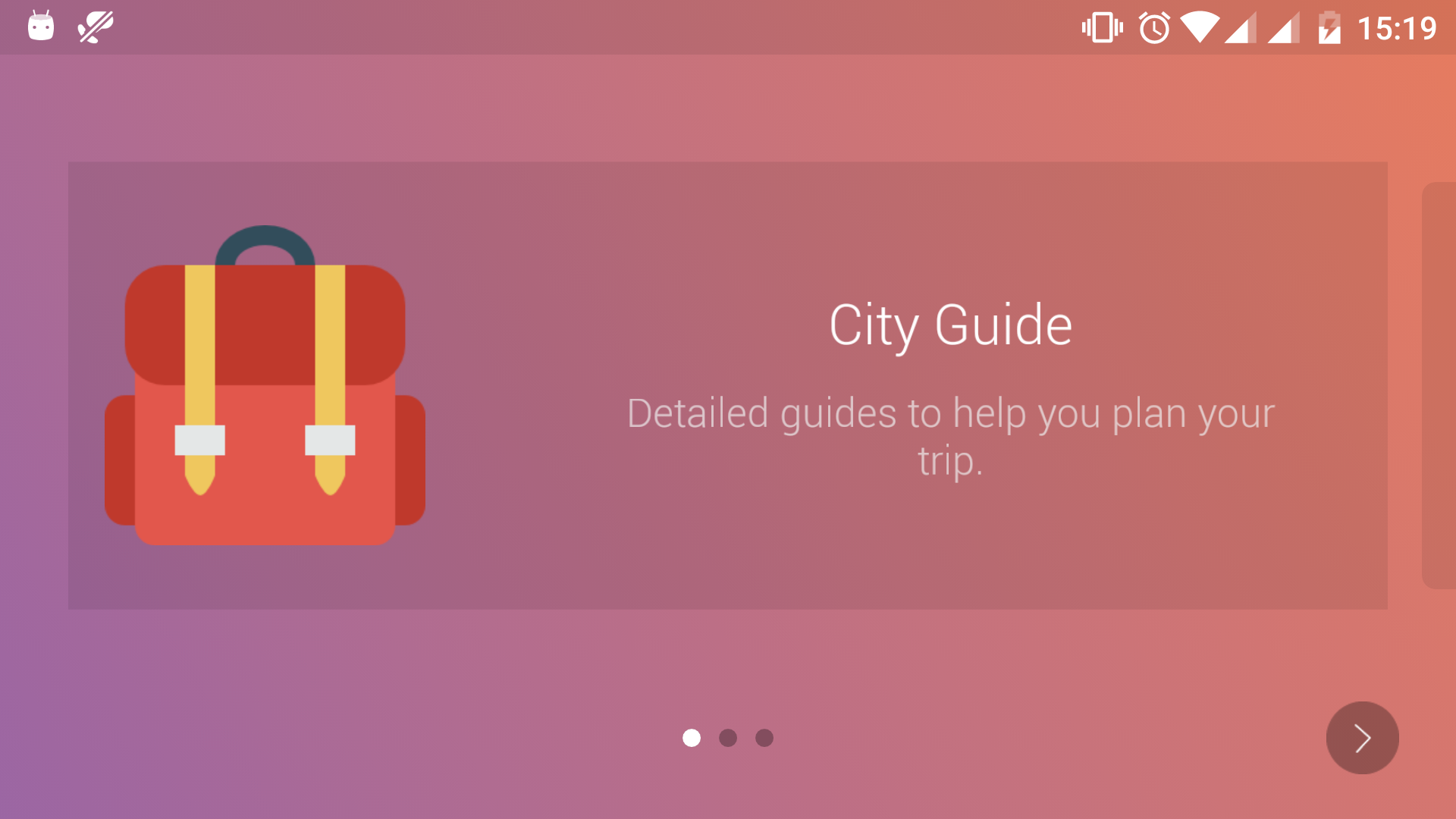
Landscape mode
Other properties
//Show/Hide navigation controls
showNavigationControls(false);

//Set pager indicator colors
setInactiveIndicatorColor(R.color.grey);
setActiveIndicatorColor(R.color.white);

//Set finish button text
setFinishButtonTitle("Get Started");

//Set the finish button style
setFinishButtonDrawableStyle(ContextCompat.getDrawable(this, R.drawable.rounded_button));
Thanks
Changelog
v1.0.1
Landscape layout by Maxwell
v1.0.2
FinishButtonDrawableStyle by Maxwell
Support
If you've any questions regarding this library, please contact us at [email protected]
Credits
This project was initiated by Code My Brains Out. You can contribute to this project by submitting issues or/and by forking this repo and sending a pull request.

Follow us on:


Author: Rahul Juneja
License
Copyright (C) 2016 Code My Brains Out

Licensed under the Apache License, Version 2.0 (the "License");
you may not use this file except in compliance with the License.
You may obtain a copy of the License at

http://www.apache.org/licenses/LICENSE-2.0

Unless required by applicable law or agreed to in writing, software
distributed under the License is distributed on an "AS IS" BASIS,
WITHOUT WARRANTIES OR CONDITIONS OF ANY KIND, either express or implied.
See the License for the specific language governing permissions and
limitations under the License.
관련 프로젝트 살펴보기
불러오는 중…