프로젝트 GitHub에서 보기
cihadturhan/jquery-aim
소개
사용자가 마우스를 올리거나 클릭할 요소를 예측하는 jQuery 플러그인.
개발 도구측정된 스타 증가
- in 24h
- 0
- in 7 days
- 0
- in 15 days
- 기록 수집 중
- in 1 month
- 기록 수집 중
서로 겹치는 기간의 순증가량이며 일별 합계가 아닙니다. 측정값이 없으면 비워 둡니다. 스타는 관심도를 나타내며 품질을 보장하지 않습니다.
README.md
Originaljquery.aim
jQuery plugin anticipates on which element user is going to hover/click.
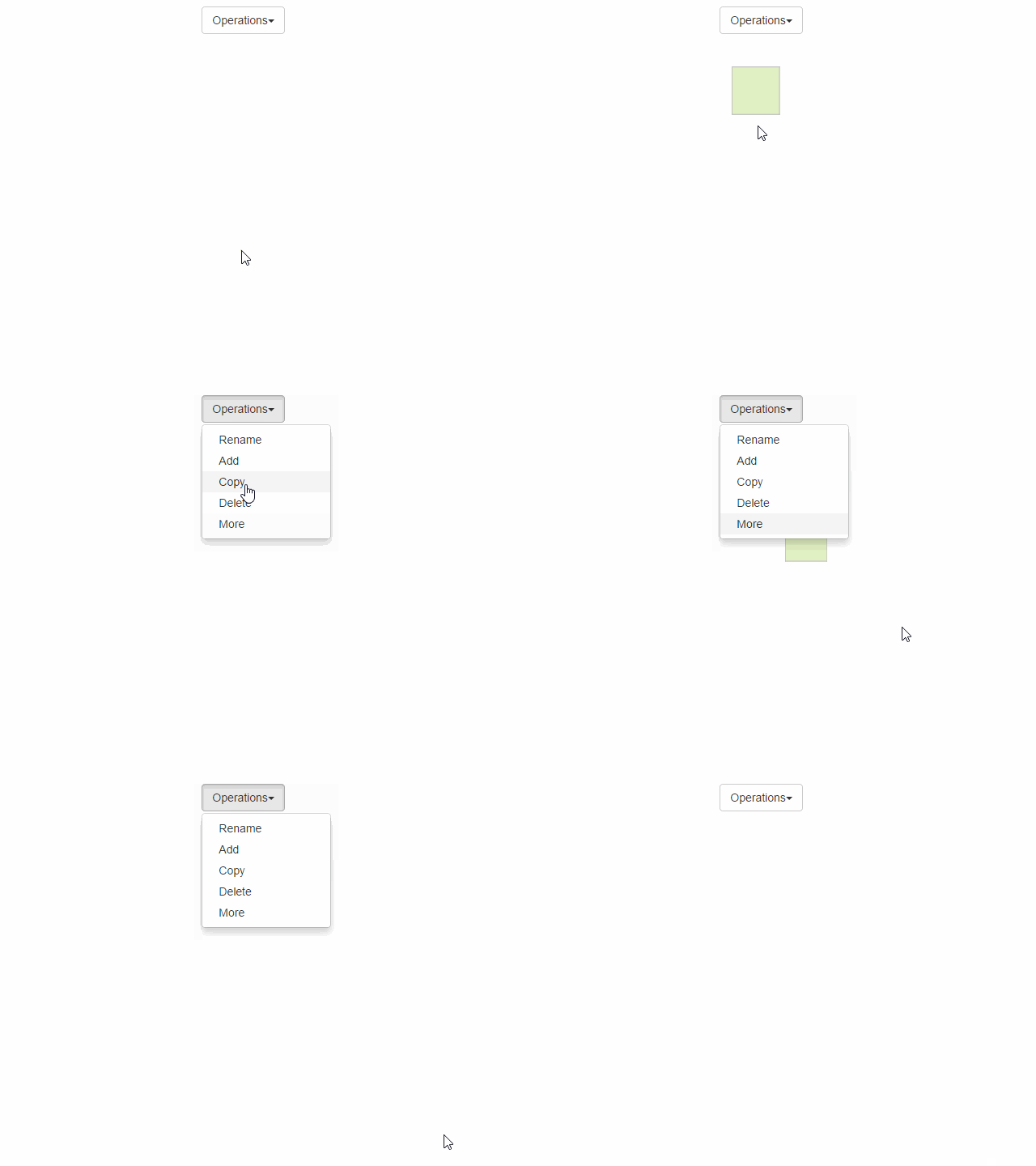
Examples
A couple of examples can be found the examples page
Usage
Call the function on the elements to catch user aim and add a class which will be added or removed when aiming starts or ends
$('#target').aim({
    className: 'open'
});
If you want to execute a function on aim starts or ends, use the aimEnter and aimExit options
$('#hamburger').aim({

    aimEnter: function() {
        $('#menu').show();
    },

    aimExit: function(){
        $('#menu').hide();
    }
});
Debugging
To see where your cursor is aiming and check if it intersects with elements use
$.aim.setDebug(true);
and you will see a rectangle moving around.
Defining own function
If you don't like the default algorithm, define your own by the following procedure
function anticipateFunc(p, v, mouseX, mouseY, anticipator) {
  /*
  Calculate the new position of anticipator using inputs
  p = {x:number,y:number}
  v = {x:number,y:number}
  mouseX = number
  mouseY = number

  Anticipator has some readonly values like the following

  {
      size: 50,
      center: {x: 0, y: 0},
      effectiveSize: 1,
      rect : {x0: 0, y0: 0, x1: 50, y1: 50}
  }

  */
}

$.aim.setAnticipateFunction(anticipateFunc);
관련 프로젝트 살펴보기
불러오는 중…