프로젝트 GitHub에서 보기
catppuccin/home-assistant
catppuccin/home-assistant has 518 GitHub stars and 24 forks. GitHot measured 0 stars in 24 hours. Last checked 2026-11-20 20:39 UTC. Last push 2026-11-16.
측정된 스타 증가
- in 24h
- 0
- in 7 days
- 기록 수집 중
- in 15 days
- 기록 수집 중
- in 1 month
- 기록 수집 중
서로 겹치는 기간의 순증가량이며 일별 합계가 아닙니다. 측정값이 없으면 비워 둡니다. 스타는 관심도를 나타내며 품질을 보장하지 않습니다.
소개
🏠 Soothing pastel theme for Home Assistant
개발 도구README.md
Original

Catppuccin for Home Assistant


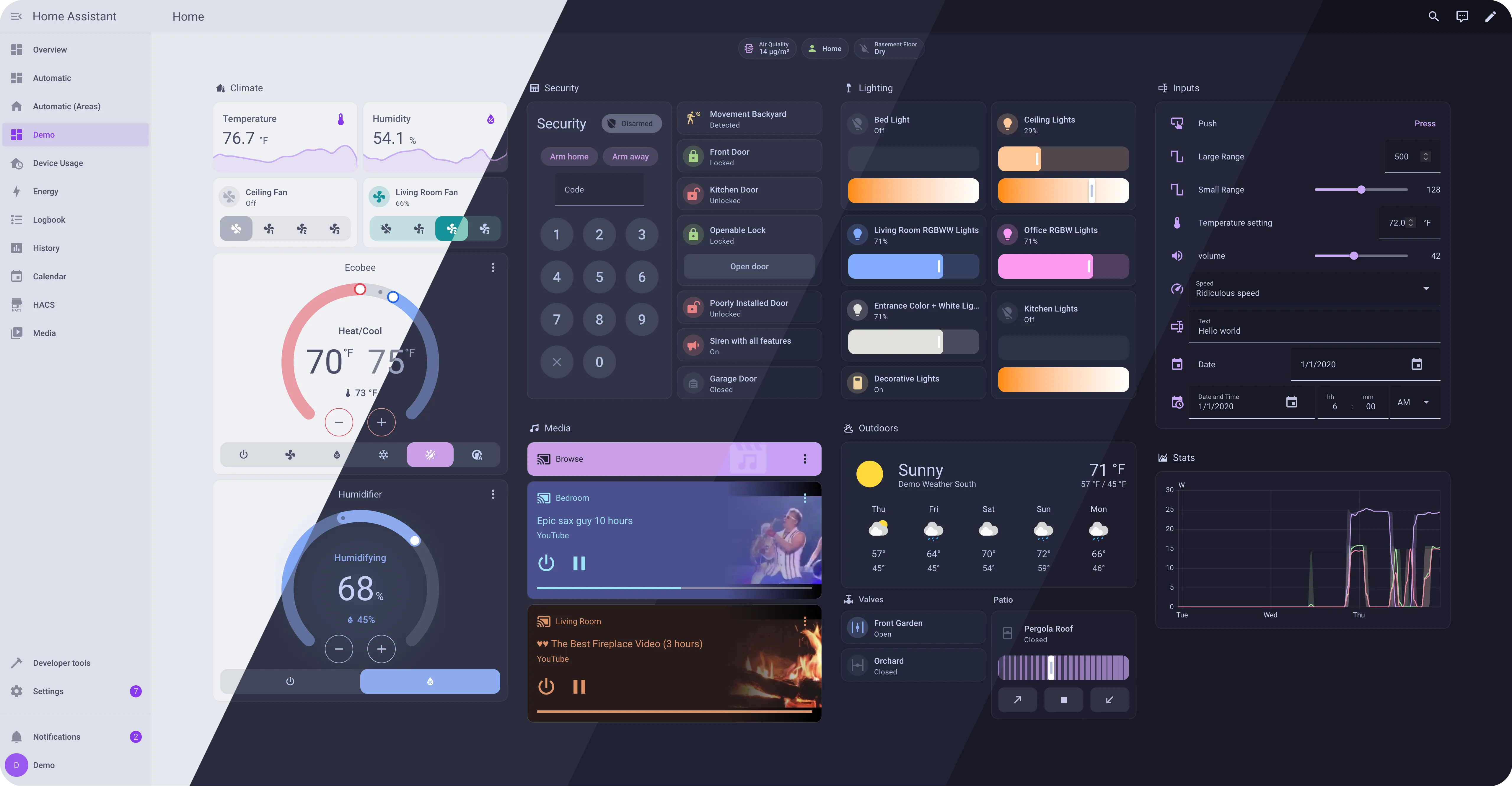
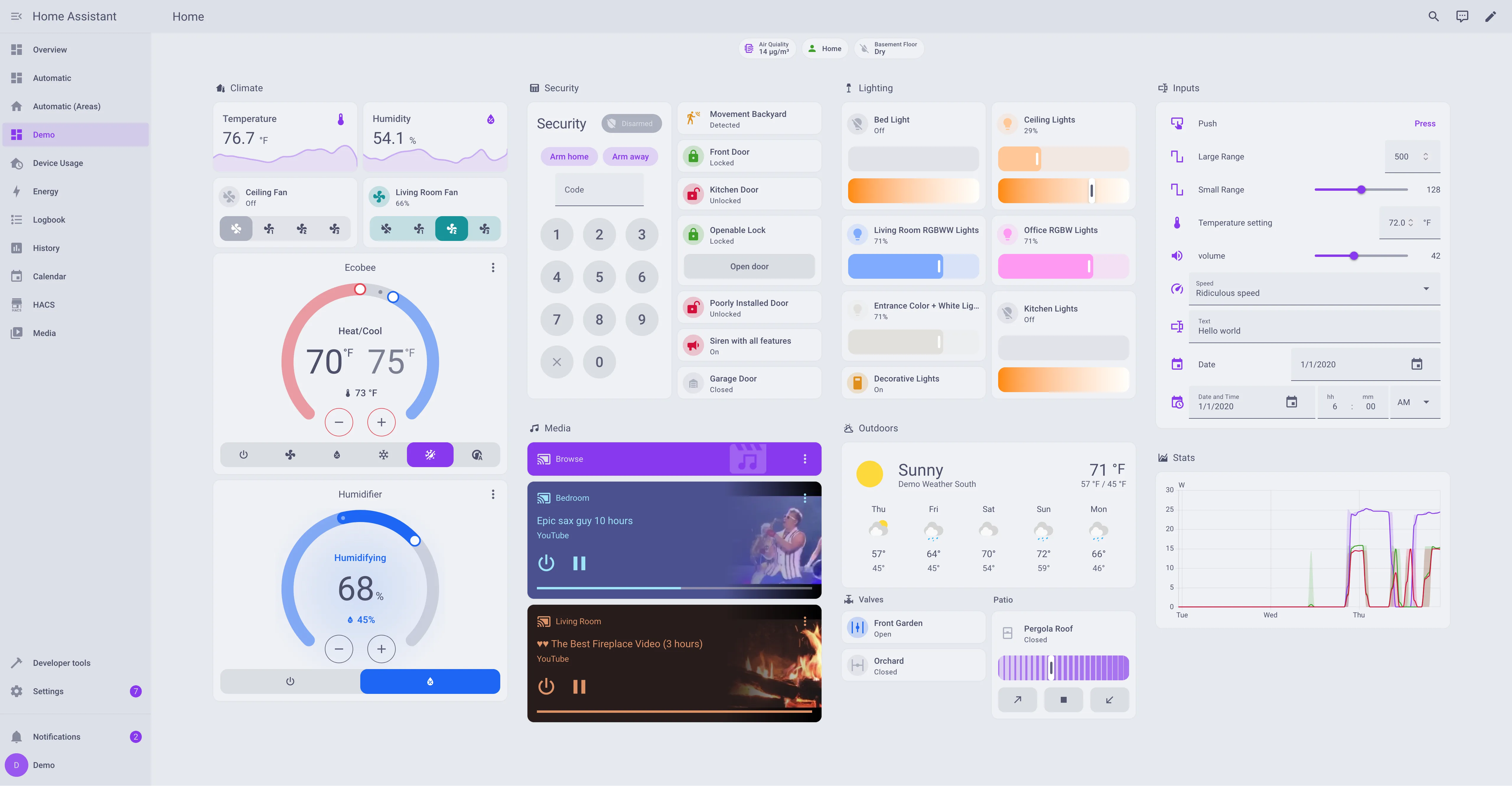
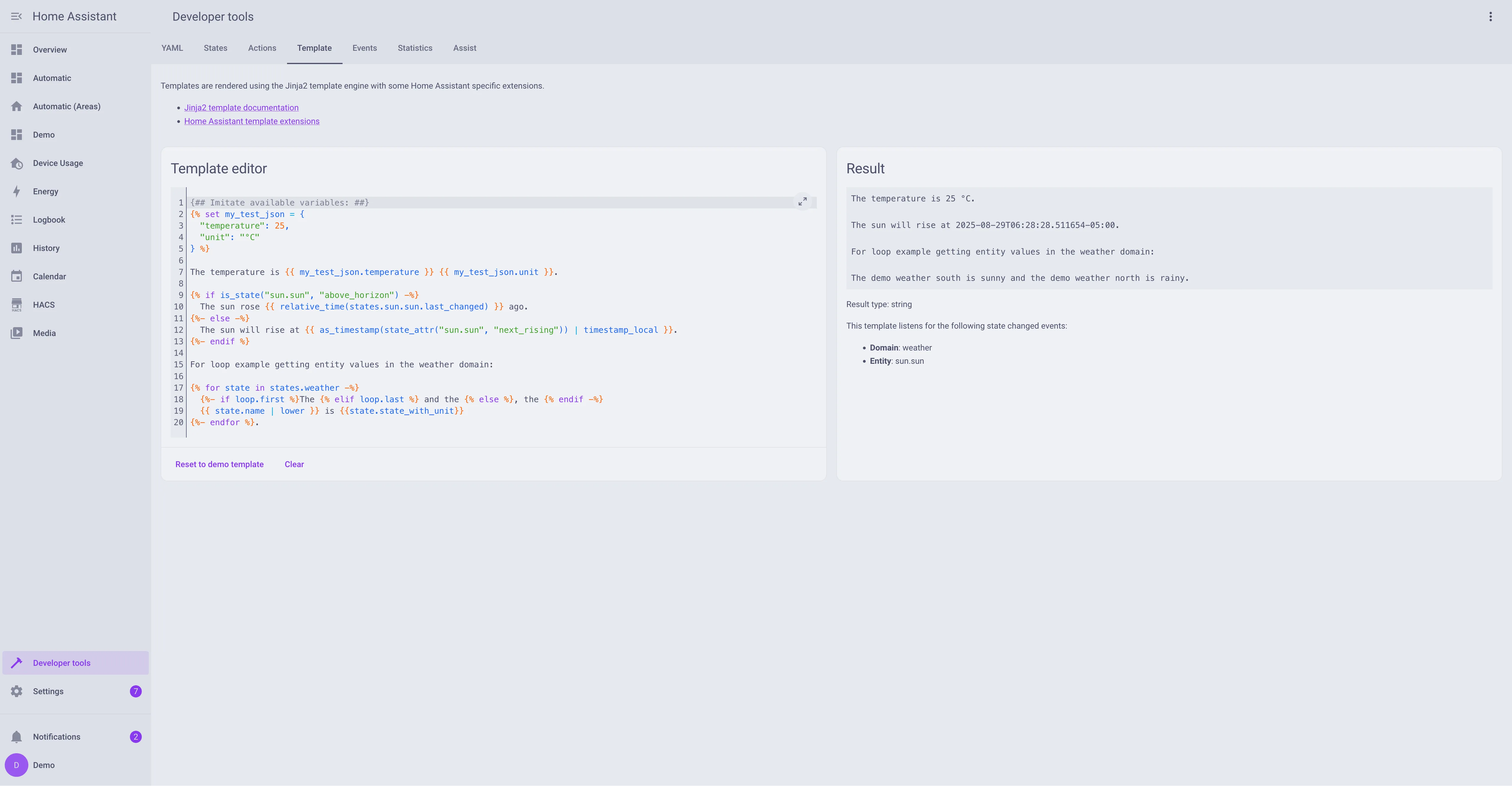
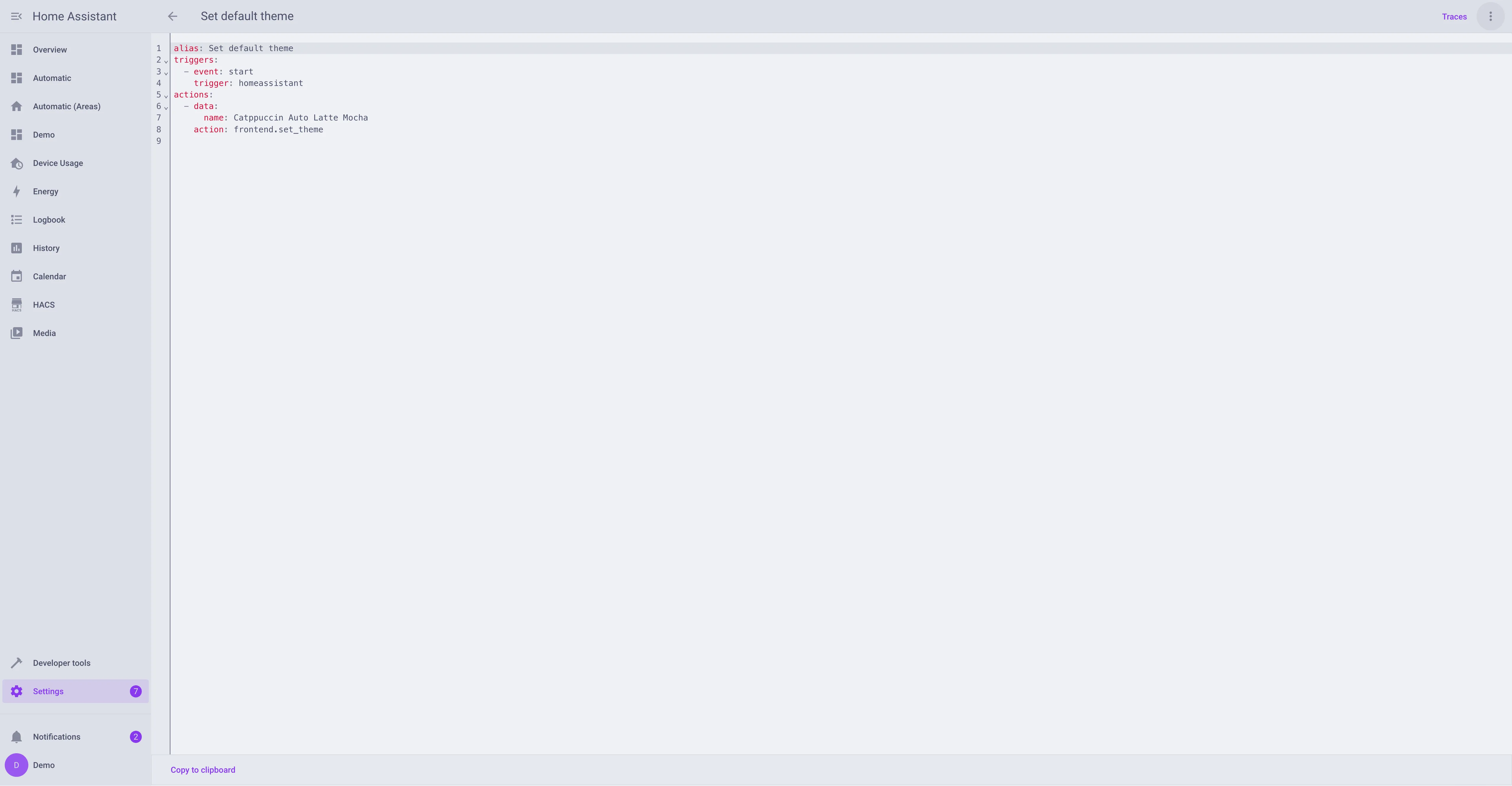
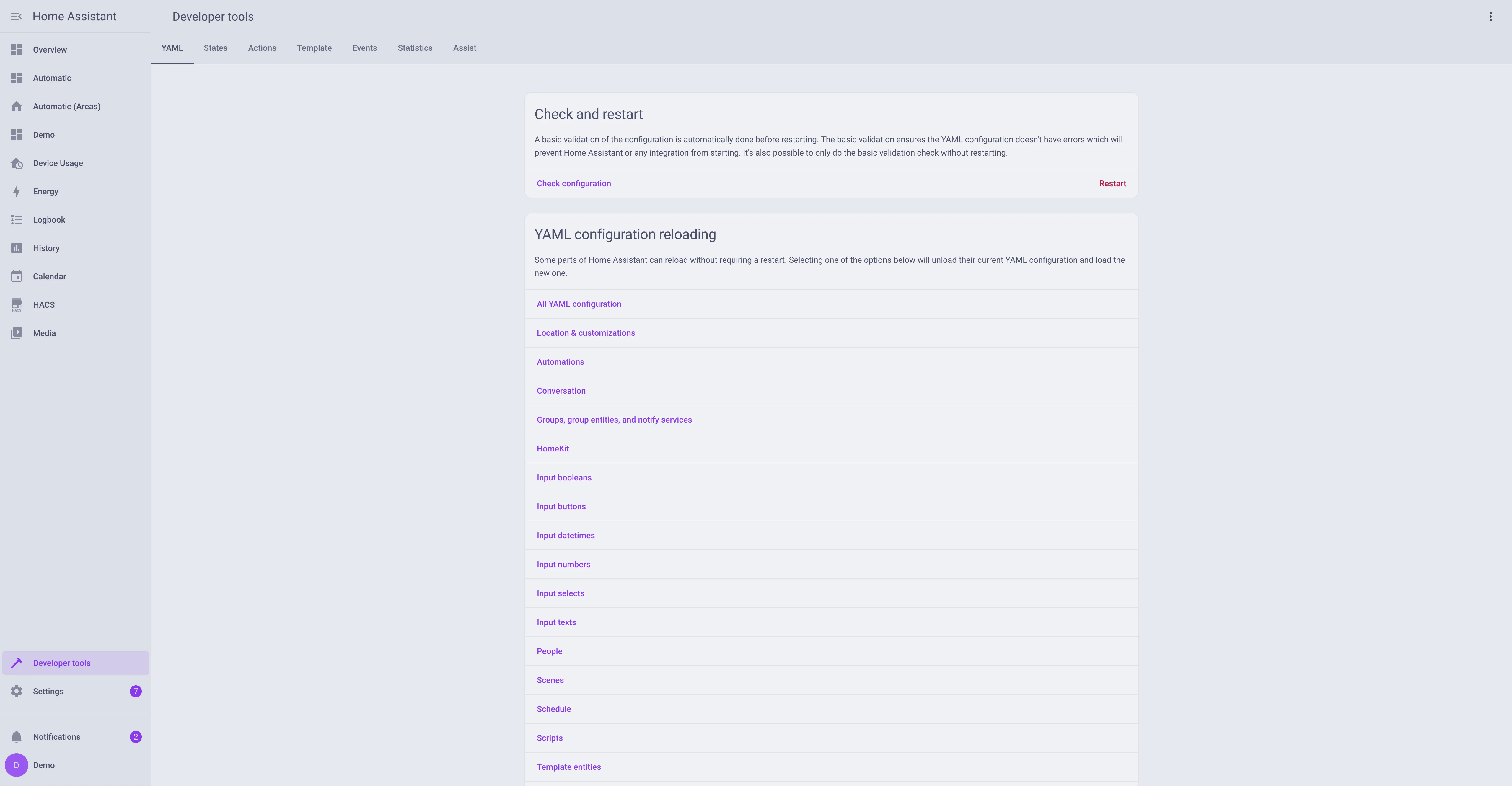
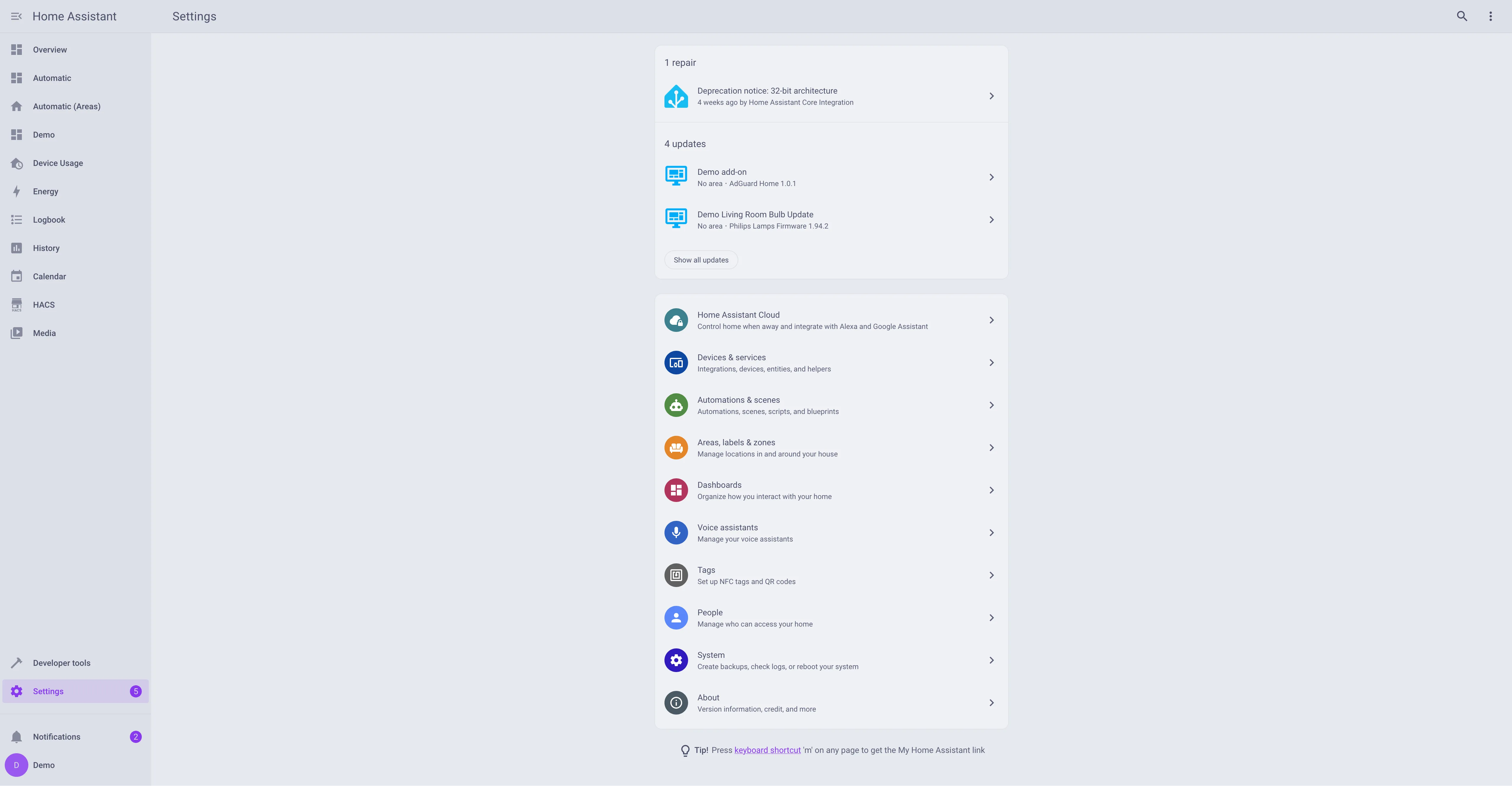
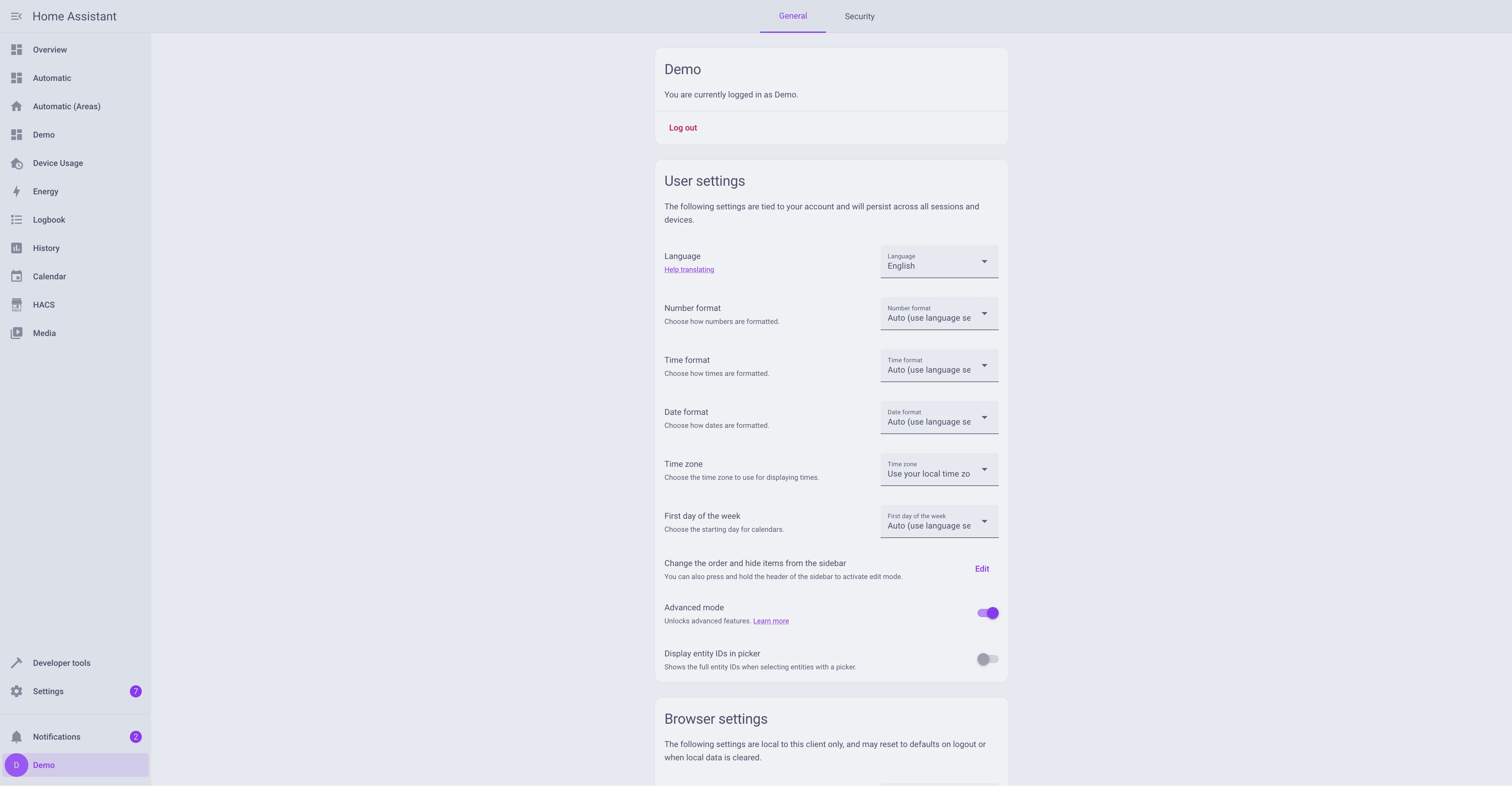
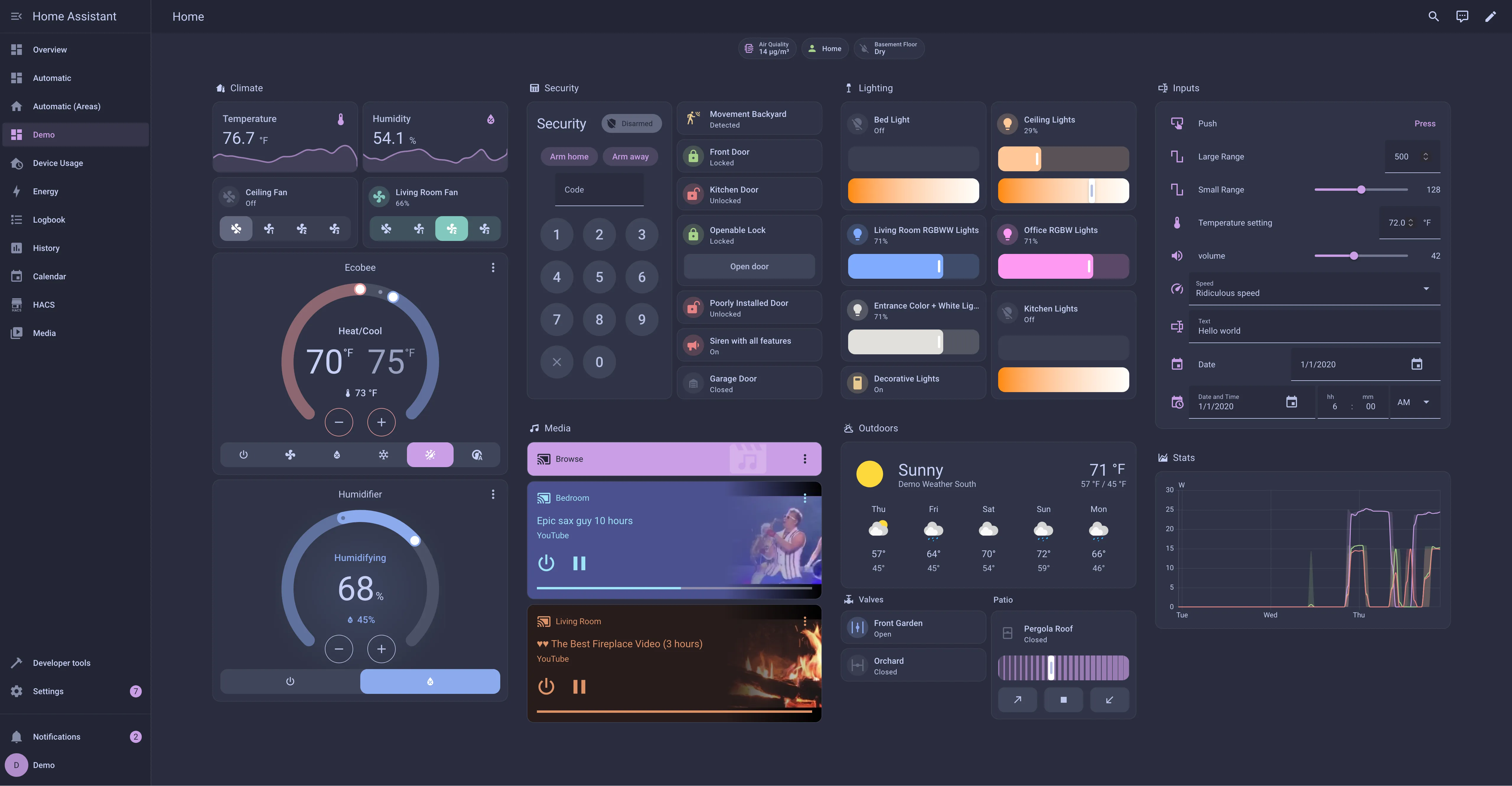
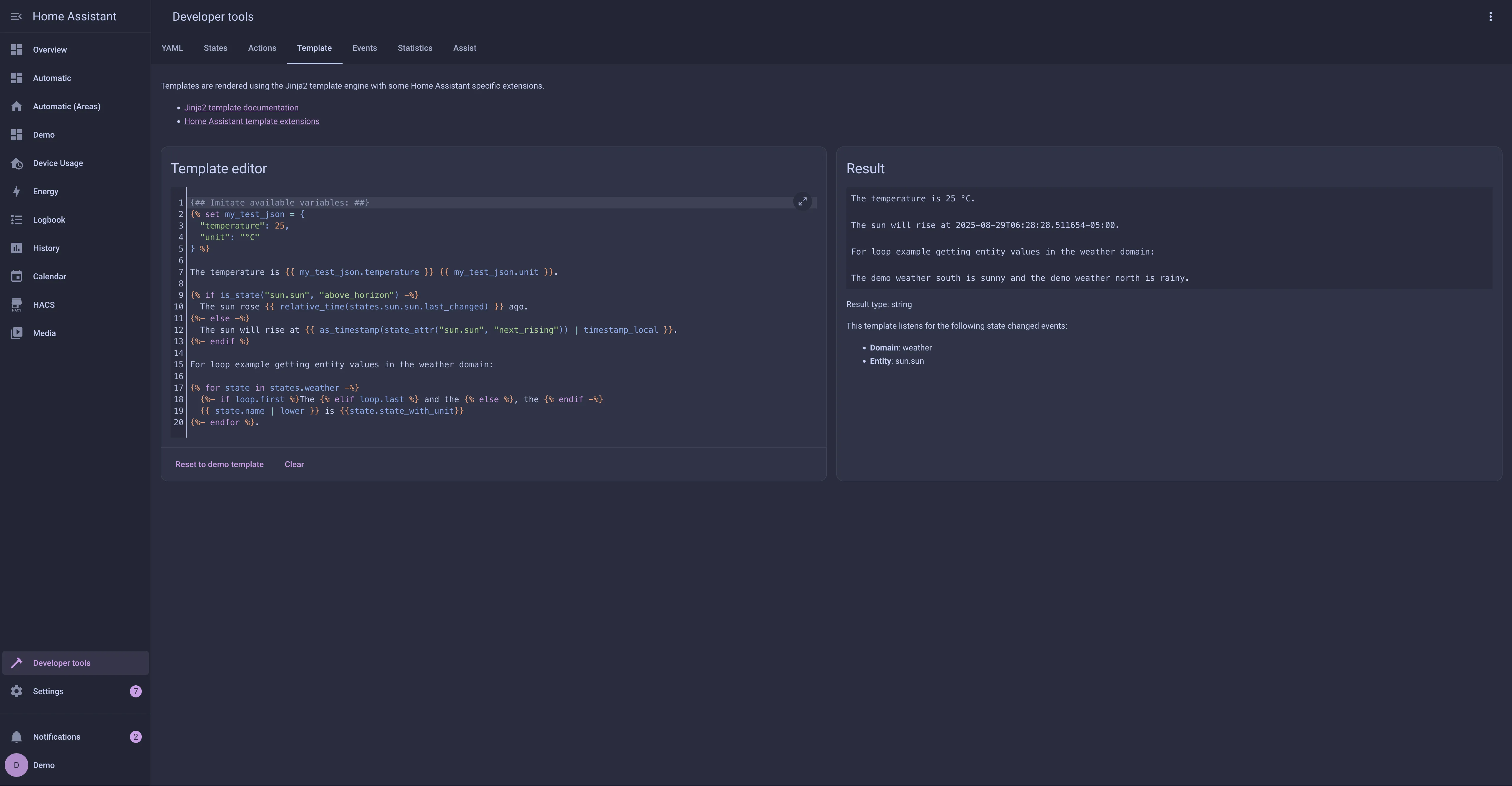
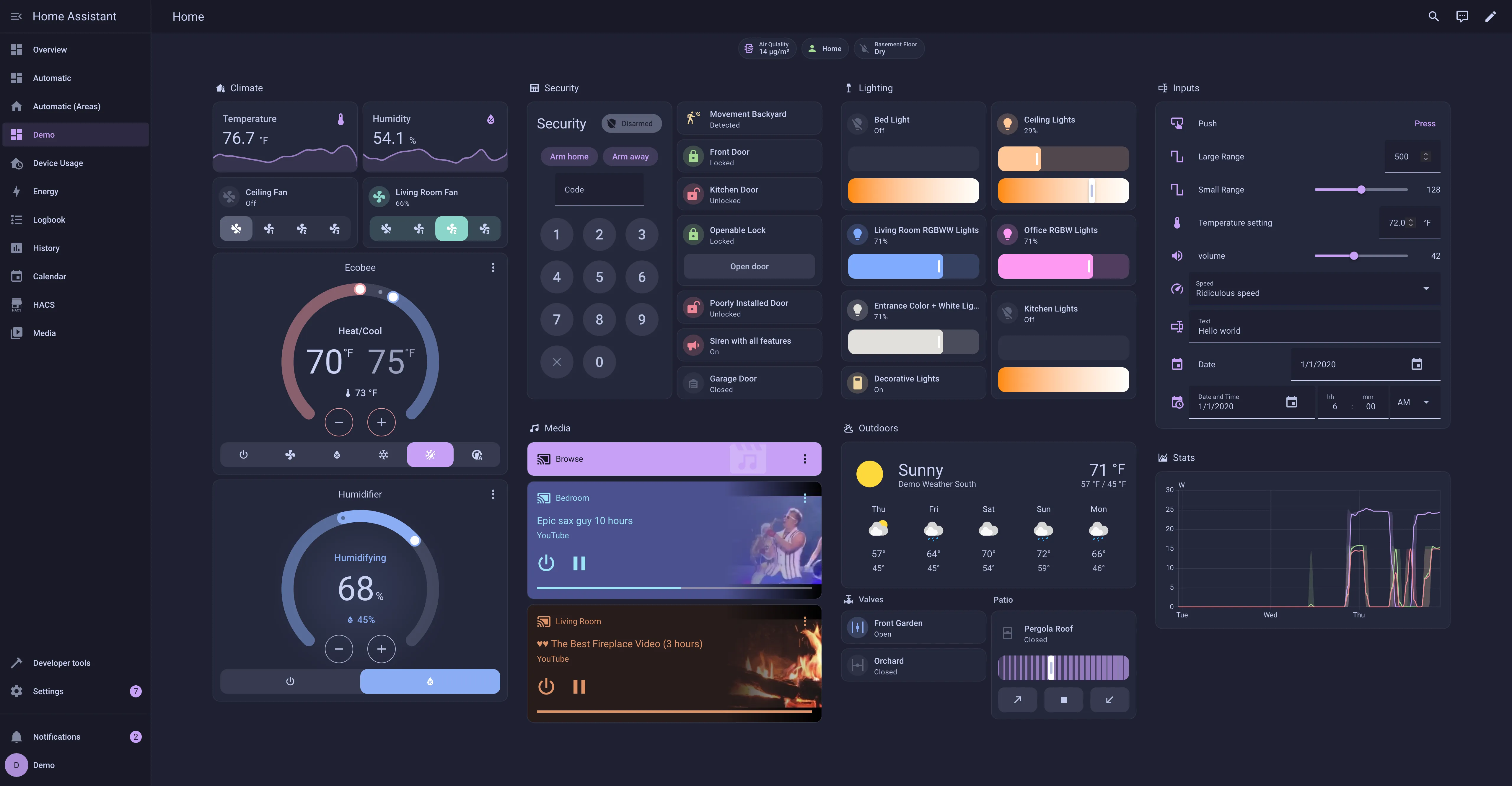
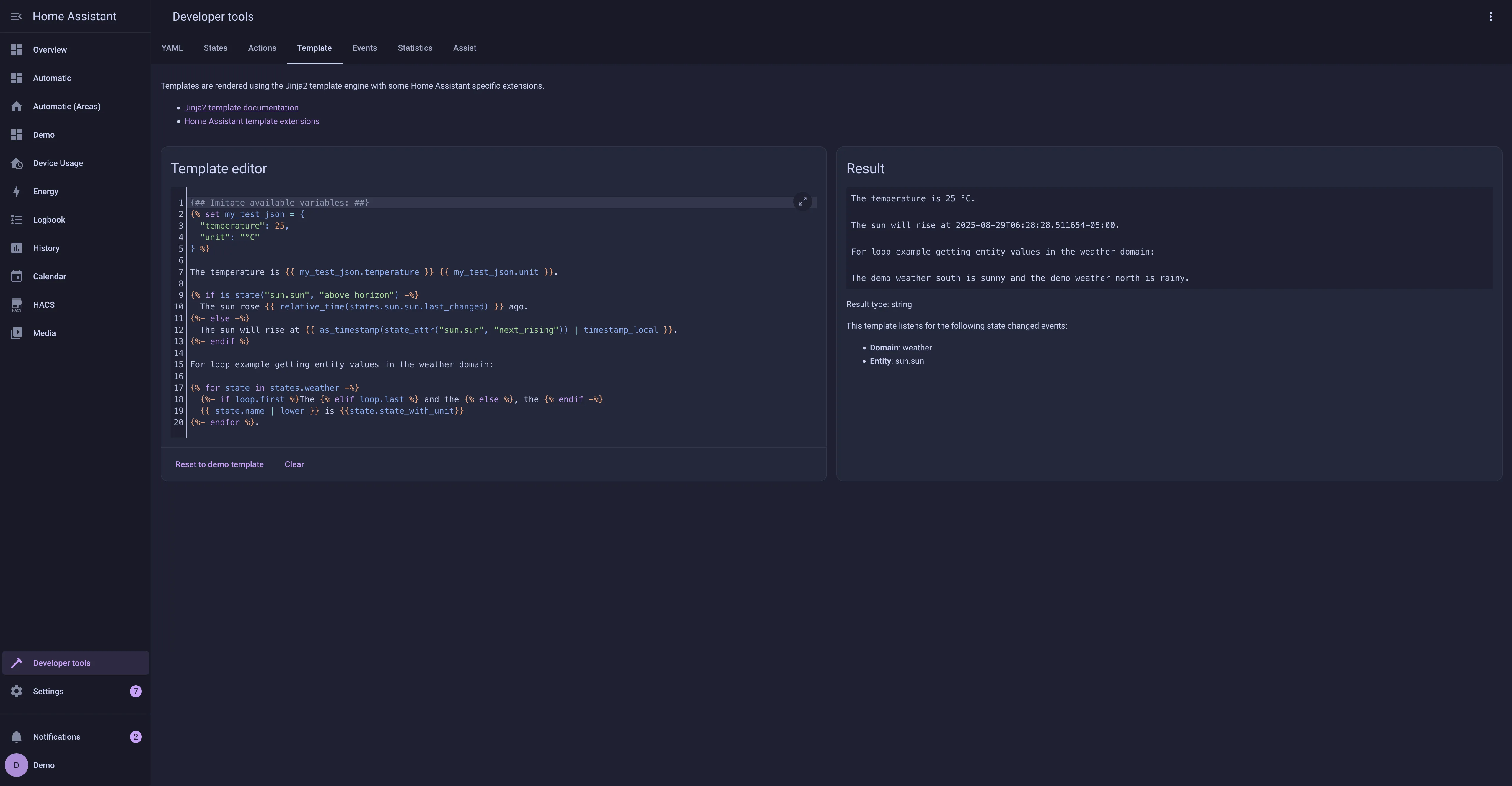
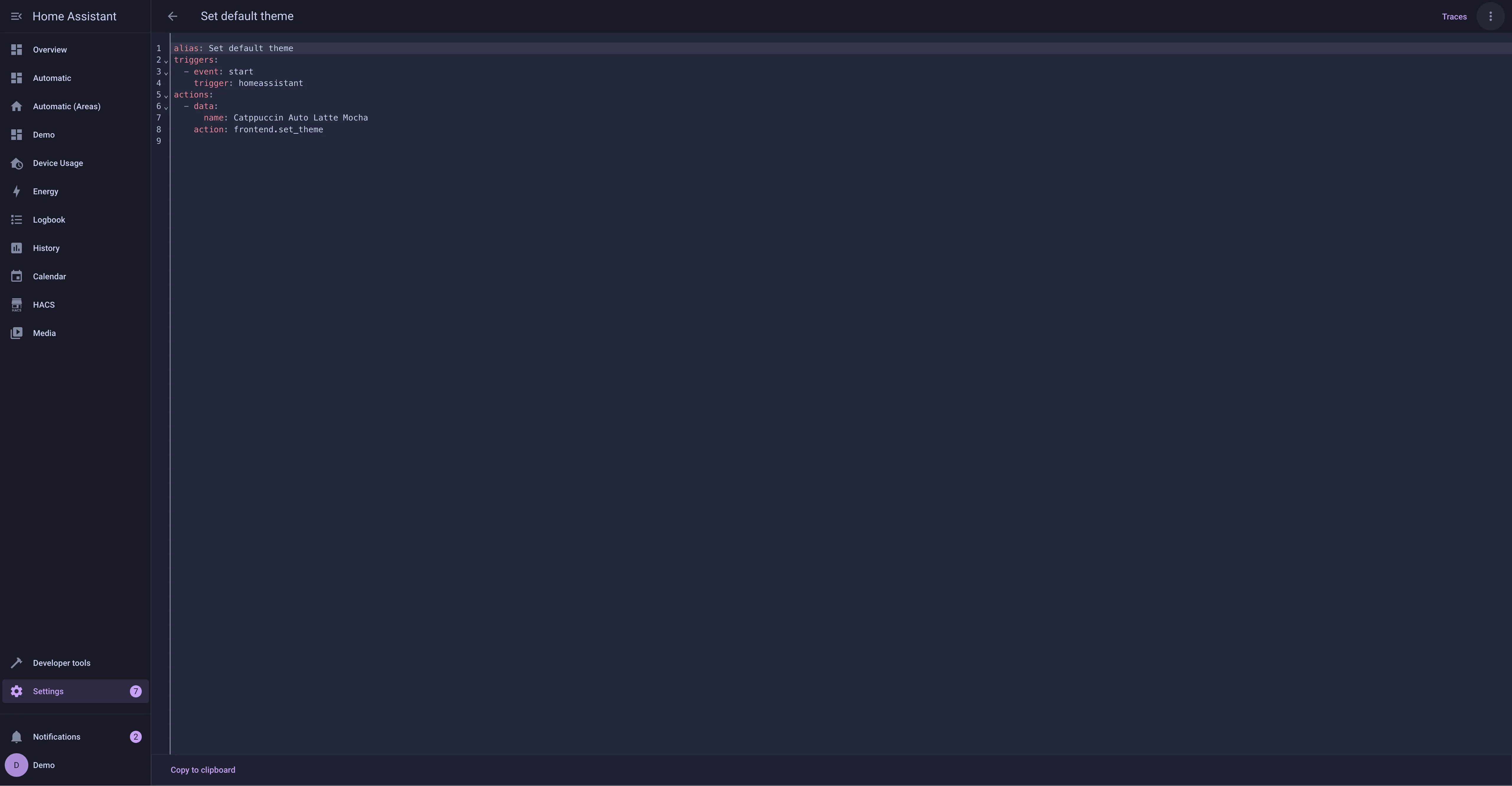
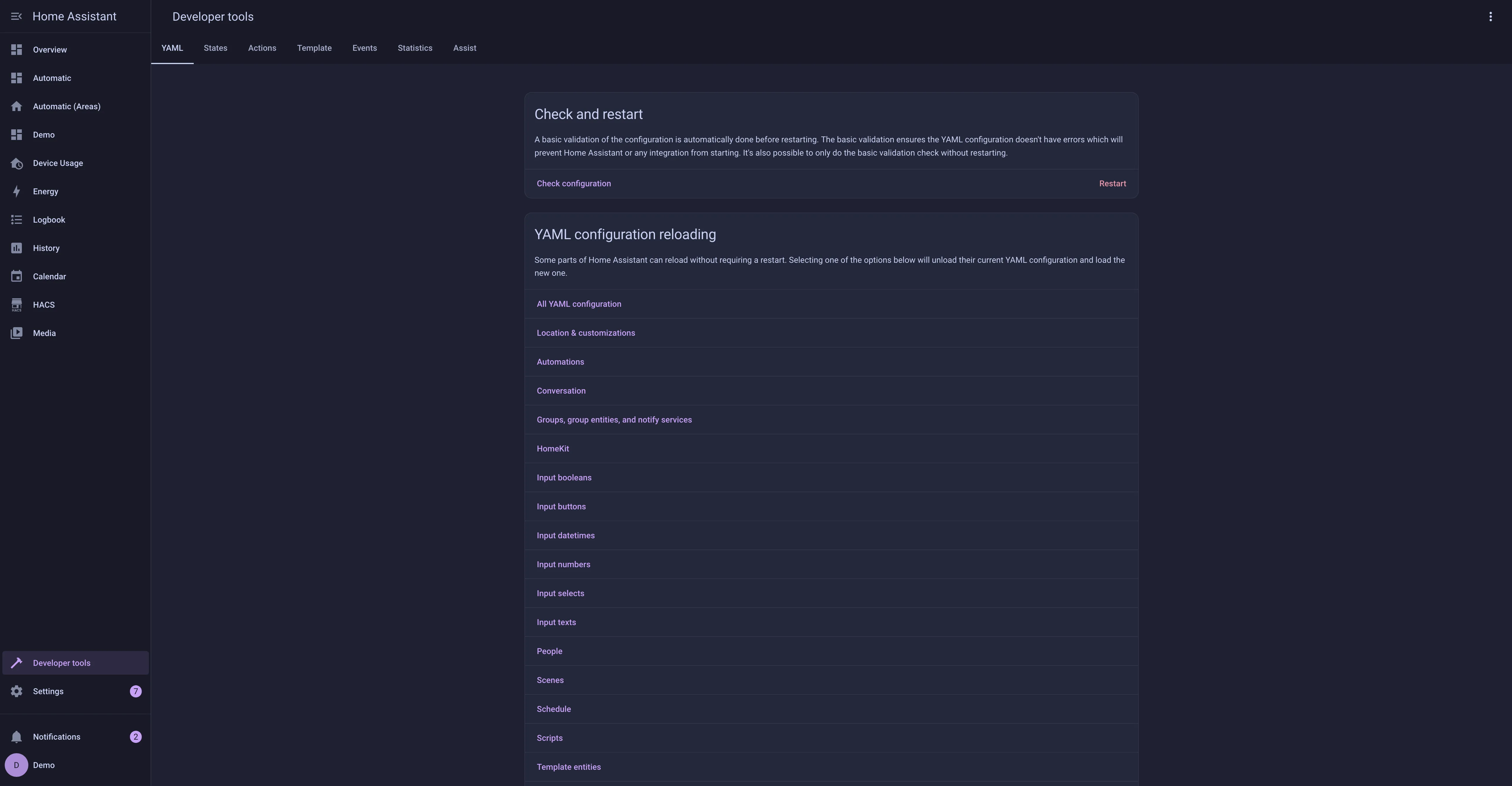
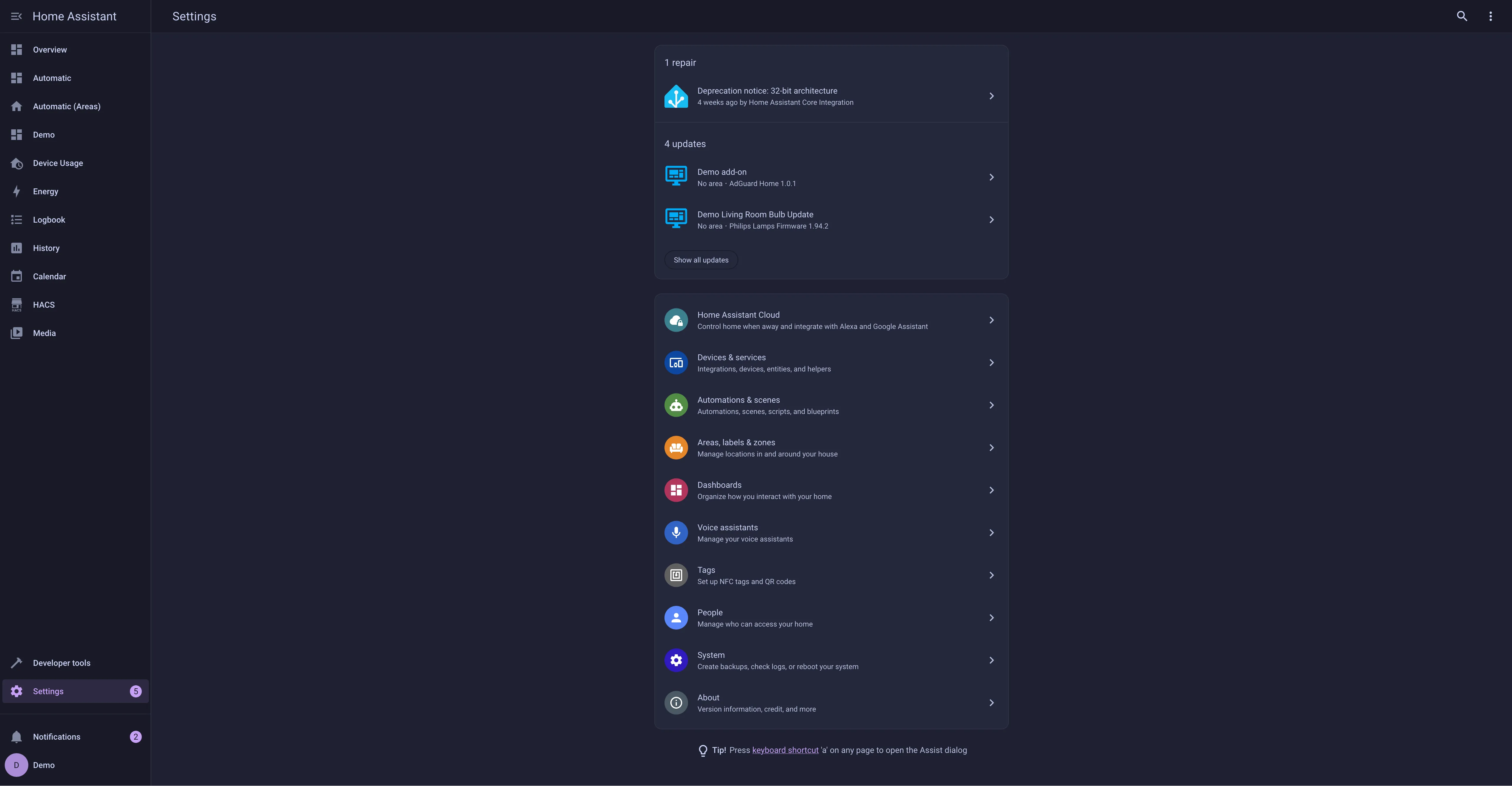
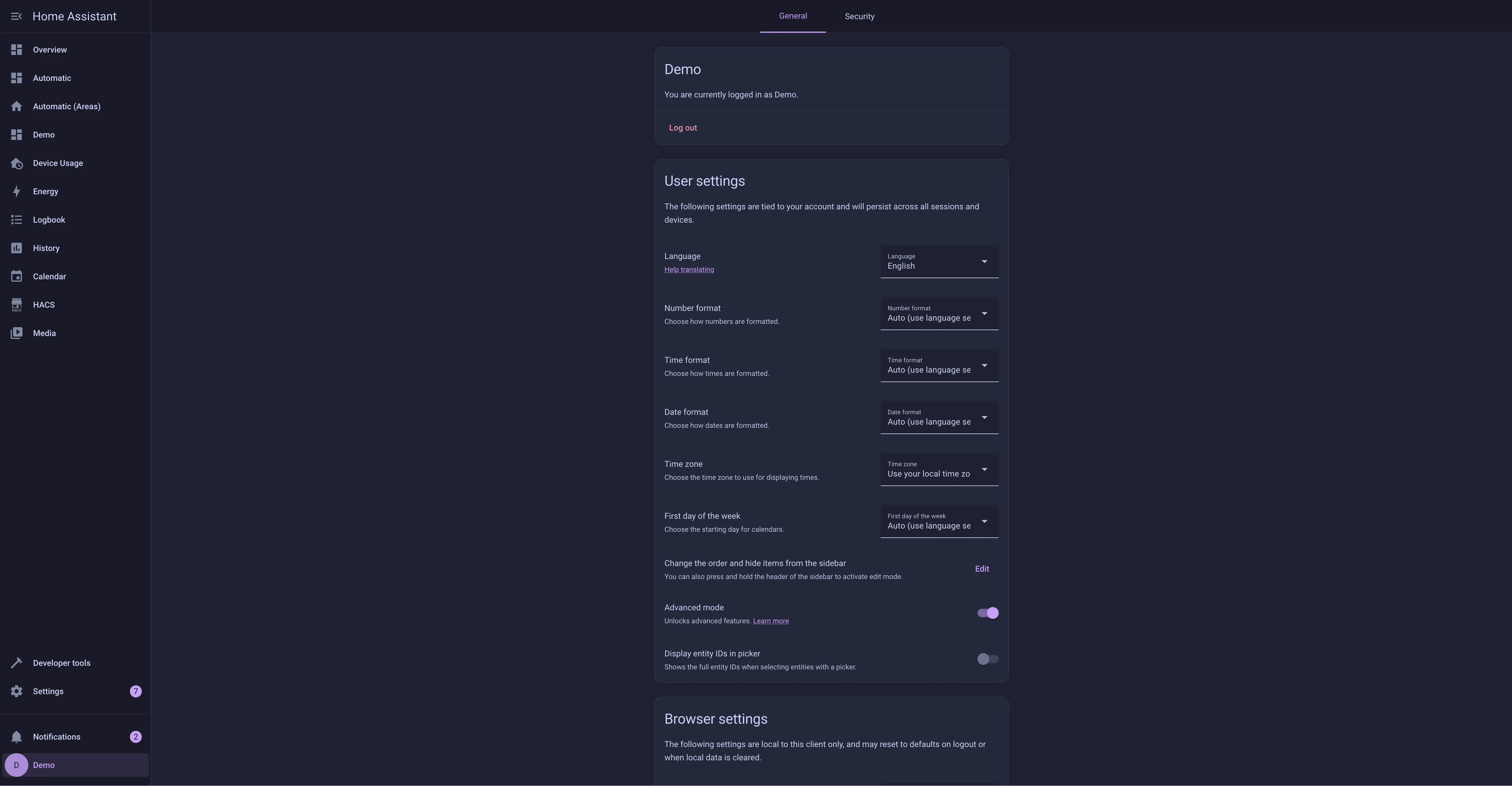
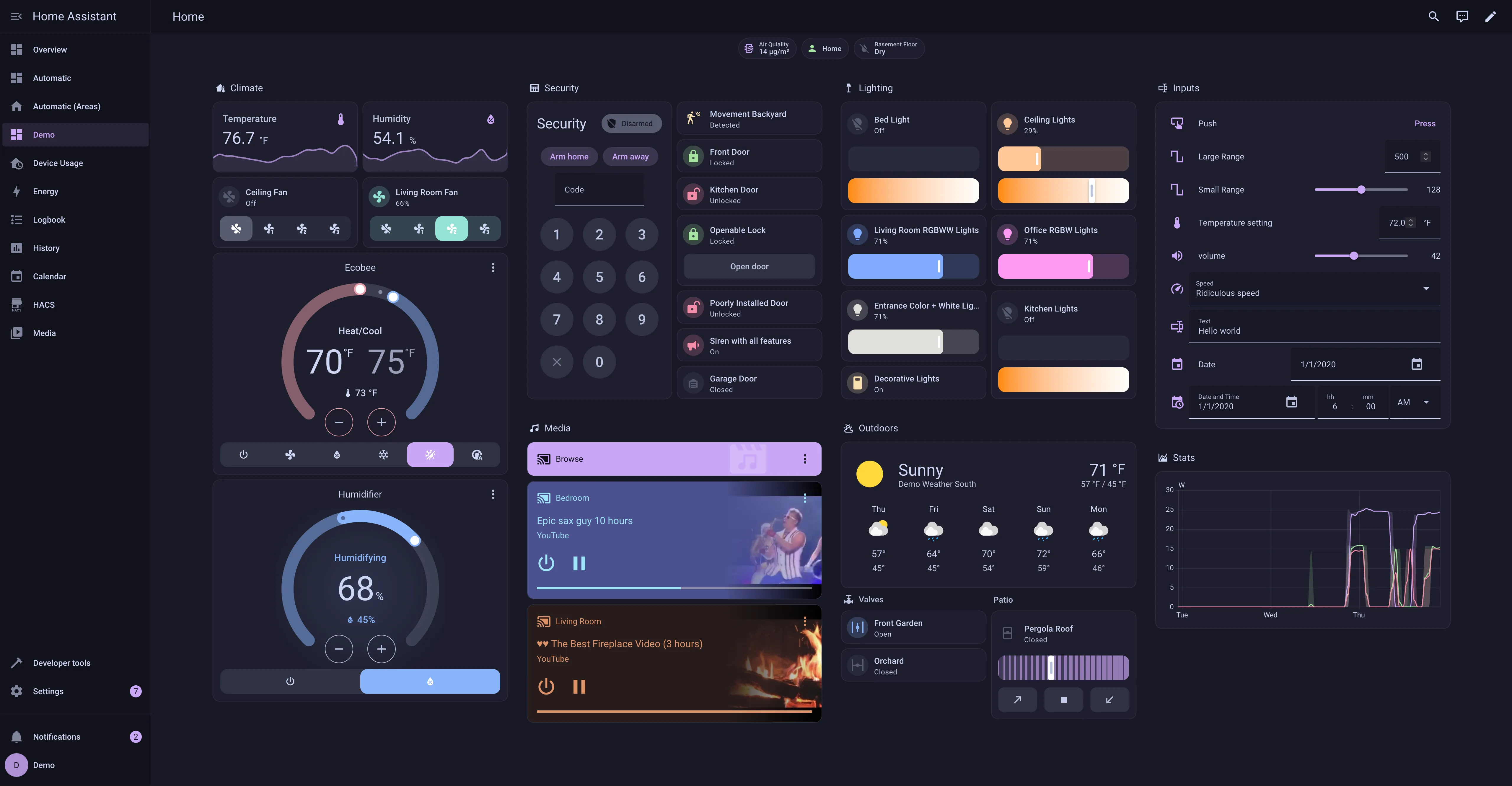
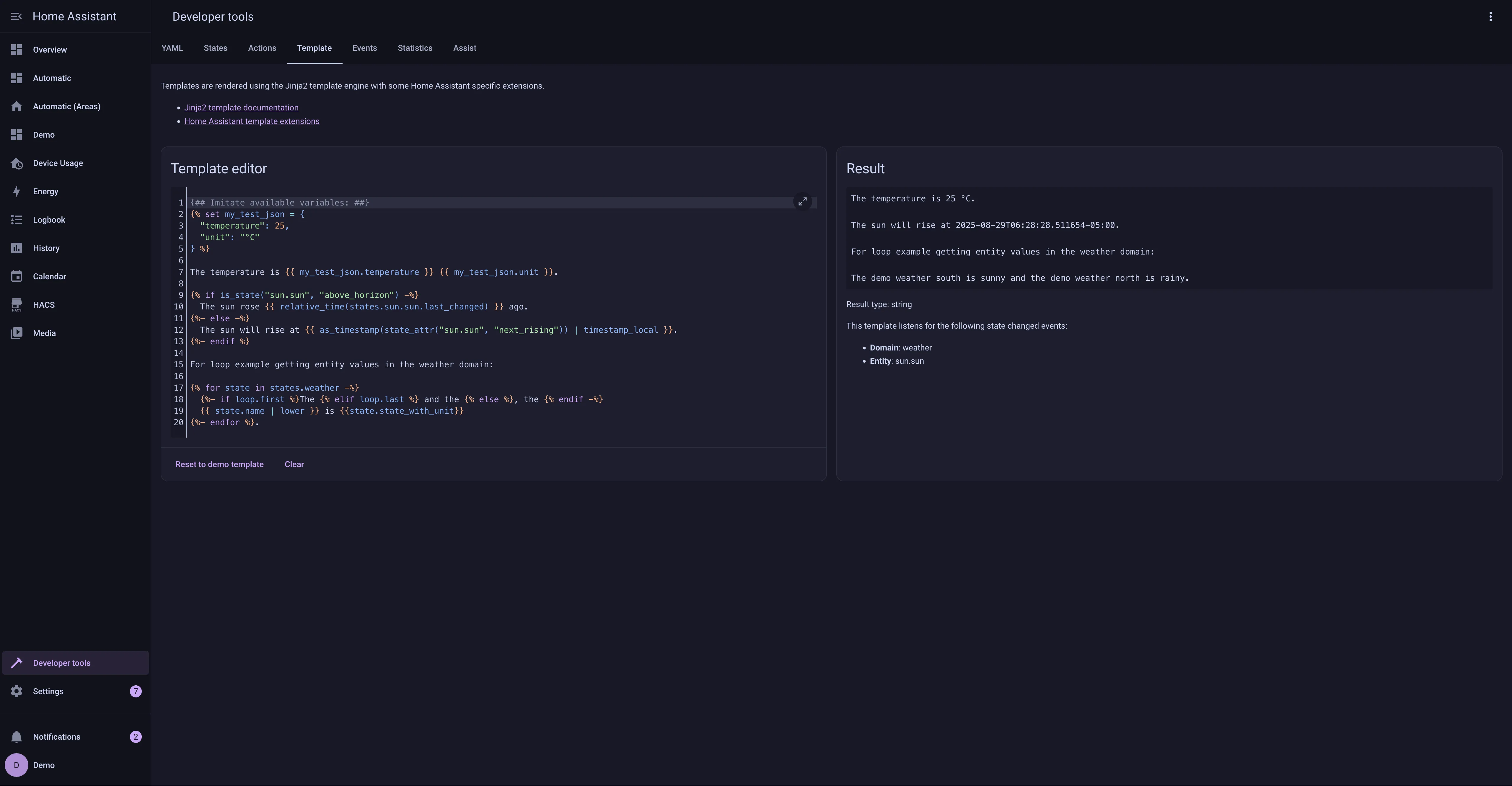
Previews
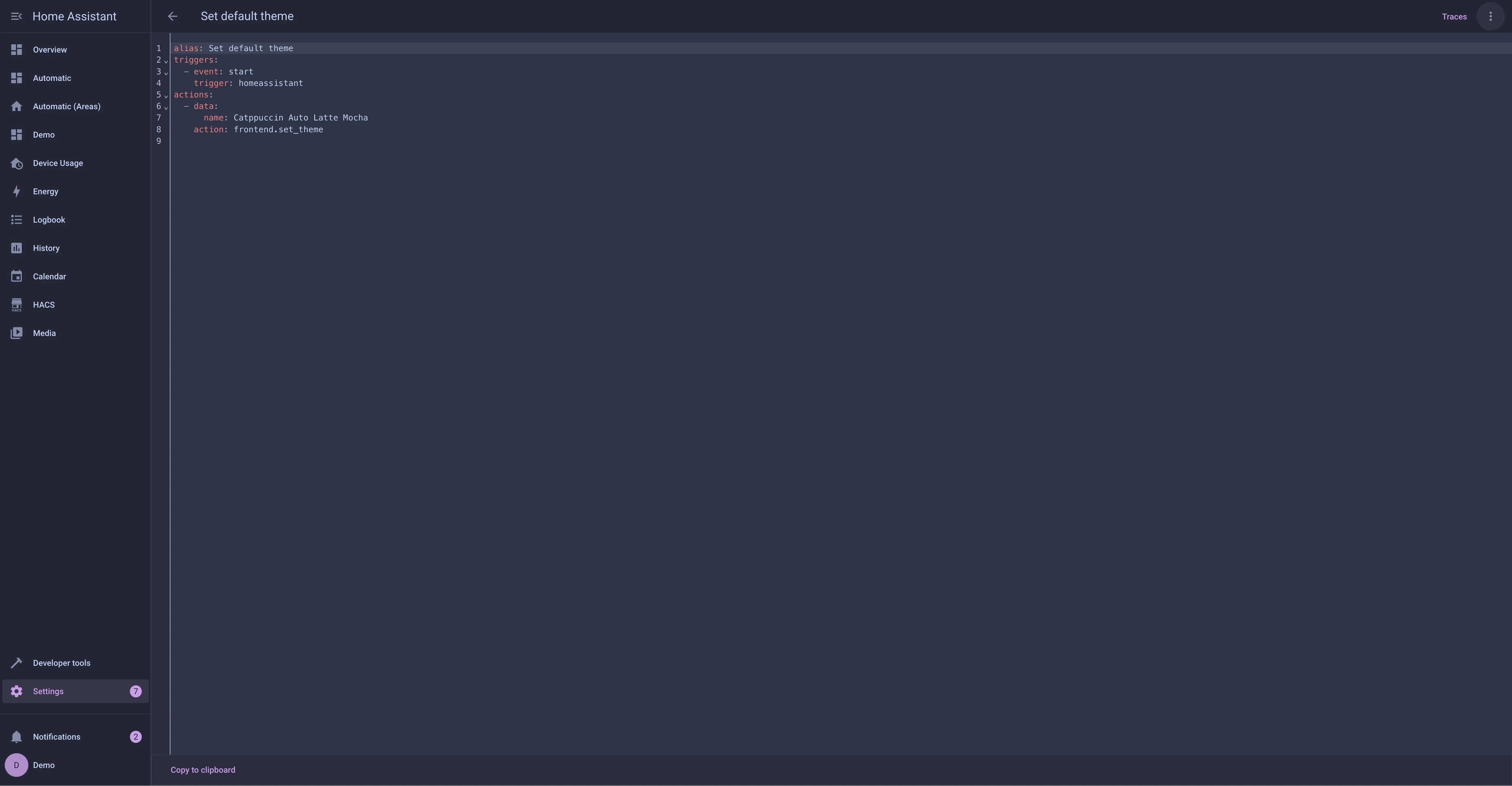
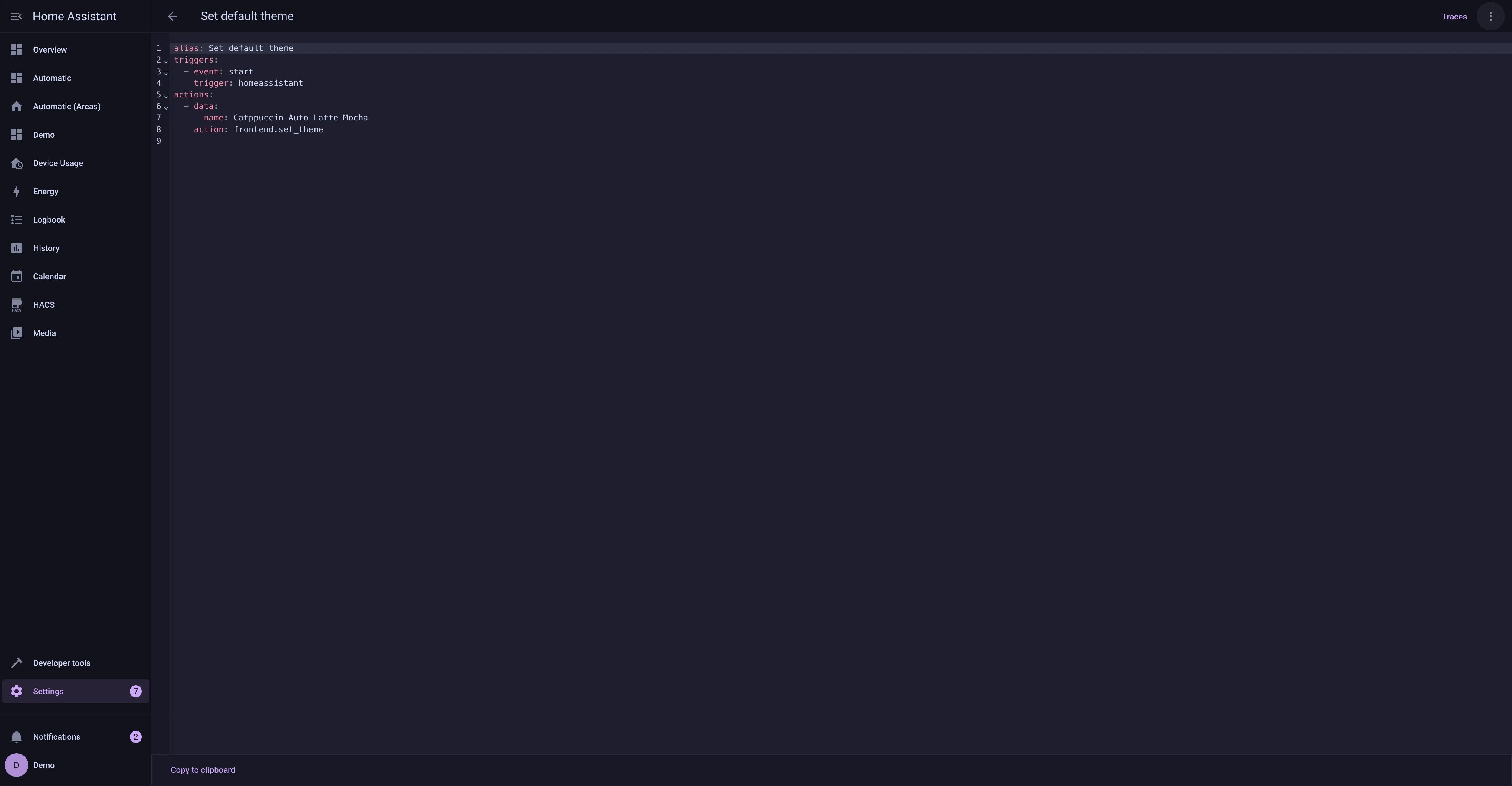
🌻 Latte
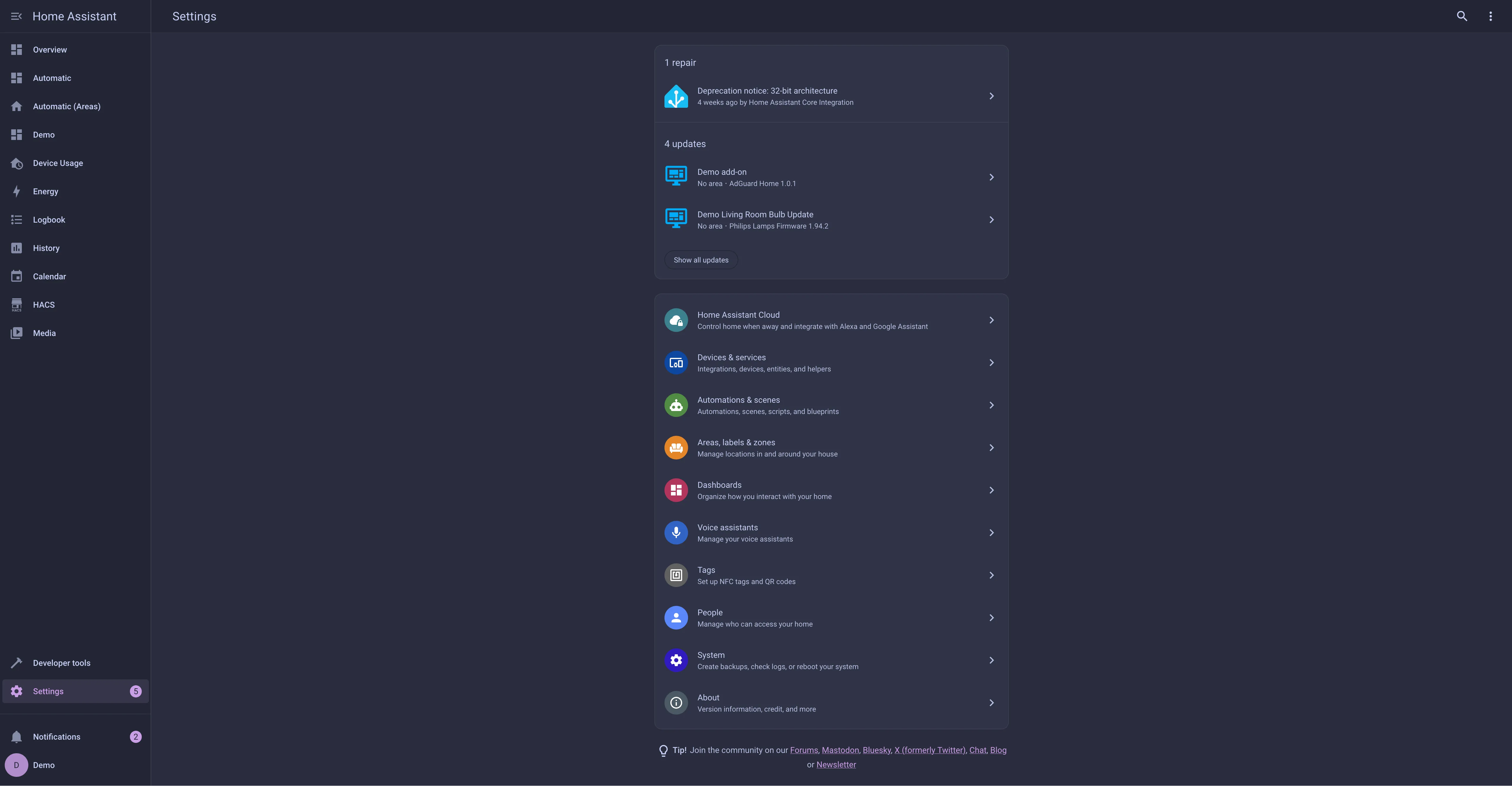
🪴 Frappé
🌺 Macchiato
🌿 Mocha
Usage
With HACS
[!NOTE] This will install the default mauve theme shown in the example screenshots. If you wish to have a different highlight color you will need to follow the manual installation steps below.
- Add the following code to your
configuration.yamlfile (reboot required).
frontend:
  ... # your configuration.
  themes: !include_dir_merge_named themes
  ... # your configuration.
- Go to the Community Store.
- Search for
Catppuccin. - Navigate to
Catppuccintheme. - Press
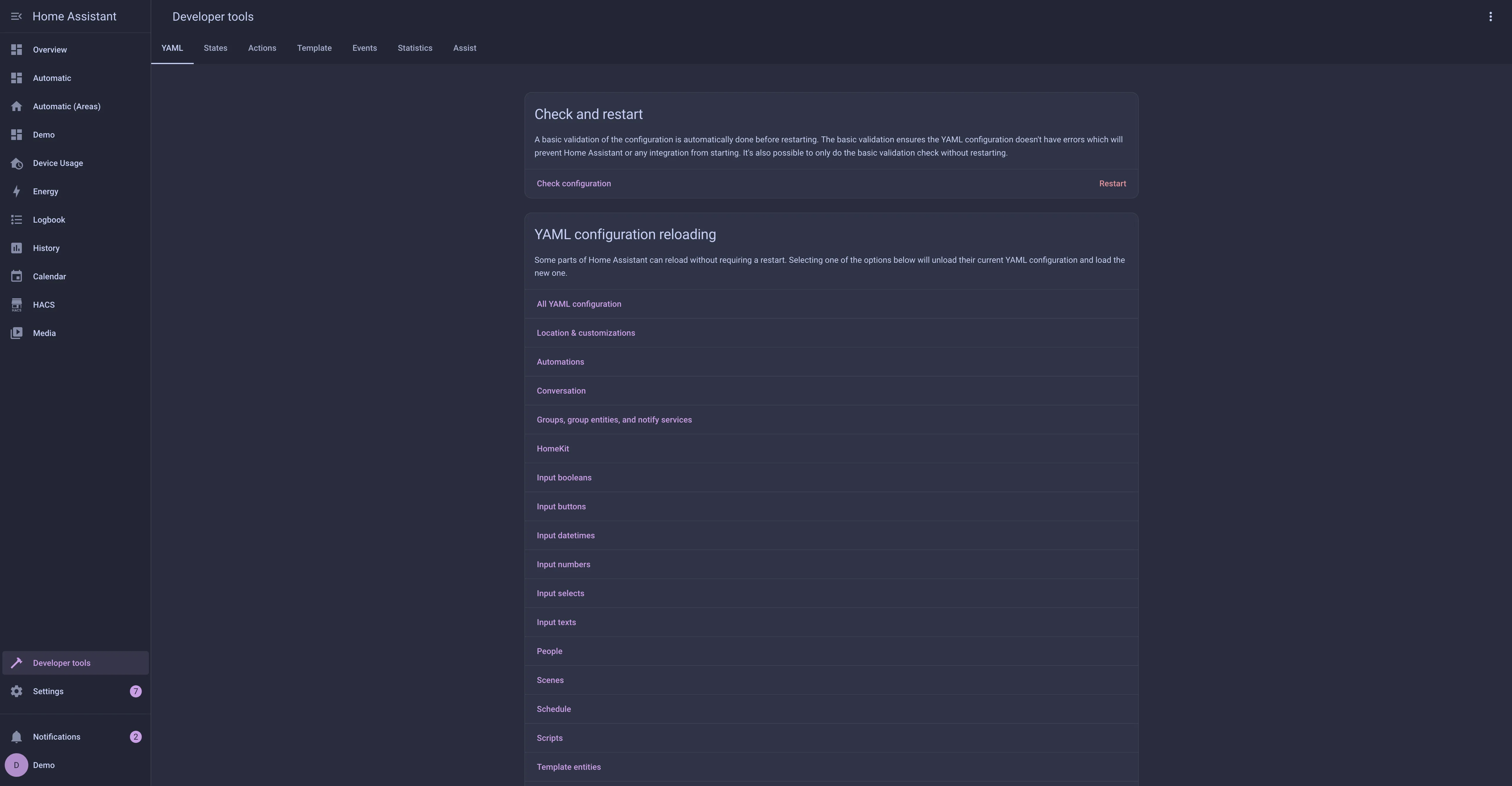
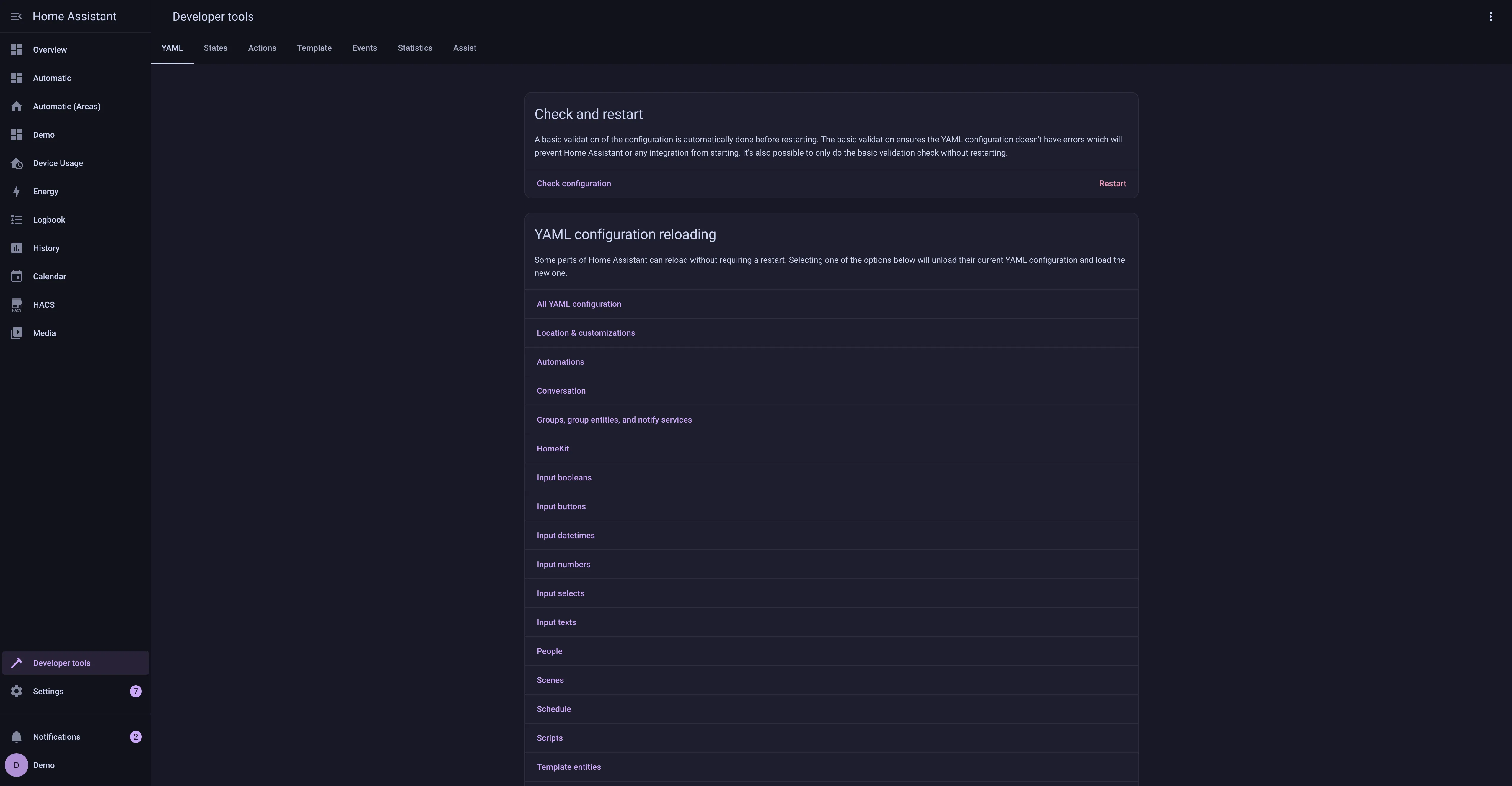
Install. - Go to Developer Tools, and next Actions. Then select and manually trigger the
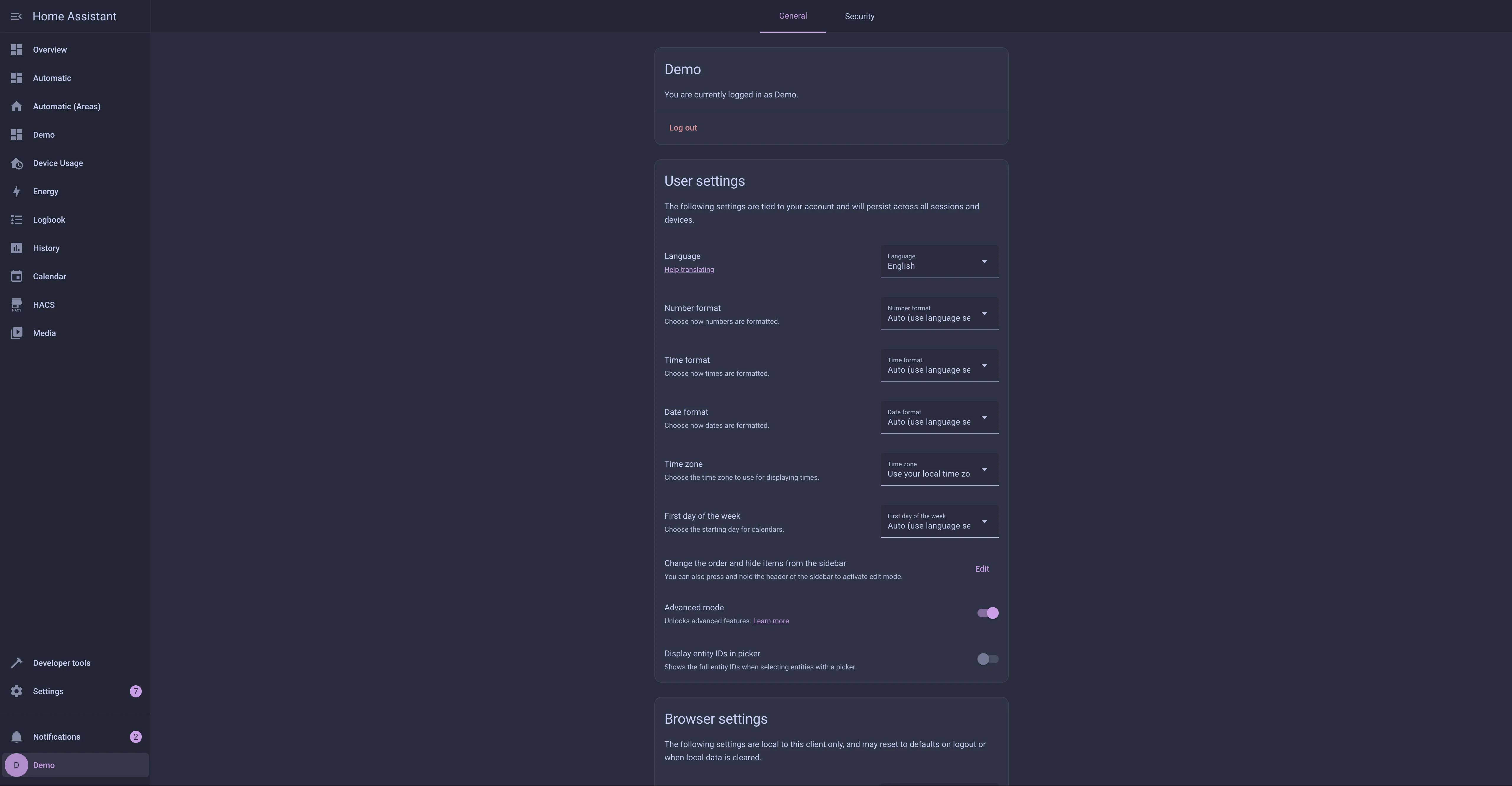
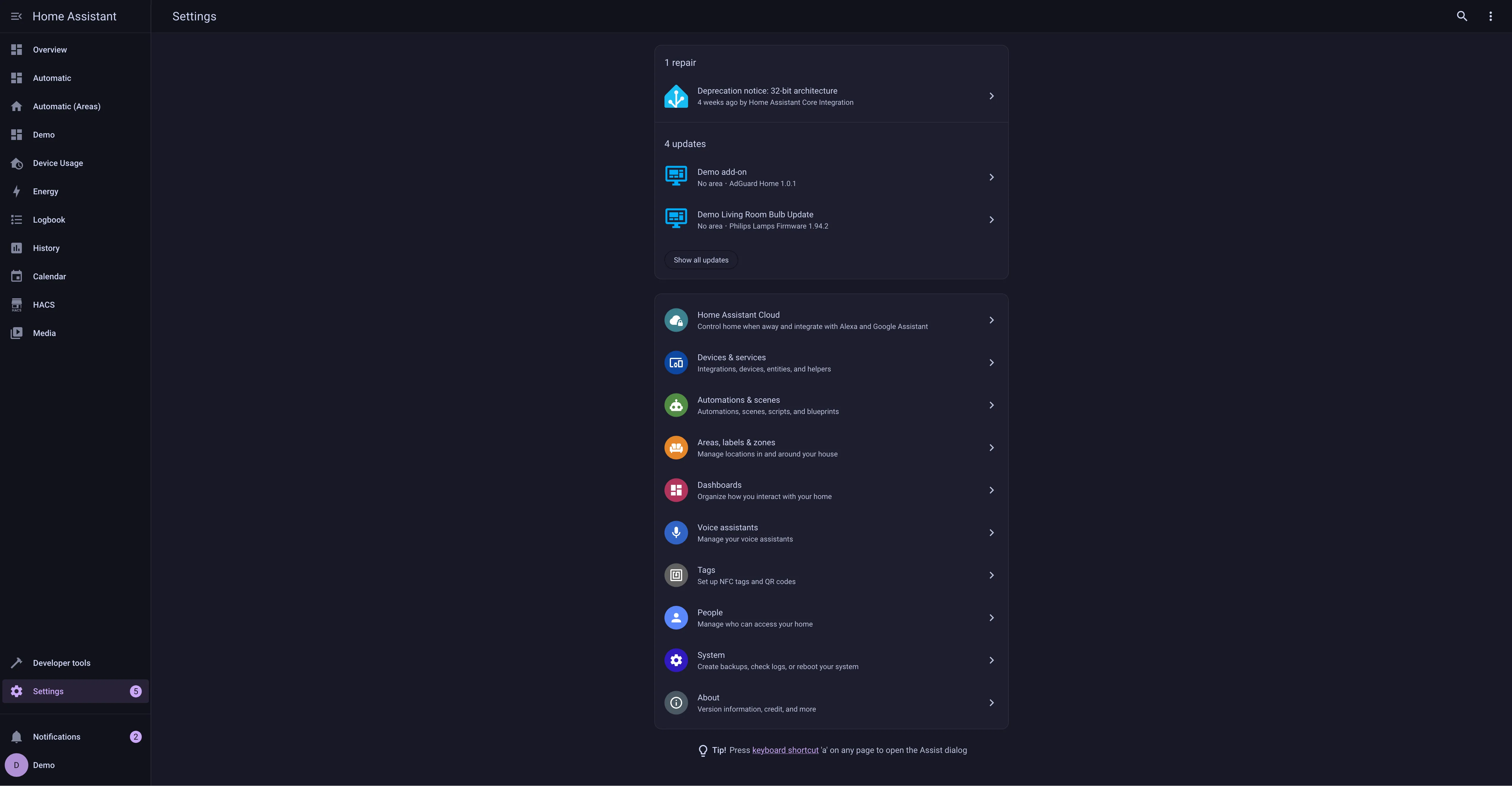
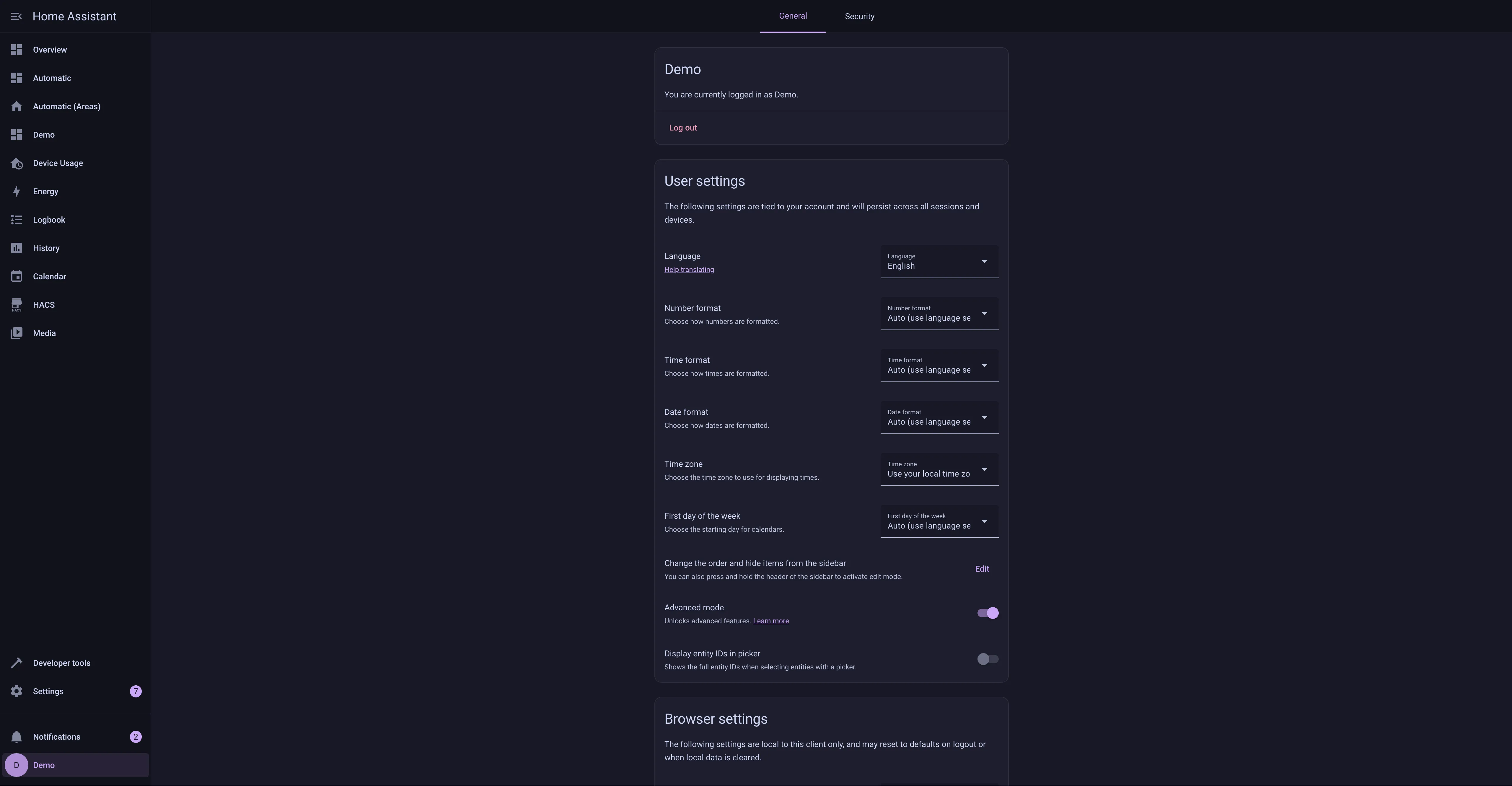
frontend.reload_actionsaction. - Go to the Profile General tab and change Theme under Browser Settings to your desired theme.
Manual
- Add the following code to your
configuration.yamlfile (reboot required).
frontend:
  ... # your configuration.
  themes: !include_dir_merge_named themes
  ... # your configuration.
- Go to the latest GitHub release
- If you want to install the default (mauve) theme, download the
catppuccin.yamlfile - If you want a different highlight color, download and extract the
catppuccin-accents.zipfile and select the accent(s) you want available
- If you want to install the default (mauve) theme, download the
- Move the selected file(s) to the
themesfolder in your HA configuration directory. (E.g.~/config/themes) - Run the
frontend.reload_themesaction or restart Home Assistant. - Go to the Profile General tab and change Theme under Browser Settings to your desired theme.
💝 Thanks to

Copyright © 2021-present Catppuccin Org
