
braitsch/node-login
braitsch/node-login has 1,586 GitHub stars and 631 forks. GitHot measured 0 stars in 24 hours, -1 in 7 days, and -1 in 15 days. Last checked 2026-11-22 14:15 UTC. Last push 2021-07-25.
What you can do
- New User Account Creation
- Secure Password Reset via Email
- Ability to Update / Delete Account
- Session Tracking for Logged-In Users
측정된 스타 증가
- in 24h
- 0
- in 7 days
- -1
- in 15 days
- -1
- in 1 month
- 기록 수집 중
서로 겹치는 기간의 순증가량이며 일별 합계가 아닙니다. 측정값이 없으면 비워 둡니다. 스타는 관심도를 나타내며 품질을 보장하지 않습니다.
소개
Node.js와 MongoDB를 기반으로 로그인 시스템을 빠르게 구축하기 위한 템플릿
개발 도구README.md
OriginalNode Login
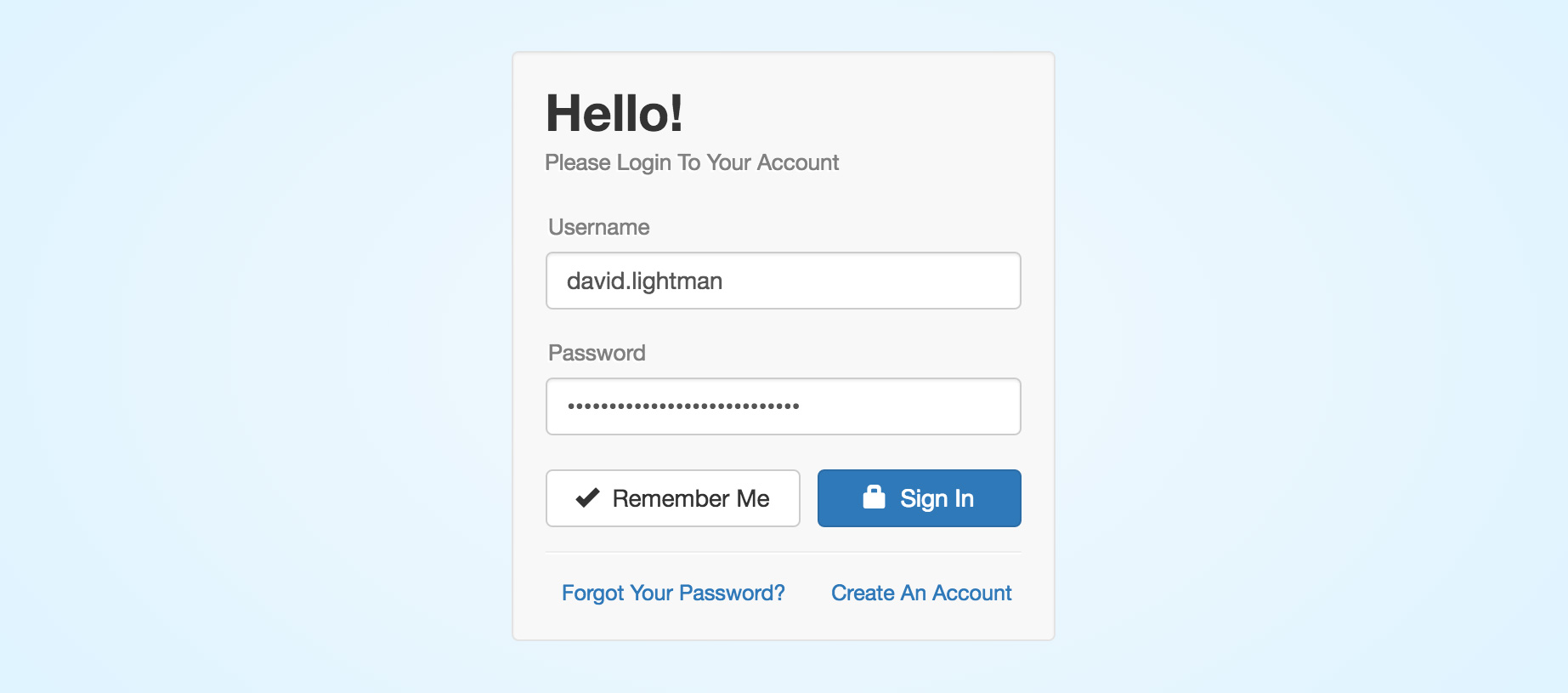
A basic account management system built in Node.js with the following features:
- New User Account Creation
- Secure Password Reset via Email
- Ability to Update / Delete Account
- Session Tracking for Logged-In Users
- Local Cookie Storage for Returning Users
- Blowfish-based Scheme Password Encryption
Live Demo
https://node-login.braitsch.io
For testing purposes you can view a database dump of all accounts here
Note: This database automatically resets every 24 hours.
Installation & Setup
Clone this repository and install its dependencies.
 > git clone git://github.com/braitsch/node-login.git node-login
 > cd node-login
 > npm install
In a separate shell start MongoDB if it's not already running on your system.
> mongodFrom within the node-login directory start the server.
> node appOpen a browser window and navigate to: http://localhost:8080
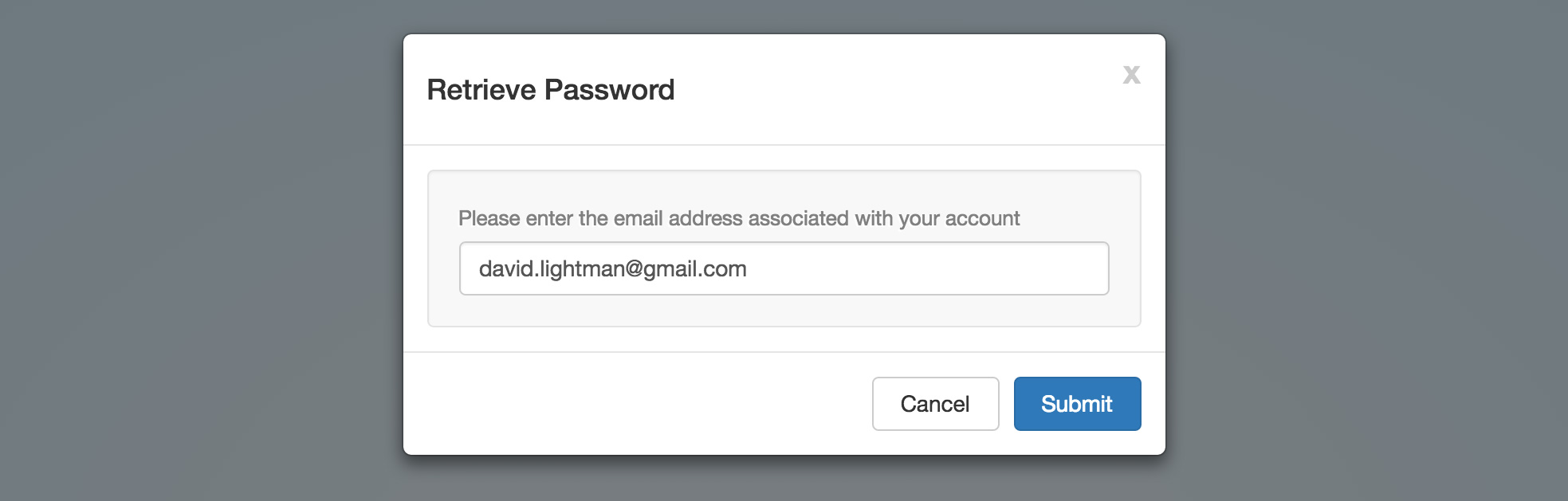
Password Retrieval
To enable the password retrieval feature it is recommended that you create environment variables for your credentials instead of hard coding them into the email dispatcher module.
To do this on OSX you can simply add them to your .profile or .bashrc file.
export NL_EMAIL_HOST='smtp.gmail.com'
export NL_EMAIL_USER='[email protected]'
export NL_EMAIL_PASS='12345678'
Or use dotenv (recommended) and place these inside of a .env file in your project's root directory.
Contributing
Questions and suggestions for improvement are welcome.
관련 프로젝트 살펴보기
불러오는 중…