
beyondcode/livewire-devtools
beyondcode/livewire-devtools has 420 GitHub stars and 26 forks. GitHot measured 0 stars in 24 hours and 0 in 7 days. Last checked 2026-11-23 05:19 UTC. Last push 2023-10-15.
측정된 스타 증가
- in 24h
- 0
- in 7 days
- 0
- in 15 days
- 기록 수집 중
- in 1 month
- 기록 수집 중
서로 겹치는 기간의 순증가량이며 일별 합계가 아닙니다. 측정값이 없으면 비워 둡니다. 스타는 관심도를 나타내며 품질을 보장하지 않습니다.
소개
Chrome and Firefox DevTools extension for debugging Livewire applications
개발 도구README.md
OriginalLivewire Devtools
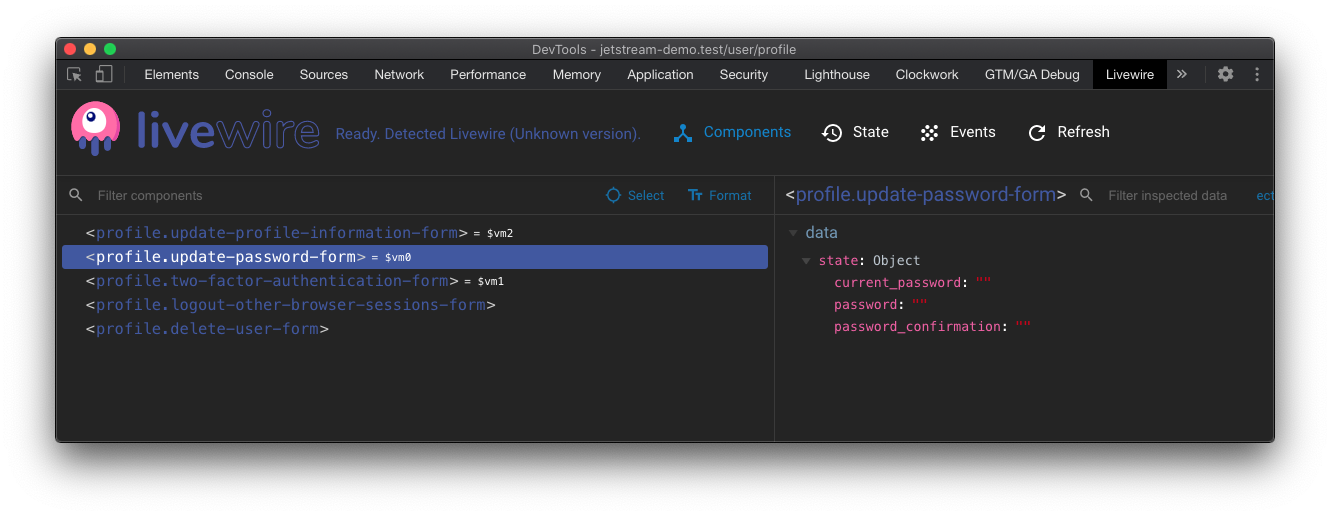
Debug your Livewire component state from within your browser.
Installation
This extension does not yet have a stable version publicly available. You can download the pre-release version and manually install it.
Manual Installation
- Clone this repo
npm install(Oryarn installif you are using yarn as the package manager)npm run build- Open Chrome extension page (chrome://extensions)
- Check "developer mode"
- Click "load unpacked extension", and choose
shells/chrome.
Hacking
- Clone this repo
npm installnpm run dev- A plain shell with a test app will be available at
localhost:8080.
Testing as Firefox addon
Install
web-ext$ npm install --global web-extOr, for Yarn:
$ yarn global add web-extAlso, make sure
PATHis set up. Something like this in~/.bash_profile:$ PATH=$PATH:$(yarn global bin)Build and run in Firefox
$ npm run build
$ npm run run:firefox
When using Yarn, just replace
npmwithyarn.
License
Thanks goes out to Vue devtools, which were used as a starting point for this.
관련 프로젝트 살펴보기
불러오는 중…