
babluboy/bookworm
babluboy/bookworm has 1,388 GitHub stars and 106 forks. GitHot measured 0 stars in 24 hours, 0 in 7 days, and 0 in 15 days. Last checked 2026-11-24 12:36 UTC. Last push 2026-11-12.
측정된 스타 증가
- in 24h
- 0
- in 7 days
- 0
- in 15 days
- 0
- in 1 month
- 기록 수집 중
서로 겹치는 기간의 순증가량이며 일별 합계가 아닙니다. 측정값이 없으면 비워 둡니다. 스타는 관심도를 나타내며 품질을 보장하지 않습니다.
소개
Elementary OS용 간단한 전자책 리더
개발 도구README.md
OriginalBookworm 


A simple, focused eBook reader
Author: Siddhartha Das
Read the books you love without having to worry about the different format complexities like epub, pdf, mobi, cbr, etc. This version supports EPUB, MOBI, FB2, PDF, FB2 and Comics (CBR and CBZ) formats with support for more formats to follow soon.
Check the Bookworm website for details on features, shortcuts, installation guides for supported distros : https://babluboy.github.io/bookworm/
Building, Testing, and Installation
You'll need the following dependencies to build and run on Ubuntu/Debian based distros:
- unzip
- poppler-utils
- unar
- html2text
- python2
- libgtk-3-dev
- libgee-0.8-dev
- libgranite-dev
- libsqlite3-dev
- libxml2-dev
- webkit2gtk-4.0
- libwebkit2gtk-4.0-37
- libpoppler-glib-dev
- meson
- valac
- gettext
- curl
- ninja-build
- appstream
Run the command below to install the above on Ubuntu and Debian distros:
sudo apt-get install unzip poppler-utils unar html2text python2.7 libgtk-3-dev libgee-0.8-dev libgranite-dev libsqlite3-dev libxml2-dev webkit2gtk-4.0 libwebkit2gtk-4.0-37 libpoppler-glib-dev meson valac gettext curl ninja-build appstream git
Run git clone to download the source code, meson build to configure the build environment and run ninja test to build
git clone https://github.com/babluboy/bookworm.git
cd bookworm
meson build --prefix=/usr
mkdir -p build && cd build
ninja
To install, use ninja install, then execute with com.github.babluboy.bookworm
sudo ninja install
com.github.babluboy.bookworm
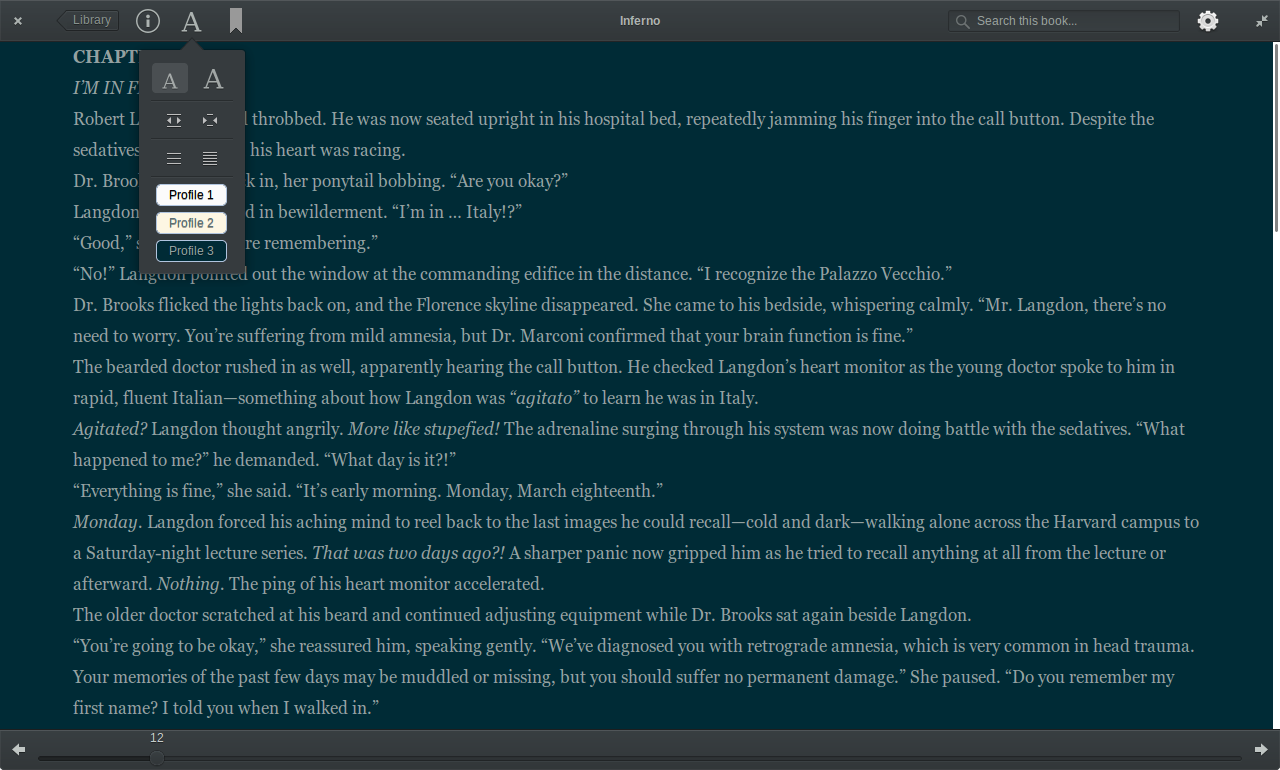
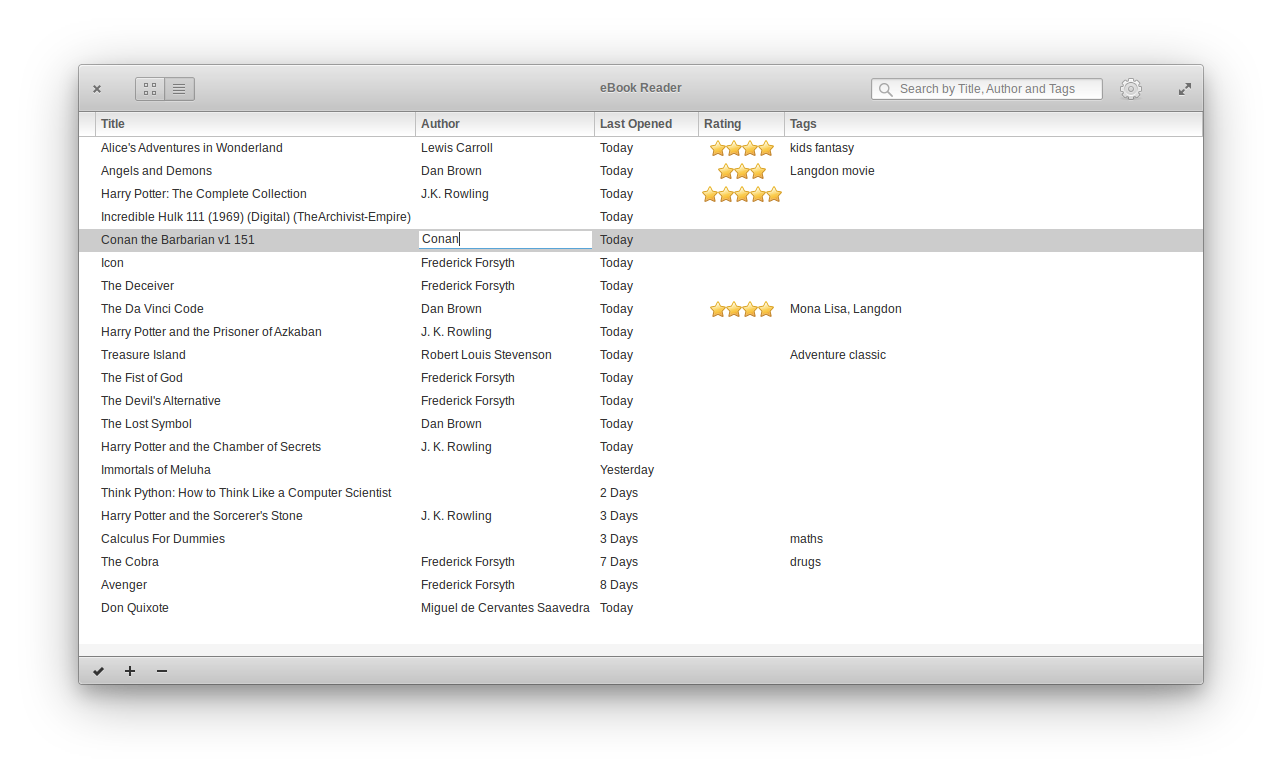
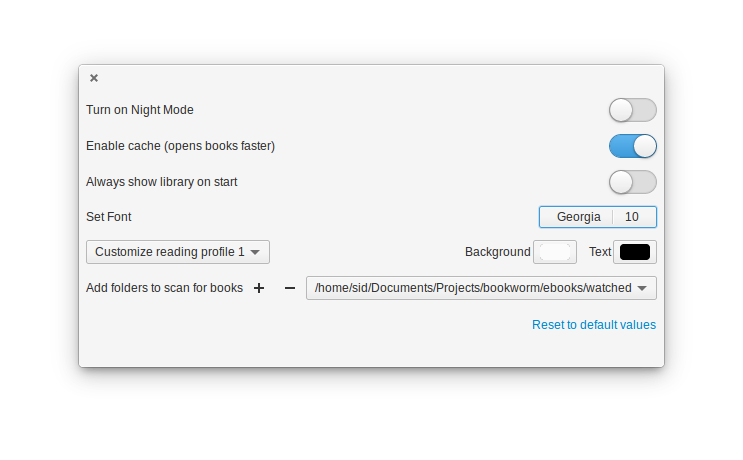
Screenshots
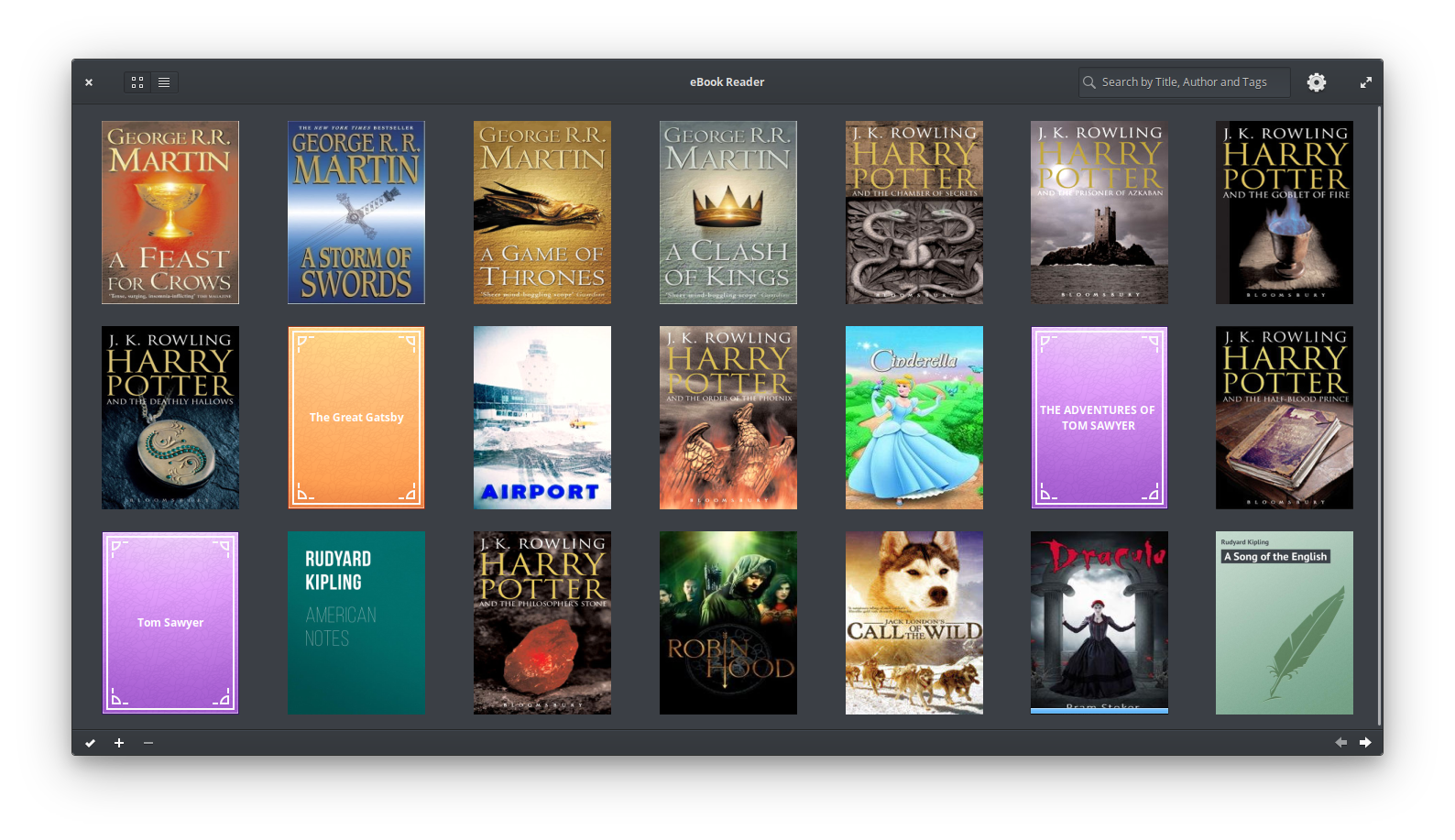
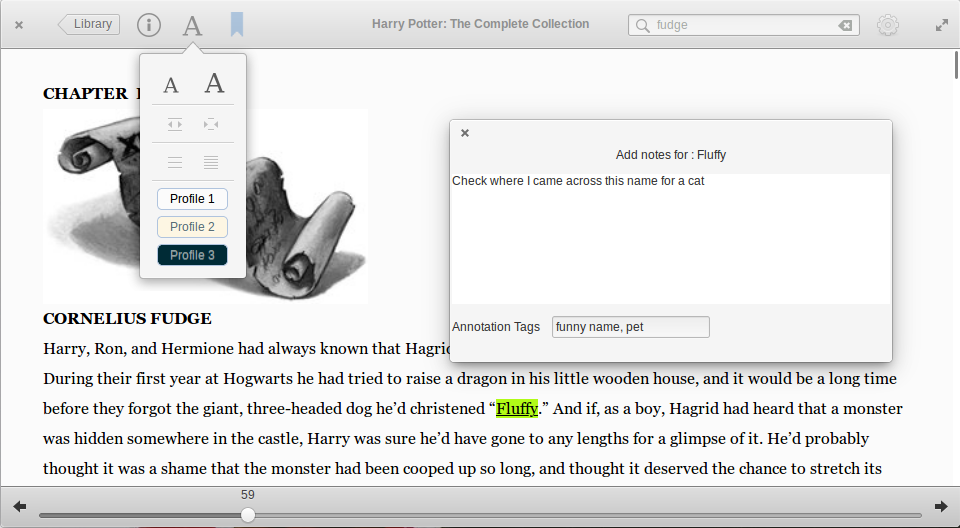
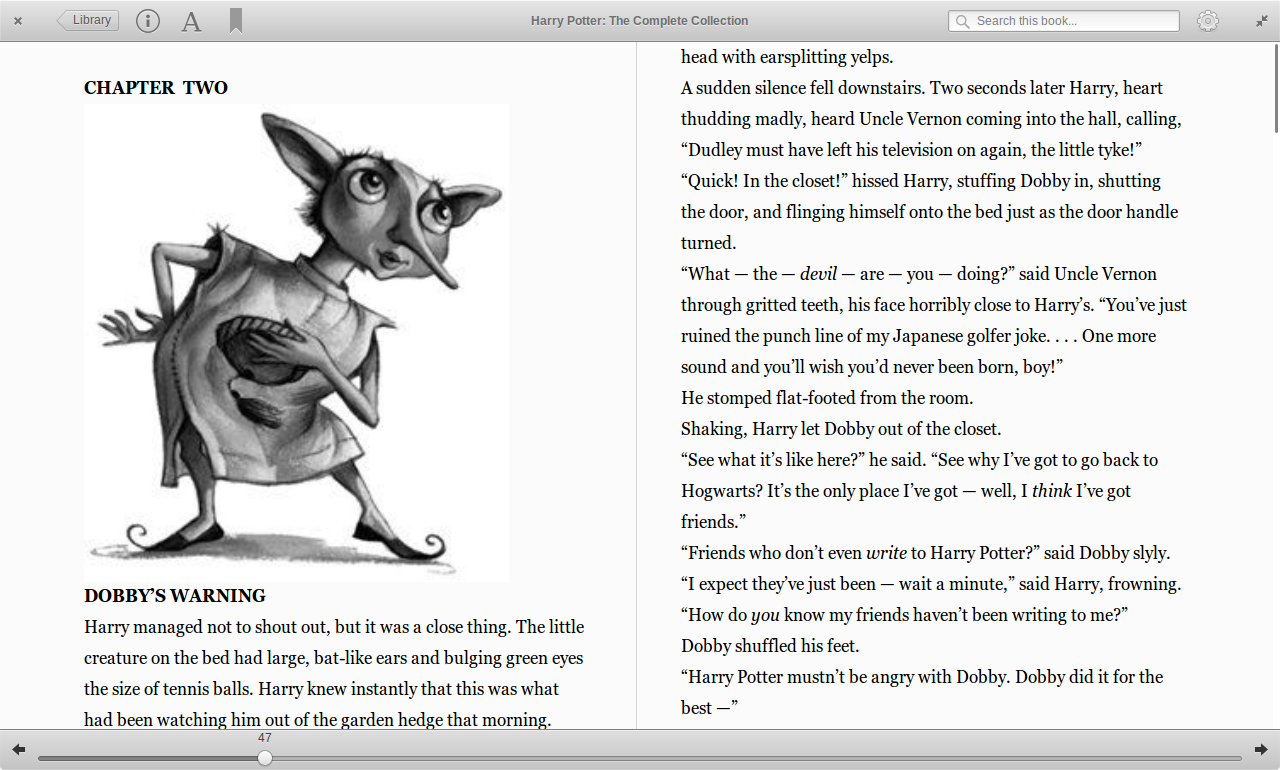
Two Page View
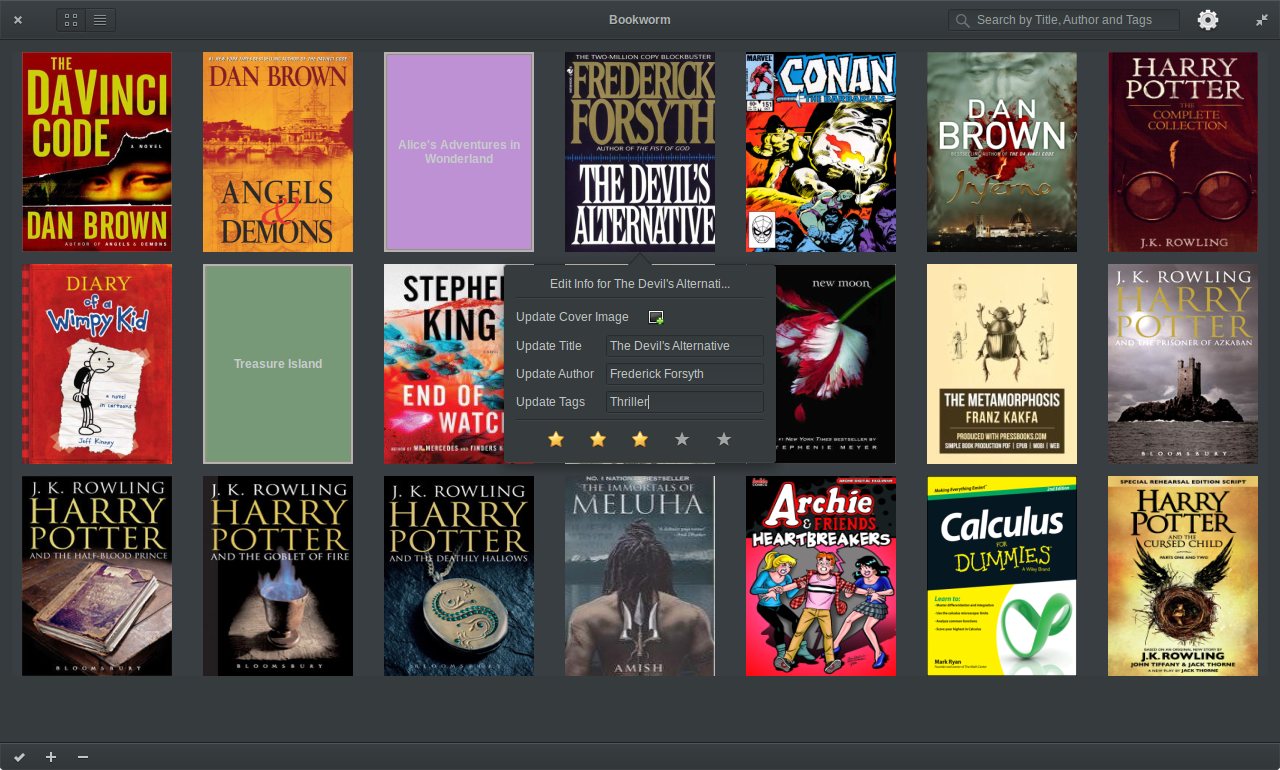
Bookworm Dark Mode
Library List View
Bookworm Preferences
관련 프로젝트 살펴보기
불러오는 중…