
auchenberg/chrome-devtools-app
auchenberg/chrome-devtools-app has 1,572 GitHub stars and 90 forks. GitHot measured 0 stars in 24 hours, 0 in 7 days, and 0 in 15 days. Last checked 2026-11-25 04:31 UTC. Last push 2022-03-29.
측정된 스타 증가
- in 24h
- 0
- in 7 days
- 0
- in 15 days
- 0
- in 1 month
- 기록 수집 중
서로 겹치는 기간의 순증가량이며 일별 합계가 아닙니다. 측정값이 없으면 비워 둡니다. 스타는 관심도를 나타내며 품질을 보장하지 않습니다.
소개
Electron을 통해 앱으로 패키징한 Chrome DevTools
개발 도구README.md
OriginalUpdate on Chrome DevTools App.
Chrome DevTools App is now superseeded by https://inspect.dev/ – a new developer tool for macOS and Windows to inspect and debug your web apps and websites in Safari and WebViews on iOS devices 🤯🎉🔥
Maintenance status: Chrome DevTools App. is not proactively maintained or extended.
Original readme

Chrome DevTools App
Discontinued
This project is Discontinued. See https://github.com/auchenberg/chrome-devtools-app/issues/48

Chrome DevTools packaged as an app using electron-prebuilt.
This project is an exploration of how much work it would take to separate Chrome DevTools from Chrome itself and to explore what separation from the browser would bring to the table in terms of new functionality, etc.
I've written an article about this project, where I go in detail, and provide a few perspectives on what this project could evolve into. https://kenneth.io/blog/2014/12/28/taking-chrome-devtools-outside-the-browser/.
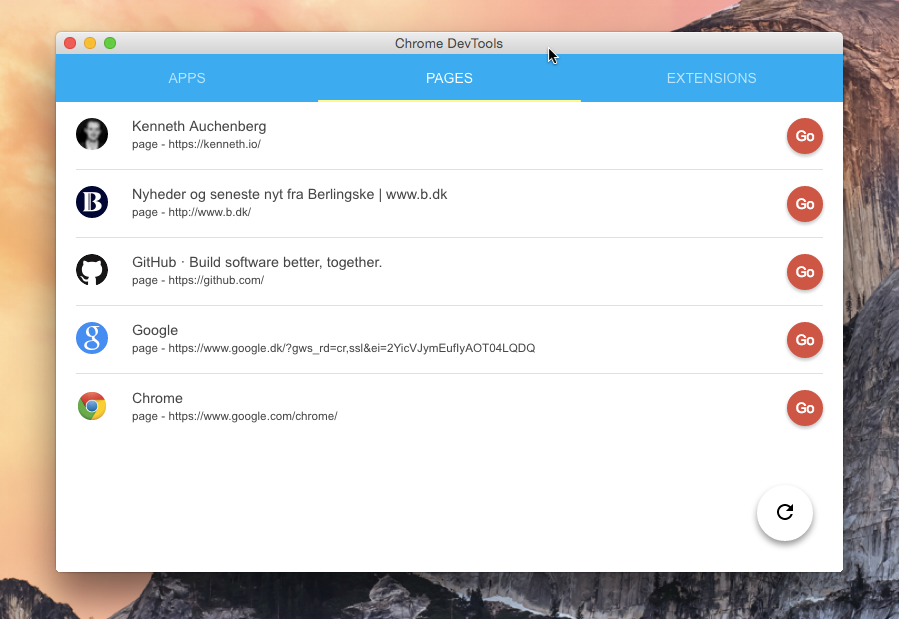
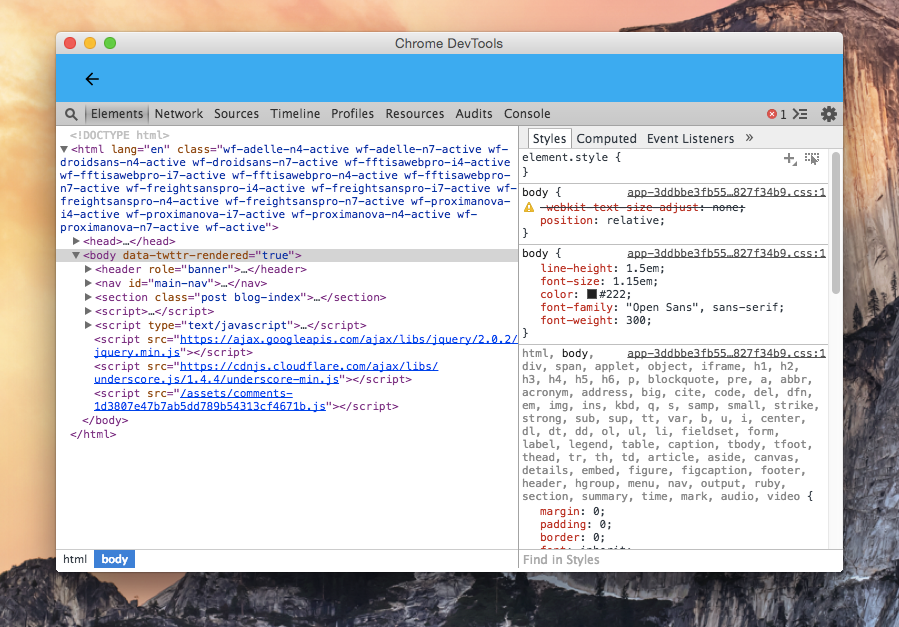
Installation
- Go to the releases page, and download the latest DMG installer (Mac only, for now)
- Drag Chrome DevTools App to your
applicationsfolder - Start an instance of Chrome with remote debugging enabled
- Start Chrome DevTools App
- Wait a second or click the refresh button.
- Targets should show up. Click "Go" next to your target.
- Bam. There go you.
Development
How to get started from source?
- Run
npm install - Run
npm start
How to start this app from source?
- Run
npm install - Run
npm install bower-cli -g - Run
npm start
How to start a debug version of this app?
Run npm start
Releases
How to make a new build?
Run npm run release
This project is highly experimental.
관련 프로젝트 살펴보기
불러오는 중…