
asmcss/assembler
소개
A modern UI framework
개발 도구측정된 스타 증가
- in 24h
- 0
- in 7 days
- 0
- in 15 days
- 기록 수집 중
- in 1 month
- 기록 수집 중
서로 겹치는 기간의 순증가량이며 일별 합계가 아닙니다. 측정값이 없으면 비워 둡니다. 스타는 관심도를 나타내며 품질을 보장하지 않습니다.
README.md
OriginalAssembler CSS
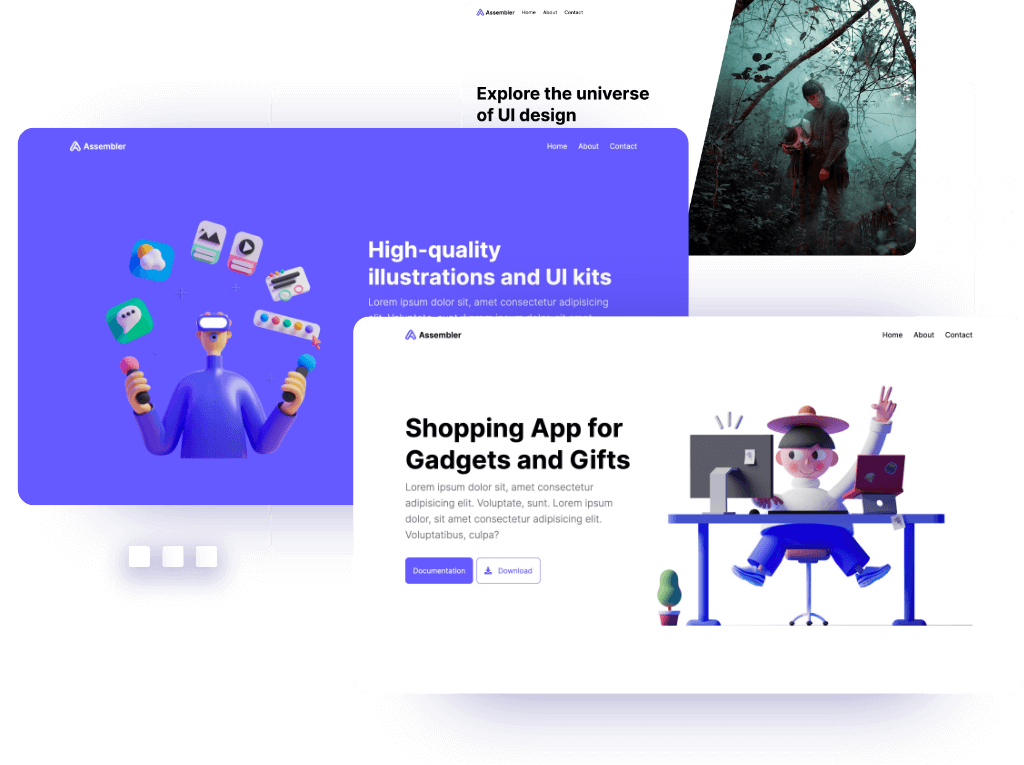
Just-in-time CSS, unlimited possibilities
Assembler CSS is a highly performant utility-first framework that allows you to quickly prototype and build modern websites and UI components without the need to install and maintain complex software.
Usage
Incorporating Assembler CSS within your project is a trivial task.
Just add a script tag before the head closing tag, and you are good to go!
<script src="https://unpkg.com/@asmcss/assembler"></script>
Now you are ready to try out Assembler CSS and write your first UI component.
<div x-style="max-w:80; mx:auto; radius:md; e:2; e.hover:4; transition:all 0.25s; cursor:pointer">
    <img x-style="block; max-w:100%; w:100%; h:auto; radius-top:md" src="https://images.unsplash.com/photo-1512621776951-a57141f2eefd?ixid=MXwxMjA3fDB8MHxwaG90by1wYWdlfHx8fGVufDB8fHw%3D&ixlib=rb-1.2.1&auto=format&fit=crop&w=640&q=80">
    <div x-style="p:4">
        <div x-style="text:lg; color:black; font-weight:700">Fresh veggies</div>
        <div x-style="text:sm; color:silver; font-weight:400">600g</div>
        <p x-style="pt:4">
            Any veggie can belong on your menu, so choose what you love and use the rest
            for future meals and snacks you can enjoy in flavorful ways.
        </p>
    </div>
</div>
Documentation
The full documentation for Assembler CSS can be found here.
Installation
You could also install Assembler CSS as an npm package by issuing the following command:
npm install @asmcss/assembler
Or, if you are a Yarn user
yarn add @asmcss/assembler
License
Assembler CSS is licensed under the permissive Apache License, Version 2.0.
Browser support
Assembler CSS is designed to run on the latest stable versions of all the major browsers: Chrome, Edge, Firefox, and Safari. We do not support any version of IE.
We have conducted intensive manual testing on the following operating systems and browsers:
- Ubuntu Linux 20.04: Chrome and Firefox
- Windows 10: Edge, Chrome, and Firefox
- MacOS Big Sur: Safari, Chrome, Edge, and Firefox
- Android (tablet and mobile): Chrome
- iOS 14 (tablet and mobile): Safari and Chrome
Road to v1.0.0
- Basic functionalities
- Add support for states
- Add support for scopes
- Add support for mixins
- Add support for custom selector attribute
- Add support for custom elements
- Add automated tests, so we can make sure we don’t mess up things in future releases
- Cleanup & prepare stable releases
관련 프로젝트 살펴보기
불러오는 중…