
abrahamjroy/ProcessedElectricSheepDreams
abrahamjroy/ProcessedElectricSheepDreams has 32 GitHub stars and 5 forks. GitHot measured 0 in 7 days. Last checked 2026-11-10 22:23 UTC. Last push 2026-02-03.
A native Application , With Agentic Support (MCP) for ultra fast AI image generation using a highly optimized Z-Image-Turbo model with SDNQ quantization. Supports Text-to-Image, Image-to-Image transformation, and Inpainting with mask-based editing. Optimized for Nvidia/AMD devices.
What you can do
- Model Selection: Choose between speed-optimized, quality-optimized, or base models
- LoRA Support: Drop .safetensors files into models/loras/ to dynamically load styles (Experimental)
- Smart Seed: Toggle between Random (-1) and Fixed seeds with a simple checkbox
- SDNQ 4-bit quantization on optimized models
측정된 스타 증가
- in 24h
- 업데이트 지연
- in 7 days
- 0
- in 15 days
- 업데이트 지연
- in 1 month
- 업데이트 지연
서로 겹치는 기간의 순증가량이며 일별 합계가 아닙니다. 측정값이 없으면 비워 둡니다. 스타는 관심도를 나타내며 품질을 보장하지 않습니다.
README.md
OriginalProcessed Electric Sheep Dreams









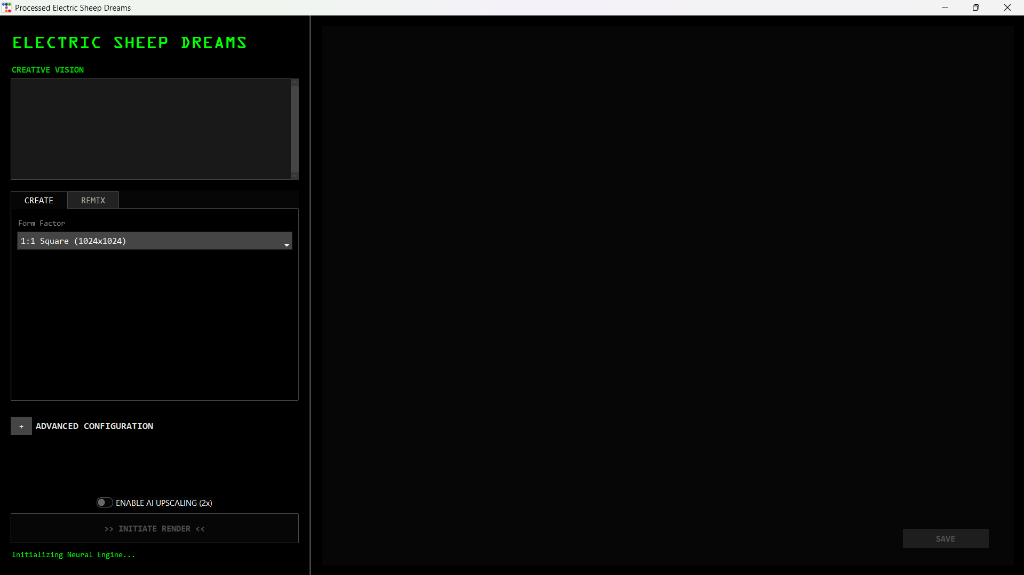
A native desktop application for fast AI image generation with multiple SDNQ-quantized model options. Choose between speed-optimized (default), quality-optimized, or base models. Supports Text-to-Image, Image-to-Image transformation, and Inpainting with mask-based editing.
Architecture Overview
graph TD
    User[User Input] -->|Prompt & Settings| App[Desktop UI]
    App -->|Model Selection| Chooser{Model Chooser}

    Chooser -->|Default: Speed| Model1[Disty0/Z-Image-Turbo-SDNQ]
    Chooser -->|Quality| Model2[Abrahamm3r/Z-Image-SDNQ]
    Chooser -->|Base| Model3[Tongyi-MAI/Z-Image-Turbo]

    Model1 --> VN[VRAM Optimizer]
    Model2 --> VN
    Model3 --> VN

    VN -->|Load & Offload| Pipeline[Z-Image Pipeline]

    subgraph "Neural Engine"
        Pipeline -->|SDNQ Quant*| Transformer[Transformer Model]
        Pipeline -->|Smart Masking| Inpaint[Inpainting Logic]
    end

    Transformer -->|Latents| VAE[VAE Decoder]
    VAE -->|Raw Image| Post[Post-Processing]
    Post -->|Color Match/Edge Blend| Upscaler{Upscale?}

    Upscaler -->|Yes| SR[Swin2SR 2x]
    Upscaler -->|No| Output
    SR --> Output[Final Image + Metadata]

    Output --> Gallery[Gallery View]

    style Chooser fill:#ff6b6b
    style Model1 fill:#ffd93d
    style Model2 fill:#ff6b6b

    Note1[*SDNQ on quantized models]
With accurate text and subject rendering. Includes a MOAP (Mother of All (negative) Prompts) for better rendering.
⚡ Model Selection
NEW: Choose your preferred model in the Advanced Configuration section!
| Model | Description | Optimization | VRAM | Size |
|---|---|---|---|---|
| Disty0/Z-Image-Turbo-SDNQ ⭐ | Default - 4-bit SDNQ quantized for speed | Speed | ~4GB | ~3GB |
| Abrahamm3r/Z-Image-SDNQ | 4-bit SDNQ quantized for quality (by @Abrahamm3r) | Quality | ~4GB | ~3GB |
| Tongyi-MAI/Z-Image-Turbo | Base model, full precision | Balanced | ~6GB | ~5GB |
Note: Both Disty0 and Abrahamm3r models use SDNQ 4-bit quantization. Disty0 prioritizes faster generation, while Abrahamm3r prioritizes output quality.
How to Switch Models
- Launch the application
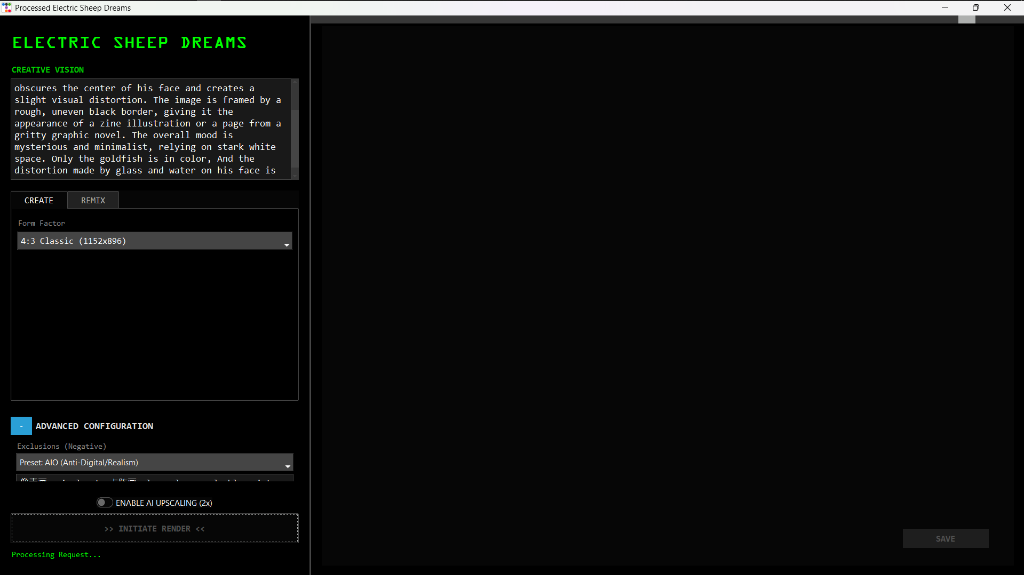
- Open Advanced Configuration (expand the section)
- Select your preferred model from the Model dropdown
- The selected model will load on startup
Tip: Changing the model requires restarting the application. The model selection persists during each session.
⌨️ Shortcuts
| Key | Action |
|---|---|
Enter |
Trigger generation (when in prompt box) |
Ctrl+S |
Save generated image |
Ctrl+C |
Copy prompt to clipboard |
Esc |
Cancel current generation |
Scroll |
Zoom in/out of viewport |
Screenshots
Main Interface
Prompt Entry with Advanced Configuration
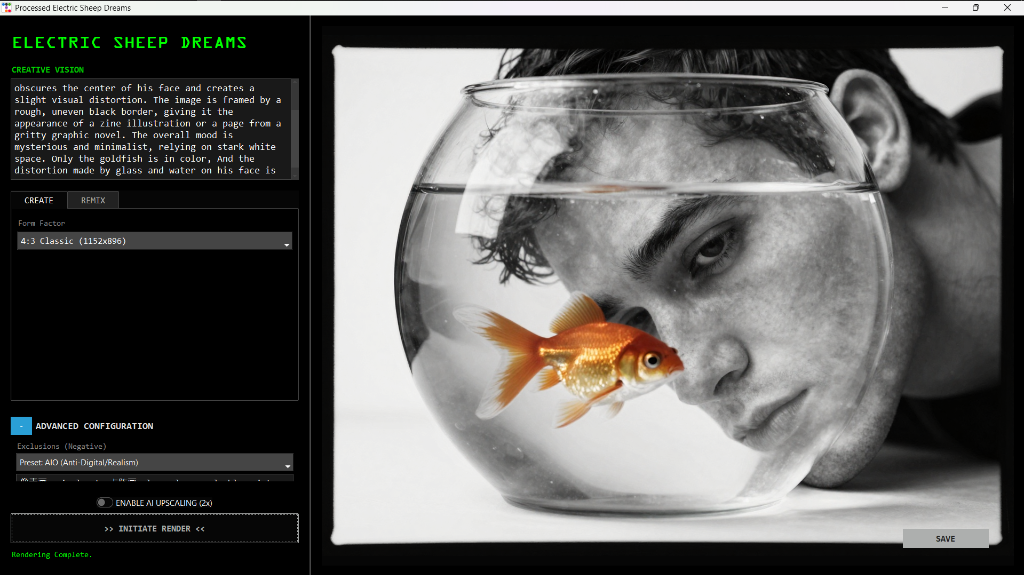
Generated Result
Gallery
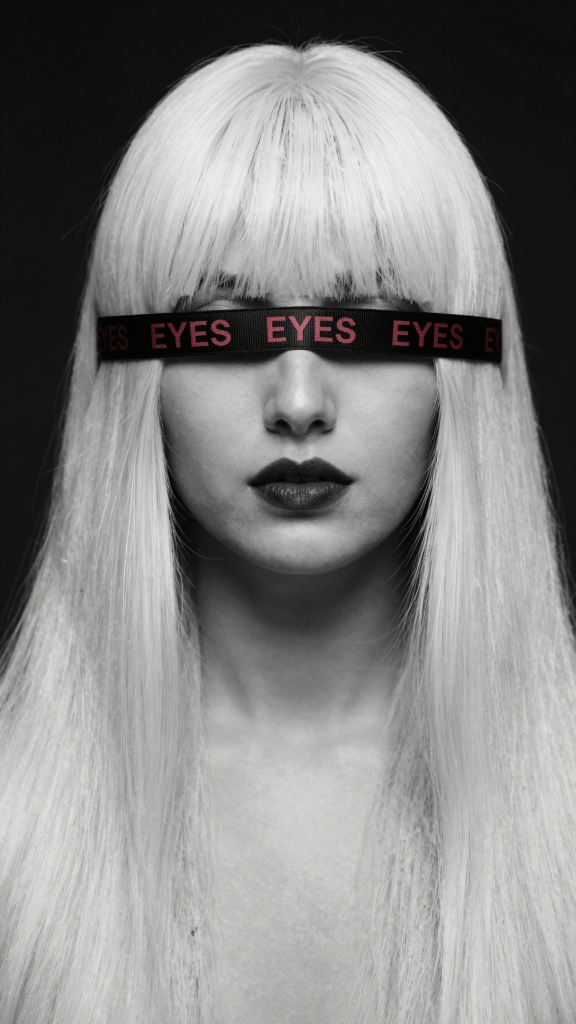
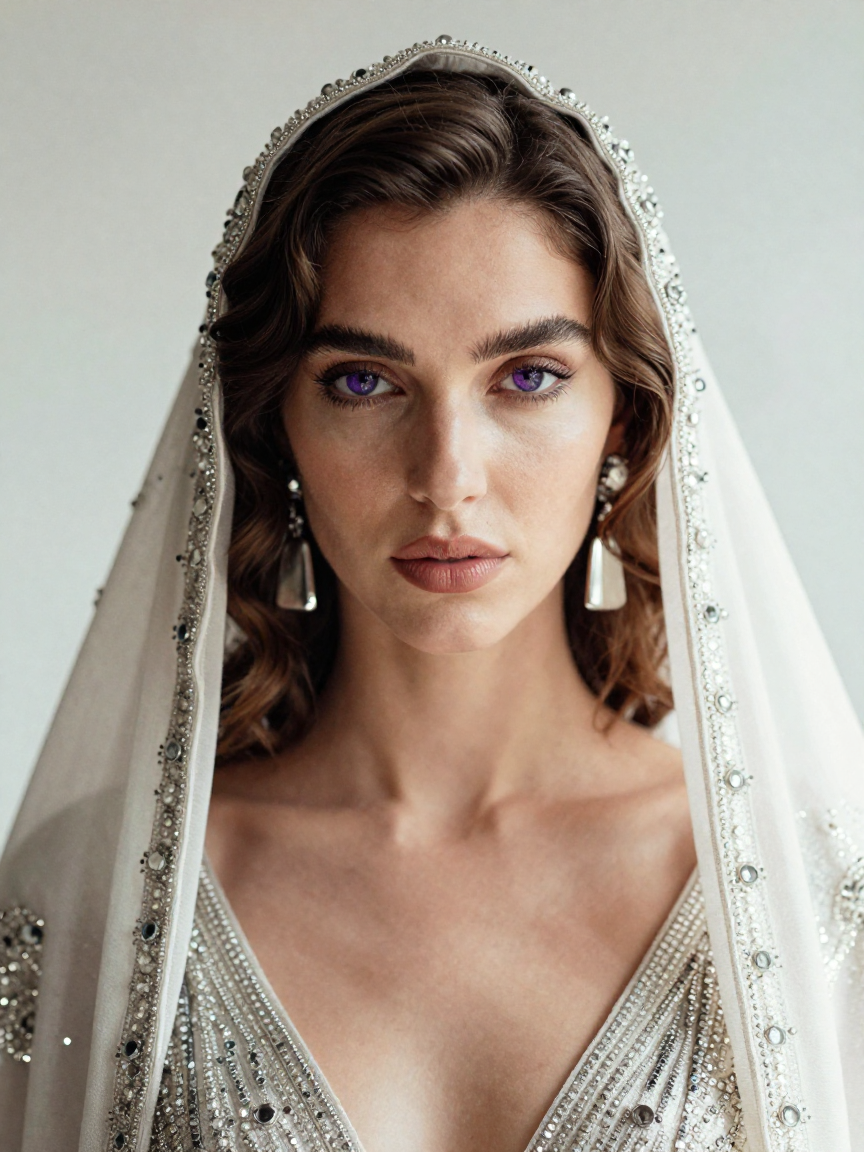
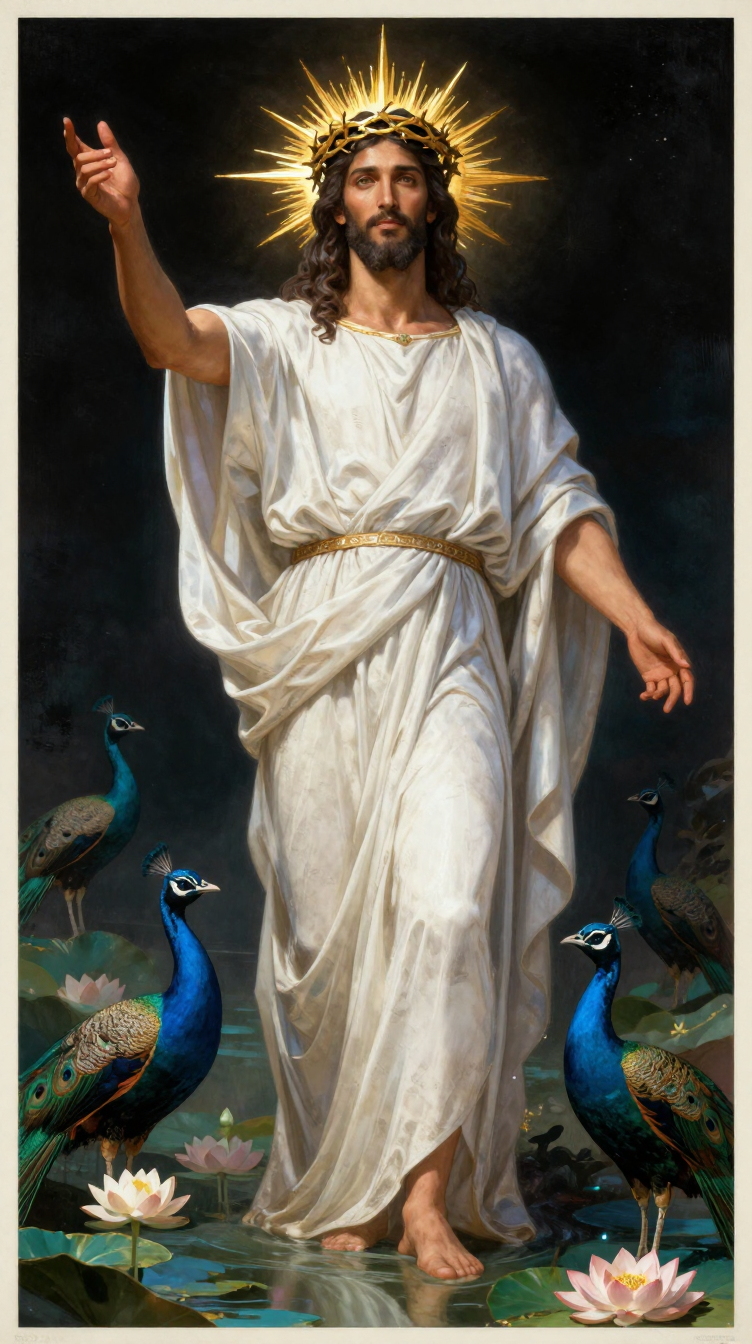
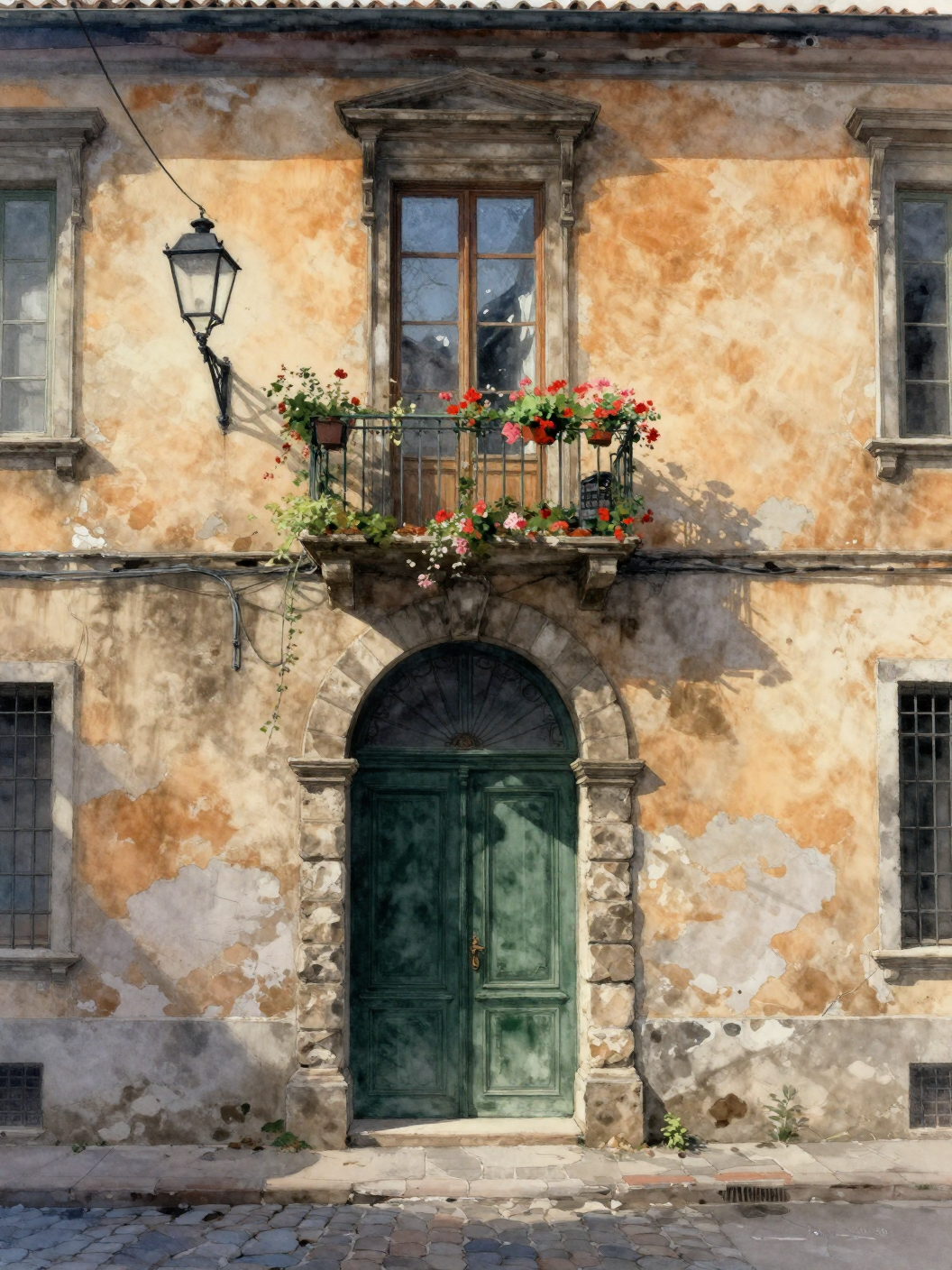
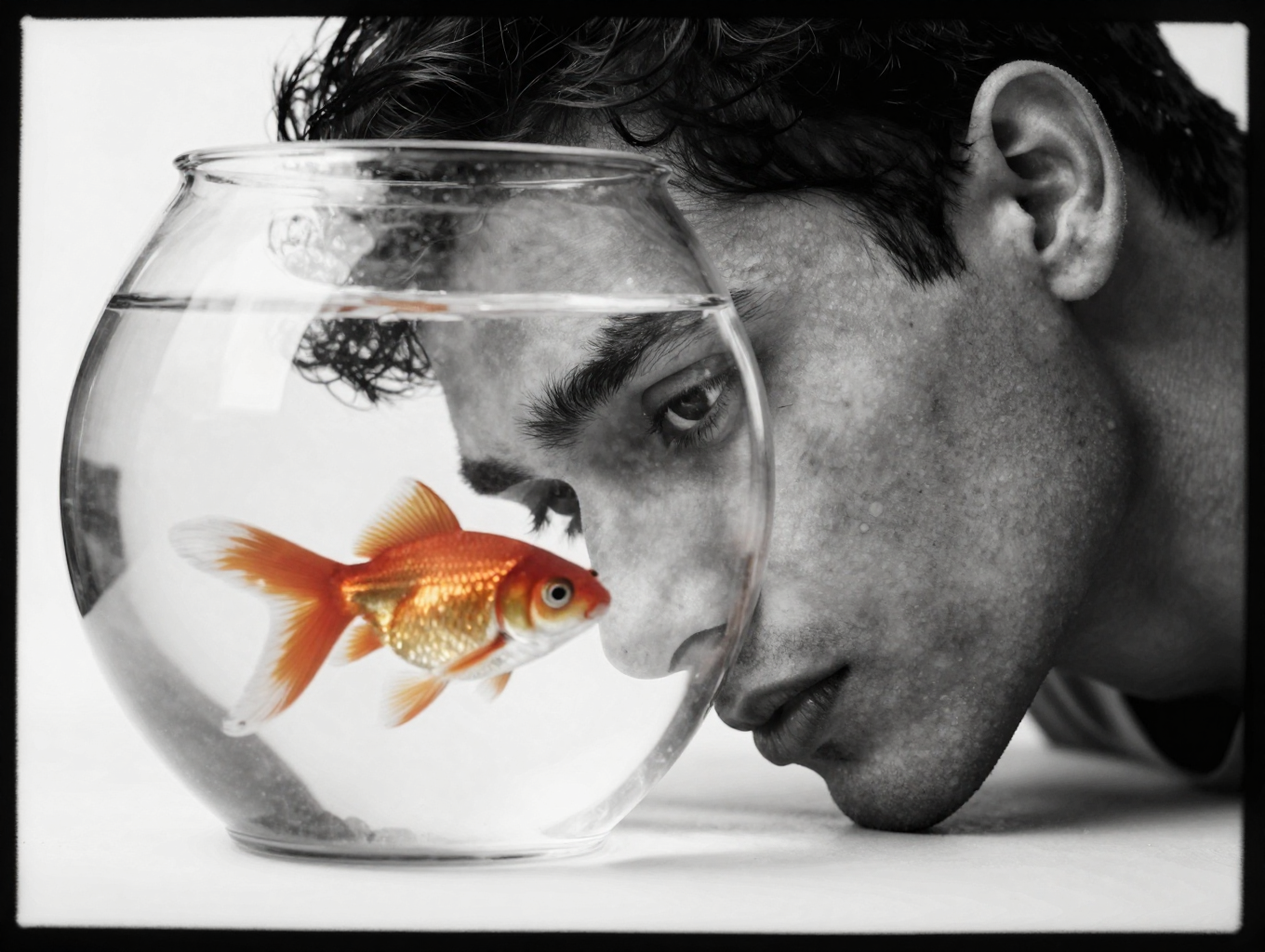
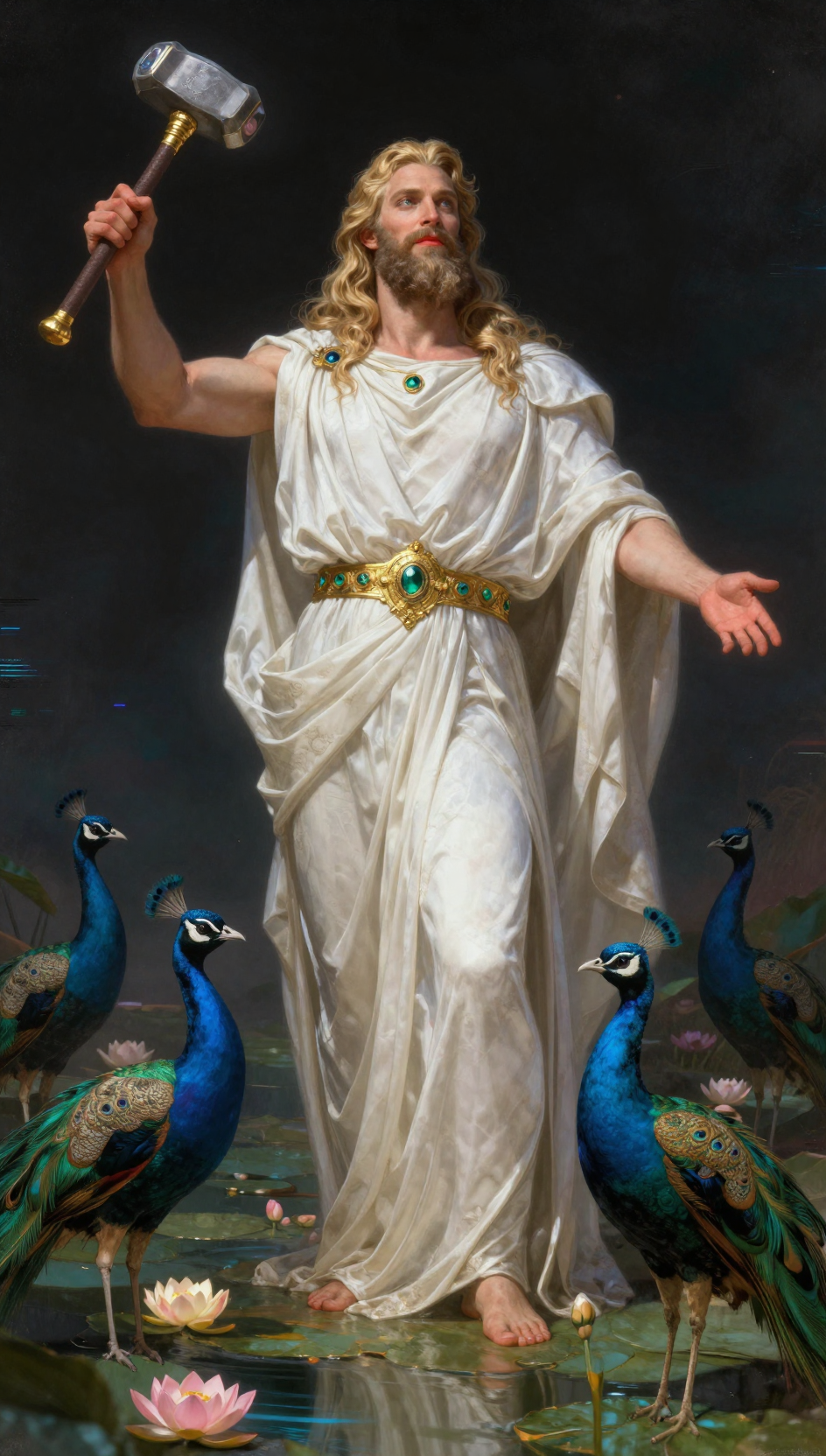
Sample images generated with Processed Electric Sheep Dreams:
 |
 |
 |
 |
 |
 |
Showcase with Prompts
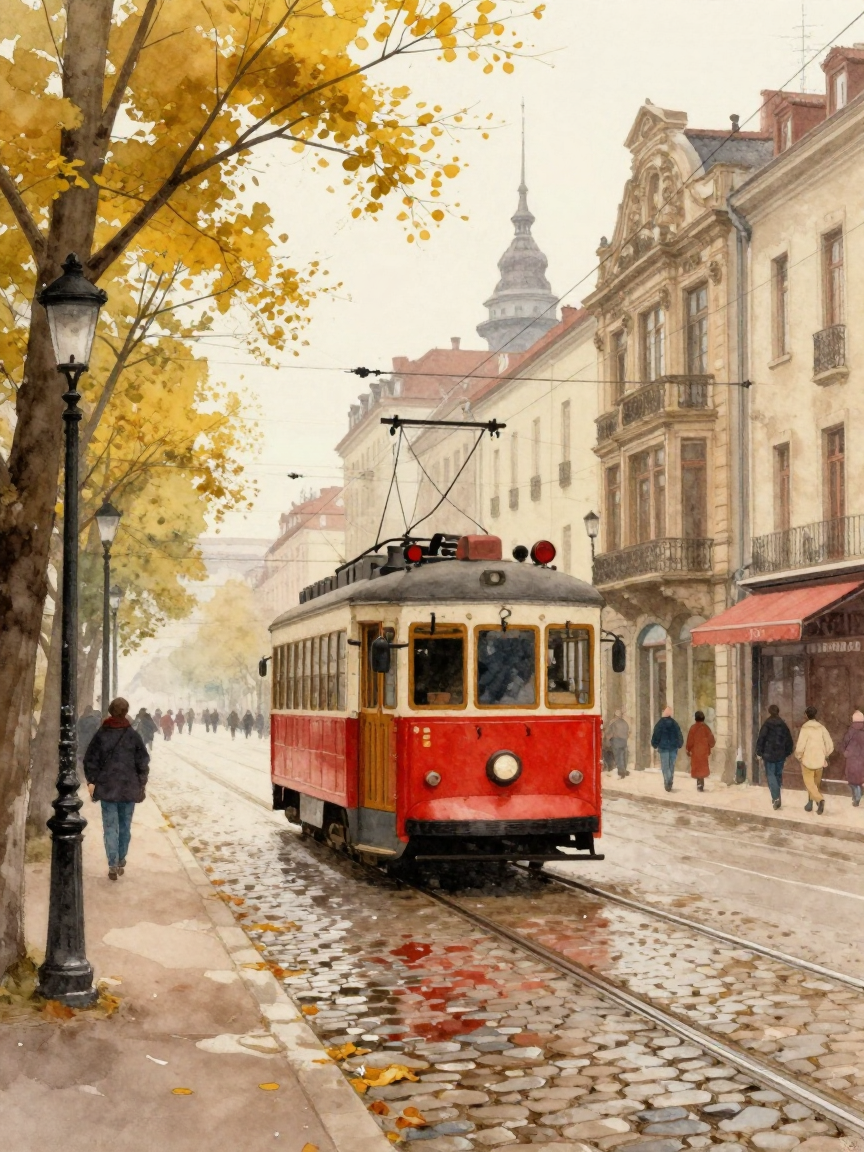 |
"Kagekiyachi art style., watercolor urban street scene featuring a vintage red tram gliding along wet cobblestone tracks under autumnal yellow trees; intricate overhead wires crisscross above historic European buildings with ornate facades and a spired tower in the background; pedestrians stroll leisurely on sidewalks lined with lampposts and shop awnings; soft diffused light casts gentle shadows across the scene, evoking nostalgic charm reminiscent of early 20th-century city life rendered with delicate brushstrokes, warm earth tones, and subtle texture blending characteristic of Akiya Kageichi's aesthetic." |
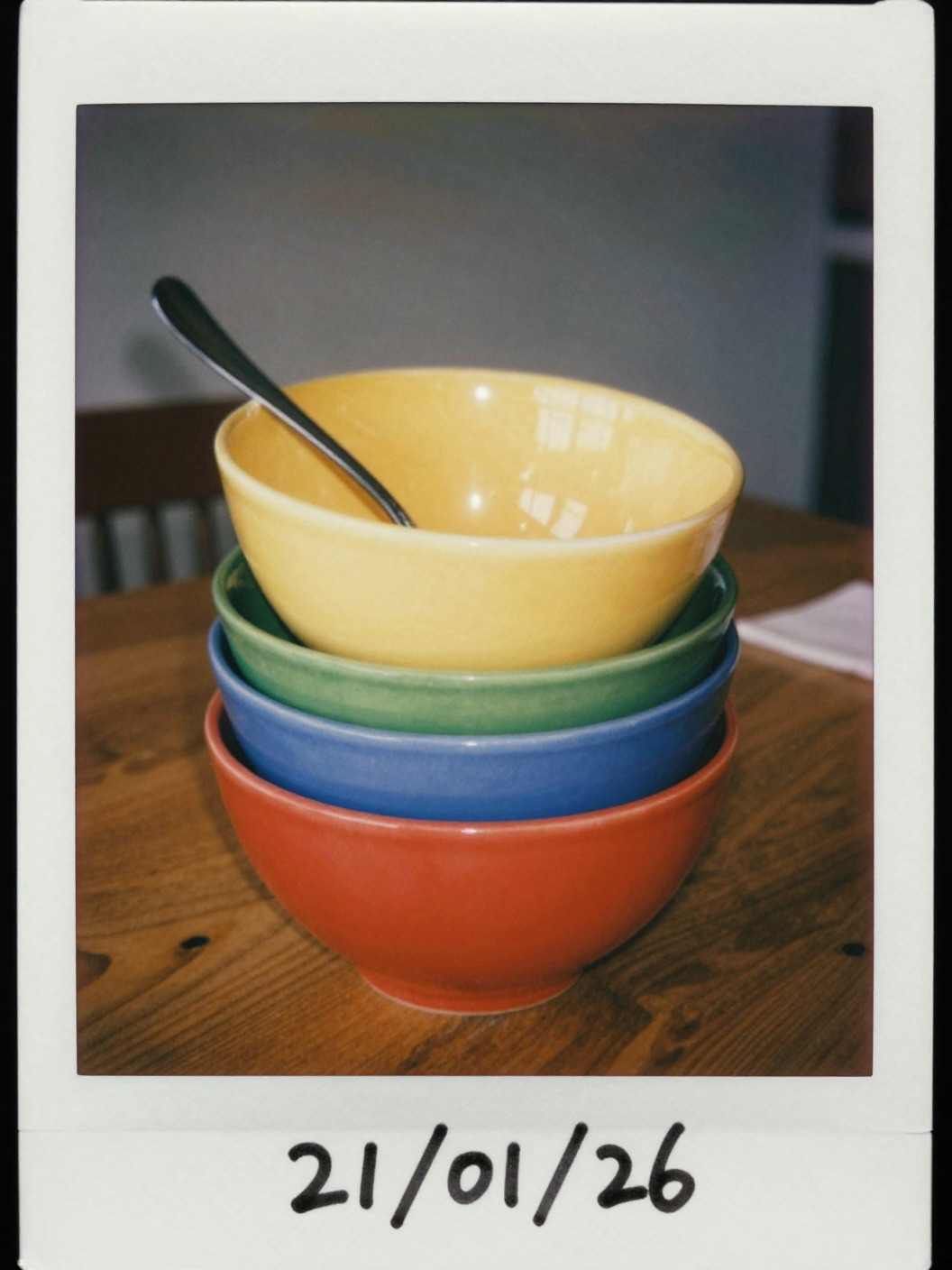 |
"The image is a Polaroid photograph featuring a stack of colorful bowls and a spoon on a wooden table. The main subject is a stack of four bowls, each of a different color. From top to bottom, the bowls are yellow, orange, green, blue, and red. The colors are solid and vibrant, giving a retro feel to the image. A silver spoon rests inside the top yellow bowl, with the handle extending diagonally towards the top left. The bowls are centered in the frame, taking up a significant portion of the image. They are positioned on a dark, wooden table. The table's wood grain is visible, adding texture and warmth to the scene. The composition is simple, with the bowls being the primary focus. In the background, there is a hint of the surrounding environment. To the left, a dark wooden chair is partially visible. To the right, a folded napkin or piece of cloth is seen. The walls appear to be a neutral color, likely cream or light gray. The lighting seems to be soft and indirect, casting gentle shadows. There are some light reflections across the background suggesting a window or other light source. The image has a vintage aesthetic, due to the Polaroid format with the characteristic white border. The date "21/01/26" is hand written at the bottom right corner of the border, reinforcing the sense of nostalgia. The overall mood is calm and inviting, with the bright colors of the bowls creating a cheerful atmosphere.medium film grain"  |
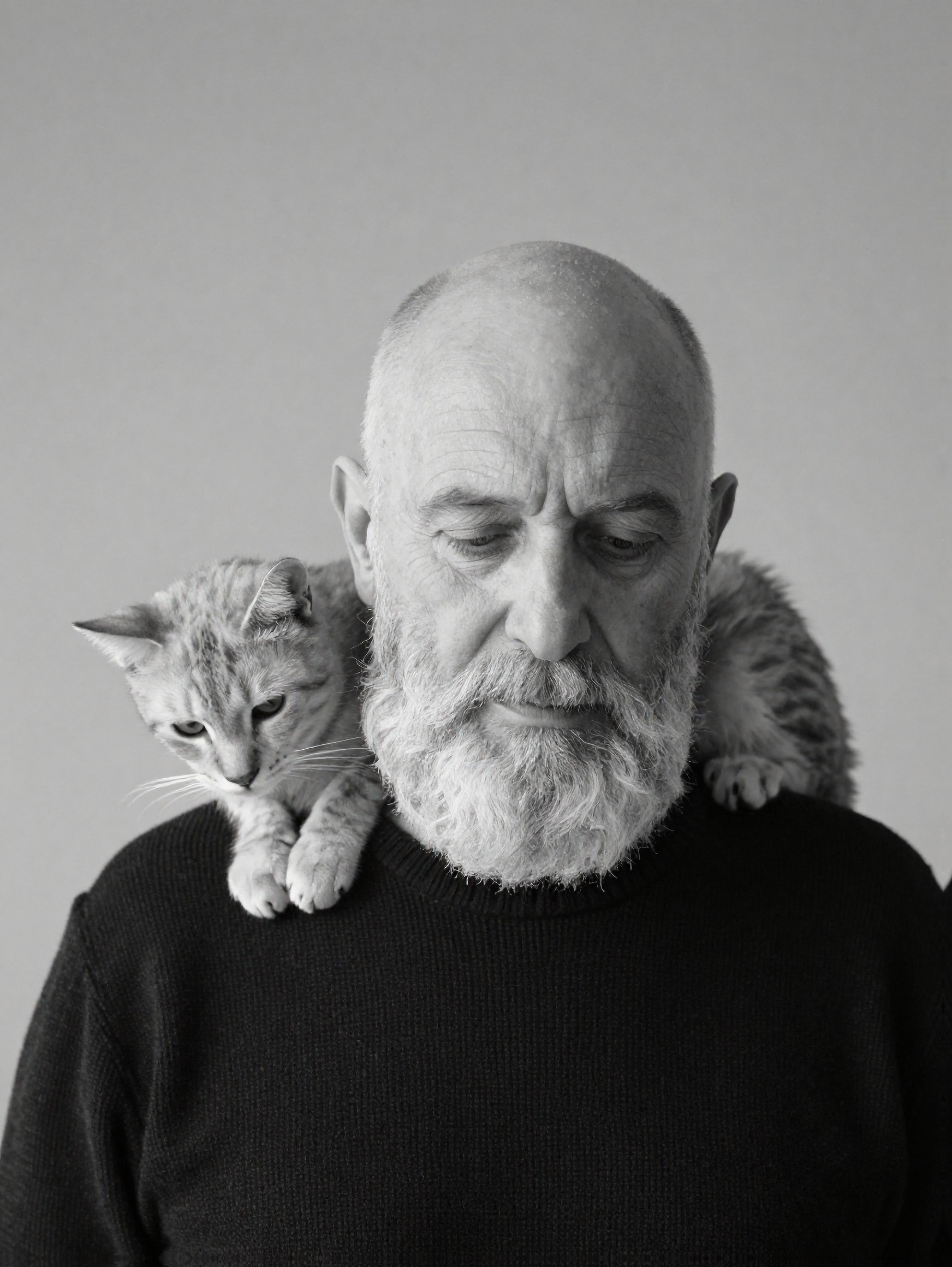 |
"A contemplative black and white studio portrait features an elderly man with a bald head and a prominent, full white beard. His eyes are open or deeply downcast, suggesting introspection or serene rest. He is attired in a dark, possibly black, finely knit sweater with discernible texture. A slender, light-furred cat, exhibiting subtle tabby patterns, is comfortably draped across his shoulders and neck. The cat's head is lowered, resting gently on the man's left shoulder, its gaze directed downwards. The lighting is soft and diffused, creating subtle shadows that enhance the contours of their faces and the textures of the man's beard and sweater. The background is a smooth, undifferentiated medium grey, providing a minimalist and timeless backdrop. The composition captures an intimate and tranquil moment, emphasizing the gentle bond between the man and the cat within a classic photographic aesthetic." |
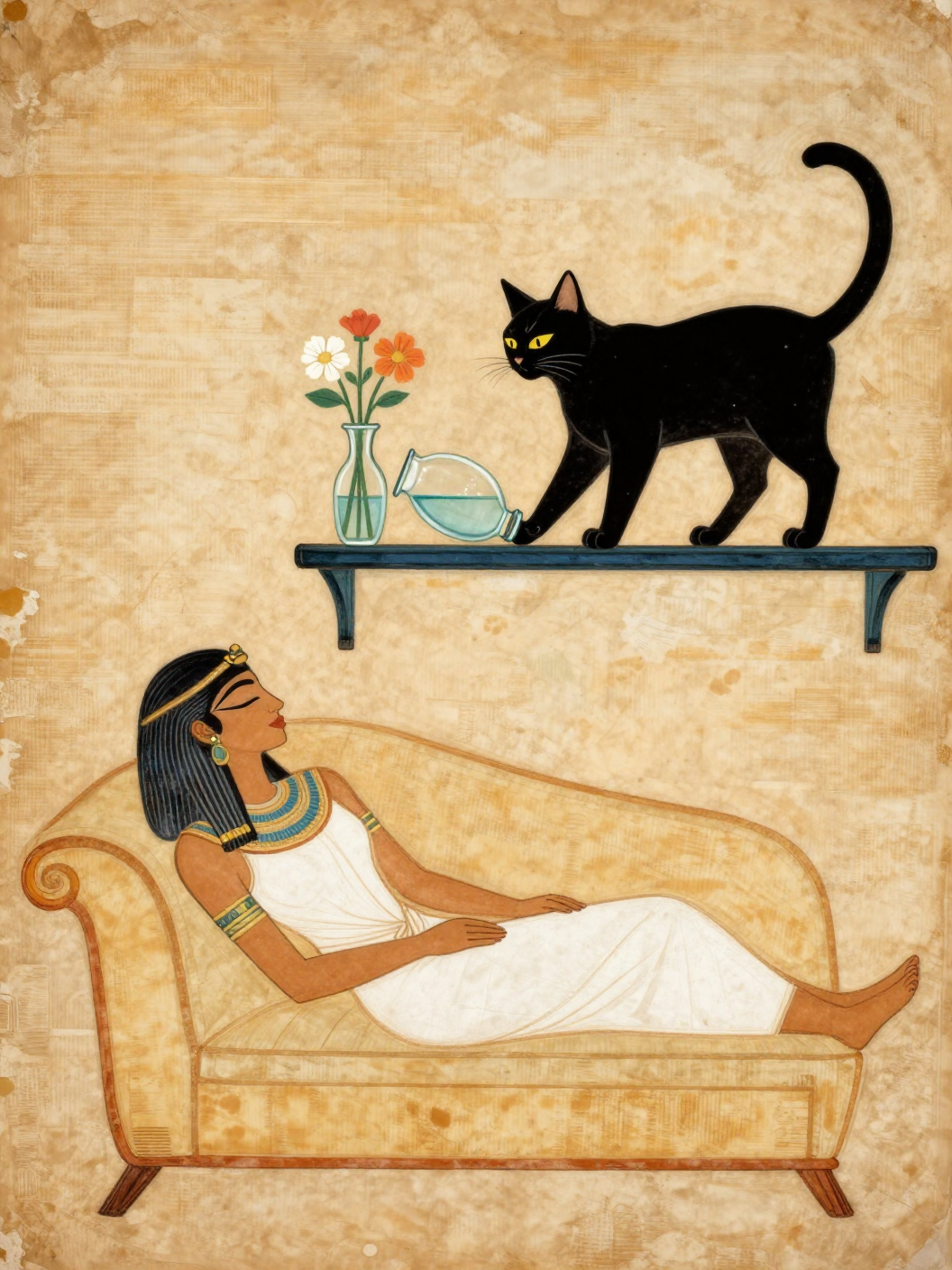 |
"style: ancient egyptian papyrus drawing on wall, Woman is sleeping with eyes closed on sofa, short shelf above sofa. small glass vase with water with flowers on the shelf right above woman. A black cat is standing on shelf. The cat pushes the vase off shelf with her hand. The vase tilted sideways. the vase about to fall down. The cat looking down with evil smile." |
Features
Generation Modes
- Text-to-Image: Generate images from text descriptions
- Image-to-Image: Transform existing images with text guidance
- Inpainting: Edit specific regions using masks (white = regenerate, black = preserve)
Inpainting Options
- Color Match: Transfers color/lighting statistics from source to generated regions
- Blend Edges: Feathers mask boundaries for seamless transitions
- Preserve Structure: Maintains edge contours from the source image
- Send to Remix: One-click workflow to instantly send a generated result to the input for iteration
- Gallery Strip: Persistent session history at the bottom of the viewport
- Open Output Folder: Quick access button 📂 to view your generated files
Note: Remix mode includes content filtering and cannot be used for NSFW image generation. Please use appropriate prompts when working with Remix mode.
Advanced Capabilities
- Model Selection: Choose between speed-optimized, quality-optimized, or base models
- LoRA Support: Drop
.safetensorsfiles intomodels/loras/to dynamically load styles (Experimental) - Smart Seed: Toggle between Random (
-1) and Fixed seeds with a simple checkbox
Technical Features
- SDNQ 4-bit quantization on optimized models
- Automatic aspect ratio detection from source images
- Styles: Select from Cinematic, Anime, Cyberpunk, and more for instant aesthetic enhancements
- 2x AI Upscaling: Integrated Swin2SR for high-quality resolution boosting
- Invisible Watermarking: Embeds invisible SynthID-like signatures for authenticity (contains optional Device ID)
- Metadata Embedding: Full generation parameters (Prompt, Seed, Steps, Guidance) stored directly in PNG files
- TF32 Acceleration: Enabled on Ampere+ GPUs for faster inference
Requirements
- Python 3.10 or higher
- CUDA-compatible GPU with 8GB+ VRAM (recommended)
- Quantized models can run on 6GB VRAM
- Windows, Linux, or macOS
Agentic & MCP Support
This project is MCP (Model Context Protocol) Compliant.
You can run Run_MCP.bat or configure your agent (like Claude Desktop) to use mcp_server.py to:
- Generate images via text prompt
- Upscale images
- Check device status
Installation
- Clone the repository:
git clone https://github.com/yourusername/processed-electric-sheep-dreams.git
cd processed-electric-sheep-dreams
- Create and activate a virtual environment:
python -m venv venv
venv\Scripts\activate  # Windows
source venv/bin/activate  # Linux/macOS
- Install dependencies:
pip install -r requirements.txt
- Install PyTorch with CUDA support (if not already installed):
pip install torch torchvision --index-url https://download.pytorch.org/whl/cu124
Quick Start (Windows)
For the easiest experience, just double-click Launch.bat. It will:
- Check for Python installation
- Create a virtual environment (first run only)
- Install all dependencies (first run only)
- Launch the application
Note: First launch takes several minutes to set up. Subsequent launches are fast.
Usage
Launch the application:
python app.py
Interface Overview
| Tab | Purpose |
|---|---|
| CREATE | Text-to-Image generation with aspect ratio presets |
| REMIX | Image-to-Image transformation and Inpainting |
| 📂 Folder | Opens the local directory containing your generated images |
| ↦ REMIX | (Overlay) Sends the current result to the REMIX tab for editing |
Generation Parameters
| Parameter | Description | Default |
|---|---|---|
| Model | Choose speed, quality, or base model | Disty0 (Speed) |
| Prompt | Text description of desired image | Required |
| Negative Prompt | Elements to exclude from generation | Optional |
| Steps | Number of inference steps | 9 |
| Guidance Scale | CFG scale (0.0 recommended for turbo) | 0.0 |
| Strength | Transformation intensity for Img2Img | 0.40 |
| Seed | Random (-1) or Fixed Integer (toggle with checkbox) | -1 |
| LoRA | Select a loaded LoRA model from the dropdown | None |
Inpainting Workflow
- Switch to the REMIX tab
- Upload a reference image
- Upload a mask image (white areas will be regenerated)
- Enter a prompt describing what to generate in masked areas
- Adjust strength and enable desired post-processing options
- Click "INITIATE RENDER"
Project Structure
processed-electric-sheep-dreams/
├── app.py           # GUI application (ttkbootstrap)
├── backend.py       # Image generation engine
├── mcp_server.py    # MCP server for agentic access
├── requirements.txt # Python dependencies
├── Launch.bat       # One-click launcher (Windows)
└── README.md        # This file
Model Information
This application supports multiple models with easy switching:
Speed-Optimized (Default) ⭐
Disty0/Z-Image-Turbo-SDNQ-uint4-svd-r32
- 4-bit SDNQ quantization optimized for maximum speed
- Fastest generation times
- ~3GB download, ~4GB VRAM
- Excellent quality with minimal compromise
Quality-Optimized
Abrahamm3r/Z-Image-SDNQ-uint4-svd-r32
- 4-bit SDNQ quantization optimized for maximum quality
- Superior output fidelity
- ~3GB download, ~4GB VRAM
- Created by @Abrahamm3r (Self/OP)
Base Model
- Full precision model without quantization
- Original Z-Image architecture
- ~5GB download, ~6GB VRAM
Both Disty0 and Abrahamm3r models use SDNQ quantization, making them efficient on GPUs with limited VRAM. Models are automatically downloaded on first run.
Performance Notes
- First generation may be slower due to model initialization
- Generation speed depends on resolution and GPU capability
- Lower dimensions (1024x1024) generate faster than higher resolutions
- Speed vs Quality: Disty0 generates ~15-20% faster; Abrahamm3r produces slightly higher fidelity
- LoRA Note: Quantized models use int4 precision. Some standard fp16 LoRAs may not apply correctly or may degrade quality. This feature is experimental.
Troubleshooting
Common Issues
"Height must be divisible by 16"
- Adjust dimensions to multiples of 16 (e.g., 1024, 1280, 1536)
CUDA out of memory
- Use Disty0 or Abrahamm3r quantized models (lower VRAM)
- Reduce output resolution
- Close other GPU-intensive applications
- The application uses CPU offload to minimize VRAM requirements
Slow generation
- Ensure CUDA is properly installed
- Use Disty0 for fastest generation
- Lower the number of inference steps
- Reduce image resolution
License
This project is provided as-is for educational and personal use. The underlying models may have their own licensing terms.
Acknowledgments & Citations
Speed-Optimized Model (Default)
- Z-Image-Turbo-SDNQ-uint4-svd-r32 by @Disty0
- 4-bit SDNQ quantization optimized for speed
- Original SDNQ quantization implementation
Quality-Optimized Model
- Z-Image-SDNQ-uint4-svd-r32 by @Abrahamm3r
- 4-bit SDNQ quantization optimized for quality
- Superior output fidelity with efficient inference
Base Model
- Z-Image-Turbo by Tongyi-MAI
- Original Z-Image architecture optimized for turbo generation