
Unity-Technologies/FontainebleauDemo
Unity-Technologies/FontainebleauDemo has 1,174 GitHub stars and 273 forks. GitHot measured 0 stars in 24 hours, 0 in 7 days, and +1 in 15 days. Last checked 2026-11-22 00:09 UTC. Last push 2024-08-21.
What you can do
- Deferred rendering
- Layered lit shader
- Planar reflections
- Screen Space Reflections
측정된 스타 증가
- in 24h
- 0
- in 7 days
- 0
- in 15 days
- +1
- in 1 month
- 기록 수집 중
서로 겹치는 기간의 순증가량이며 일별 합계가 아닙니다. 측정값이 없으면 비워 둡니다. 스타는 관심도를 나타내며 품질을 보장하지 않습니다.
소개
Fontainebleau demo
창작 및 미디어README.md
OriginalFontainebleau
Summary
Check the changelog to for the latest updates and Unity editor compatibily information.
We created the Fontainebleau demo to illustrate the photogrammetry workflow and the use of the LayeredLit shader.
This technical demo is authored with game development condition in mind: it’s a representative game level and targets the base PlayStation 4 at 1080p @ 30fps.
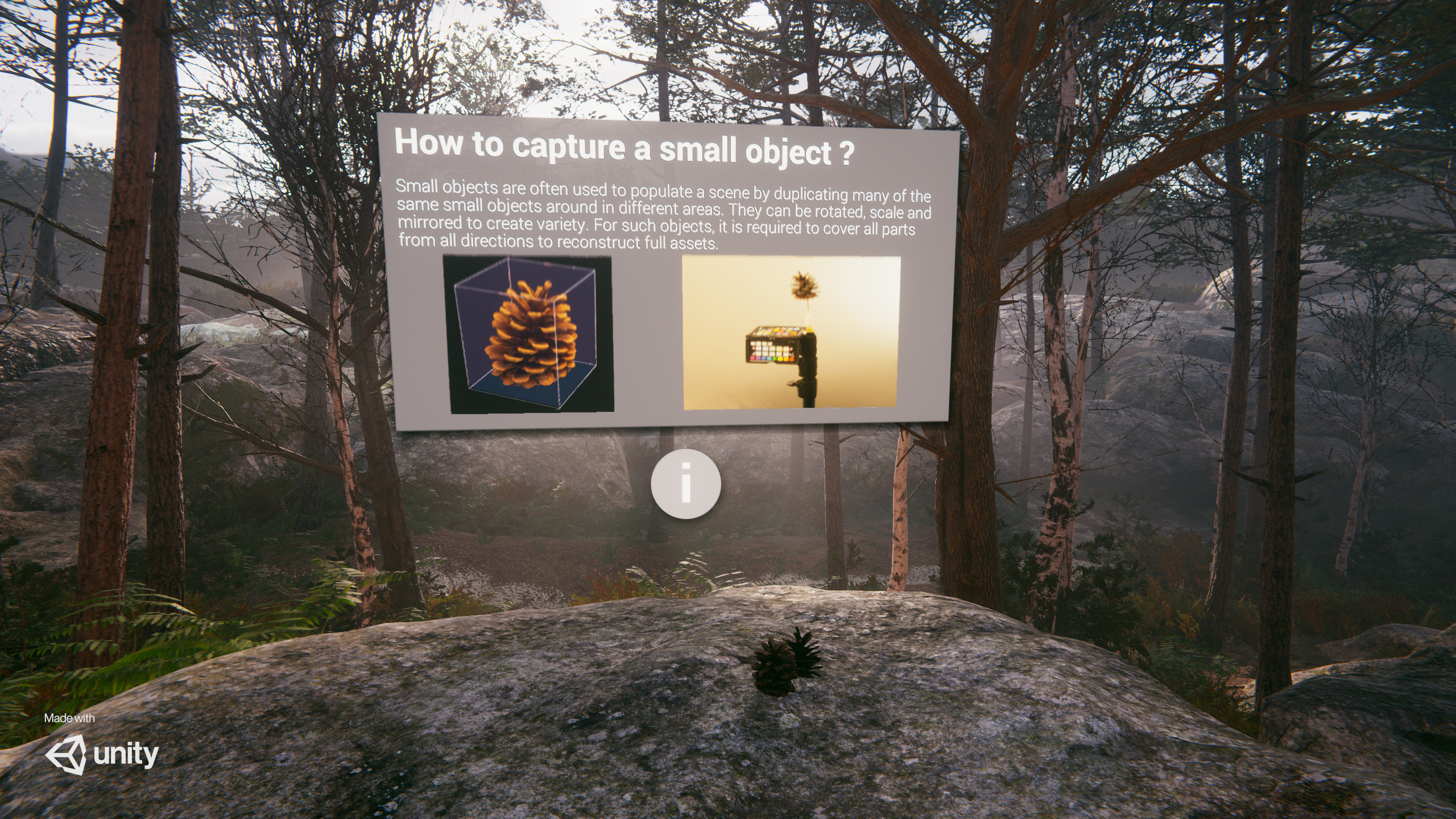
The level represents a part of the Fontainebleau forest and uses a limited set of meshes and textures that are reused with different variation with the help of the LayeredLit shader.
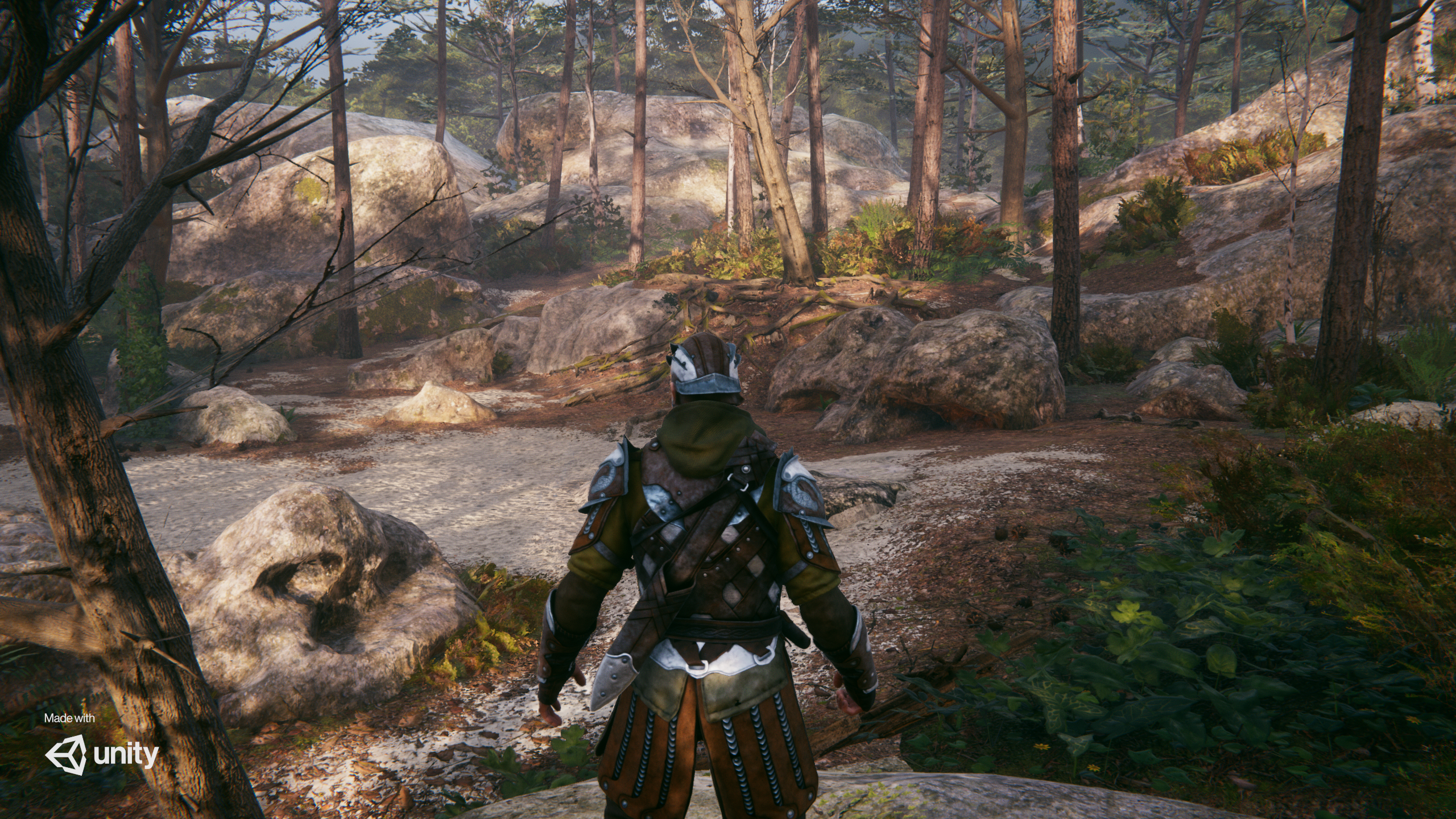
There is a playable first person and third person mode to walk inside the forest. Targeting consoles like Xbox One or PlayStation 4 requires consideration of how to get the most from these platforms.
Why Fontainebleau?
Fontainebleau is the name of a forest close to the Unity Paris office. The forest is a good subject to speak about photogrammetry. Natural assets are often complex and hard to reproduce realistically. For our artists, it was important to have the subject close to them to go on site and do all the tests needed to analyze the best workflow possible for games.
Features
- Deferred rendering
- Layered lit shader
- Volumetric fog
- Tessellation
- Decals
- Planar reflections
- Screen Space Reflections
- Micro shadowing
- Contact shadows (screen-space shadows)
- Post processing
- Local fog density volume
- Fabric Shader graph (3rd character mode)
- Cinemachine
Setup
- Download Unity 2019.3.0f1 or a newer version of the Unity editor.
- Clone the repository using the tool of your preference (Git, Github Desktop, Sourcetree, Fork, etc.).
| IMPORTANT |
|---|
| This project uses Git Large Files Support (LFS). Downloading a zip file using the green button on Github will not work. You must clone the project with a version of git that has LFS. You can download Git LFS here: https://git-lfs.github.com/ or use the Github Desktop which already uses LFS. |
- Open the repository folder in Unity. The first time you open the project Unity will import all the assets. This operation can take more than 1 hour.
Exploring the project
Discover wizard
When the project opens, you should see a popup window appear named Discover Fontainebleau.

The Levels tab allows you to load the different scene setups included in the project.

The Discover tab allows you to inspect different interesting elements in the project and read small explanations.
Exploration modes
We included three modes to explore the demo:
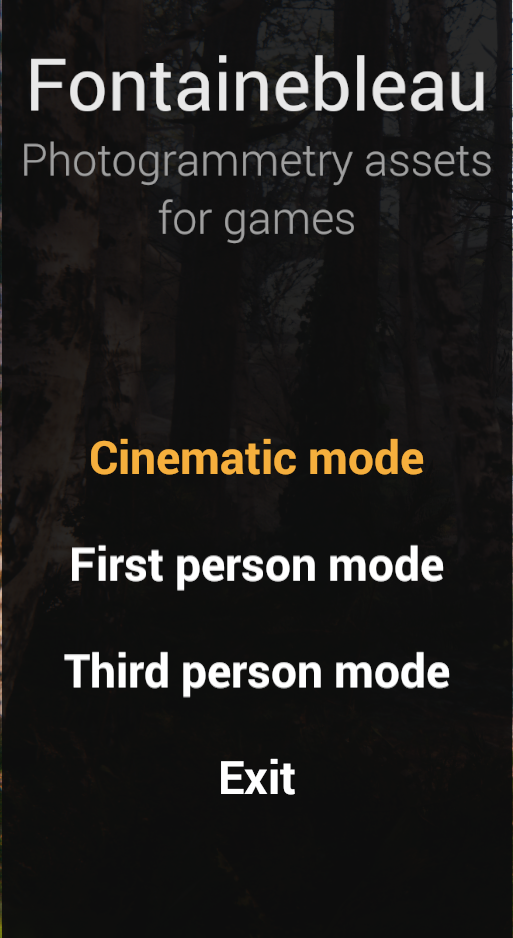
- Cinematic mode. Select your lighting program, then sit back, relax and enjoy the show.
- First Person & Third Person modes. These are very rudimentary exploration modes to let you discover the environment on your own, with bonuses in First Person mode.
Lighting Treatments
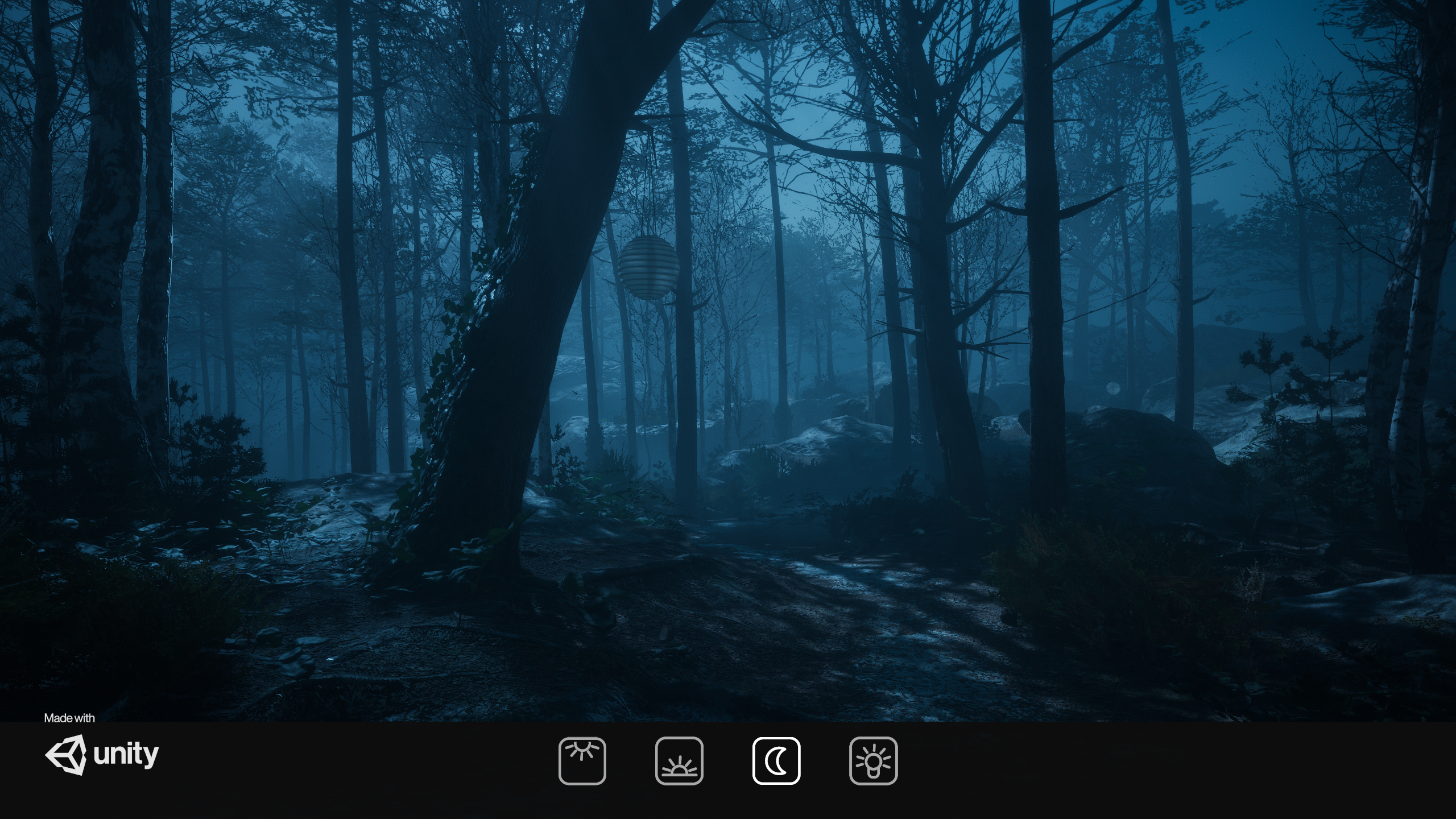
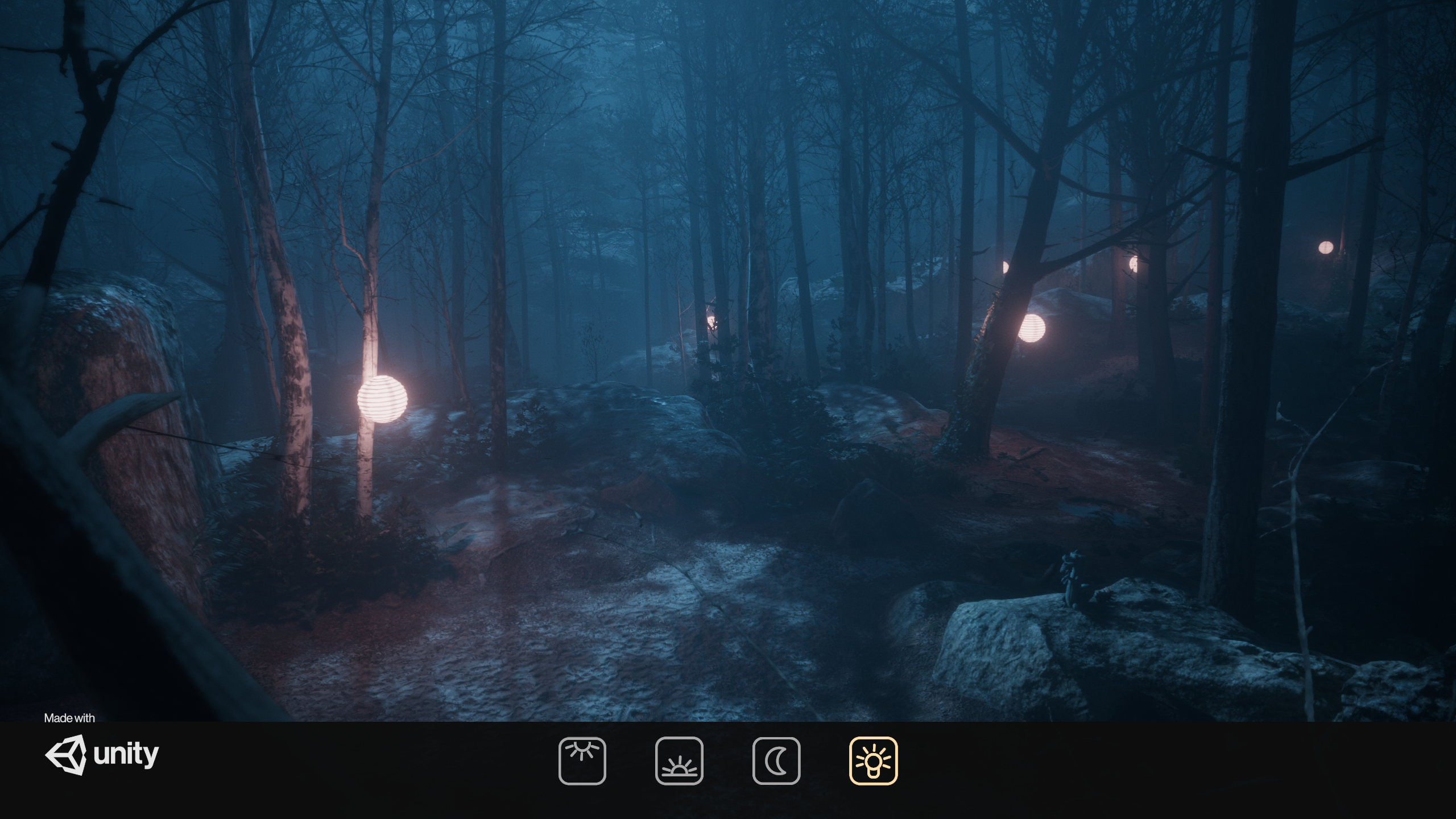
The demo also supports three different lighting condition to illustrate that correctly authored and de-lighted assets work fine in any lighting condition.
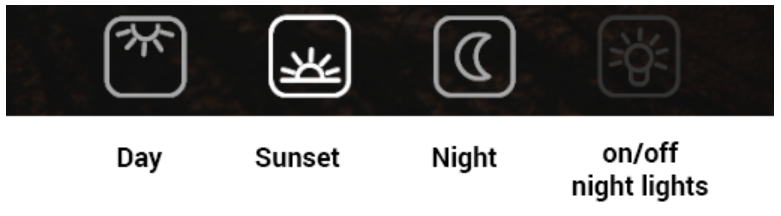
Day lighting

Sunset lighting
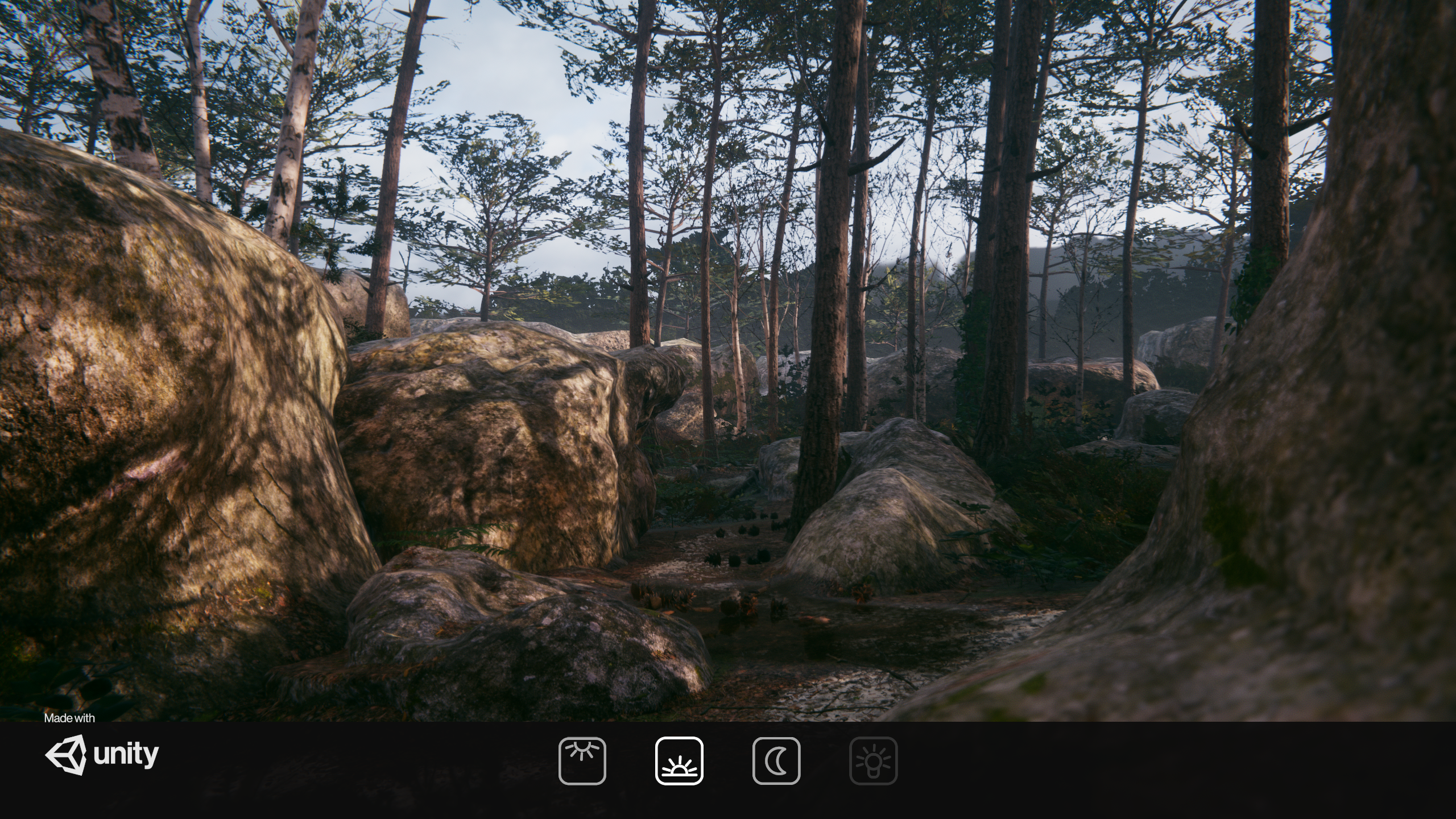
Night lighting - lights off
Night lighting - lights on
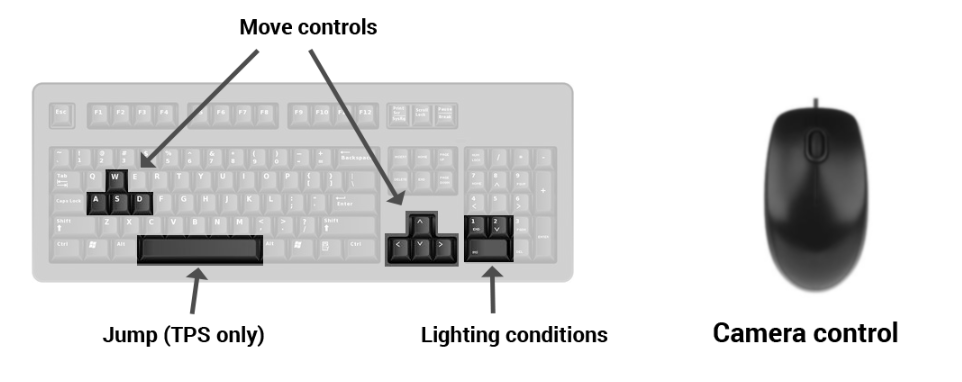
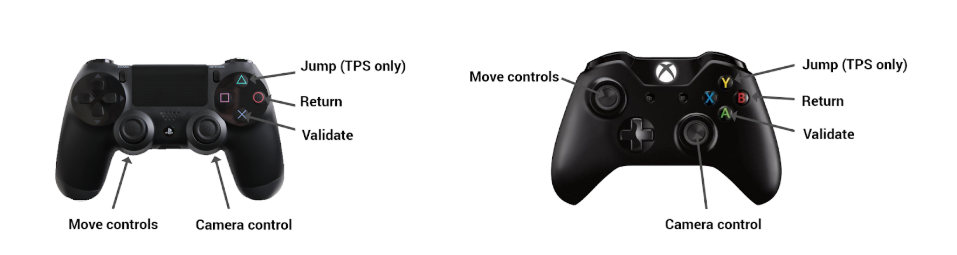
Controls layout
Keyboard
Gamepad
Scripts used in this demo
- Character controller from standard assets
- Gameplay ingredients
- Lightmap switching tool
- Lightmapped LODs
Known issues
- On some platforms the night lighting has bright white areas. This is due to reflection probes capture happening before the light probe proxy volumes used for lighting the trees and foliage get refreshed to the night values.
Feedback
Visit the forum thread to send us your feedback or share the work you did based on this scene.
You can also use the issue tab to report bugs.
관련 프로젝트 살펴보기
불러오는 중…