
ThatOpen/web-ifc-viewer
ThatOpen/web-ifc-viewer has 1,041 GitHub stars and 257 forks. GitHot measured 0 stars in 24 hours and 0 in 7 days. Last checked 2026-11-15 14:02 UTC. Last push 2023-09-29.
측정된 스타 증가
- in 24h
- 0
- in 7 days
- 0
- in 15 days
- 기록 수집 중
- in 1 month
- 기록 수집 중
서로 겹치는 기간의 순증가량이며 일별 합계가 아닙니다. 측정값이 없으면 비워 둡니다. 스타는 관심도를 나타내며 품질을 보장하지 않습니다.
소개
Graphics engine and toolkit for client applications.
창작 및 미디어README.md
Originalifc.js | documentation | demo | discord | usage example | npm package
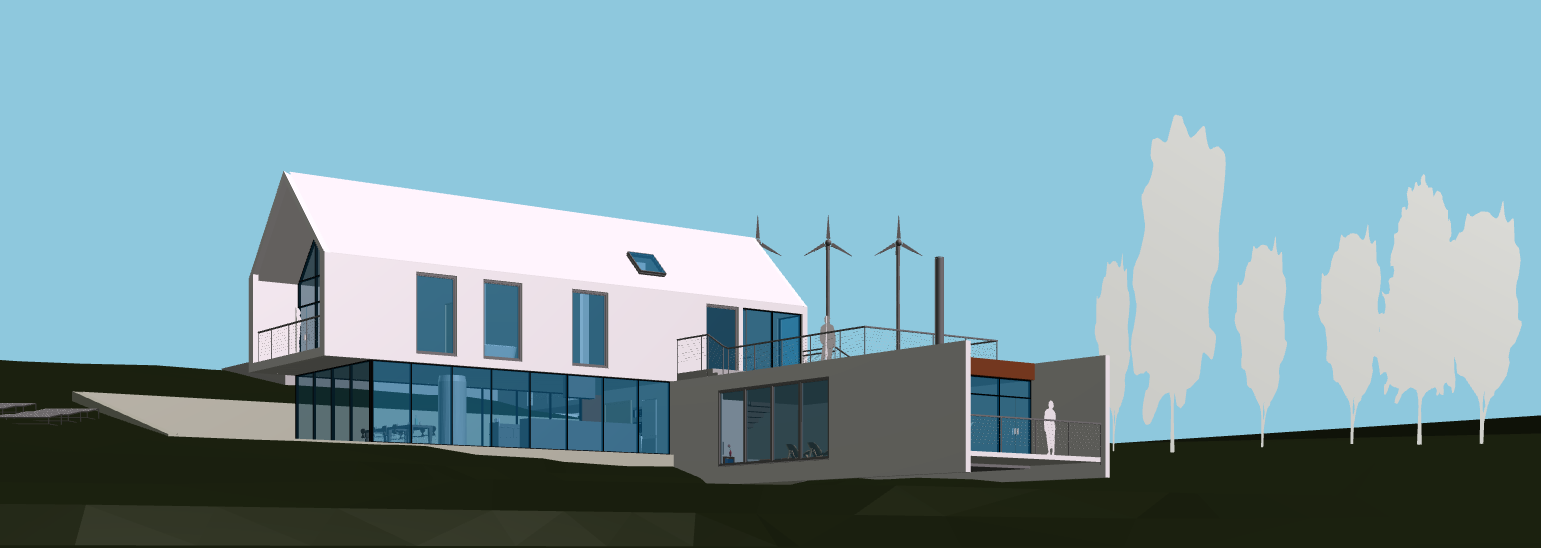
THIS LIBRARY IS DEPRECATED. USE COMPONENTS INSTEAD
web-ifc-viewer 


This library is an extension of web-ifc-three, which is the official IFCLoader for THREE.js. This doesn't only parse and generate the Three.js geometry of IFC models in JavaScript, but also provides multiple tools to easily build BIM tools, such as 3d dimensions, clipping planes, 2D plan navigation and generation, etc.
Status
web-ifc-viewer offers multiple tools to create awesome BIM tools in no time. While the tools are quite stable, the state of this repository is tightly coupled with the state of web-ifc-three and web-ifc.
Check out their README files to better understand where the project currently is.
Demo
Test IFC.js Web IFCviewer with your IFC models in our online Demo
Documentation
Check out our official docs for API reference, guides and tutorials.
Install
npm install web-ifc-viewer or yarn add web-ifc-viewer
Quick setup
First, create a JavaScript file that imports the library and creates a scene:
import { IfcViewerAPI } from 'web-ifc-viewer';

const container = document.getElementById('viewer-container');
const viewer = new IfcViewerAPI({ container });
viewer.axes.setAxes();
viewer.grid.setGrid();

const input = document.getElementById("file-input");

input.addEventListener("change",

  async (changed) => {

    const file = changed.target.files[0];
    const ifcURL = URL.createObjectURL(file);
    viewer.IFC.loadIfcUrl(ifcURL);
  },

  false
);
You can bundle this file using any bundler. This is an example configuration file using rollup:
import resolve from '@rollup/plugin-node-resolve';

export default {
  input: 'index.js',
  output: {
    file: "bundle.js",
    format: 'esm'
  },
  plugins: [ resolve() ]
};
Now you display it in an HTML page like this:
<!DOCTYPE html>
<html lang="en">
  <head>
    <meta charset="UTF-8" />
    <meta http-equiv="X-UA-Compatible" content="IE=edge" />
    <link rel="icon" type="image/png" href="./favicon.ico" />
    <link rel="preconnect" href="https://fonts.gstatic.com" />
    <link href="https://fonts.googleapis.com/css2?family=Roboto&display=swap" rel="stylesheet" />
    <link rel="stylesheet" type="text/css" href="./styles.css" />
    <meta name="viewport" content="width=device-width, initial-scale=1.0" />
    <title>IFC.js</title>
  </head>
  <body>
    <input type="file" id="file-input" accept=".ifc, .ifcXML, .ifcZIP">
    <div id="viewer-container"></div>
    <script src="./bundle.js"></script>
  </body>
</html>
Content
This project consists of the following folders:
viewer: contains the source code.
example: contains one example of how to use the library.
Contributing
Want to help out? Great!
Please checkout our contribution suggestsions or speak to us directly in Discord.