
Team-on/UnityGameTemplate
Team-on/UnityGameTemplate has 589 GitHub stars and 72 forks. GitHot measured 0 stars in 24 hours. Last checked 2026-11-15 11:57 UTC. Last push 2022-02-01.
What you can do
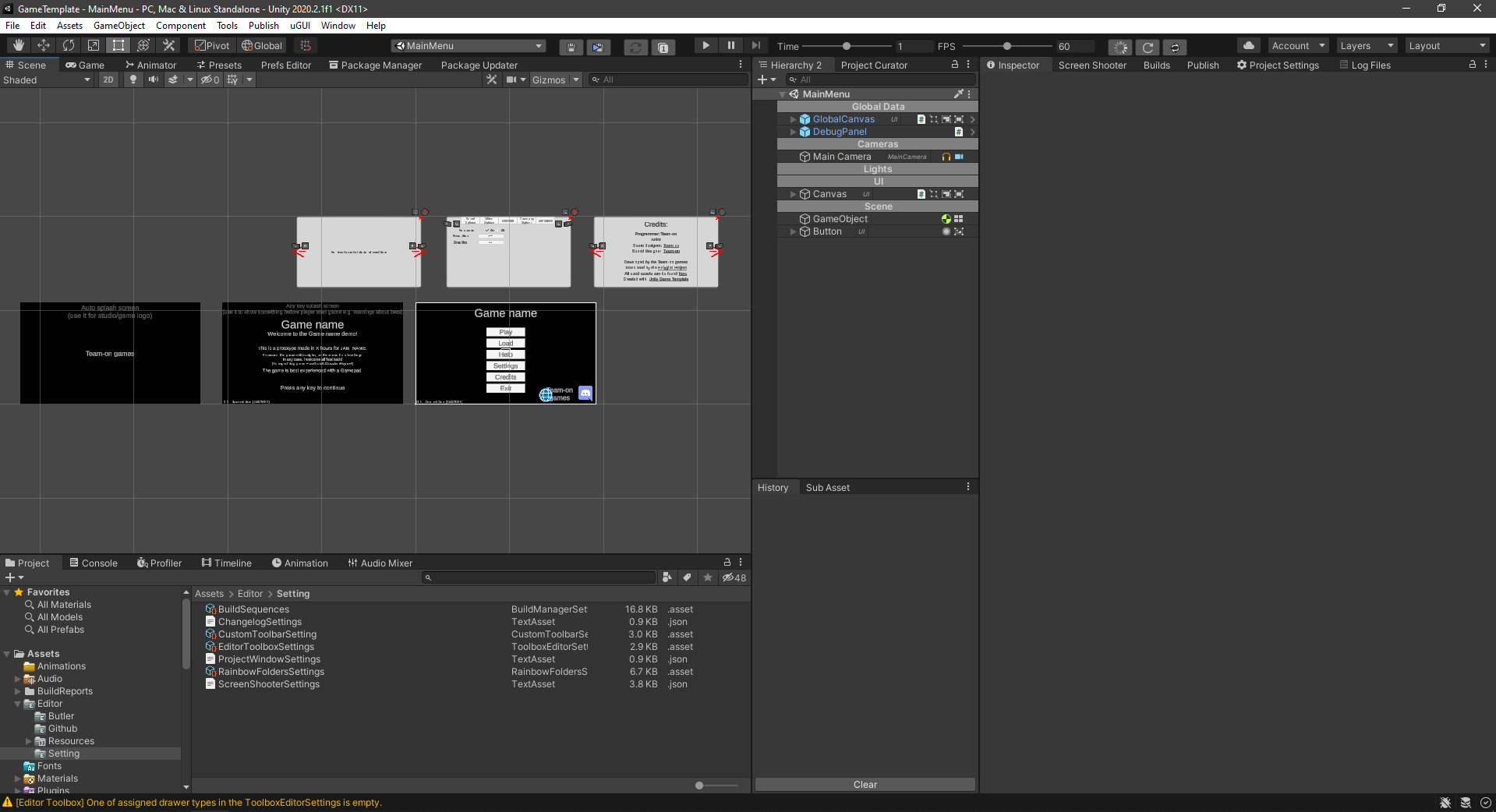
- Full main menu with 6 screens (2 splash screens, language selection on first launch, main menu, settings popup, credits popup, how to play popup)
- Settings menu with implemented video, audio, controls and language settigns tab. Also includes gameplay tab for your needs
- Gamepad and mouse navigation for UI
- Polished editor UI for more comfortable work (custom toolbar, history window, better project and hierarchy window, etc...)
측정된 스타 증가
- in 24h
- 0
- in 7 days
- 기록 수집 중
- in 15 days
- 기록 수집 중
- in 1 month
- 기록 수집 중
서로 겹치는 기간의 순증가량이며 일별 합계가 아닙니다. 측정값이 없으면 비워 둡니다. 스타는 관심도를 나타내며 품질을 보장하지 않습니다.
소개
Template with all necessary stuff taken care, just create your games main features.
창작 및 미디어README.md
OriginalUnity Game Template
Game Template is all necessary stuff taken care for Unity users not to worry about creating most boring and tedious work. I'd be happy for any contribution to make this template as good as it can be.
Mainly includes usedfull custom windows, extensions methods, popular assets and basic UI
Main Features:
- Full main menu with 6 screens (2 splash screens, language selection on first launch, main menu, settings popup, credits popup, how to play popup)
- Settings menu with implemented video, audio, controls and language settigns tab. Also includes gameplay tab for your needs
- Gamepad and mouse navigation for UI
- Polished editor UI for more comfortable work (custom toolbar, history window, better project and hierarchy window, etc...)
- Integrated Polyglot for localization with all supported steam languages and google translate for strings that wasn't translated (better than nothing, isn't it?)
- Screen Shooter to do screenshots of game with different resolutions and languages in 1 click
- Build window to run multiple builds, archivate them and push it to itch.io and github
- Changelog window to keep your changelog in editor and auto-include it in your game folder
- Debug canvas with FPS, RAM, report bug window and console
- Subsystems with already implemented features. Tooltips, sprite animators, 2D UI arrows, chears and debug, floating text, resources...
- Managers for audio, inputs, events and scene loading
- Many extensions methods for default Unity classes to do things with 1 line. For example, change color, alpha, set only 1 dimension to vector...
- A bunch of utility classes that do simple but needed things. For example, spawning random prefab, drop something on destroy, look at camera, tween UI, keep zero rotation...
Links:
List of all used assets.
Check out wiki for additional information and full list of features and scripts
Future plans and WIP can be found in Projects tab
Screenshots:
Installation
New project
- Clone this repository via git. DO NOT download it as archive, because it ignore LFS files
- Copy this repo to your empty repository
- Rename GameTemplate to YOUR_GAME_NAME. It's your Unity project
- Checkout wiki/Setting up project checklist for next steps
Importing to old project
It's pretty hard to import this to new project. Because it complete project with setuped ProjectSettings, packages, plugins and folders. But here are what you can do:
- Copy Assets/Plugins to your project. Don't move assets, that already in your project
- Copy lines Packages/manifest.json to your manifest