
TakuSemba/Spotlight
TakuSemba/Spotlight has 3,669 GitHub stars and 363 forks. GitHot measured 0 stars in 24 hours and -2 in 7 days. Last checked 2026-11-12 11:28 UTC. Last push 2022-12-03.
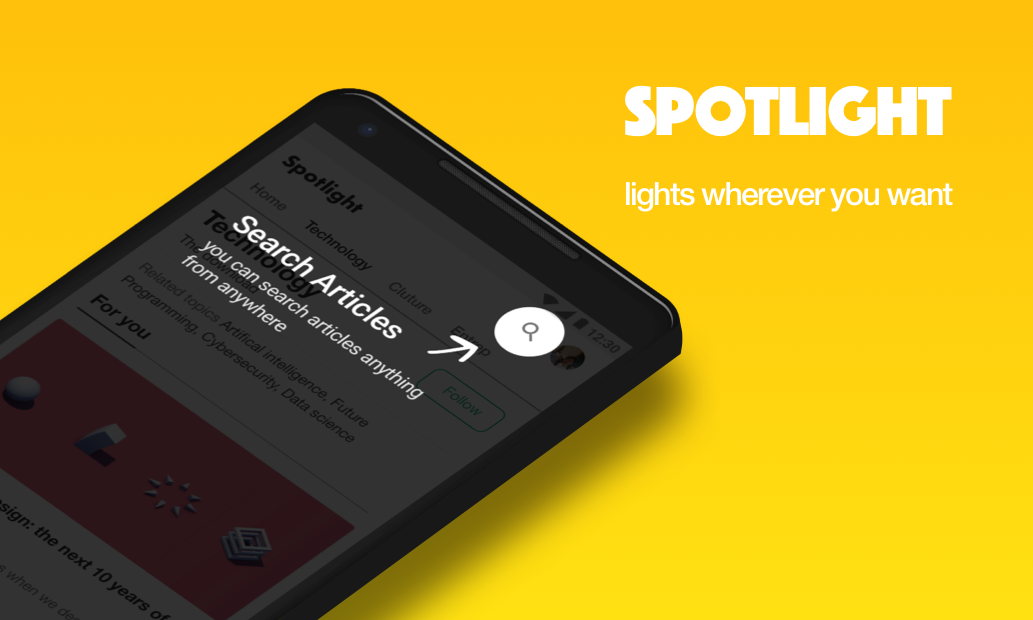
Android Library that lights items for tutorials or walk-throughs etc...
측정된 스타 증가
- in 24h
- 0
- in 7 days
- -2
- in 15 days
- 기록 수집 중
- in 1 month
- 기록 수집 중
서로 겹치는 기간의 순증가량이며 일별 합계가 아닙니다. 측정값이 없으면 비워 둡니다. 스타는 관심도를 나타내며 품질을 보장하지 않습니다.
README.md
OriginalSpotlight




Gradle
dependencies {
    implementation 'com.github.takusemba:spotlight:x.x.x'
}
Usage
val spotlight = Spotlight.Builder(this)
    .setTargets(firstTarget, secondTarget, thirdTarget ...)
    .setBackgroundColor(R.color.spotlightBackground)
    .setDuration(1000L)
    .setAnimation(DecelerateInterpolator(2f))
    .setContainer(viewGroup)
    .setOnSpotlightListener(object : OnSpotlightListener {
      override fun onStarted() {
        Toast.makeText(this@MainActivity, "spotlight is started", Toast.LENGTH_SHORT).show()
      }
      override fun onEnded() {
        Toast.makeText(this@MainActivity, "spotlight is ended", Toast.LENGTH_SHORT).show()
      }
    })
    .build()
If you want to show Spotlight immediately, you have to wait until views are laid out.
// with core-ktx method.
view.doOnPreDraw { Spotlight.Builder(this)...start() }
Target
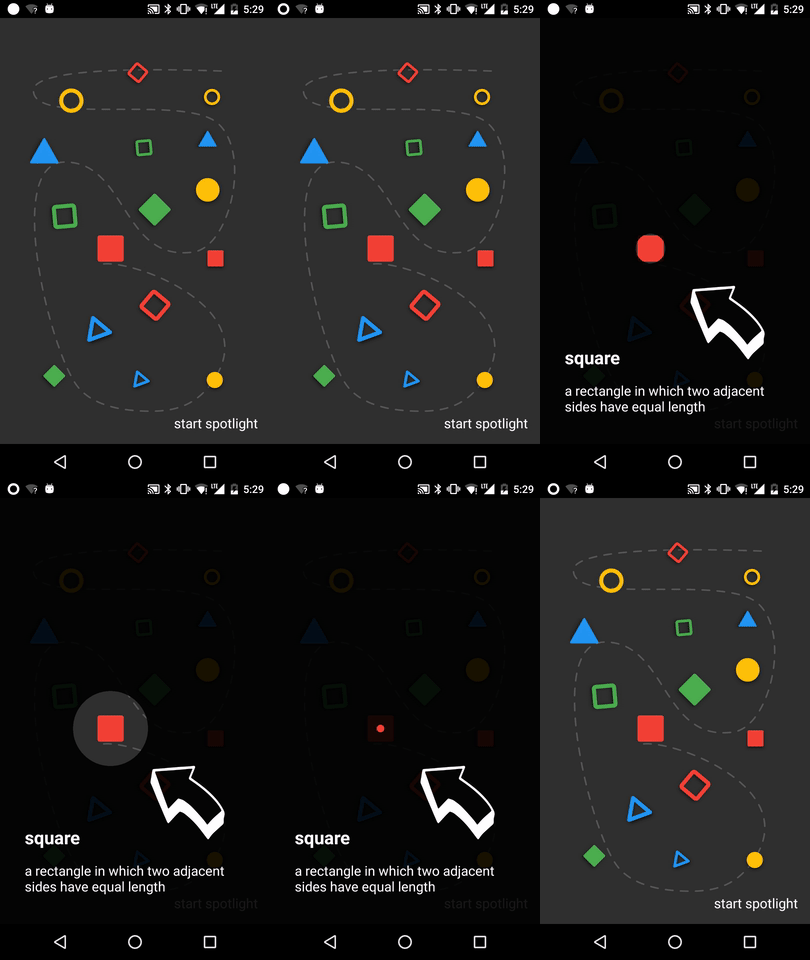
Create a Target to add Spotlight.
Target is a spot to be casted by Spotlight. You can add multiple targets to Spotlight.
val target = Target.Builder()
    .setAnchor(100f, 100f)
    .setShape(Circle(100f))
    .setEffect(RippleEffect(100f, 200f, argb(30, 124, 255, 90)))
    .setOverlay(layout)
    .setOnTargetListener(object : OnTargetListener {
      override fun onStarted() {
        makeText(this@MainActivity, "first target is started", LENGTH_SHORT).show()
      }
      override fun onEnded() {
        makeText(this@MainActivity, "first target is ended", LENGTH_SHORT).show()
      }
    })
    .build()
Start/Finish Spotlight
val spotlight = Spotlight.Builder(this)...start()

spotlight.finish()
Next/Previous/Show Target
val spotlight = Spotlight.Builder(this)...start()

spotlight.next()

spotlight.previous()

spotlight.show(2)
Custom Shape
Shape defines how your target will look like.
Circle and RoundedRectangle shapes are already implemented, but if you want your custom shape, it's arhivable by implementing Shape interface.
class CustomShape(
    override val duration: Long,
    override val interpolator: TimeInterpolator
) : Shape {

  override fun draw(canvas: Canvas, point: PointF, value: Float, paint: Paint) {
    // draw your shape here.
  }
}
Custom Effect
Effect allows you to decorates your target.
RippleEffect and FlickerEffect shapes are already implemented, but if you want your custom effect, it's arhivable by implementing Effect interface.
class CustomEffect(
    override val duration: Long,
    override val interpolator: TimeInterpolator,
    override val repeatMode: Int
) : Effect {

  override fun draw(canvas: Canvas, point: PointF, value: Float, paint: Paint) {
    // draw your effect here.
  }
}
Sample
Clone this repo and check out the app module.
Author
- Taku Semba
- Github - (https://github.com/takusemba)
- Twitter - (https://twitter.com/takusemba)
- Facebook - (https://www.facebook.com/takusemba)
Licence
Copyright 2017 Taku Semba.

Licensed under the Apache License, Version 2.0 (the "License");
you may not use this file except in compliance with the License.
You may obtain a copy of the License at

   http://www.apache.org/licenses/LICENSE-2.0

Unless required by applicable law or agreed to in writing, software
distributed under the License is distributed on an "AS IS" BASIS,
WITHOUT WARRANTIES OR CONDITIONS OF ANY KIND, either express or implied.
See the License for the specific language governing permissions and
limitations under the License.
관련 프로젝트 살펴보기
sindresorhus/awesome
😎 온갖 흥미로운 주제에 관한 Awesome 목록 [참고: 기존 풀 리퀘스트를 따라잡을 여유가 생길 때까지 풀 리퀘스트가 일시적으로 비활성화되어 있습니다]
535,894 스타EbookFoundation/free-programming-books
:books: 무료로 이용할 수 있는 프로그래밍 도서
401,491 스타nilbuild/developer-roadmap
개발자의 커리어 성장을 돕는 인터랙티브 로드맵, 가이드 및 기타 교육 콘텐츠.
371,906 스타vinta/awesome-python
“Python으로 X를 하고 싶은데, 어떤 도구를 써야 할까?”에 답하는 결정판 목록.
334,301 스타