
SamuelTallet/ZPix has 163 GitHub stars and 32 forks. GitHot measured 0 stars in 24 hours, 0 in 7 days, and +3 in 15 days. Last checked 2026-11-24 07:53 UTC. Last push 2026-11-08.
측정된 스타 증가
- in 24h
- 0
- in 7 days
- 0
- in 15 days
- +3
- in 1 month
- 기록 수집 중
서로 겹치는 기간의 순증가량이며 일별 합계가 아닙니다. 측정값이 없으면 비워 둡니다. 스타는 관심도를 나타내며 품질을 보장하지 않습니다.
소개
A local AI image generator and editor powered by open image models.
창작 및 미디어README.md
OriginalZPix
Generate and edit images easily, for free, using solely the power of your GPU. Drop an image, select an area with familiar tools like the lasso, inpaint it. ZPix aims to be simple yet powerful. See all features.
Quick start
Windows:
- Download and extract ZPix_1.1.1_Windows.zip
- Run
ZPix.exe- If SmartScreen pops, click on "More info", "Run anyway"
- If a DLL is missing, install Visual C++ Redist and re-run
Debian/Ubuntu:
- Download and install zpix_1.1.1-1_all.deb
- Run ZPix from app launcher
macOS:
- Download and open ZPix_1.1.1_AppleSilicon.dmg
- Drag ZPix to Applications
- Run ZPix from Applications
- If the app doesn't launch, go to system "Settings" > "Privacy & Security", click on "Open Anyway"
Once automatic setup is done:
- Write a prompt and click on "Generate Image"
- Images are autosaved in your Pictures folder, under ZPix
Supported hardware
- Recent NVIDIA graphics cards
- Apple Silicon GPUs
Recommended configuration
- OS: Windows or Linux
- GPU: NVIDIA RTX 30/40/50 series with 8GB VRAM or more
- RAM: 32GB (16GB also works but slower)
Features
One-click install
ZPix sets up the Python environment and packages for you.
Nine models
- FLUX.1 [dev]
- Z-Image Turbo
- FLUX.2 [klein] 4B
- Anima Turbo
- Anima Base
- Krea 2 Turbo
- Qwen-Image 2.1 Turbo
- Pruna Qwen-Image 2.1
- Qwen-Image 2.1
Lazy download
Models are progressively downloaded from Hugging Face.
Initial model at start, then other models when requested.
Text-to-Image
Create an image from a prompt.
Image-to-Image
- Create or edit an image based on a prompt and/or reference images.
- Add or drag references from the in-app gallery or anywhere.
Inpainting
- Drop an image, select an area with tools, then prompt for precise changes.
Tools available: Lasso, Polygonal Lasso, Rectangle, Ellipse. - Enhance patch quality with the bundled hi-res fix (1.5x, 2x).
- Pixels outside your selection stay untouched.
Prompt history
- Drop an image made by ZPix in the prompt textarea to retrieve its prompt.
You can also drag the image from the in-app gallery. - Reuse or copy the prompt of the displayed image with dedicated buttons.
Custom styles
- Load a LoRA safetensors file on the fly and adjust its strength.
- LoRA trigger words are auto-inserted if found in LoRA metadata.
Fourteen ratios
1:1, 16:9, 9:16, 4:3, 3:4, 5:4, 4:5, 3:2, 2:3, 16:10, 10:16, 21:9, 9:20, 2:1
Keyboard shortcuts
Photoshop-like shortcuts for inpainting selection tools, fullscreen, and more.
Advanced settings
- Adjust steps, and CFG on base models.
- Specify a seed or leave it random.
Gallery
All images below were generated using ZPix:

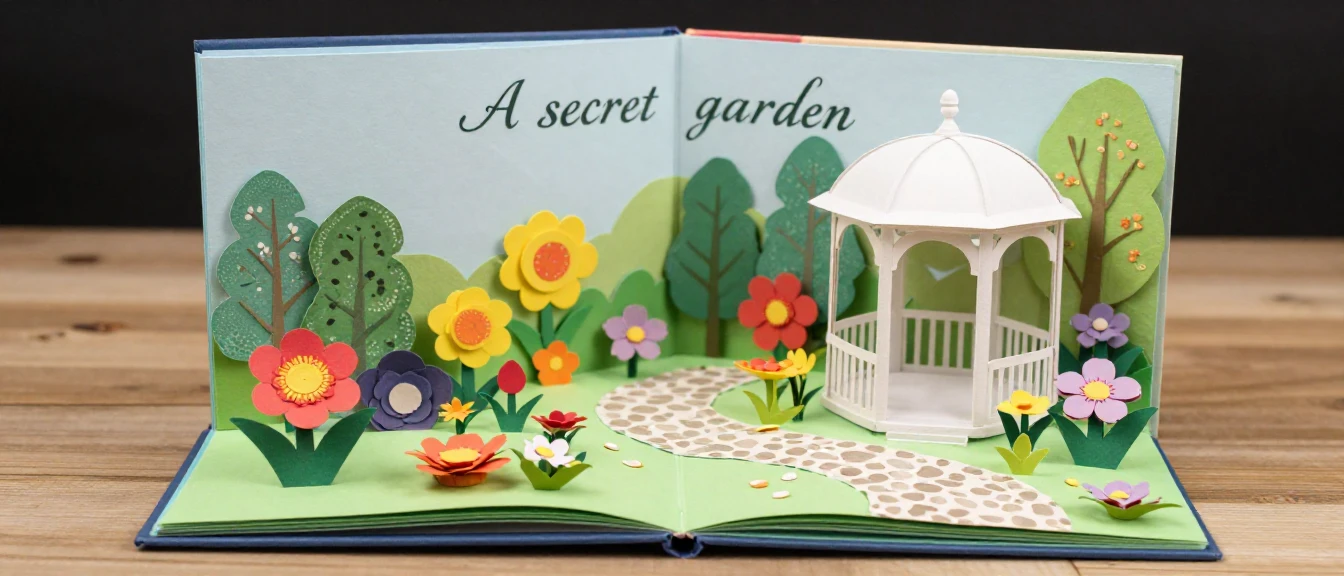
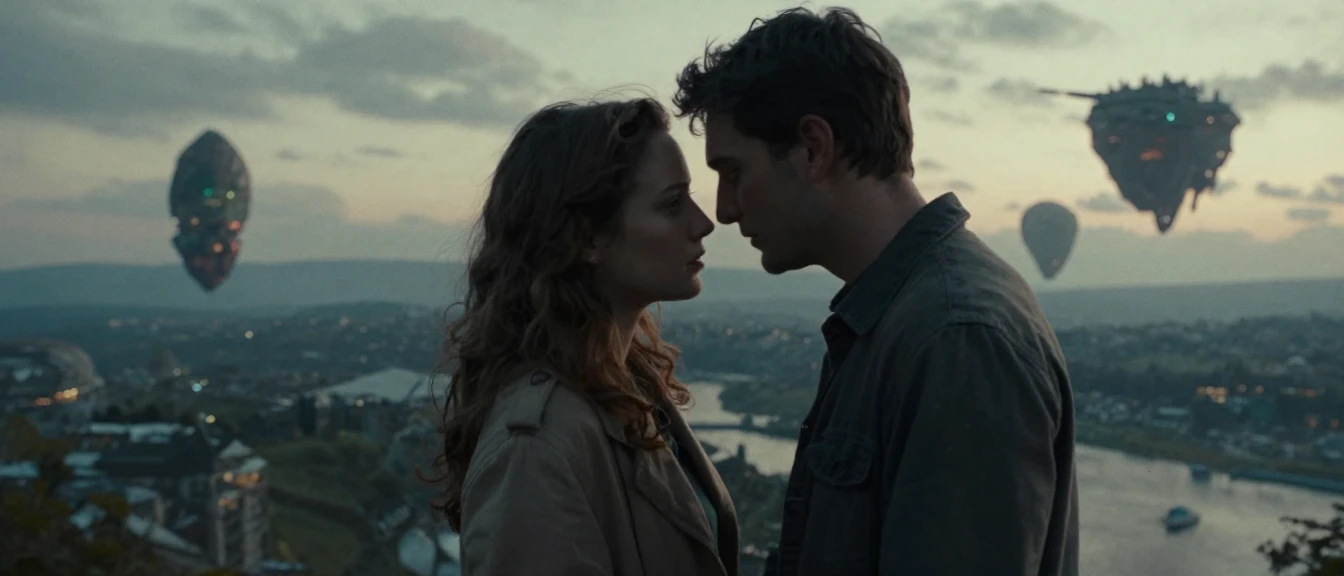
See more examples here.
Frequently asked questions
Please get to FAQ page.
Credits
Base models:
- FLUX.1-dev by Black Forest Labs
- Z-Image-Turbo by Tongyi-MAI
- FLUX.2-klein-4B by Black Forest Labs
- Anima by CircleStone Labs, built on NVIDIA Cosmos
- Krea-2-Turbo by Krea
- Qwen-Image-2.1-Turbo by Alibaba
- Qwen-Image-2.1 by Alibaba
Adapters:
- Pruna-Qwen-Image-2.1 by Pruna AI
Quantized models:
- FLUX.1-dev-SDNQ-uint4-svd-r32 by Disty0
- Z-Image-Turbo-SDNQ-uint4-svd-r32 by Disty0
- FLUX.2-klein-4B-SDNQ-4bit-dynamic by Disty0
- Anima-base-v1.0_sdnq_dynamic_8bit by OzzyGT
Python packages:
- Torch
- Triton Windows
- FlashAttention Prebuild Wheels
- Diffusers
- PEFT
- SDNQ
- PlatformDirs
- CrossFileDialog
- Gradio
Python tools: uv, ty and Ruff by Astral
JavaScript libraries:
- Polygon Clipping by Mike Fogel
C++ libraries: WebView2 by Microsoft
C++ tools: CMake by Kitware, and vcpkg by Microsoft
Icons:
- Control by Ian Anandara
- Dice by Juicy Fish
- Folder by Freepik
- FAQ by Kerismaker
- Refresh, Lasso, Square Dashed and Circle Dashed by Lucide
Thanks
Thanks to M1000, Kellzea, JDD, Design8400, Jskup, TGS and Nomis for beta testing this program.
License
This program is free software: you can redistribute it and/or modify it under the terms of the GNU General Public License version 3 or later.
Terms of Use
You engage to use this program legally and ethically.
Developer
Samuel Tallet
관련 프로젝트 살펴보기
불러오는 중…