프로젝트 GitHub에서 보기
PaoloCuscela/Cards
PaoloCuscela/Cards has 4,194 GitHub stars and 269 forks. GitHot measured 0 stars in 24 hours and 0 in 7 days. Last checked 2026-11-14 14:22 UTC. Last push 2023-04-19.
측정된 스타 증가
- in 24h
- 0
- in 7 days
- 0
- in 15 days
- 기록 수집 중
- in 1 month
- 기록 수집 중
서로 겹치는 기간의 순증가량이며 일별 합계가 아닙니다. 측정값이 없으면 비워 둡니다. 스타는 관심도를 나타내며 품질을 보장하지 않습니다.
소개
Awesome iOS 11 appstore cards in swift 5.
학습README.md
Original


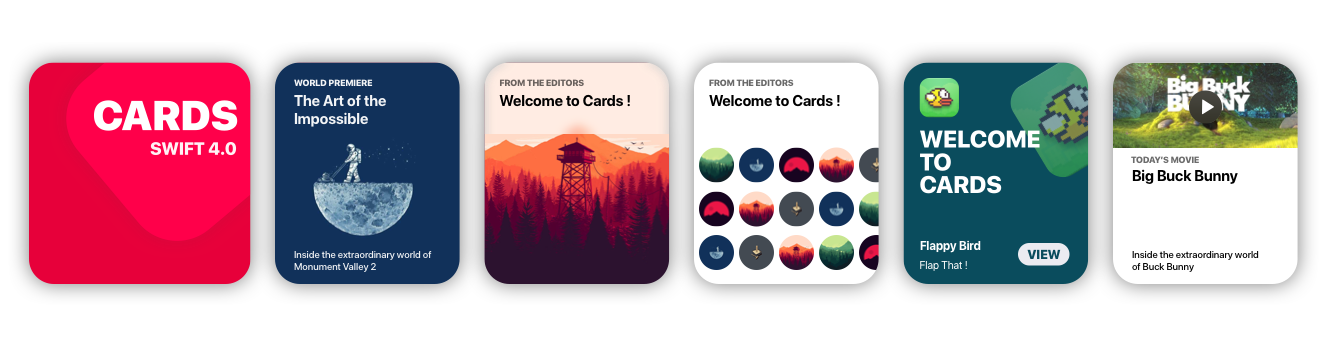
Cards brings to Xcode the card views seen in the new iOS XI Appstore.
Getting Started
Storyboard
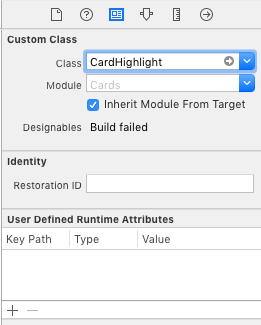
- Go to main.storyboard and add a blank UIView
- Open the Identity Inspector and type 'CardHighlight' the 'class' field
- Make sure you have 'Cards' selected in 'Module' field
- Switch to the Attributes Inspector and configure it as you like.
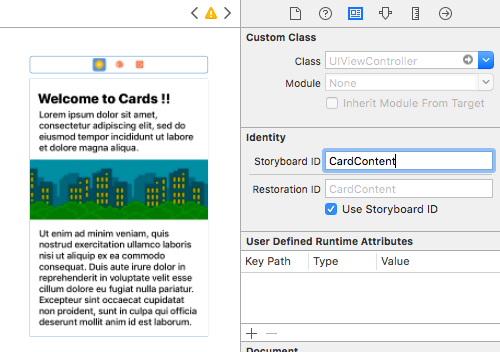
- Drag a blank UIViewController and design its view as you like
- Move to the Identity inspector
- Type 'CardContent' in the StoryboardID field.
Code
import Cards

// Aspect Ratio of 5:6 is preferred
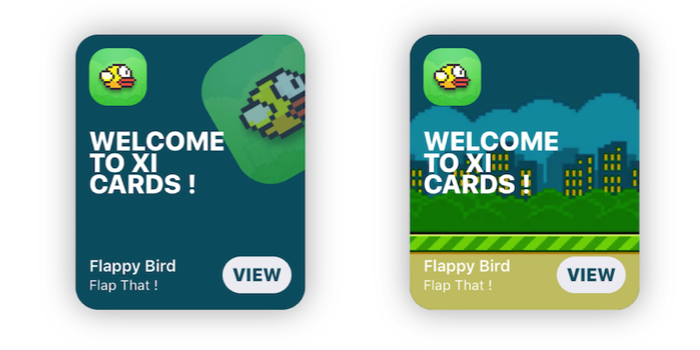
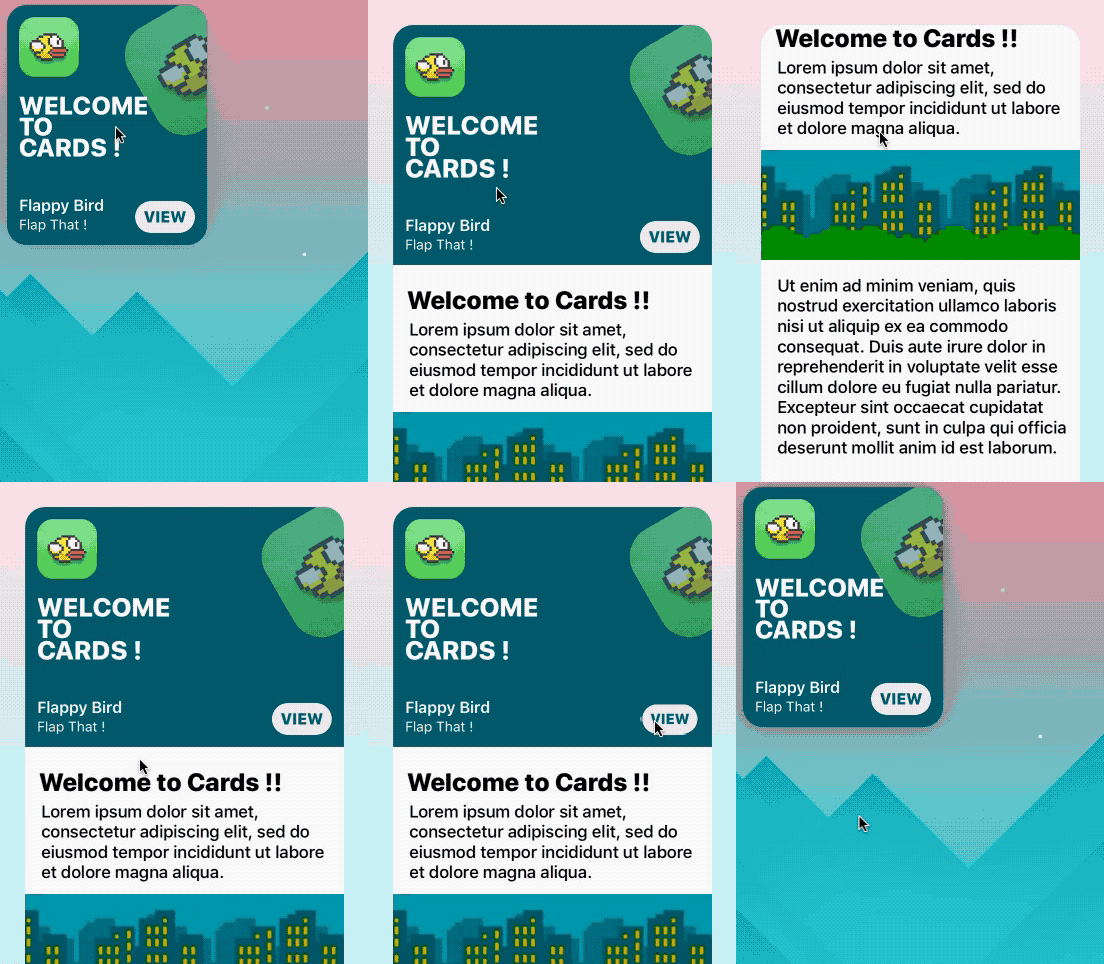
let card = CardHighlight(frame: CGRect(x: 10, y: 30, width: 200 , height: 240))

card.backgroundColor = UIColor(red: 0, green: 94/255, blue: 112/255, alpha: 1)
card.icon = UIImage(named: "flappy")
card.title = "Welcome \nto \nCards !"
card.itemTitle = "Flappy Bird"
card.itemSubtitle = "Flap That !"
card.textColor = UIColor.white

card.hasParallax = true

let cardContentVC = storyboard!.instantiateViewController(withIdentifier: "CardContent")
card.shouldPresent(cardContentVC, from: self, fullscreen: false)

view.addSubview(card)
Prerequisites
- Xcode 10.2 or newer
- Swift 5.0
Installation
Cocoapods
use_frameworks!
pod 'Cards'
Manual
- Download the repo
- ⌘C ⌘V the 'Cards' folder in your project
- In your Project's Info go to 'Build Phases'
- Open 'Compile Sources' and add all the files in the folder
Overview
Customization
//Shadow settings
var shadowBlur: CGFloat
var shadowOpacity: Float
var shadowColor: UIColor
var backgroundImage: UIImage?
var backgroundColor: UIColor

var textColor: UIColor 	//Color used for the labels
var insets: CGFloat 	//Spacing between content and card borders
var cardRadius: CGFloat //Corner radius of the card
var icons: [UIImage]? 	//DataSource for CardGroupSliding
var blurEffect: UIBlurEffectStyle //Blur effect of CardGroup
Usage
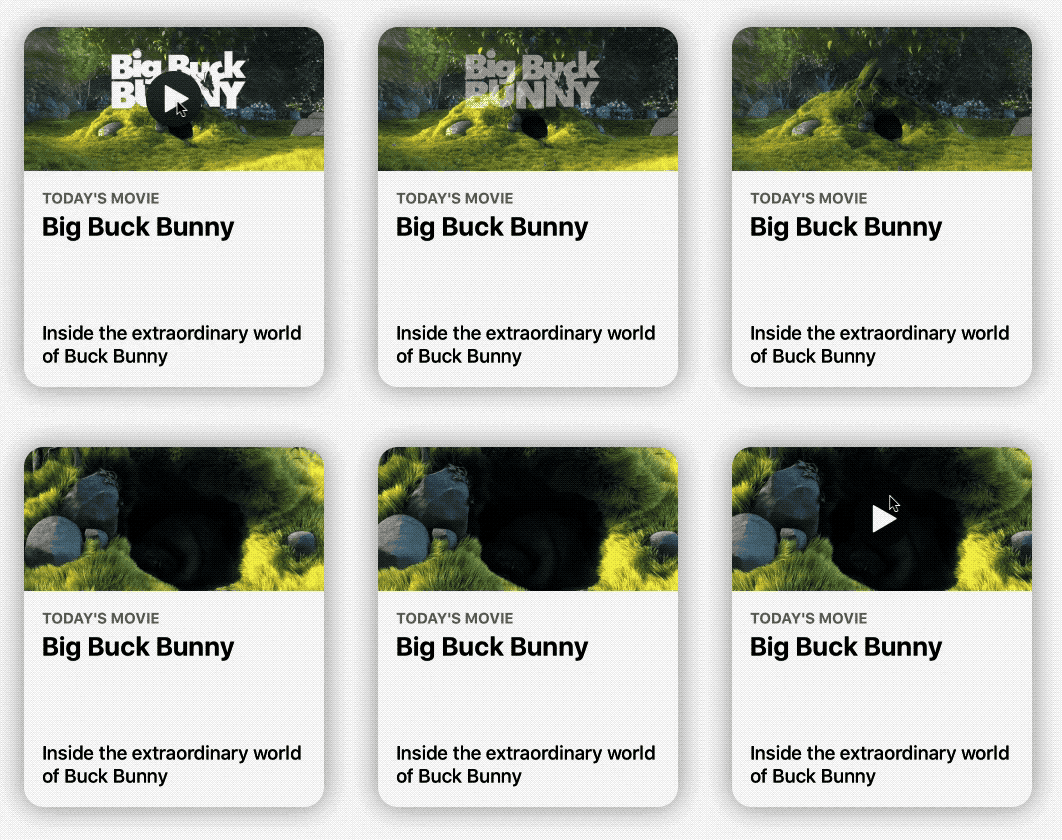
CardPlayer
let card = CardPlayer(frame: CGRect(x: 40, y: 50, width: 300 , height: 360))
card.textColor = UIColor.black
card.videoSource = URL(string: "http://clips.vorwaerts-gmbh.de/big_buck_bunny.mp4")
card.shouldDisplayPlayer(from: self)    //Required.

card.playerCover = UIImage(named: "mvBackground")!  // Shows while the player is loading
card.playImage = UIImage(named: "CardPlayerPlayIcon")!  // Play button icon

card.isAutoplayEnabled = true
card.shouldRestartVideoWhenPlaybackEnds = true

card.title = "Big Buck Bunny"
card.subtitle = "Inside the extraordinary world of Buck Bunny"
card.category = "today's movie"

view.addSubview(card)
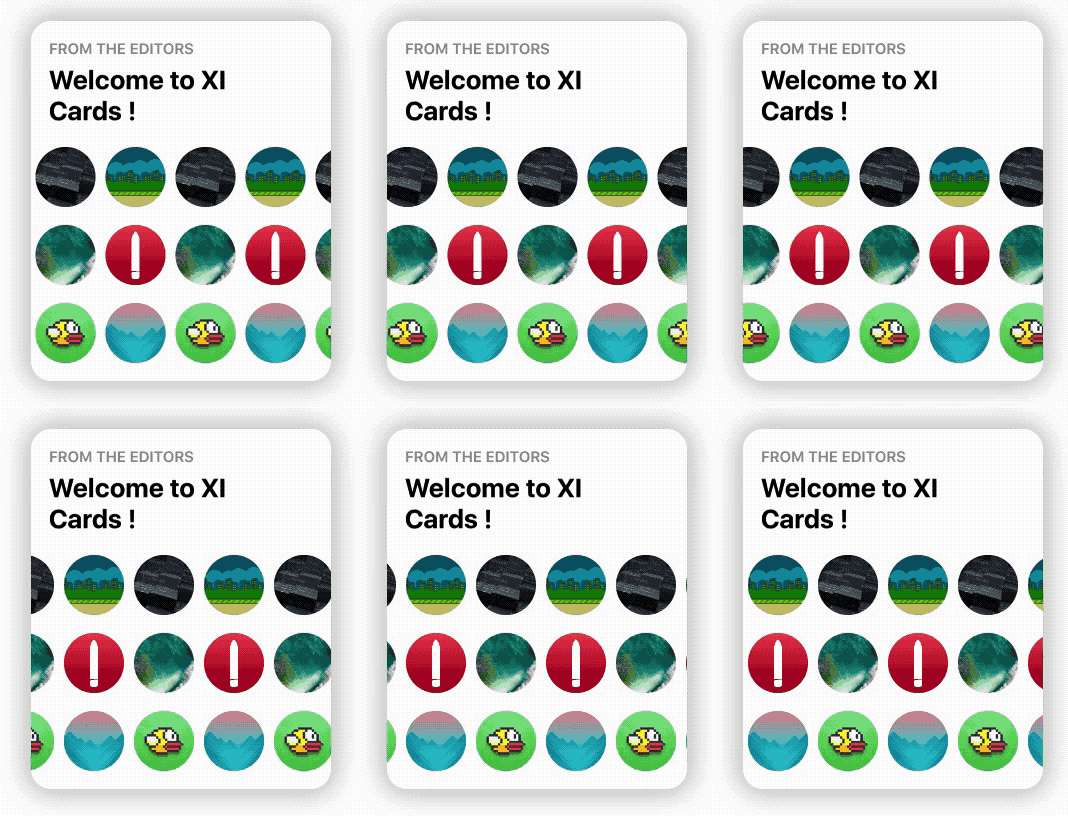
CardGroupSliding
    let icons: [UIImage] = [

        UIImage(named: "grBackground")!,
        UIImage(named: "background")!,
        UIImage(named: "flappy")!,
        UIImage(named: "flBackground")!,
        UIImage(named: "icon")!,
        UIImage(named: "mvBackground")!

    ]   // Data source for CardGroupSliding

    let card = CardGroupSliding(frame: CGRect(x: 40, y: 50, width: 300 , height: 360))
    card.textColor = UIColor.black

    card.icons = icons
    card.iconsSize = 60
    card.iconsRadius = 30

    card.title = "from the editors"
    card.subtitle = "Welcome to XI Cards !"

    view.addSubview(card)
Documentation
See the Wiki, to learn in depth infos about Cards.
GO!
Issues & Feature requests
If you encounter any problems or have any trouble using Cards, feel free to open an issue. I'll answer you as soon as I see it.
New features, or improvements to the framework are welcome (open an issue).
Thanksto
- Patrick Piemonte - providing Player framework used in CardPlayer.swift
- Mac Bellingrath
License
Cards is released under the MIT License.