
Pagepro/nexity
소개
Nexity is an open source system for starting and growing AI-native websites on Next.js + Sanity.
웹 및 앱What you can do
- Page builder: about two dozen ready-made blocks (hero, feature grids, bento grid, split sections, stats, pricing, comparison table, testimonials, FAQ, contact form, CTA, listings and more). Each block has shared options: visibility, light/dark theme, dividers and an anchor ID.
- Content types: pages, blog, case studies, podcast episodes, reusable libraries (authors, testimonials, integrations), shared sections, global sections injected across URL areas, header, footer and site settings.
- Editing: Studio at /admin on the same domain, click-to-edit visual preview, live draft preview, tag-based revalidation on publish (no rebuilds), and a Sections Gallery with sample content for every block.
- Redirects and rewrites managed in the CMS, live about two minutes after publishing, with patterns, query-string passthrough and loop protection.
측정된 스타 증가
- in 24h
- +2
- in 7 days
- +11
- in 15 days
- 기록 수집 중
- in 1 month
- 기록 수집 중
서로 겹치는 기간의 순증가량이며 일별 합계가 아닙니다. 측정값이 없으면 비워 둡니다. 스타는 관심도를 나타내며 품질을 보장하지 않습니다.
README.md
OriginalNexity
Nexity is an open source system for starting and growing AI-native websites on Next.js + Sanity. Its starter, base/, is a pnpm monorepo with two packages:
web/: the Next.js 16 app (App Router, Tailwind CSS 4, TypeScript), with the Sanity Studio embedded at/admin.studio/: a standalone Sanity Studio with the same schemas. Schemas live here andweb/imports them.
This repository holds the starter, a demo site built on it (theme-meridian/) and, in .agents/, the agent layer that works with them: skills and read-only agents (reviewers, auditors) for any coding agent (Claude Code, Codex, Cursor and others).
Stack
| Version | |
|---|---|
| Next.js | 16.4 (App Router, Turbopack) |
| React | 19.3 |
| Sanity Studio | 6.20 (next-sanity 13.3, @sanity/client 8.11) |
| Tailwind CSS | 4.3, with shadcn/ui |
| TypeScript | 7.0 |
| Zod | 4.6 |
| Oxlint / Oxfmt | 1.89 / 0.74 |
| c15t (cookie consent) | 3.1 (@c15t/nextjs) |
| Resend | 6.34 |
| Node.js | 22.12 or newer |
| pnpm | 12.15 |
Versions are the minimums in each starter's package.json; both starters use the same ones.
Start here
| Entry | What you get | How to start |
|---|---|---|
base/ |
Unbranded starter. Same features as Meridian, neutral look (default Tailwind palette, Inter). Starts on an empty dataset and shows a Next steps screen until you add the first content. | npm create sanity@latest -- --template Pagepro/nexity/base |
theme-meridian/ |
Demo site for Meridian, a fictional B2B brand: full design, product mocks and seed content. | npm create sanity@latest -- --template Pagepro/nexity/theme-meridian, then pnpm seed |
.agents/ |
Agent skills and read-only agents for setting up a project, creating sections, fixing links, writing alt texts and auditing Sanity use. | Copy or symlink into your project's .agents/ (see Agent layer) |
sanity init creates or picks a Sanity project and dataset, downloads the starter folder, writes web/.env.local and studio/.env with the project id and dataset, creates the API tokens, adds the localhost CORS origins and installs the dependencies. Then:
pnpm dev # http://localhost:3000 (site) and http://localhost:3000/admin (Studio)
Locally, the standalone Studio at http://localhost:3333 (also started by pnpm dev) reloads faster than /admin. Production serves only the Studio embedded at /admin.
In theme-meridian/, run pnpm seed to import the Meridian dataset (pages, posts, case studies, images) into the dataset you picked. The seed replaces documents with the same IDs, so use a fresh dataset.
Each starter has its own README.md and docs/ with setup details, environment variables and deployment notes.
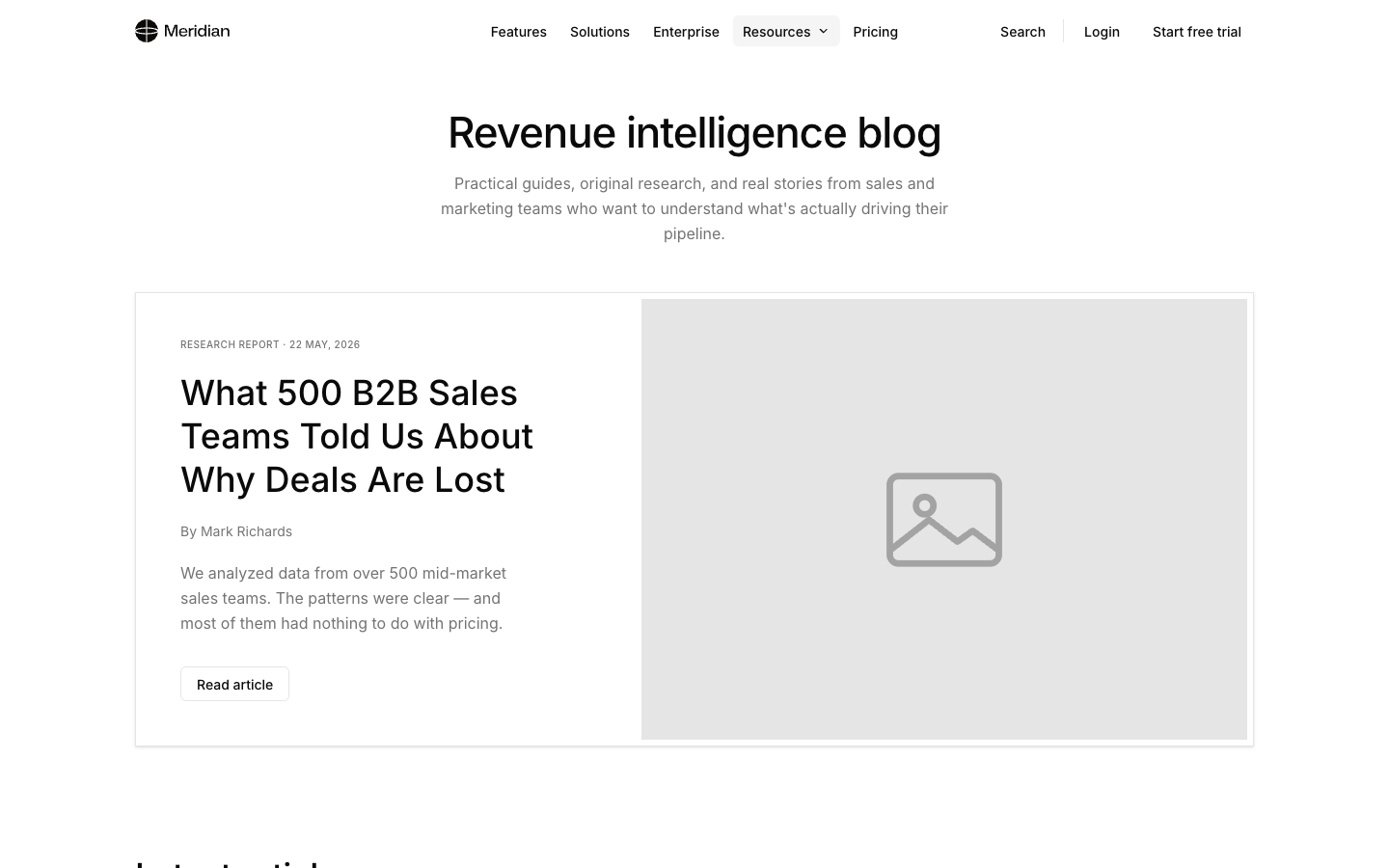
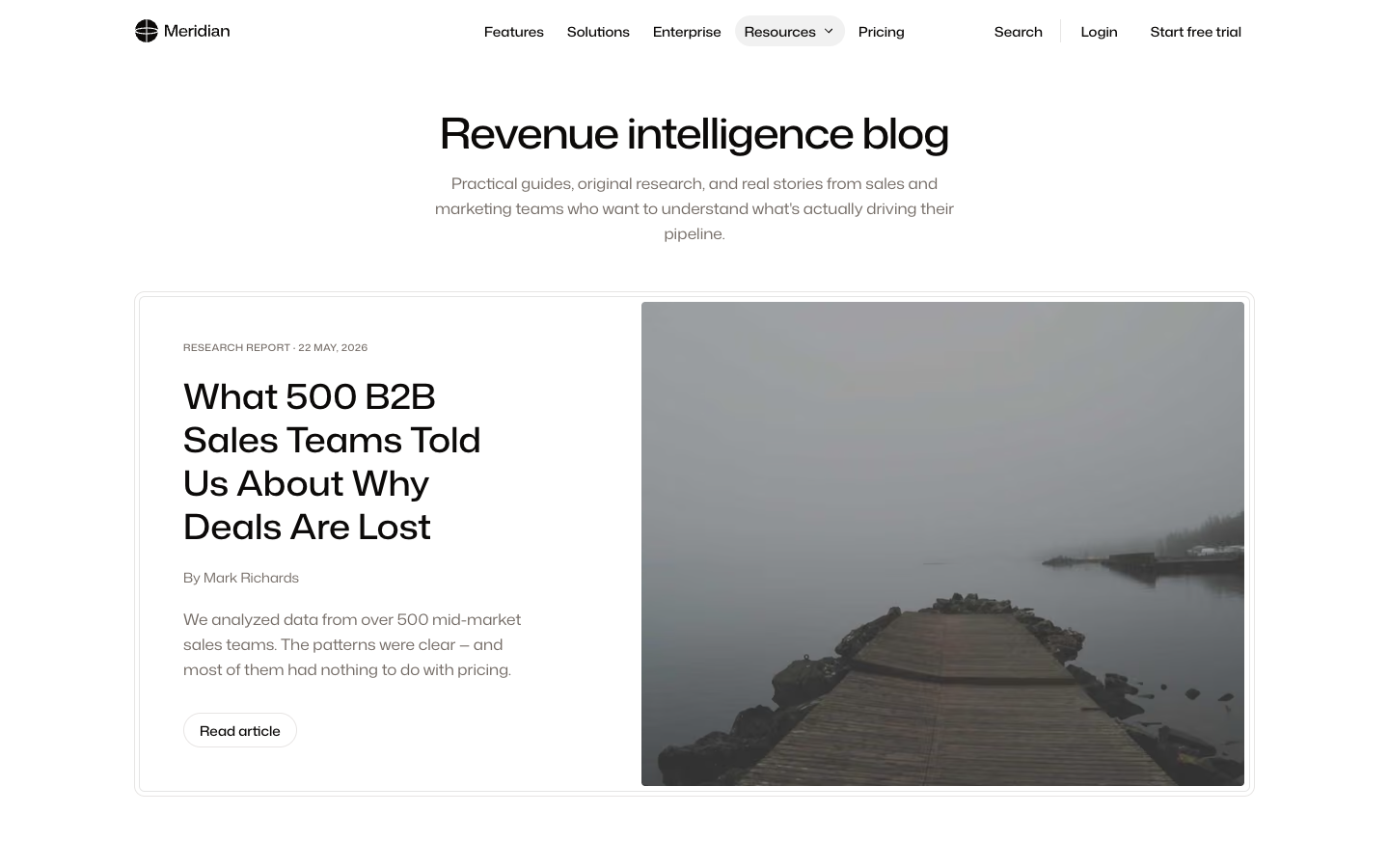
Screenshots
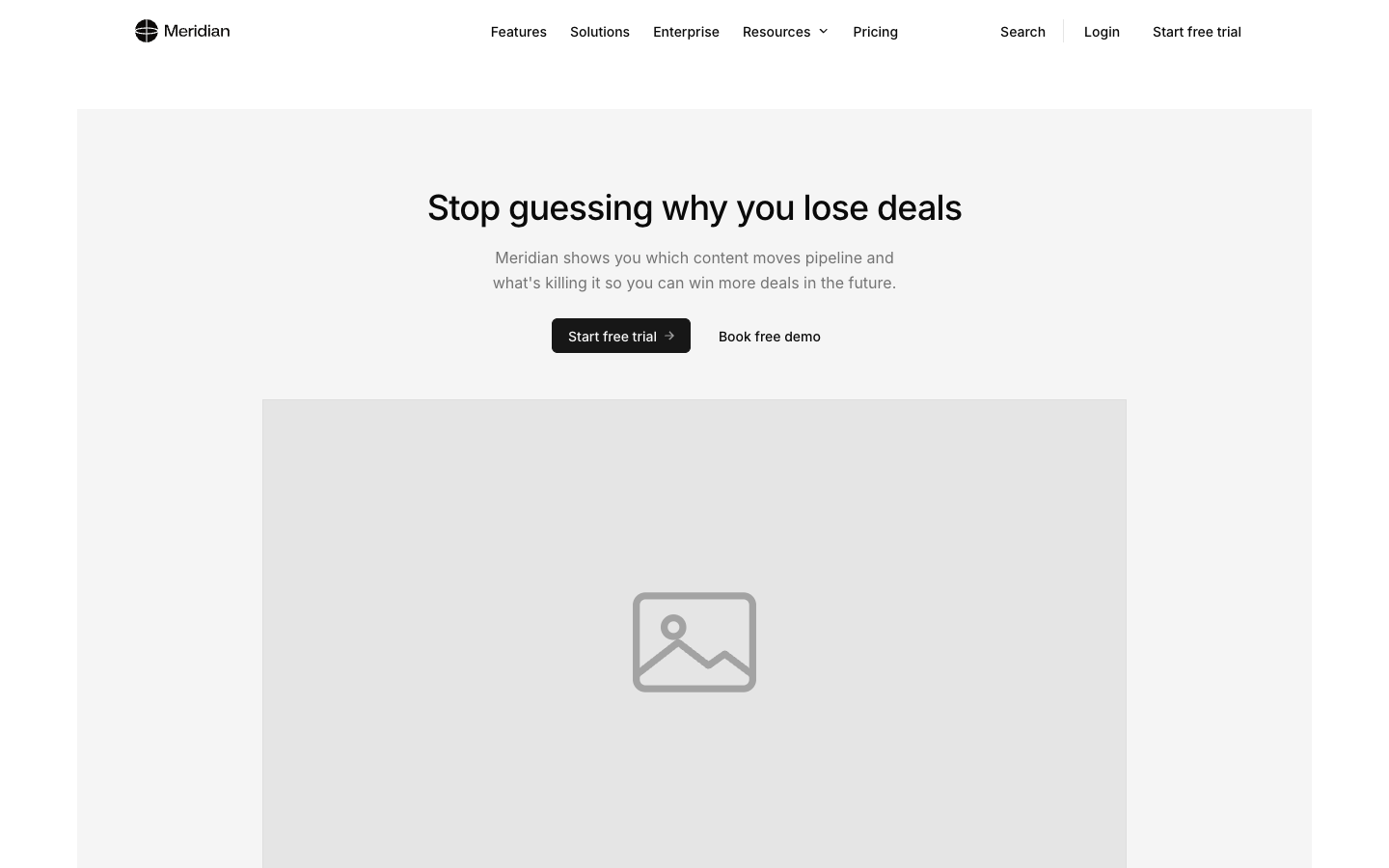
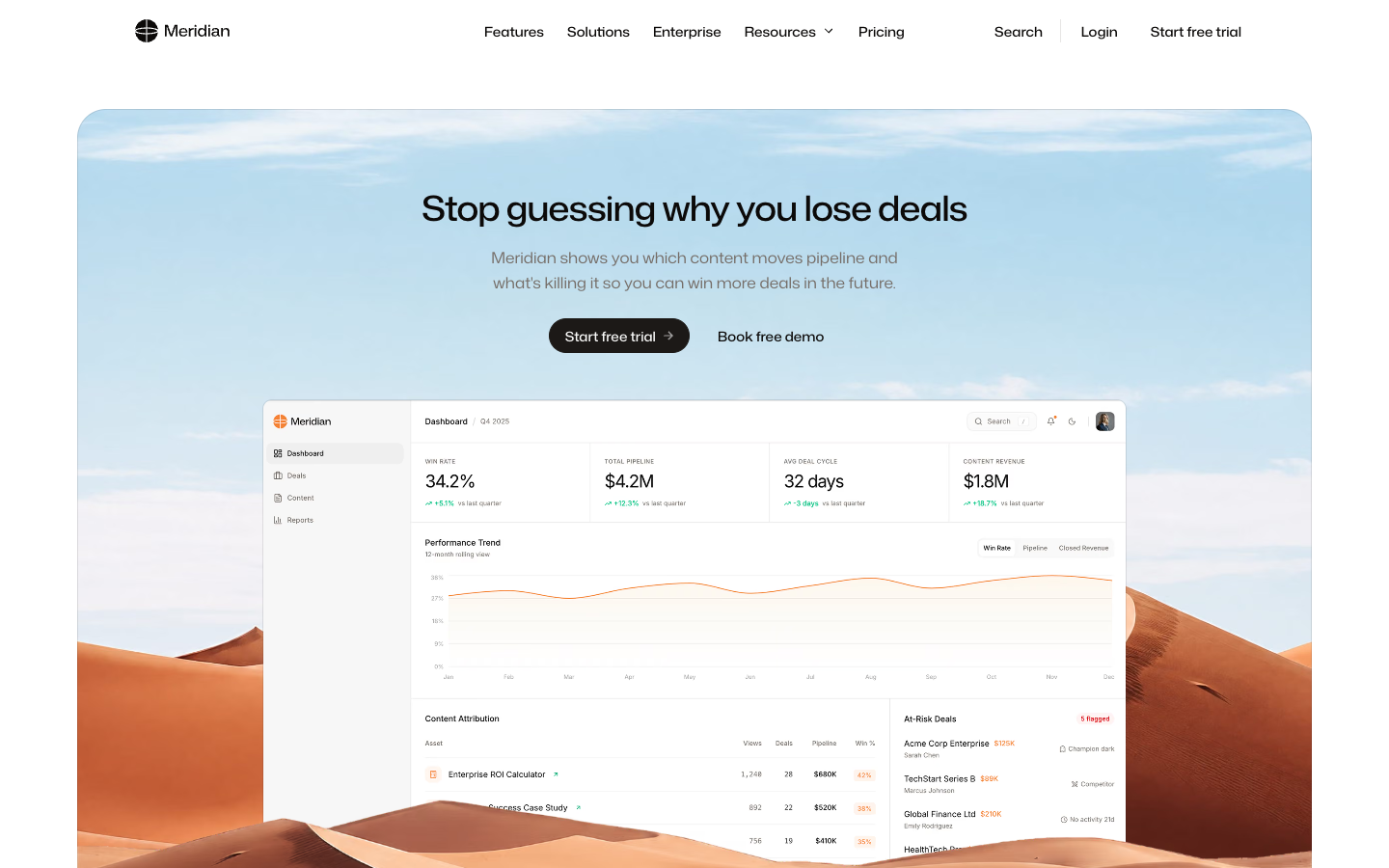
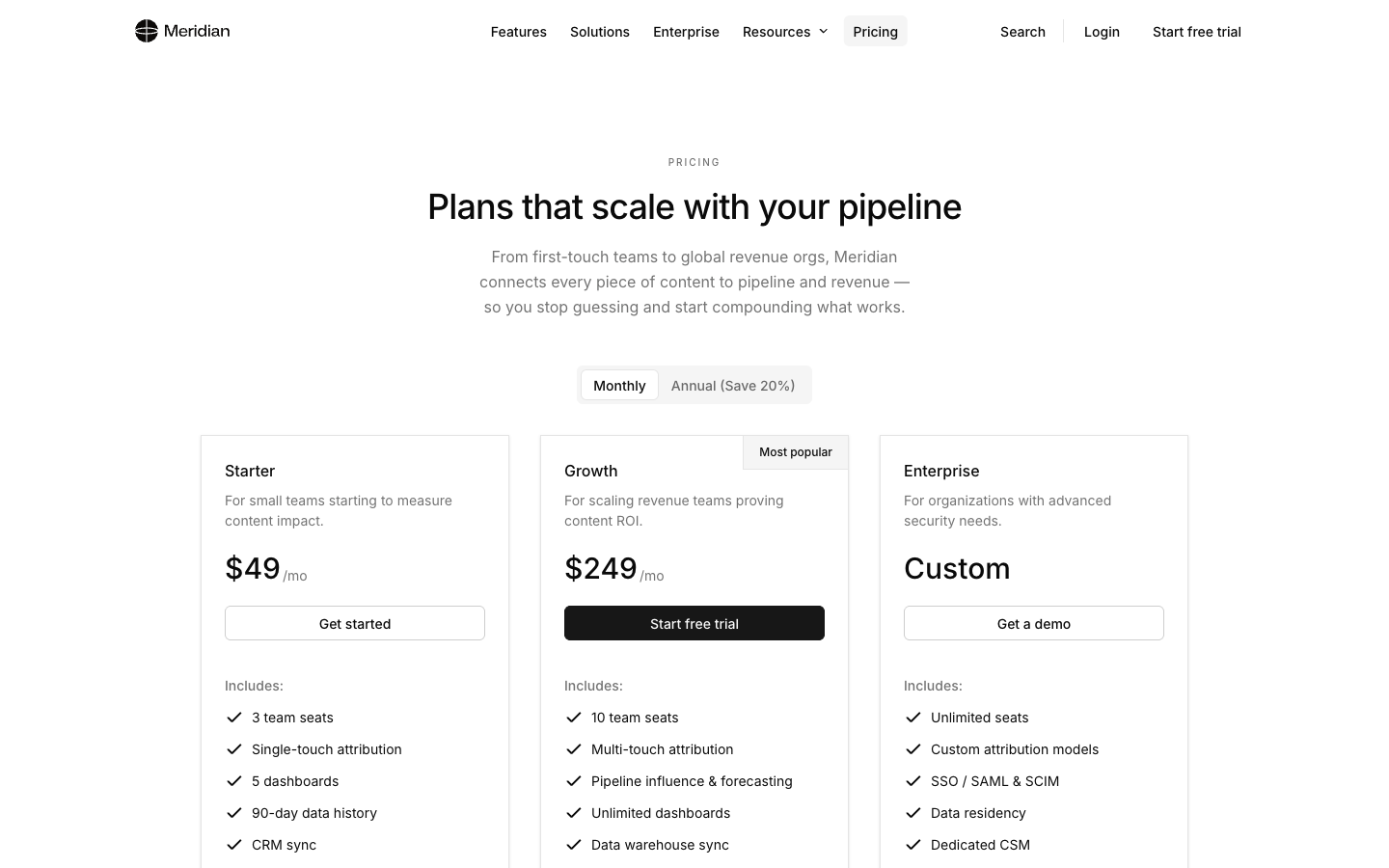
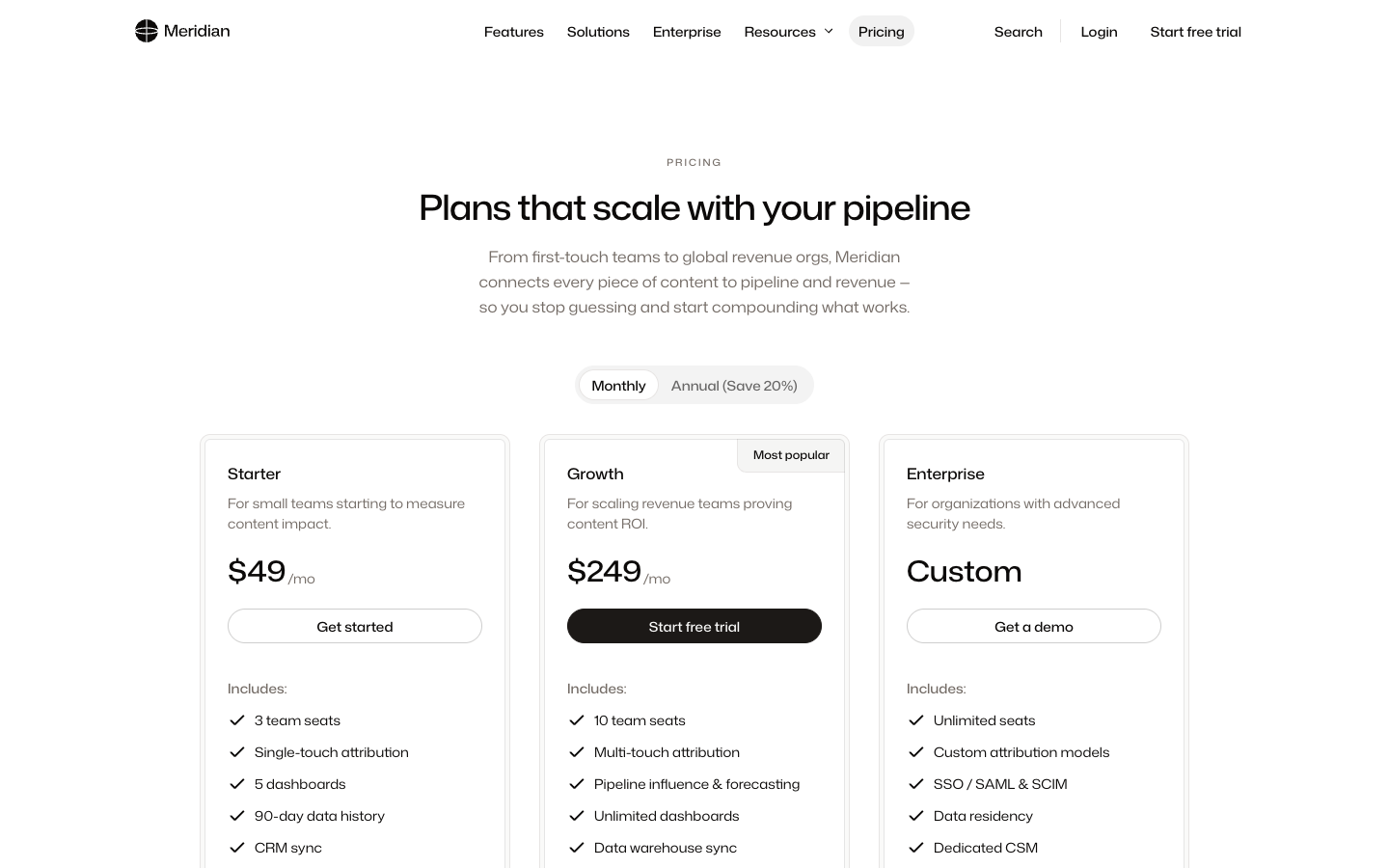
base |
theme-meridian |
|---|---|
 |
 |
 |
 |
 |
 |
Features
Both starters have the same features. They differ only in look and seed content. The full list for editors and marketers is in each starter's docs/FEATURES.md.
- Page builder: about two dozen ready-made blocks (hero, feature grids, bento grid, split sections, stats, pricing, comparison table, testimonials, FAQ, contact form, CTA, listings and more). Each block has shared options: visibility, light/dark theme, dividers and an anchor ID.
- Content types: pages, blog, case studies, podcast episodes, reusable libraries (authors, testimonials, integrations), shared sections, global sections injected across URL areas, header, footer and site settings.
- Editing: Studio at
/adminon the same domain, click-to-edit visual preview, live draft preview, tag-based revalidation on publish (no rebuilds), and a Sections Gallery with sample content for every block. - Redirects and rewrites managed in the CMS, live about two minutes after publishing, with patterns, query-string passthrough and loop protection.
- SEO: per-page title, description, share image, noindex/nofollow, canonical and hreflang; generated share images; XML sitemap;
robots.txtwith a singleIS_INDEXABLElaunch switch; schema.org JSON-LD; pre-launch GROQ checks for missing or out-of-range titles and descriptions (docs/guides/before-release.md). - Content for AI agents:
llms.txt, and every page as Markdown (add.mdto any URL). - Site basics: GDPR cookie consent (c15t), Google Tag Manager by env var, a contact form sent through Resend, image optimization through the Sanity CDN, a PWA manifest.
- Infrastructure as code:
sanity.blueprint.tssets up CORS origins and the revalidation webhook from env vars. - Tooling: TypeScript, Sanity TypeGen, Zod-validated env vars, Oxlint and Oxfmt.
- Agent layer:
AGENTS.md(how to build),DESIGN.md(how it looks) andBRAND.md(what it says) give any coding agent the project's rules, plus skills and read-only agents in.agents/. See Agent layer.
Agent layer
Every coding agent working on a Nexity project reads the same files. Nothing in them is tied to one vendor.
| File | Role | Read by |
|---|---|---|
AGENTS.md (root, web/, studio/) |
How to build: architecture, commands, conventions, the step-by-step checklists | Codex, Cursor and most agents natively; Claude Code through CLAUDE.md, a one-line @AGENTS.md import |
DESIGN.md |
How it looks: tokens in the frontmatter, then section anatomy and do's and don'ts | Every skill that touches what a visitor sees, and styling-fidelity-reviewer |
BRAND.md |
What it says (a filled-in example in Meridian, a template in base): audience, voice, messaging, the invented world of names and numbers |
create-section, project-setup, generate-alts, product-mock |
.agents/skills/<name>/SKILL.md |
Repeatable workflows (set up a project, create a section, fix links, write alts, audit Sanity use) in the open Agent Skills format | Codex from .agents/skills/; Claude Code from .claude/skills/, a symlink to it |
.agents/agents/<name>.md |
Read-only reviewers and auditors with a fixed checklist and output format | Claude Code as subagents (.claude/agents/ symlink); any other agent reads the file and walks the checklist |
In this repository the symlinks are already in place, so Claude Code and Codex both pick up the skills when you open it. The skills and agents are plain files, not a plugin, and sanity init --template does not bring them along, so copy or symlink the ones you want into your project. Keep .agents/ as the one copy and point Claude Code at it with two relative symlinks:
# without a clone: fetch one skill, or all agents
npx degit Pagepro/nexity/.agents/skills/create-section .agents/skills/create-section
npx degit Pagepro/nexity/.agents/agents .agents/agents

# from your project root, with this repository cloned next to it
mkdir -p .agents/skills .agents/agents

# copy a skill
cp -R ../nexity/.agents/skills/create-section .agents/skills/

# or symlink it, so it follows updates to the clone
ln -s "$(realpath ../nexity/.agents/skills/create-section)" .agents/skills/create-section

# agents used by the skills
cp ../nexity/.agents/agents/*.md .agents/agents/

# Claude Code reads .claude/; point it at the same files
mkdir -p .claude && ln -s ../.agents/skills .claude/skills && ln -s ../.agents/agents .claude/agents
- Building a site:
project-setup,create-section,sanity-module-catalog,pr-writeup,work-humanizer,product-mock.product-mockworks only intheme-meridian.pr-writeupneedswork-humanizernext to it. - Maintaining a site:
link-fix,generate-alts,sanity-optimizations. - For marketers, in this repository only (any site and any CMS, read-only by default, not in the starters):
brand-kit,site-contradictions,blog-post-quality-review,internal-links,blog-post-update(needsblog-post-quality-review,source-reviewandwork-humanizernext to it). They install as the Claude Code pluginmarketing-skills(/plugin marketplace add Pagepro/nexity, then/plugin install marketing-skills@nexity) or withnpx skills add Pagepro/nexity;marketing-setupthen walks a marketer through the rest. Start fromMARKETING-SKILLS-README.md. - Agents in
.agents/agents/: the reviewerscontent-model-architect,styling-fidelity-reviewer,sanity-schema-reviewerandgroq-parity-reviewer(run bycreate-section) andlink-reviewer(run bylink-fixandcreate-section); the auditorssanity-query-auditor,sanity-image-auditorandsanity-delivery-auditor(run bysanity-optimizations); andalt-text-writer(run bygenerate-alts). work-humanizercomes from phuryn/work-humanizer (MIT, license file kept in the skill folder).
.agents/README.md describes each skill and agent; docs/guides/skills.md in either starter covers installing them.
Requirements
- Node.js 22.12 or newer (see
.nvmrcin each starter) - pnpm 12.15 (pinned in each starter's
packageManagerfield;corepack enablepicks it up) - A Sanity account (free plan works)
Contributing
See CONTRIBUTING.md. To report a vulnerability, see SECURITY.md.
License
MIT © 2026 Pagepro
관련 프로젝트 살펴보기
불러오는 중…