
MobilityDB/MobilityDB
MobilityDB/MobilityDB has 632 GitHub stars and 85 forks. Star changes are not measured yet. Last checked 2026-11-10 01:09 UTC. Last push 2026-11-09.
MobilityDB is a geospatial trajectory data management & analysis platform, built on PostgreSQL and PostGIS.
측정된 스타 증가
- in 24h
- 업데이트 지연
- in 7 days
- 업데이트 지연
- in 15 days
- 업데이트 지연
- in 1 month
- 업데이트 지연
서로 겹치는 기간의 순증가량이며 일별 합계가 아닙니다. 측정값이 없으면 비워 둡니다. 스타는 관심도를 나타내며 품질을 보장하지 않습니다.
README.md
Original


MobilityDB
An open source geospatial trajectory data management & analysis platform

MobilityDB is a database management system for moving object geospatial trajectories, such as GPS traces. It adds support for temporal and spatio-temporal objects to the PostgreSQL database and its spatial extension PostGIS.
MobilityDB is developed by the Computer & Decision Engineering Department of the Université libre de Bruxelles (ULB) under the direction of Prof. Esteban Zimányi. ULB is an OGC Associate Member and member of the OGC Moving Feature Standard Working Group (MF-SWG).

The MobilityDB project is managed by a steering committee.
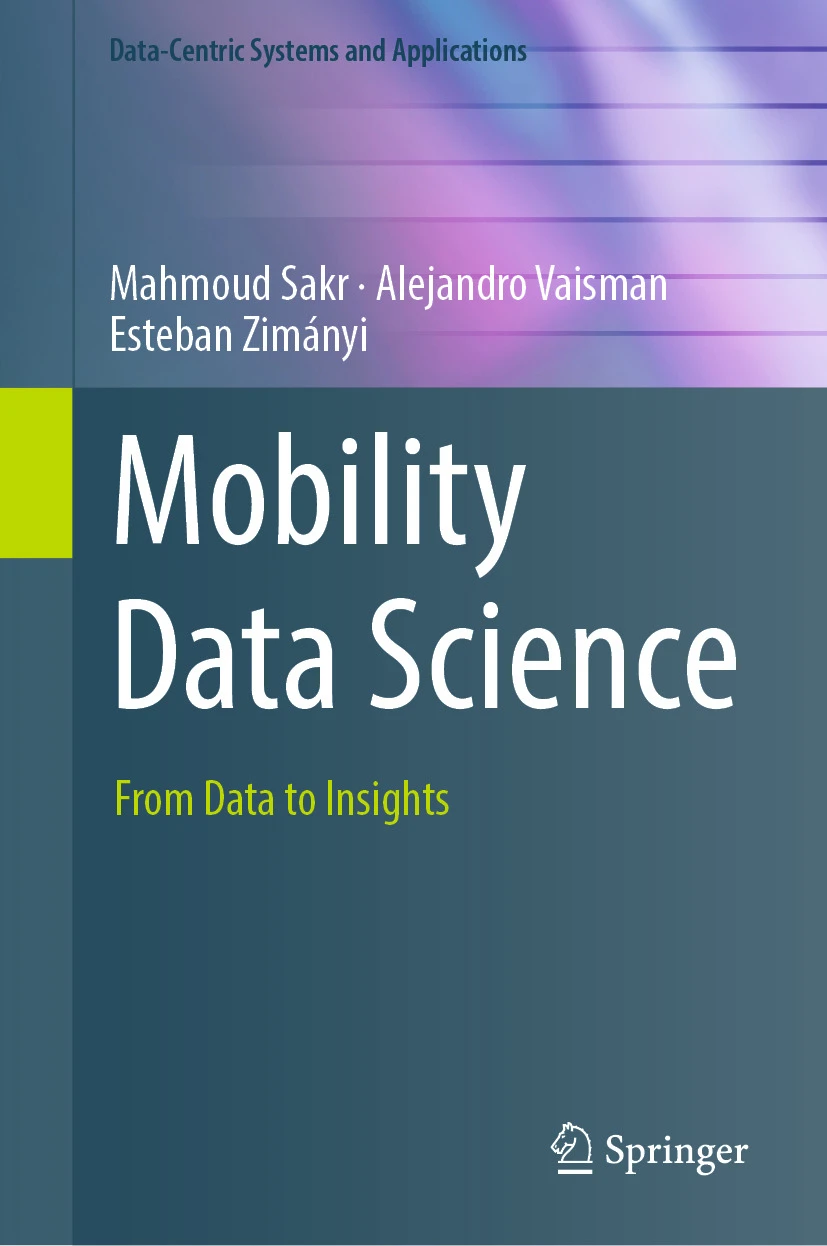
You can find detailed explanations about MobilityDB and its use in various application scenarios in our texbook
- Mahmoud Sakr, Alejandro Vaisman, Esteban Zimányi
Mobility Data Science: From Data to Insights
Springer 2025
https://link.springer.com/book/10.1007/978-3-031-82636-8
A companion website contains the datasets used in the book alongside with the scripts allowing you to input these datasets in PostgreSQL and reproduce the use cases, visualizations, and exercises.
More information about MobilityDB, including publications, presentations, etc., can be found in the MobilityDB website.
Documentation
The pregenerated user and developer documentation can be found here.
To generate the documentation locally, refer to our documentation generation section
Benefits
Compact geospatial trajectory data storage
Rich mobility analytics
Big data scale and performance
Easy to use full SQL interface
Compatible with the PostgreSQL ecosystem
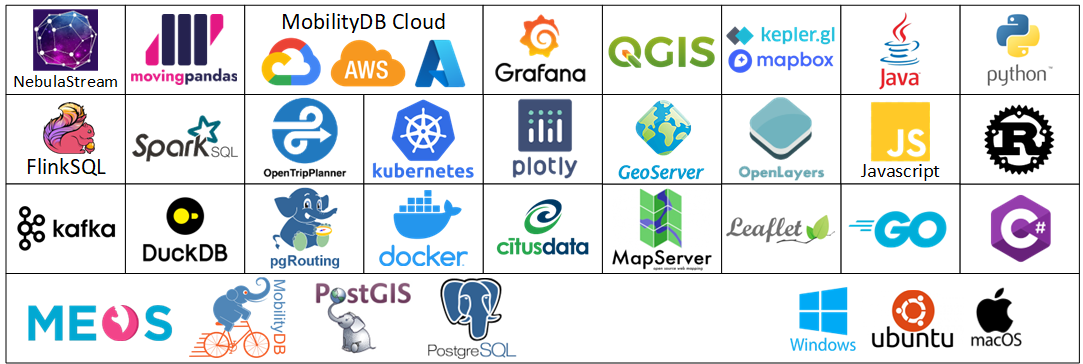
Compliant with the Moving Features standards from the Open Geospatial Consortium (OGC)
Adopted by the Open Source Geospatial Foundation (OSGeo) as a community project
Database adapters to access MobilityDB from Python are provided by the PyMEOS package, supporting psycopg and asyncpg libraries.
Data generator and benchmark tool based on the BerlinMOD benchmark. The data generator takes input data from Open Street Map and uses pgRouting to generate routes between pairs of source and target locations.
MOVE plugin to display the result of MobilityDB queries in QGIS
An extensive workshop illustrating various usage scenarios of MobilityDB
Experimental Projects
These projects push the boundaries of MobilityDB and connect it with the PostgreSQL/PostGIS ecosystem.
Cloud
- MobilityDB-AWS: MobilityDB on Amazon Web Services
- MobilityDB-Azure: MobilityDB on Azure
- MobilityDB-GCP: MobilityDB on Google Cloud Platform
Visualization
- MobilityDeck: Integration of MobilityDB with deck.gl
- MobilityDB-Leaflet: Integration of MobilityDB with Leaflet
- MobilityOpenLayers: Integration of MobilityDB with OpenLayers
- MobilityQGIS: Integration of MobilityDB with QGIS
Public Transport
- MobilityDB-PublicTransport: Integration of MobilityDB with public transport standards such as GTFS and Netex
- MobilityDB-OpenTripPlanner: Integration of MobilityDB with public transport standards such as OpenTripPlanner
Mailing Lists
There are two mailing lists for MobilityDB hosted on OSGeo mailing list server:
- User mailing list: https://lists.osgeo.org/mailman/listinfo/mobilitydb-users
- Developer mailing list: https://lists.osgeo.org/mailman/listinfo/mobilitydb-dev
For general questions and topics about how to use MobilityDB, please write to the user mailing list.
Branches
- The
masterbranch has the development of the next release. - The
stable-major.minorbranches have the patch releases of the correspongmajor.minorrelease.
The complete list of releases is available here
Requirements
- Linux (other UNIX-like systems may work, but remain untested)
- CMake >= 3.12
- PostgreSQL 16 to 19 (the build stops with an explicit error outside that range)
- PostGIS >= 3.0
- PROJ >= 7.1
- JSON-C
- Development files for PostgreSQL, PostGIS, PROJ4, JSON-C
For example, you can build the following command to install all MobilityDB build dependencies for Debian-based systems using PostgreSQL 16 and PostGIS 3:
apt install build-essential cmake postgresql-server-dev-16 libproj-dev libjson-c-dev
On Fedora and other RPM-based distributions, the same dependencies are installed with the distribution packages, which already carry a supported PostgreSQL and PostGIS:
dnf install gcc gcc-c++ cmake make postgresql-server-devel postgis proj-devel json-c-devel
The optional families that -DALL=ON enables need two more packages, gdal-devel for the raster operators and h3-devel for the H3 index type.
Building & Installation
Here is the gist:
git clone https://github.com/MobilityDB/MobilityDB
mkdir MobilityDB/build
cd MobilityDB/build
cmake ..
make
sudo make install
You should also set the following in postgresql.conf depending on the version of PostGIS you have installed (below we use PostGIS 3):
shared_preload_libraries = 'postgis-3'
max_locks_per_transaction = 128
If you do not preload the PostGIS library you will not be able to load the MobilityDB library and will get an error message such as the following one
ERROR: could not load library "/usr/local/pgsql/lib/libMobilityDB-1.0.so": undefined symbol: ST_Distance
Notice that you can find the location of the postgresql.conf file as given next:
$ which postgres
/usr/local/pgsql/bin/postgres
$ ls /usr/local/pgsql/data/postgresql.conf
/usr/local/pgsql/data/postgresql.conf
As can be seen, the PostgreSQL binaries are in the bin subdirectory while the postgresql.conf file is in the data subdirectory.
Once MobilityDB is installed, it needs to be enabled in each database you want to use it in. In the example below we use a database named mobility.
createdb mobility
psql mobility -c "CREATE EXTENSION PostGIS"
psql mobility -c "CREATE EXTENSION MobilityDB"
Docker Container
Docker images with MobilityDB and all its dependencies are available here. These images are based on the official Postgres and Postgis docker images, please refer to them for more information.
If you have docker installed in your system you can run:
docker pull mobilitydb/mobilitydb
docker volume create mobilitydb_data
docker run --name mobilitydb -e POSTGRES_PASSWORD=mysecretpassword \
  -p 25432:5432 -v mobilitydb_data:/var/lib/postgresql -d mobilitydb/mobilitydb
psql -h localhost -p 25432 -U postgres
The first command is to download the latest most up-to-date image of MobilityDB. The second command creates a volume container on the host, that we will use to persist the PostgreSQL database files outside of the MobilityDB container. The third command executes this binary image of PostgreSQL, PostGIS, and MobilityDB with the TCP port 5432 in the container mapped to port 25432 on the Docker host (user = postgres, db = postgres, pw=mysecretpassword). The fourth command is to connect to the database using psql.
Note that you can define the environment variable PGPASSWORD to avoid an interactive pw prompt.
PGPASSWORD=mysecretpassword psql -h localhost -p 25432 -U postgres
Issues
Please report any issues you may have.
Generating the Documentation
Pregenerated versions of the user and developer documentation can be found here.
User's Manual
You can generate the user's manual in HTML, PDF, and EPUB formats. The manual is generated in English and in other available languages (currently only Spanish). For this, it is necessary to specify appropriate options in the cmake command as follows:
DOC_ALL: Generate in HTML, PDF, and EPUB formatsDOC_HTML: Generate in HTML formatDOC_PDF: Generate in PDF formatDOC_EPUB: Generate in EPUB formatLANG_ALL: Generate in all available languagesES: Generate the Spanish documentation
For example, the following command generates the documentation in all formats and in all languages.
cmake -D DOC_ALL=true -D LANG_ALL=true ..
make doc
As another example, the following command generates the English documentation in PDF.
cmake -D DOC_PDF=true ..
make doc
The resulting documentation will be generated in the doc directory of the build directory.
Developer's Documentation
You can generate the English developer's documentation in HTML format. For this, it is necessary to the option DOC_DEV in the cmake command as follows:
cmake -D DOC_DEV=true ..
make doc_dev
The resulting HTML documentation will be generated in the doxygen directory of the build directory.
Licenses
- MobilityDB code is provided under the PostgreSQL License.
- MobilityDB documentation is provided under the Creative Commons Attribution-Share Alike 3.0 License 3.
Ackowledgements

The MobilityDB project has received funding from the European Union's Horizon Europe research and innovation programme under grant agreements No 101070279 MobiSpaces and No 101093051 EMERALDS.
관련 프로젝트 살펴보기
Asabeneh/30-Days-Of-Python
30 Days of Python 프로그래밍 챌린지는 Python 프로그래밍 언어를 30일 동안 배우기 위한 단계별 가이드입니다. 이 챌린지는 100일 이상 걸릴 수 있습니다. 자신의 속도에 맞춰 진행하세요. 다음 동영상도 도움이 될 수 있습니다: https://www.youtube.com/channel/UC7PNRuno1rzYPb1xLa4yktw
78,560 스타grafana/grafana
개방적이고 조합 가능한 옵저버빌리티 및 데이터 시각화 플랫폼입니다. Prometheus, Loki, Elasticsearch, InfluxDB, Postgres 등 여러 소스의 메트릭, 로그, 트레이스를 시각화합니다.
77,830 스타redis/redis
실시간 데이터 기반 애플리케이션을 구축하는 개발자에게 Redis는 가장 선호되고, 가장 빠르며, 기능이 가장 풍부한 캐시, 데이터 구조 서버이자 문서 및 벡터 쿼리 엔진입니다.
77,395 스타apache/superset
Apache Superset는 데이터 시각화 및 데이터 탐색 플랫폼입니다.
75,473 스타