
MelihAltintas/vue3-openlayers
MelihAltintas/vue3-openlayers has 797 GitHub stars and 149 forks. GitHot measured 0 stars in 24 hours and -2 in 7 days. Last checked 2026-11-25 03:54 UTC. Last push 2026-02-27.
측정된 스타 증가
- in 24h
- 0
- in 7 days
- -2
- in 15 days
- 기록 수집 중
- in 1 month
- 기록 수집 중
서로 겹치는 기간의 순증가량이며 일별 합계가 아닙니다. 측정값이 없으면 비워 둡니다. 스타는 관심도를 나타내며 품질을 보장하지 않습니다.
소개
OpenLayers의 강력한 기능을 활용하는 웹 지도용 Vue 3.x 컴포넌트입니다.
웹 및 앱README.md
Originalvue3-openlayers
Web map Vue components with the power of OpenLayers
OpenLayers Useful 3rd party libraries https://openlayers.org/3rd-party/










Links
6 hours of debugging can save you 5 minutes of reading documentation :) please read the doc :)
- Documentation Netlify
Install
# install current vue3-openlayers version
npm install vue3-openlayers
or
yarn add vue3-openlayers
Overview
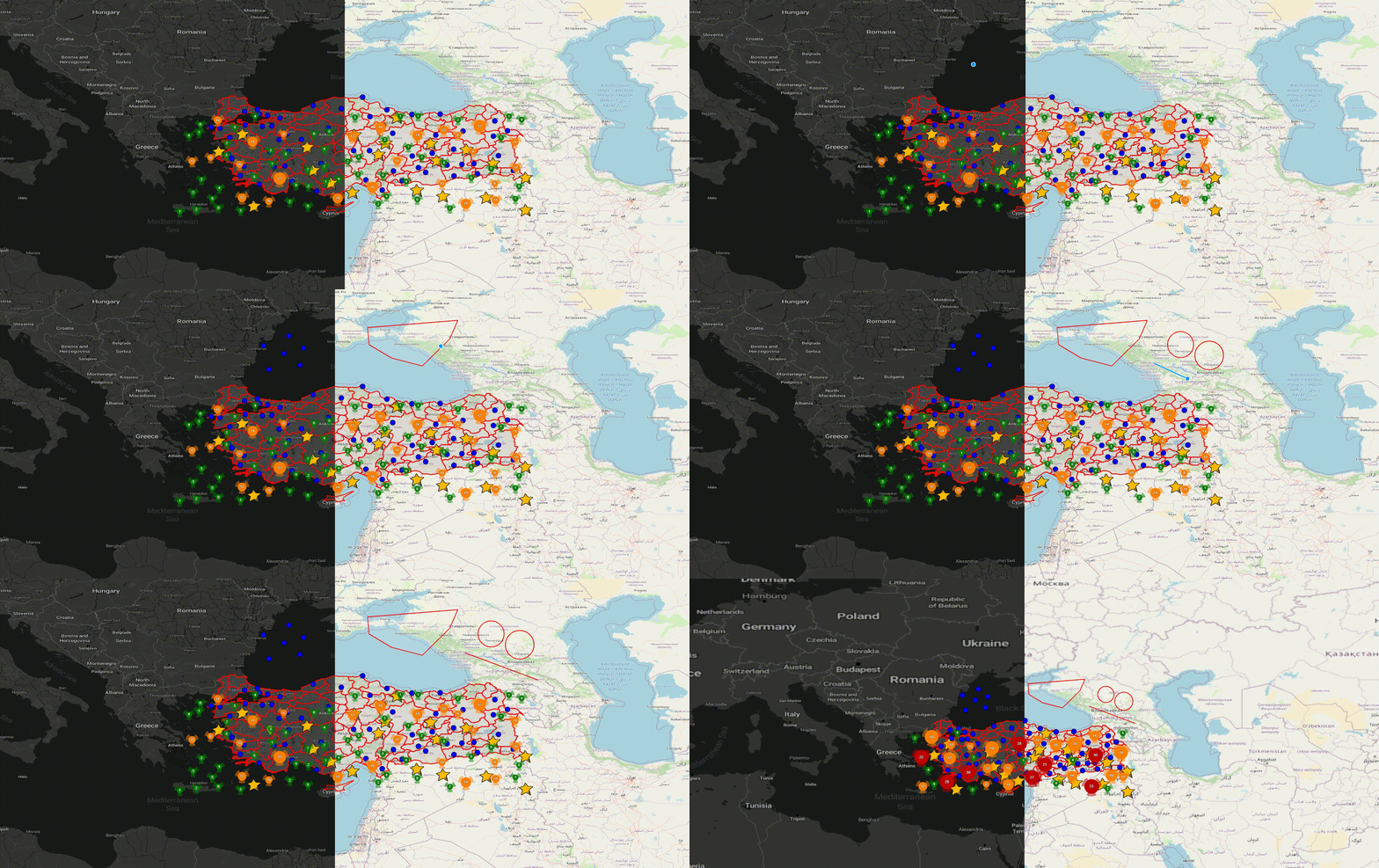
vue3-openlayers is components library that brings the powerful OpenLayers API to the Vue3 reactive world. It can display maps with tiled, raster or vector layers loaded from different sources.
Requirements
- ol:
^10.6.0 - ol-contextmenu:
^5.5.0 - ol-ext:
^4.0.38 - vue:
^3.5.0
Run End-to-End Tests with Playwright
# Install browsers for the first run
npx playwright install

# Runs the end-to-end tests
npm run test:e2e

# Runs the end-to-end tests in interactive UI mode (for local development)
npm run test:e2e:ui

# Runs the tests in debug mode
npm run test:e2e:debug

# Runs the tests in trace mode (to time-travel between actions)
npm run test:e2e:trace

# Serve test report (and inspect trace when)
npm run test:e2e:report

# Runs the tests only on Chromium
npm run test:e2e -- --project=chromium
# Runs the tests of a specific file
npm run test:e2e -- tests/example.spec.ts

# Run tests and record new screenshots locally using the same image as in CI env
docker compose run screenshot-update
Screenshots
Please note, when recording screenshots locally the may differ from the platform (linux) in CI. This results in:
- a: a different file name
- b: a slightly different screenshot
So tackle this issue, please always record screenshots locally using the docker compose file which will use the same image/platform as in CI.
docker compose run screenshot-update
License
MIT (c) Melih Altıntaş
관련 프로젝트 살펴보기
불러오는 중…