
LMS-Community/slimserver
소개
Squeezebox 및 호환 플레이어용 서버입니다. Lyrion Music Server라고도 합니다.
창작 및 미디어측정된 스타 증가
- in 24h
- +2
- in 7 days
- +5
- in 15 days
- +11
- in 1 month
- 기록 수집 중
서로 겹치는 기간의 순증가량이며 일별 합계가 아닙니다. 측정값이 없으면 비워 둡니다. 스타는 관심도를 나타내며 품질을 보장하지 않습니다.
README.md
Original




About The Project
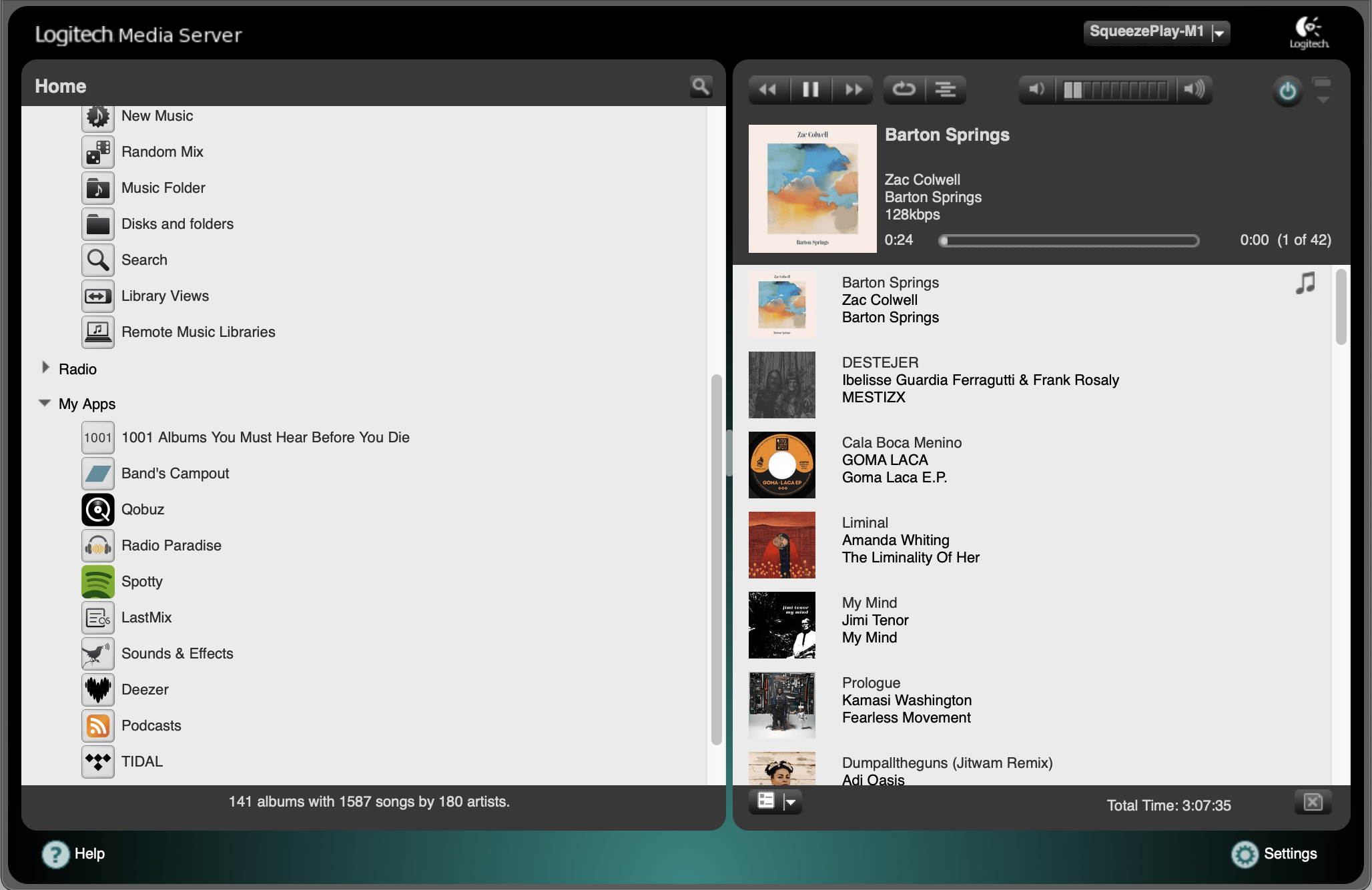
Lyrion Music Server (aka. LMS, fka. Logitech Mediaserver, SlimServer, SqueezeCenter, SqueezeboxServer, SliMP3) is the server software that powers audio players from Logitech (formerly known as SlimDevices), including Squeezebox 3rd Generation, Squeezebox Boom, Squeezebox Receiver, Transporter, Squeezebox2, Squeezebox and SLIMP3, and many software emulators like Squeezelite and SqueezePlay.
With the help of many plugins, Lyrion Music Server can stream not only your local music collection, but content from many music services and internet radio stations to your players.
Lyrion Music Server is written in Perl. It runs on pretty much any platform that Perl runs on, including Linux, Mac OSX, Solaris and Windows.
Enjoy the music on your Squeezebox!
Getting Started
LMS runs on almost anything! Whether you have a Windows, macOS or Linux system, whether this is a single board computer (such as a Raspberry Pi), desktop, laptop or even a NAS, LMS will most likely run on it. Go to the Getting started documentation for installation instructions.
Contributing
Contributions are what make the open source community such an amazing place to learn, inspire, and create. Any contributions you make are greatly appreciated.
If you have a suggestion that would make this better, please fork the repo and create a pull request. You can also simply open an issue with the tag "enhancement". Don't forget to give the project a star! Thanks again!
- Fork the Project
- Create your Feature Branch (
git checkout -b feature/AmazingFeature) - Commit your Changes (
git commit -m 'Add some AmazingFeature') - Push to the Branch (
git push origin feature/AmazingFeature) - Open a Pull Request
관련 프로젝트 살펴보기
불러오는 중…