
Hy4ri/hermes-mobile
소개
Hermes Agent용 네이티브 Android 앱
웹 및 앱What you can do
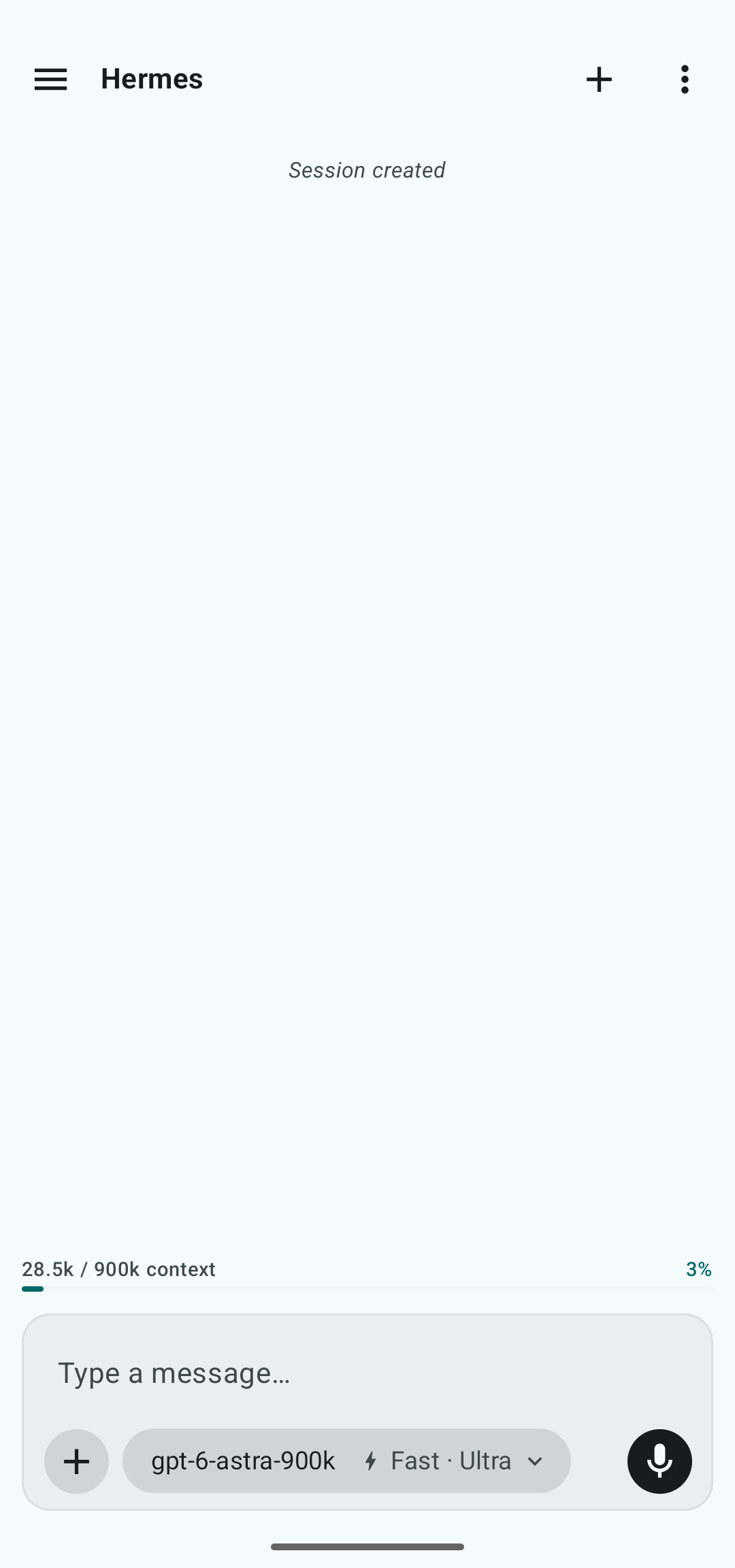
- Chat with your agent. History is stored locally in Room, and notifications support inline replies.
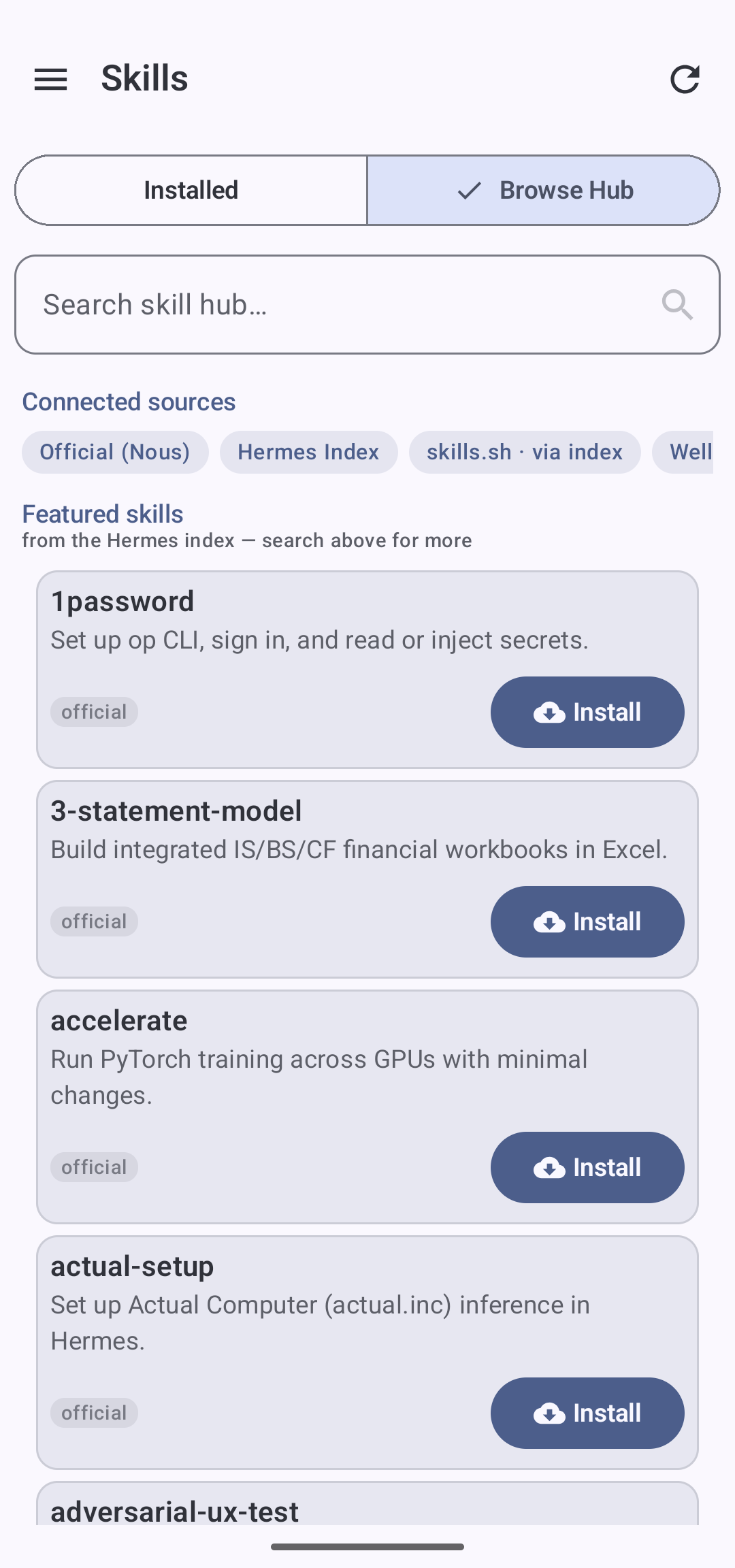
- Manage profiles, skills, plugins, toolsets, and model/provider selections.
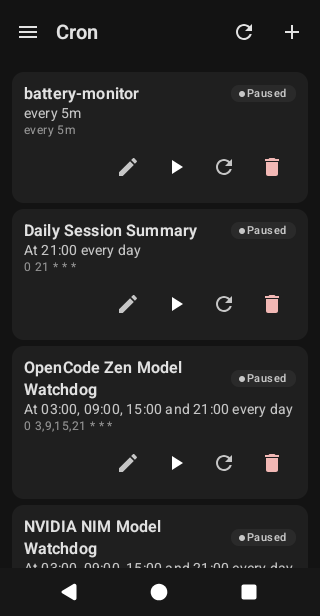
- Stream and filter live logs, manage cron jobs, edit environment keys, test webhooks, and monitor processes.
- Check the WebSocket connection, MCP servers, messaging channels, and OAuth providers.
측정된 스타 증가
- in 24h
- +3
- in 7 days
- +27
- in 15 days
- 기록 수집 중
- in 1 month
- 기록 수집 중
서로 겹치는 기간의 순증가량이며 일별 합계가 아닙니다. 측정값이 없으면 비워 둡니다. 스타는 관심도를 나타내며 품질을 보장하지 않습니다.
README.md
OriginalHermes Mobile
Native Android companion app for your Hermes AI agent.







Overview
Hermes Mobile is a native Android app for your Hermes Agent. Chat with your agent and manage cron jobs, skills, models, and more from your phone.
The app connects to the Hermes dashboard over its REST API and WebSocket gateway, so the dashboard must run on a host your phone can reach.
Screenshots
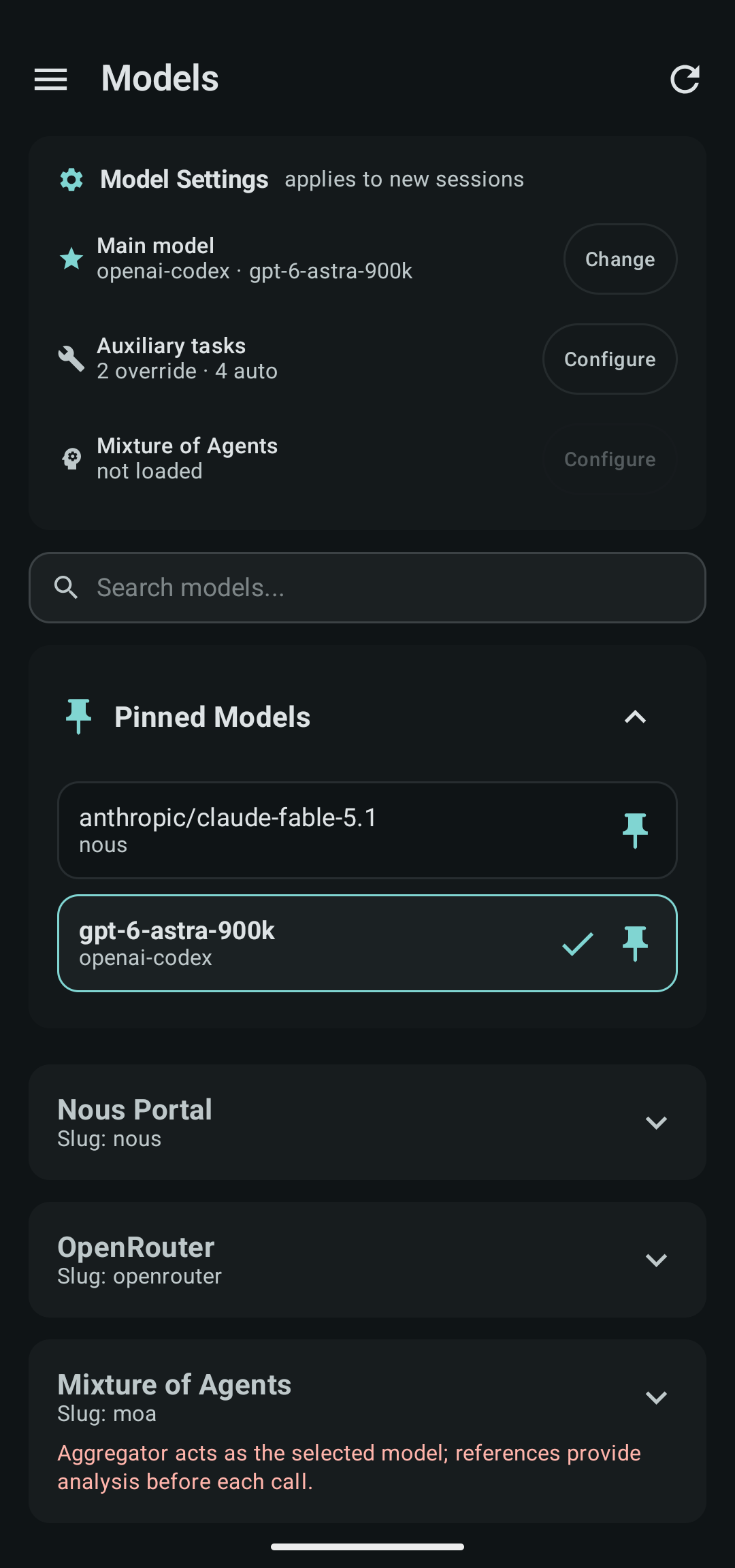
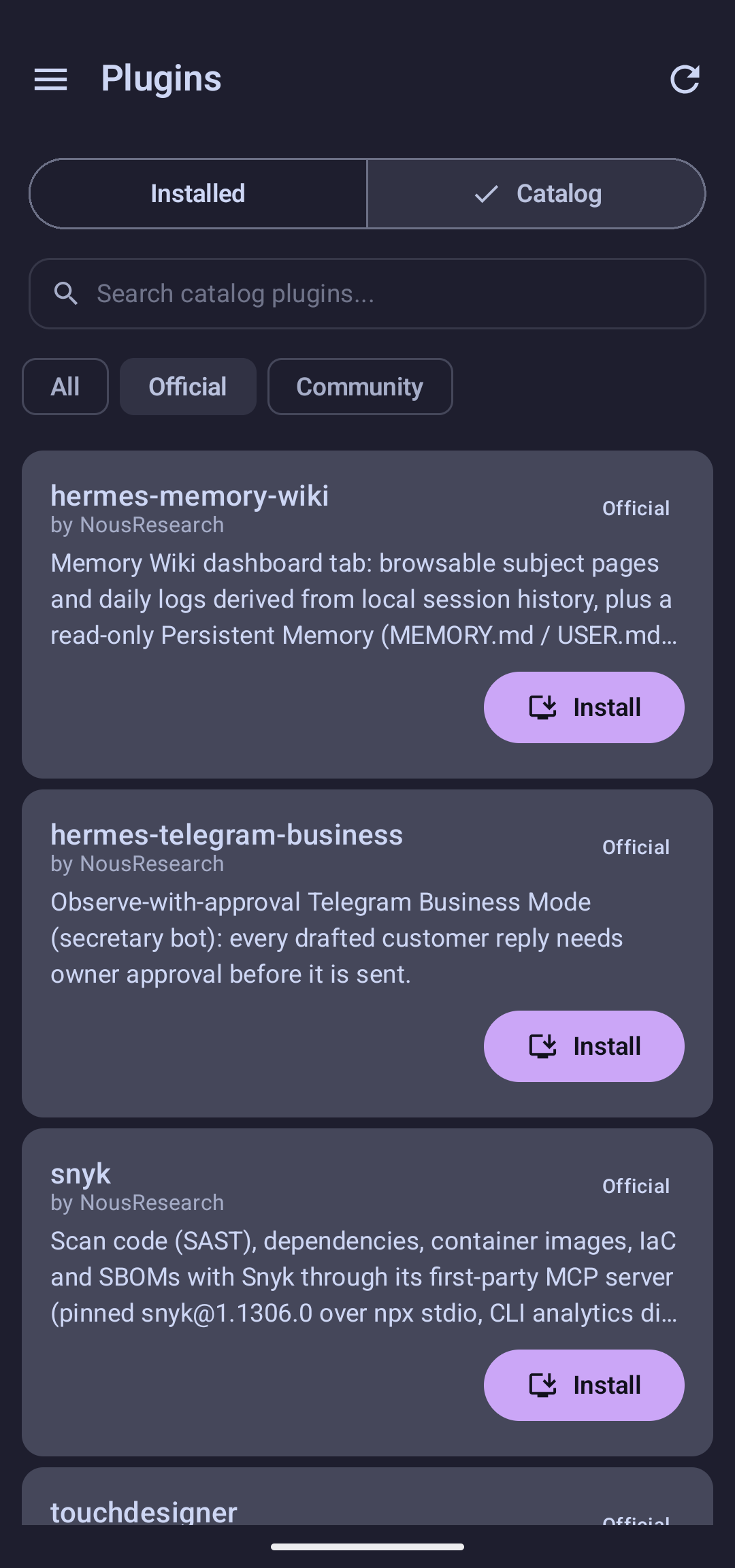
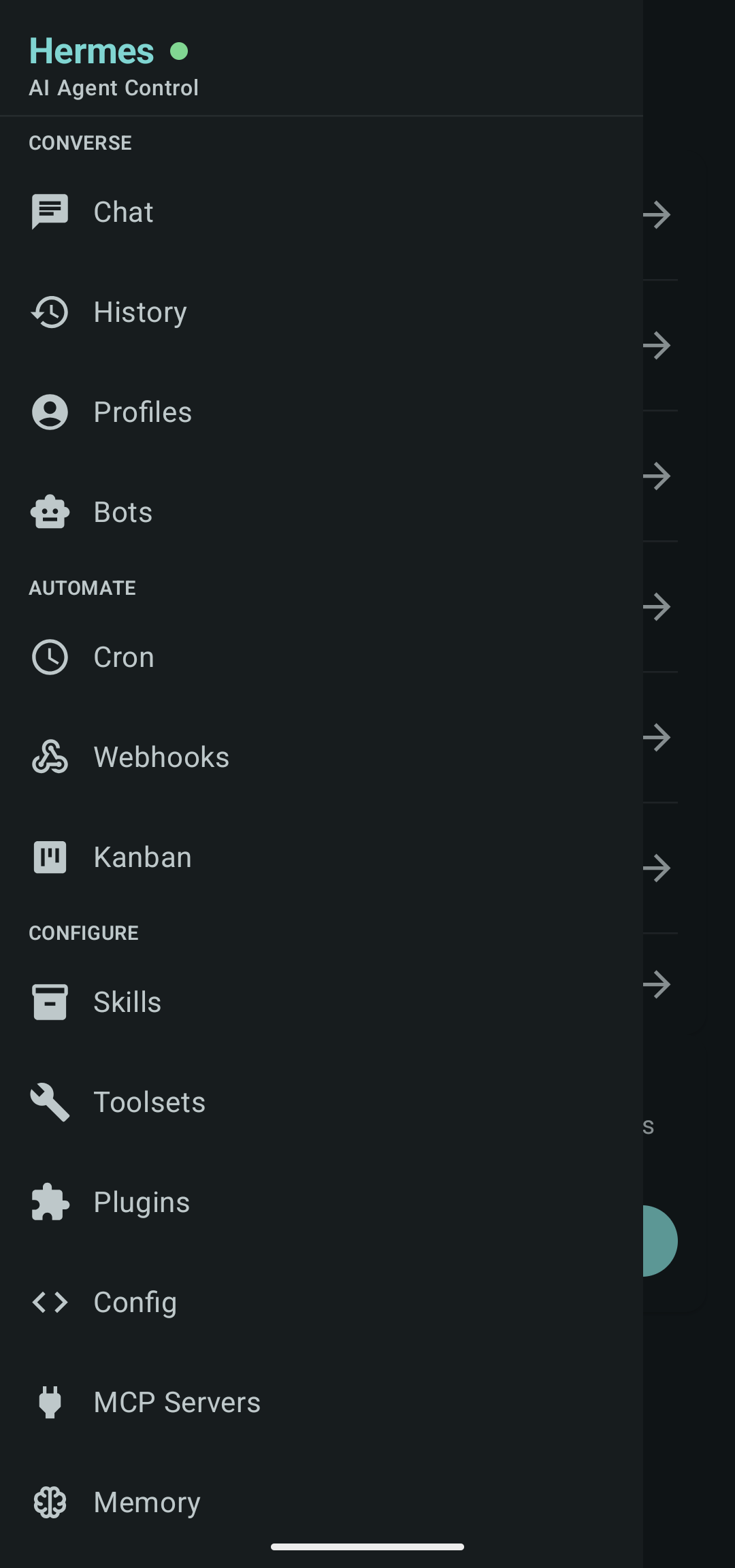
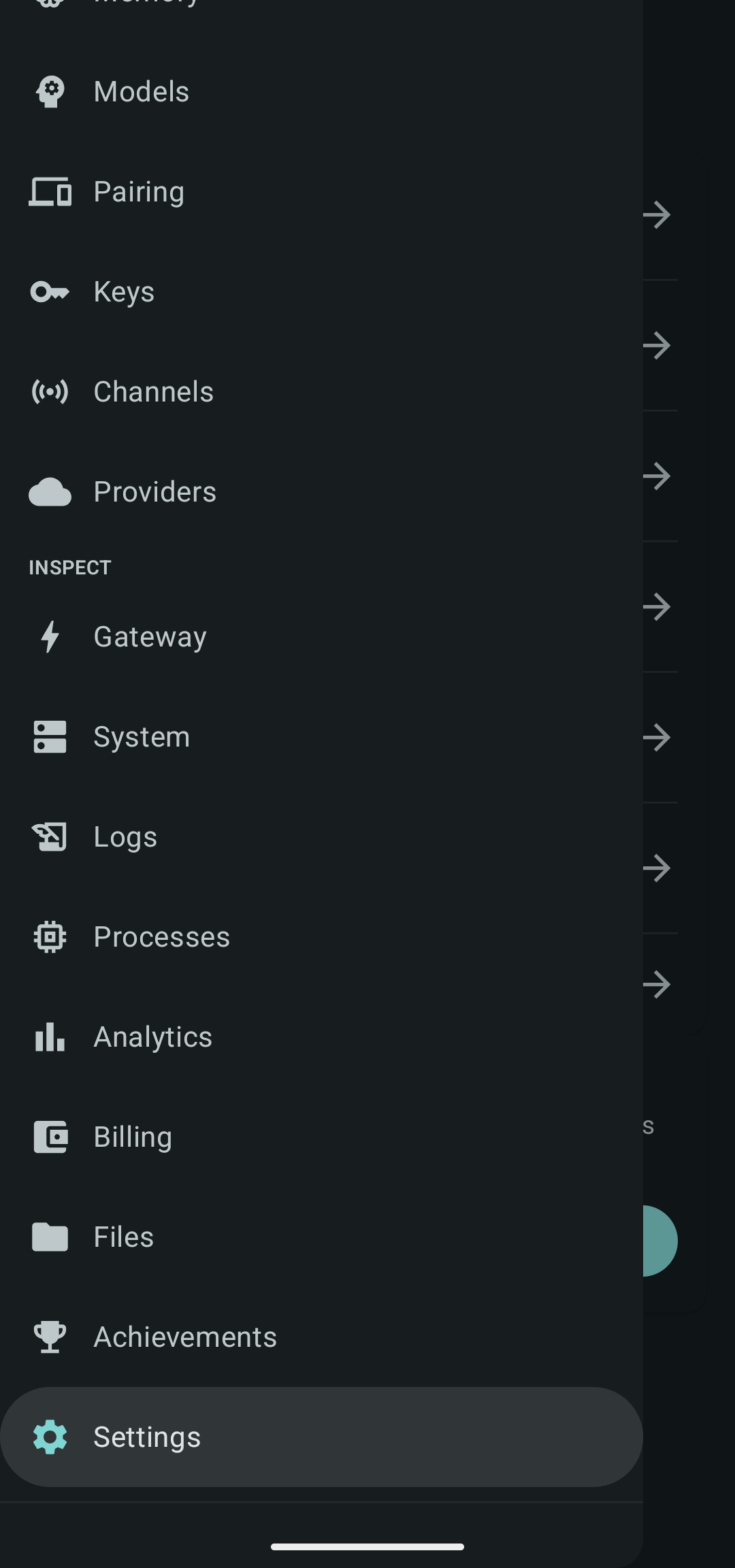
Features
- Chat with your agent. History is stored locally in Room, and notifications support inline replies.
- Manage profiles, skills, plugins, toolsets, and model/provider selections.
- Stream and filter live logs, manage cron jobs, edit environment keys, test webhooks, and monitor processes.
- Check the WebSocket connection, MCP servers, messaging channels, and OAuth providers.
- Manage tasks on Kanban boards, track agent milestones, and browse session history.
- Long-press the app icon for New Chat, History, and recent conversations (launcher support required).
- See usage analytics and manage billing or subscriptions.
- Pick one of seven theme presets (Default, Monochrome, Gruvbox, Catppuccin, AMOLED, Nord, Garnet) or Material You dynamic colors on supported devices.
Quick start
Install Hermes Mobile from F-Droid or Obtainium, or download the APK from the latest GitHub release.
On the Hermes host, start the dashboard so your phone can reach it:
hermes dashboard --host 0.0.0.0The dashboard asks for a login when it listens beyond localhost. Set it up with the Hermes Web Dashboard guide.
Open the app, tap Sign in, enter the dashboard host and port, and log in.
Use HTTPS when the dashboard is reachable outside your local network. Plain HTTP does not encrypt the connection. See Connecting to Hermes for token login, SSH tunnels, and other setups.
Documentation
The wiki has the details:
- Connecting to Hermes
- TLS and mTLS
- Cloudflare Access and custom headers
- SSH tunnel
- App lock and profile lock
- Chat drafts and launcher shortcuts
- Verify a release APK
- Building from source
Contributing
Contributions are welcome. Read CONTRIBUTING.md for the branch workflow, code style, and PR checklist.
- Translate the app on Hosted Weblate.
- Conventions and architecture are in AGENTS.md.
- Visual and interaction rules are in DESIGN.md.
- Theme implementation is in THEMES.md.
To build a debug APK you need JDK 21+ and an Android SDK:
git clone https://github.com/Hy4ri/hermes-mobile.git
cd hermes-mobile
./gradlew assembleDebug
Building from source covers release signing, the Nix emulator, and the project layout.
Support the project
If Hermes Mobile is useful to you, you can support its development on Ko-fi.
License
Copyright © 2026 M57 (Hy4ri).
Licensed under the Apache License, Version 2.0. See the LICENSE file for details.
관련 프로젝트 살펴보기
불러오는 중…