
CompSciOrBust/Amiigo
소개
NFC emulation UI for the Nintendo Switch
개발 도구측정된 스타 증가
- in 24h
- 0
- in 7 days
- 0
- in 15 days
- 기록 수집 중
- in 1 month
- 기록 수집 중
서로 겹치는 기간의 순증가량이며 일별 합계가 아닙니다. 측정값이 없으면 비워 둡니다. 스타는 관심도를 나타내며 품질을 보장하지 않습니다.
README.md
OriginalAmiigo

Amiigo is an application for creating and switching virtual Amiibo for use with the Emuiibo system module. Amiigo runs entirely on the Nintendo Switch console and no PC is required for setup. A Nintendo Switch with custom firmware is required to use Amiigo, see here for more info.
All Amiibo data is obtained from the AmiiboAPI and the emutool source code was referenced extensively to understand how virtual Amiibo generation works.
Amiigo is built with the Arriba UI framework, which was designed with Amiigo in mind.


Quick Links
Screenshots
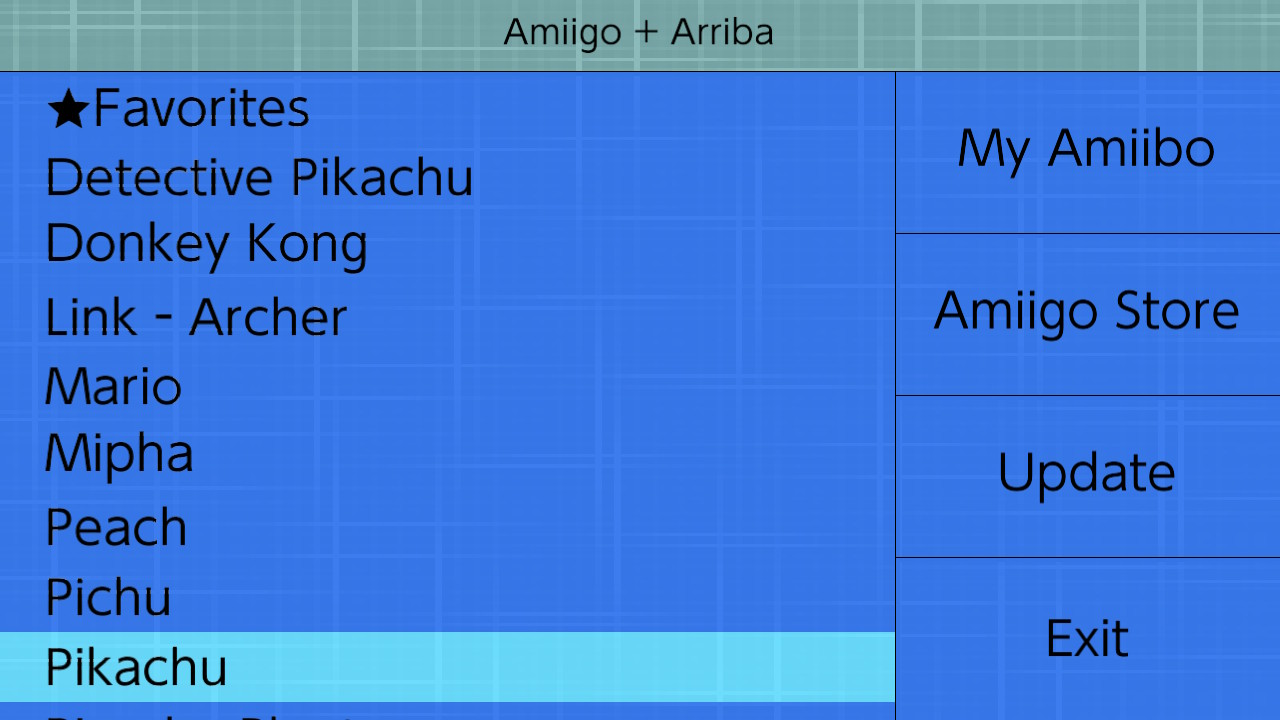
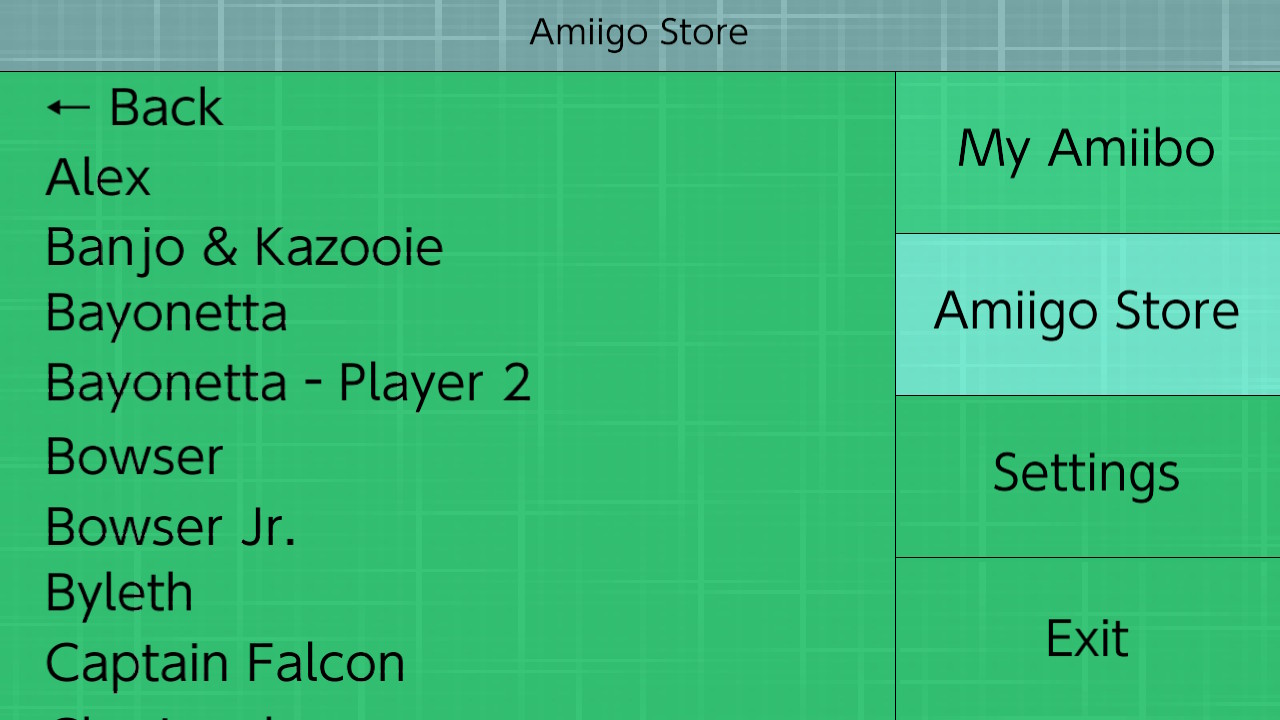
Usage
The right hand side of the user interface has several tabs for switching between modes.
Amiibo List
The "Amiibo List" tab is the default tab upon opening the app and is used for selecting which Amiibo to emulate. When an Amiibo is selected, an image preview is shown if one is available.
Amiigo Store
The "Amiigo Store" tab is used to generate virtual Amiibo files. Any Amiibos generated in this mode will show up in the Amiibo List tab. First, select a category from the listed games, then select which Amiibo from that category you wish to generate. You can also press Y on a category to generate all Amiibos in it at once.
Settings / Update
The "Settings" tab can be used to configure how Amiigo works and to update the Amiigo app. Settings are organised into submenus. Note that when an update is available for the Amiigo app this tab will automatically change from "Settings" to "Update".
The "Update Amiigo" button can be used to download the latest version of Amiigo within the app. This button will only be visible when an update is available.
The "Save to" dropdown is used to configure which folder virtual Amiibos are saved to. This changes how Amiibos appear in the Amiibo list. Possible options are:
- Root
- Game name
- Amiibo Series
- Current folder
The "Random UUID" checkbox configures if Amiibos are generated using a static identifier or an identifier which changes after each Amiibo use. For most users it is recommended to leave this as the default.
The "Save images" checkbox controls whether images downloaded for Amiibo previews are saved to disk.
The "Generate all" button generates every Amiibo in the database at once and displays a progress dialog while doing so.
The theming submenu allows the colours of the UI to be customised. Each colour can be reset to its default individually.
Language
Amiigo supports English (en-GB), Spanish (es), Simplified Chinese (zh-Hans / zh-CN), and Traditional Chinese (zh-Hant / zh-TW). The language is selected automatically based on the system language setting.
Controls
Controlling the app should be intuitive for anyone who has used Nintendo Switch software before. Amiigo fully supports touchscreen use whilst the Nintendo Switch is in handheld mode.
The direction pad and analog sticks can be used to move between buttons and other UI elements.
The A button is used to activate the UI element's primary function.
The Y button is used to activate the UI element's secondary function, if a secondary function is supported. This can also be done by long-pressing the touchscreen.
The X button can be used to enable and disable the Emuiibo system module. This is only recommended for advanced users since enabling emulation is handled automatically by the app.
The B button goes back or exits a submenu.
Support
For support please use the official GBATemp thread unless you are reporting a bug in which case open an issue here on GitHub. Alternatively join my Discord server.
Building
Install LibNX.
Recursively clone this repo.
Run (dkp-)pacman -S switch-glfw
Run (dkp-)pacman -S switch-glad
Run (dkp-)pacman -S switch-curl
Run Make
Optionally run "nxlink -s Amiigo.nro" after opening NetLoader to get debugging info.
Credits
XorTroll for Emuiibo and general help.
N3evin for AmiiboAPI which is used in Amiigo Store.
nlohmann for his JSON library.
Kronos2308 for maintaining Amiigo Mod.
Victoria_Borodinova for the sombrero used in the logo.
Za for bringing pizzas.
All of the beta testers in the CompSciOrBust Discord server.
hazelwiss for general help.
관련 프로젝트 살펴보기
불러오는 중…