
BohdanOrlov/BouncyPageViewController
BohdanOrlov/BouncyPageViewController has 834 GitHub stars and 48 forks. GitHot measured 0 stars in 24 hours and 0 in 7 days. Last checked 2026-11-24 01:32 UTC. Last push 2018-07-30.
측정된 스타 증가
- in 24h
- 0
- in 7 days
- 0
- in 15 days
- 기록 수집 중
- in 1 month
- 기록 수집 중
서로 겹치는 기간의 순증가량이며 일별 합계가 아닙니다. 측정값이 없으면 비워 둡니다. 스타는 관심도를 나타내며 품질을 보장하지 않습니다.
소개
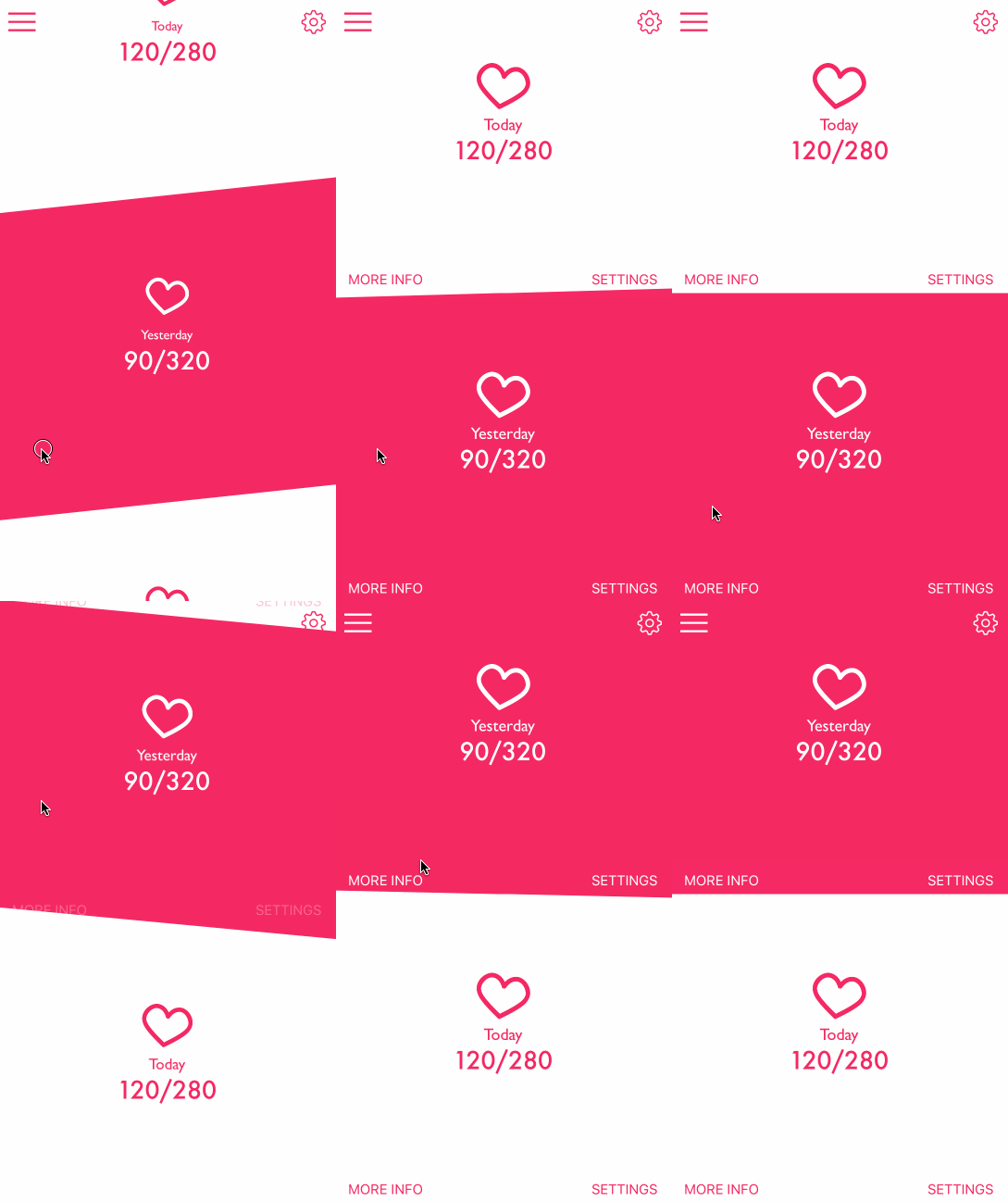
바운스 효과를 지원하는 페이지 뷰 컨트롤러
개발 도구README.md
OriginalBouncyPageViewController


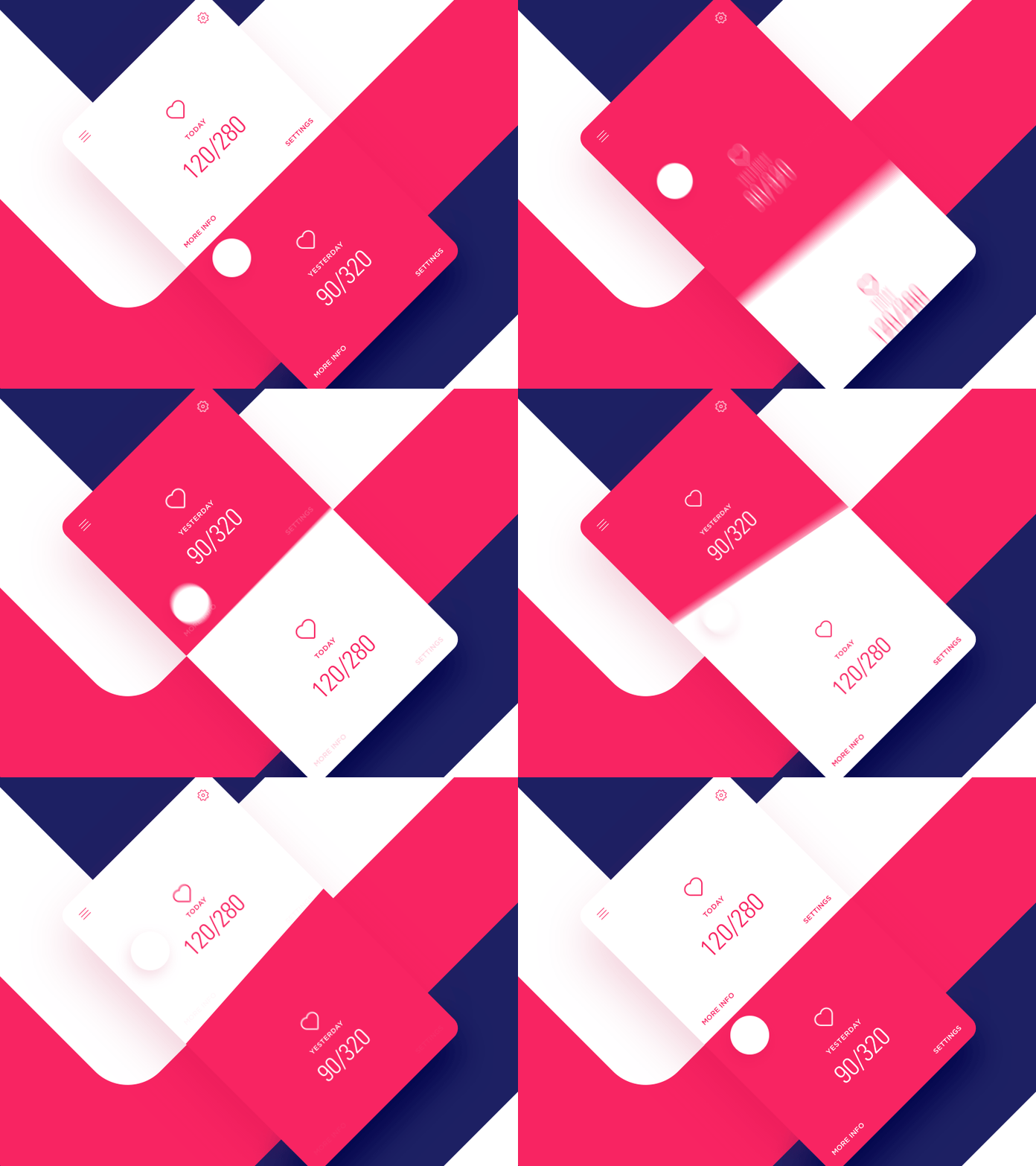
Page view controller with bounce effect inspired by motion design by Stan Yakushevish.
 |
 |
|---|
Quickstart
Create a queue of UIViewControllers to display
let pagesQueue: [UIViewController]() = ... // your view controllers here
Create a BouncyPageViewController passing initial view controllers
let pageViewController = BouncyPageViewController(initialViewControllers: Array(pagesQueue[0...1]))
Assign closures for providing next/pevious view controllers
pageViewController.viewControllerAfterViewController = self.viewControllerAfterViewController
pageViewController.viewControllerBeforeViewController = self.viewControllerBeforeViewController
Vend the next ViewController from the queue
func viewControllerAfterViewController(prevVC: UIViewController) -> UIViewController? {
    if let idx = self.pagesQueue.index(of: prevVC), idx + 1 < self.pagesQueue.count {
        return self.pagesQueue[idx + 1]
    }
    return nil
}
Assign a didScroll callback closure
pageViewController.didScroll = self.pageViewControllerDidScroll
Update the UI using the offset and progress
func pageViewControllerDidScroll(pageViewController: BouncyPageViewController, offset: CGFloat, progress: CGFloat) {
    for vc in pageViewController.visibleControllers() {
        let vc = (vc as! ViewController)
        vc.progress = progress

    }
}
Configuration
How much pages overlap eachother, more inset - higher bounce
public var pageContentInset: CGFloat = 30
How long the bounce animates when you release the page
public var pageBounceAnimationDuration: TimeInterval = 1
How far you can scroll the last page until it snaps back (half of the page by default)
public var overscrollBounceMultiplier: CGFloat = 0.5
Example
To run the example project, clone the repo
$ pod install
and run as usual.
Installation
Requirements
iOS 9+
Swift 3
Carthage
To use latest release add this to Cartfile:
git "https://github.com/BohdanOrlov/BouncyPageViewController"
Then run in terminal:
$ carthage update
CocoaPods
BouncyPageViewController is available through CocoaPods. To install it, simply add the following line to your Podfile:
pod "BouncyPageViewController"
Due to Swift 3, you have to add this to the end of Podfile:
post_install do |installer|
    installer.pods_project.targets.each do |target|
        target.build_configurations.each do |config|
            config.build_settings['SWIFT_VERSION'] = '3.0'
        end
    end
end
Author
Bohdan Orlov, [email protected]
License
BouncyPageViewController is available under the MIT license. See the LICENSE file for more info.
관련 프로젝트 살펴보기
불러오는 중…